Maximize Compatibility Hotspot is a setting within the iPhone's Personal Hotspot feature that forces the connection to broadcast on the 2.4 GHz Wi-Fi band. Its primary purpose is to resolve connectivity issues when older devices or those that only support 2.4 GHz cannot detect your hotspot or keep disconnecting.
What is maximize compatibility hotspot on iPhone?
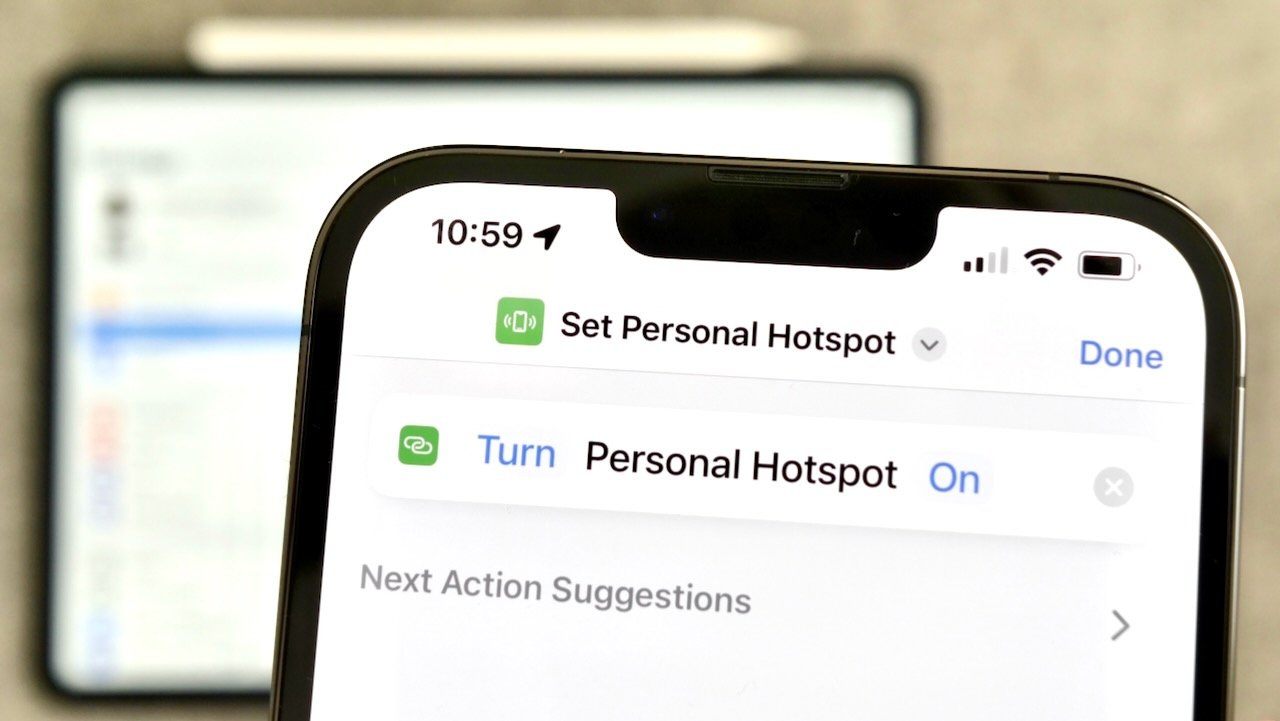
Maximize Compatibility is a toggle available on iPhone 12 models and later within the Personal Hotspot settings. When enabled, it forces the iPhone's Personal Hotspot to broadcast exclusively on the 2.4 GHz Wi-Fi band. This ensures broader device support, as many older gadgets and IoT devices only operate on this frequency, making it easier for them to connect to your hotspot.
When should you turn on maximize compatibility?
You should turn on Maximize Compatibility when a client device cannot detect your iPhone's Personal Hotspot or experiences frequent disconnections. This setting is specifically designed to fix these problems by switching to a band that older or less capable devices can reliably use. If a modern device connects without issue, you likely do not need this toggle.
What changes when you enable maximize compatibility?
Enabling Maximize Compatibility brings several trade-offs. First, it switches the hotspot from the faster 5 GHz band to the more widely supported 2.4 GHz band. This change may reduce internet performance for connected devices, especially for activities like streaming or large downloads. Additionally, when Maximize Compatibility is turned on, the Personal Hotspot uses WPA2 Personal security mode to maintain a secure connection.
How to enable maximize compatibility hotspot
Follow these steps to turn on the setting:
- Open the Settings app on your iPhone.
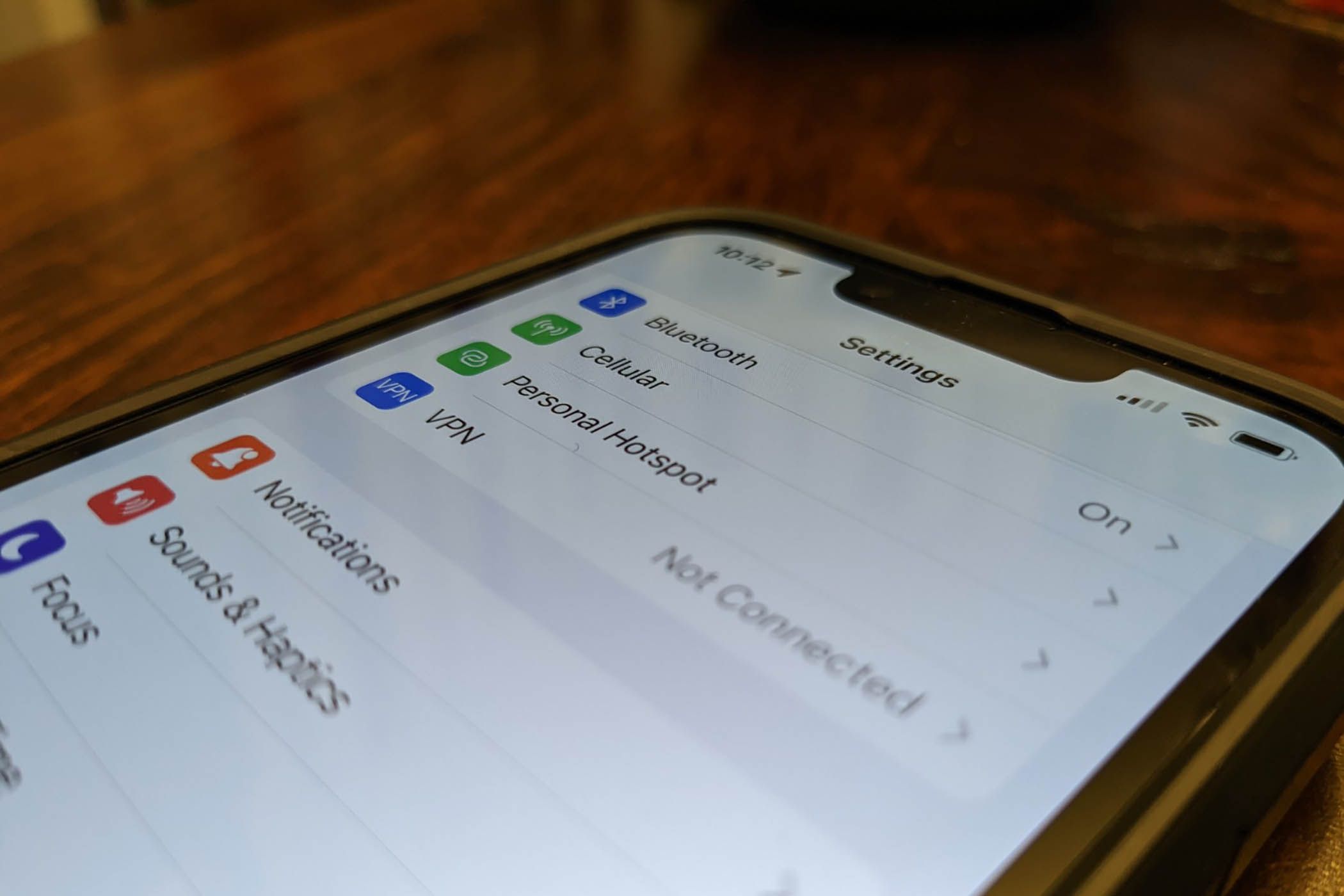
- Tap Personal Hotspot (or tap Cellular, then Personal Hotspot).
- Toggle the Maximize Compatibility switch to the ON position.
Once enabled, your hotspot will broadcast on the 2.4 GHz band. To confirm it is working, try connecting the problematic device again.
Frequently asked questions
Does the maximize compatibility setting affect battery life?
Enabling Maximize Compatibility does not have a significant direct impact on battery life, but using the 2.4 GHz band may slightly increase power draw in certain environments due to its longer range and different transmission characteristics.
Does maximize compatibility work on all iPhones?
No. This feature is available only on iPhone 12 models and later. Older iPhone models do not have the Maximize Compatibility toggle in their Personal Hotspot settings.
How do I turn off maximize compatibility when it is no longer needed?
To turn it off, go to Settings > Personal Hotspot (or Cellular > Personal Hotspot) and toggle the Maximize Compatibility switch to the OFF position. Your hotspot will then revert to using the 5 GHz band for faster performance.
Will enabling maximize compatibility help me get personal hotspot working on an older laptop?
Yes, if the older laptop cannot detect your iPhone's hotspot or keeps dropping the connection, turning on Maximize Compatibility often resolves the issue by switching to the 2.4 GHz band that most older Wi-Fi adapters support.
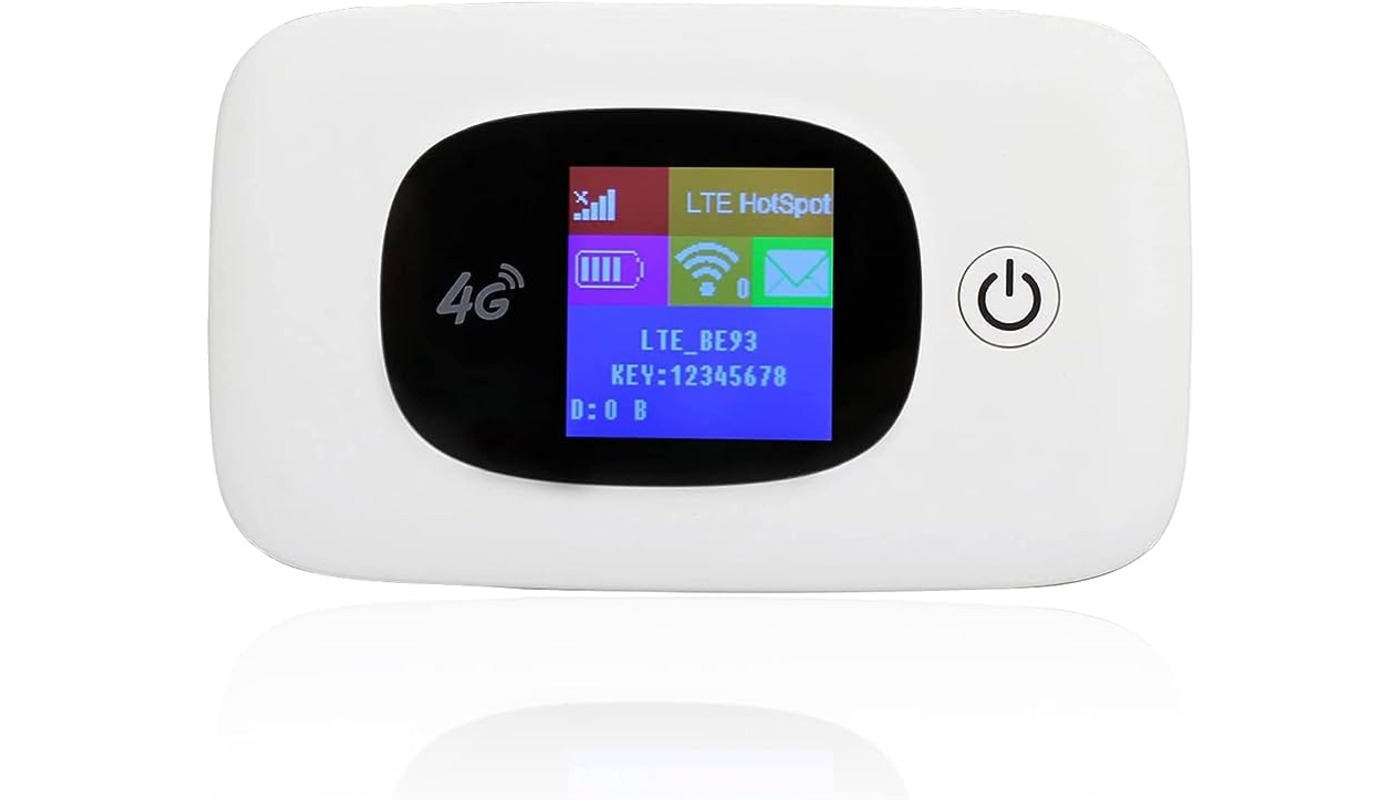
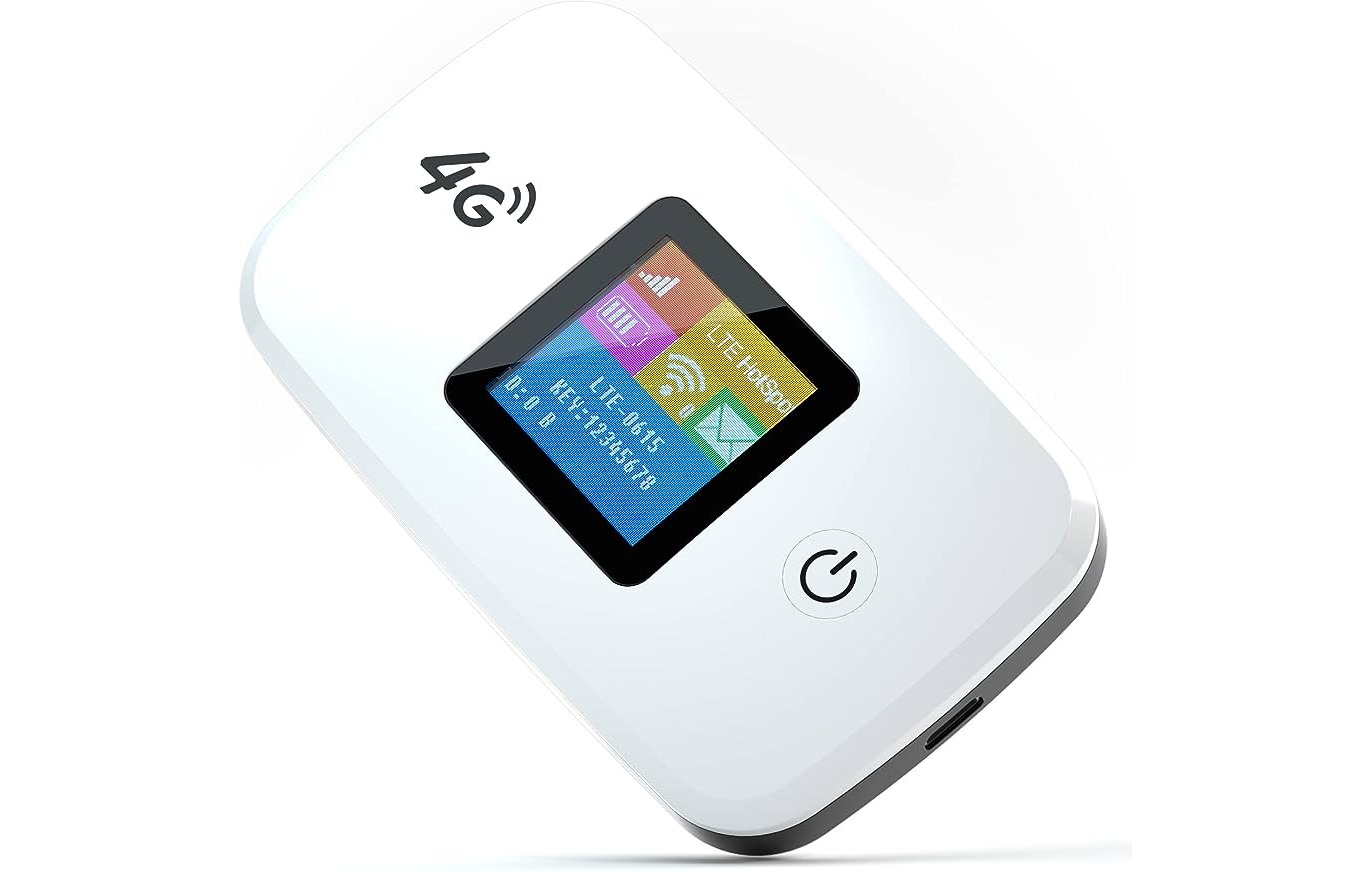
Do I need to buy a mobile hotspot if my iPhone has this setting?
No. The Maximize Compatibility setting is built into your iPhone's Personal Hotspot, so you do not need to buy a mobile hotspot. It simply makes your existing iPhone hotspot work better with older devices.
Does this setting change how hotspot work for modern devices?
For modern devices that support 5 GHz, enabling Maximize Compatibility may slow down their connection speed.