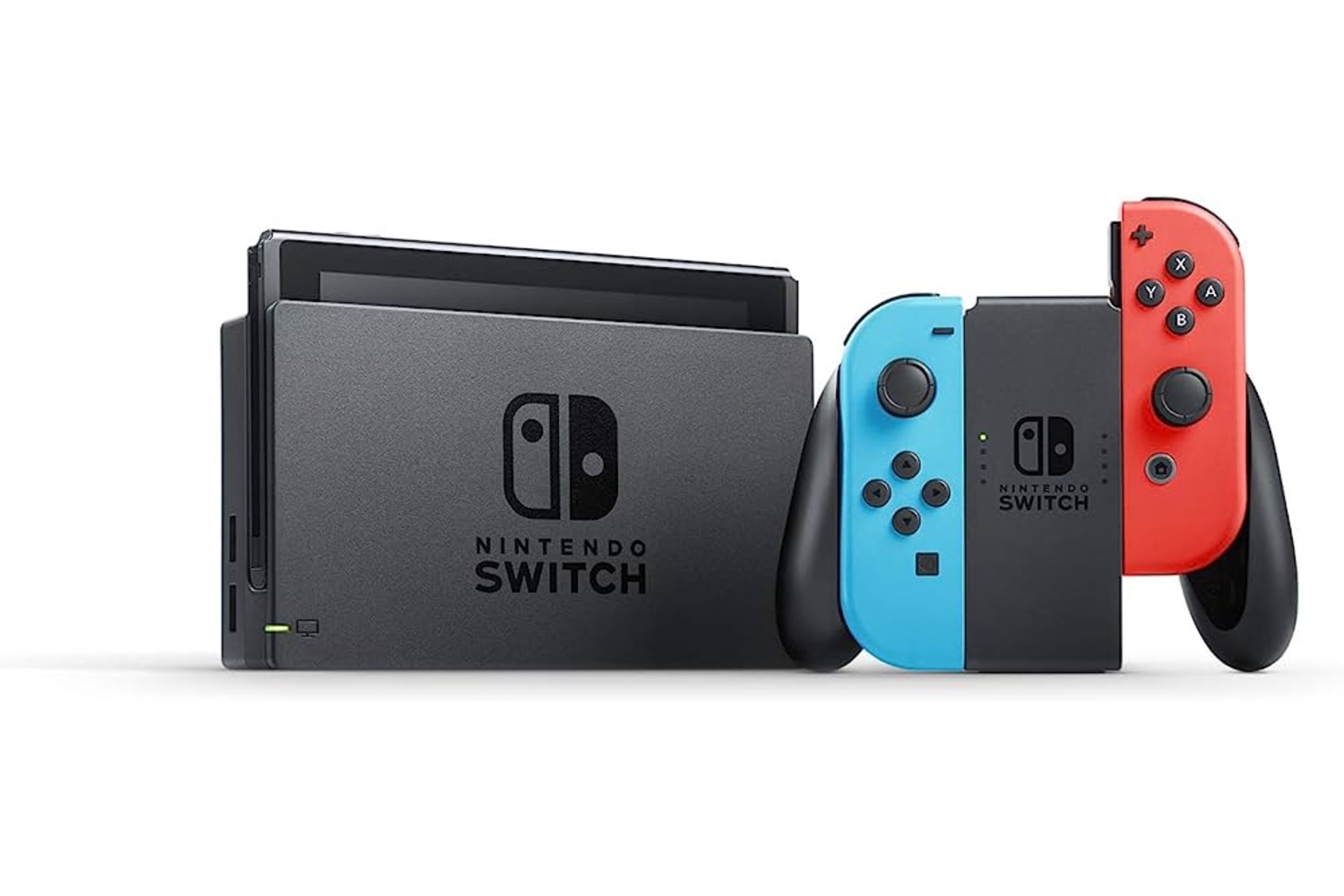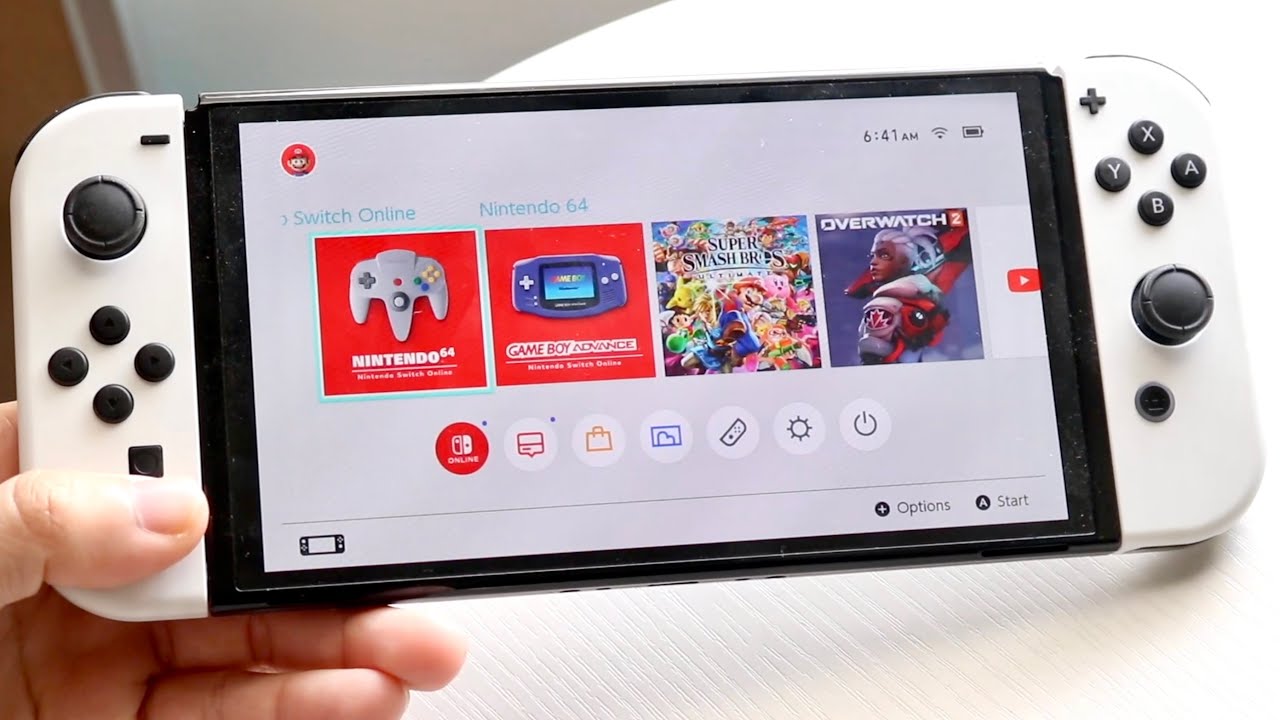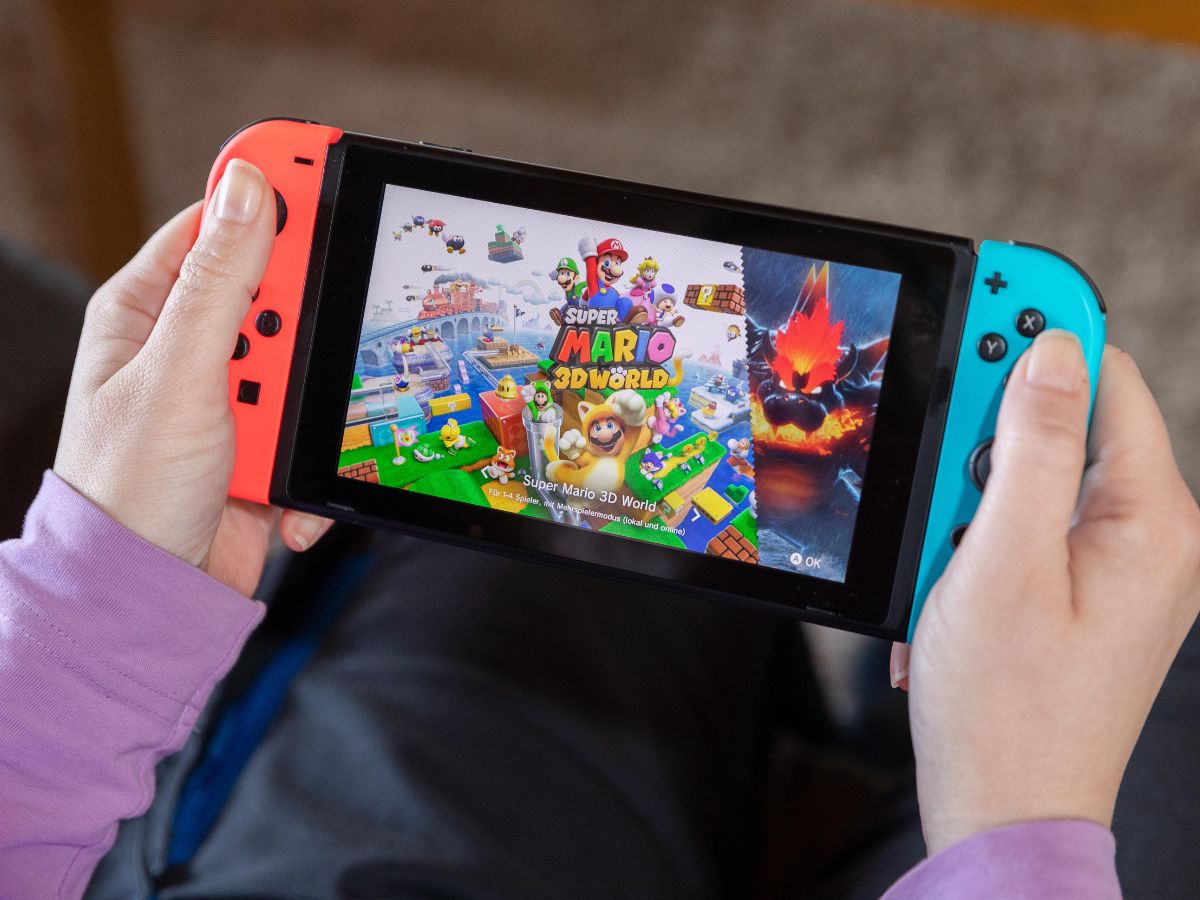
If you are searching for what Switch games are VR in 2025, the direct answer is that only Super Mario Odyssey has an official VR mode on the Nintendo Switch, accessed through the Nintendo Labo Toy-Con 04: VR Kit. This means the Switch does not have a broad library of VR games, and the VR experience is limited to a single game with a dedicated mode.
What You Need for Switch VR
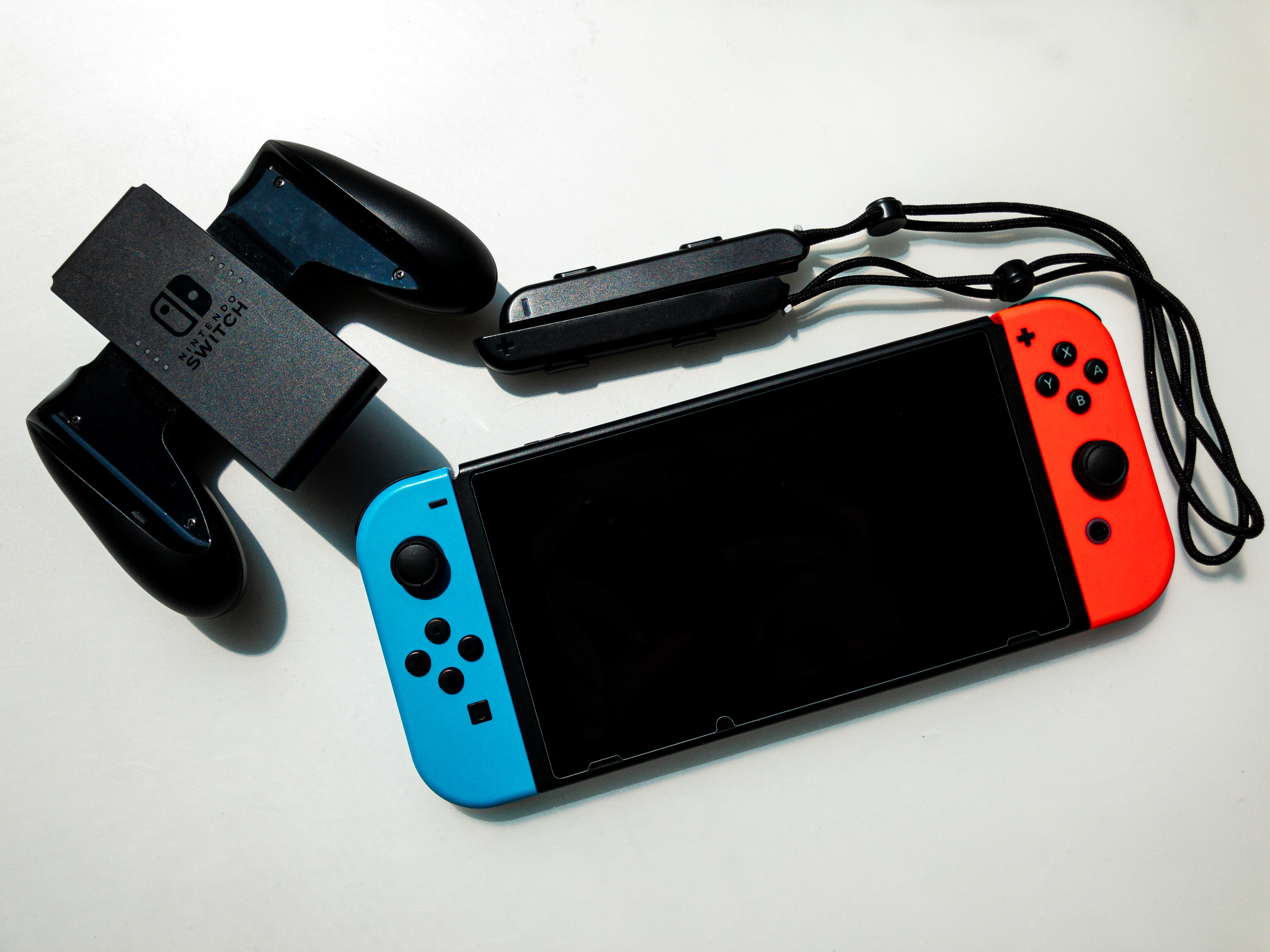
To use the VR mode on your Switch, you need the Toy-Con VR Goggles from the Nintendo Labo VR Kit. This accessory is compatible with the standard Nintendo Switch and the Nintendo Switch OLED model. The Nintendo Switch Lite and the newly released Nintendo Switch 2 are not compatible with the Toy-Con VR Goggles. Nintendo advises that the VR mode should only be used by players aged 7 and up. Additionally, your copy of Super Mario Odyssey must be updated to version 1.3 or later to unlock the VR mode.
How to Start Super Mario Odyssey in VR Mode
Follow these steps to begin playing Super Mario Odyssey in VR:
- Launch Super Mario Odyssey from the Nintendo Switch HOME Menu.
- From the game’s main menu, select Playing in VR.
- Follow the onscreen instructions to calibrate your Nintendo Switch console.
- When prompted, choose Don’t Use VR Goggles.
- When prompted, choose Use VR Goggles to proceed with the VR setup and TV casting experience.
Once you select this option, the VR mode setting applies for everyone who uses the Nintendo Switch console. The VR mode in Super Mario Odyssey is not a standalone game but rather an additional mode within the game. Players can switch between the standard mode and the VR mode at any time.
What You Can Play in VR Mode
The VR mode in Super Mario Odyssey is not a full-game experience. Nintendo documents that the VR mode can be used in three specific playable levels and to watch some in-game videos. This is a limited feature, not a complete VR version of the entire game.
Gameplay Experience in VR
When you play in VR, the perspective shifts to give you a more immersive view of the environments. You control Mario using the Joy-Con motion controls, allowing you to jump, dive, and perform acrobatic moves. The VR perspective lets you explore the colorful worlds up close, making familiar locations feel new. The support page does not provide a longer technical breakdown of camera behavior or motion limits beyond the setup flow and supported content.
Frequently Asked Questions
Can I display VR on TV while playing?
Yes, you can. When using the Toy-Con VR Goggles, the game will also display on your TV screen. This allows others in the room to see what you are experiencing, making it a shared activity. This feature is useful for how to display VR on TV during gameplay.
Are there any other Switch games with official VR support?
No. The retrieved official Nintendo pages only document Super Mario Odyssey as having a VR mode through the Toy-Con VR Goggles. No other Switch game titles are listed with official VR support on those pages. No official Nintendo support page in the retrieved results documents a VR mode for Animal Crossing: New Horizons.
Can I connect Nintendo Switch joy cons to phone for Switch VR?
No. The official Nintendo documentation does not describe any steps for connecting Joy-Con controllers to a phone for Switch VR. The VR mode is designed exclusively for use with the Toy-Con VR Goggles and the Nintendo Switch console itself.
Will a full VR library come to the Switch?
Nintendo has not announced any official plans to expand the VR library on the Switch. The current VR support remains limited to the Super Mario Odyssey VR mode, and no future VR games or updates have been documented.
Are there alternative VR accessories for the Switch?
While third-party companies offer accessories that claim to provide a VR-like experience, Nintendo only officially supports the Toy-Con VR Goggles for VR gameplay.