To play Summertime Saga on Android, you must manually download the APK from the official website and install it outside of Google Play, as the game is not available in the official store.
What is summertime saga on Android?
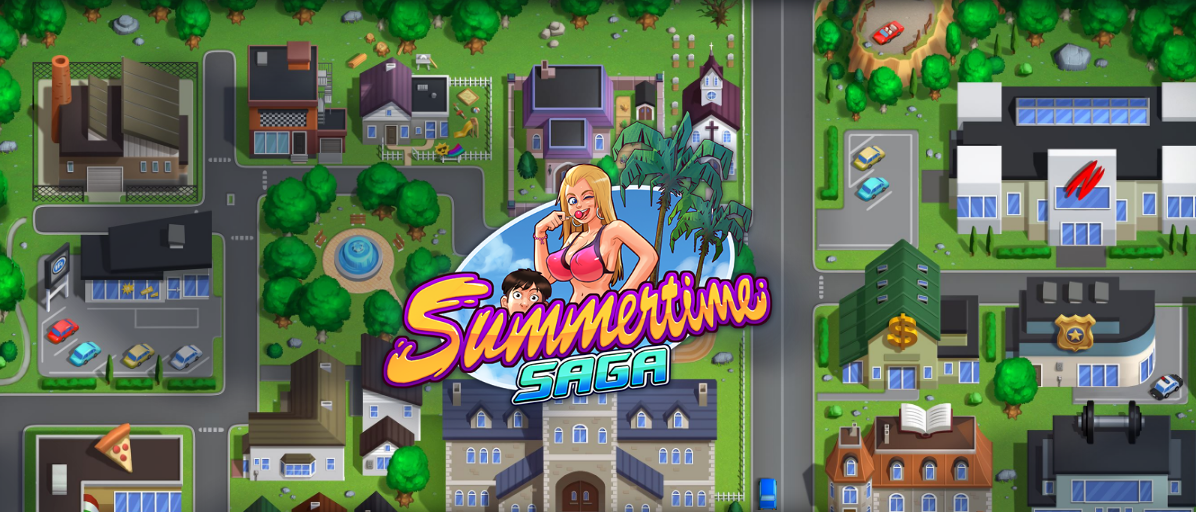
Summertime Saga is an adult visual novel and life simulation game developed by DarkCookie. On Android, it is not distributed through Google Play due to its mature content, so players must install it manually by downloading the APK file from the game's official website. This manual installation process is the only official way to get the game running on an Android device. Any sex scene with a teacher needs to be played twice before it is unlocked in the Cookie Jar. You can only complete three events per day. You will be asked at the beginning whether you like a clean game or like to have cheats enabled; you will no longer be able to change this setting once you start gameplay.

Before you download: requirements and warnings
Before downloading, ensure your device has at least 2GB of free space. The official help page states that 1GB is reserved for the download file and 1GB is recommended for installation and saves. A critical restriction is that you must not install the game on an SD card; the app will not launch from external storage. This game contains adult content intended for players aged 18 and older.
Where to download the official summertime saga APK
Download the APK exclusively from the official website's download page. On that page, choose the Android platform option. The APK file name begins with SummertimeSaga and ends with .apk. The official website also provides separate mirrors and Patreon private download servers for contributors. Avoid third-party download sites, as they are not official sources and may provide outdated or unsafe files.
How to install summertime saga on Android step by step
Follow these steps to install the game on your Android device:
- Open the official download page and select the Android platform.
- Download the APK file whose name begins with SummertimeSaga and ends with .apk.
- Locate the downloaded APK file in your device's Downloads folder or file manager.
- On Android Nougat (7.0) or lower: go to Settings, look for Security or Lock screen and security, then enable Unknown sources and confirm with OK if prompted.
- On Android Oreo (8.0) or higher: opening the APK should prompt you to allow the install permission directly.
- If needed, open Play Store > Menu > Play Protect and disable Scan device for security threats to prevent interference during installation.
- Tap Install and wait for the process to complete.
- Launch the app from your app drawer or home screen.
What to do if the game won't launch
If the game fails to launch, check the following based on the official help page: first, confirm the game is not installed on an SD card, as the app will not work from external storage. Second, verify you have at least 2GB of free space on your internal storage. Third, ensure Play Protect is disabled during installation, as it may block or interfere with the app. If problems persist, try downloading an older version from the official website for better stability.
Keeping your progress safe across updates
A known community risk is that downloading an updated version can lose your progress. If you prefer stability over new features, you can stay on an older version of the game. The official website offers multiple previous versions for download. This approach is especially useful if you encounter bugs in a newly released version and want to continue playing without starting over.
Frequently Asked Questions
What Android version is required for Summertime Saga?
The game requires at least Android Gingerbread 2.3 to run on mobile.
Can I play Summertime Saga on iPhone or iOS?
The official download page only shows platform downloads with an Android install path, and no official iPhone support page or App Store listing exists. The game is currently not available for iOS devices.
Is Summertime Saga free to download and play?
Yes, the game is free to download from the official website. The developers accept Patreon contributions for those who wish to support ongoing development, which also provides access to private download servers and voting rights on character and story development.
What should I do if I see a "this type of file can harm your device" warning?
This warning appears when installing APK files from outside Google Play. The official APK from the Summertime Saga website is safe and virus-free on all versions. Tap "Keep file anyway" or "OK" to proceed with the installation.
How do I transfer the APK from my computer to my Android device?
If you downloaded the APK on your computer, transfer it to your Android device via USB cable. Place the file in a convenient folder such as Downloads, then follow the same installation steps: locate the file, enable Unknown sources if needed, and tap Install.
Are there any other mobile game lists that include Summertime Saga?
Summertime Saga appears on niche mobile game lists such as Casual and Niche Mobile Games, which catalog adult-themed and indie titles not available on mainstream app stores. These lists can help you discover similar games that require manual installation.
Related reading: TextNow APK: Download & Installation Guide and How To Get Cuphead On Mobile.