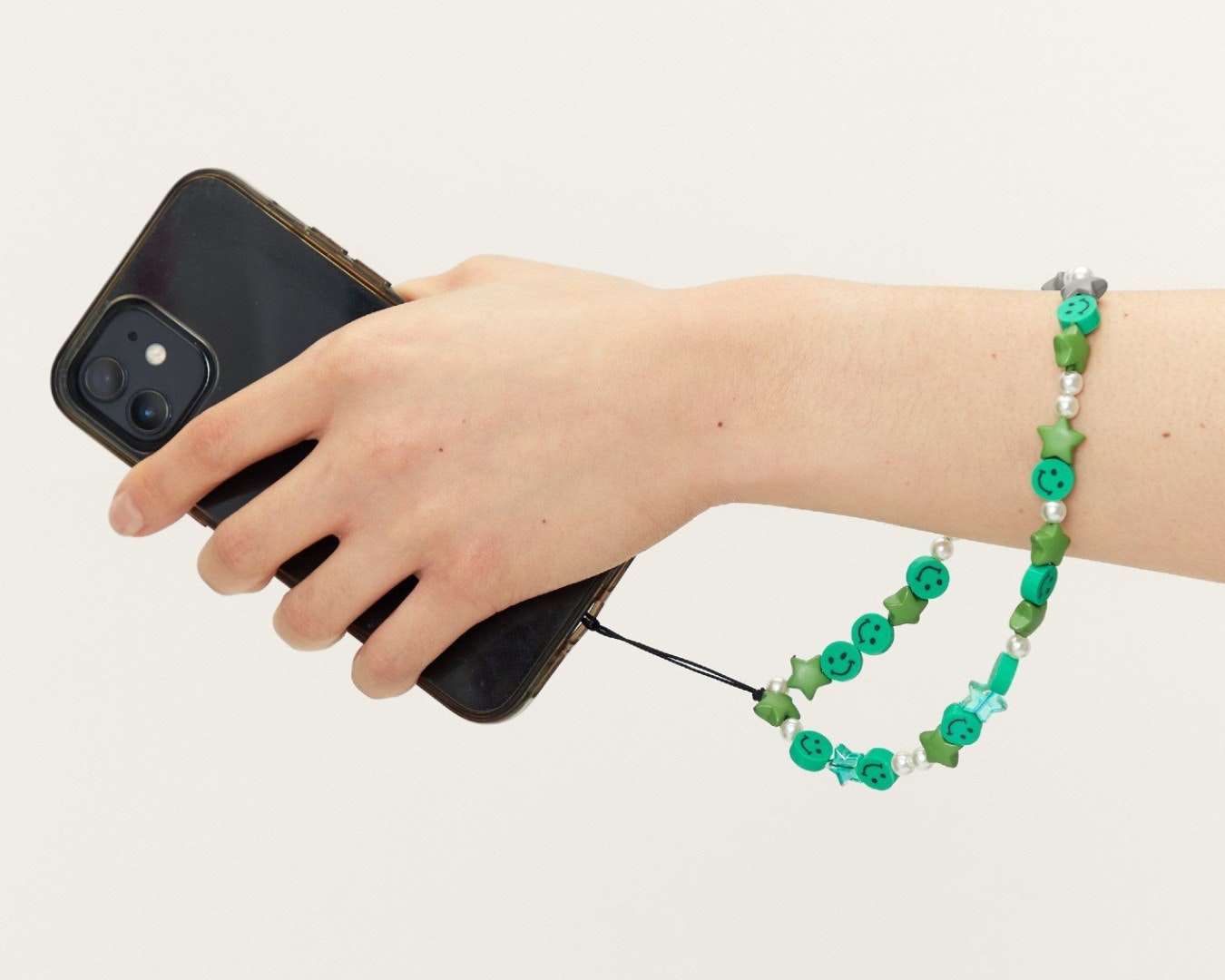
To add a phone charm safely, you must first understand that phone charms are not a universal feature and official support is extremely limited. Forcing a charm into a charging port or headphone jack can cause permanent damage to your device, so the only safe method is to use a case with dedicated attachment points or a third-party anchor designed for that purpose.
Before you start: how to add a phone charm safely
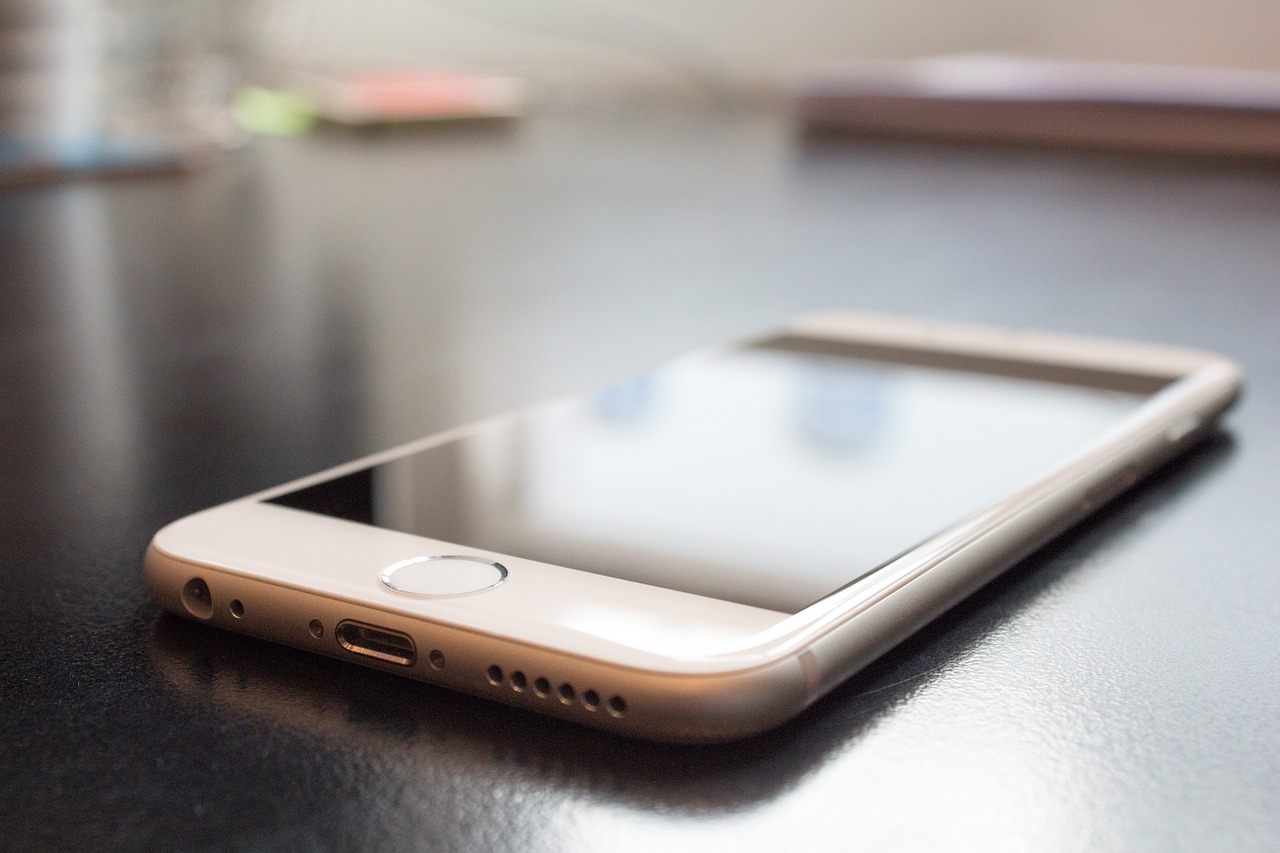
A critical warning: phone charms are not a documented general feature for any smartphone. Apple and Samsung only provide official guidance for specific strap-style accessories that attach to select cases, not for universal charms. Forcing a charm into a charging port, headphone jack, or speaker grille can break internal components and void your warranty. Always attach charms to a case or a dedicated anchor, never directly to the phone body or ports.
How to attach a phone charm to an iPhone
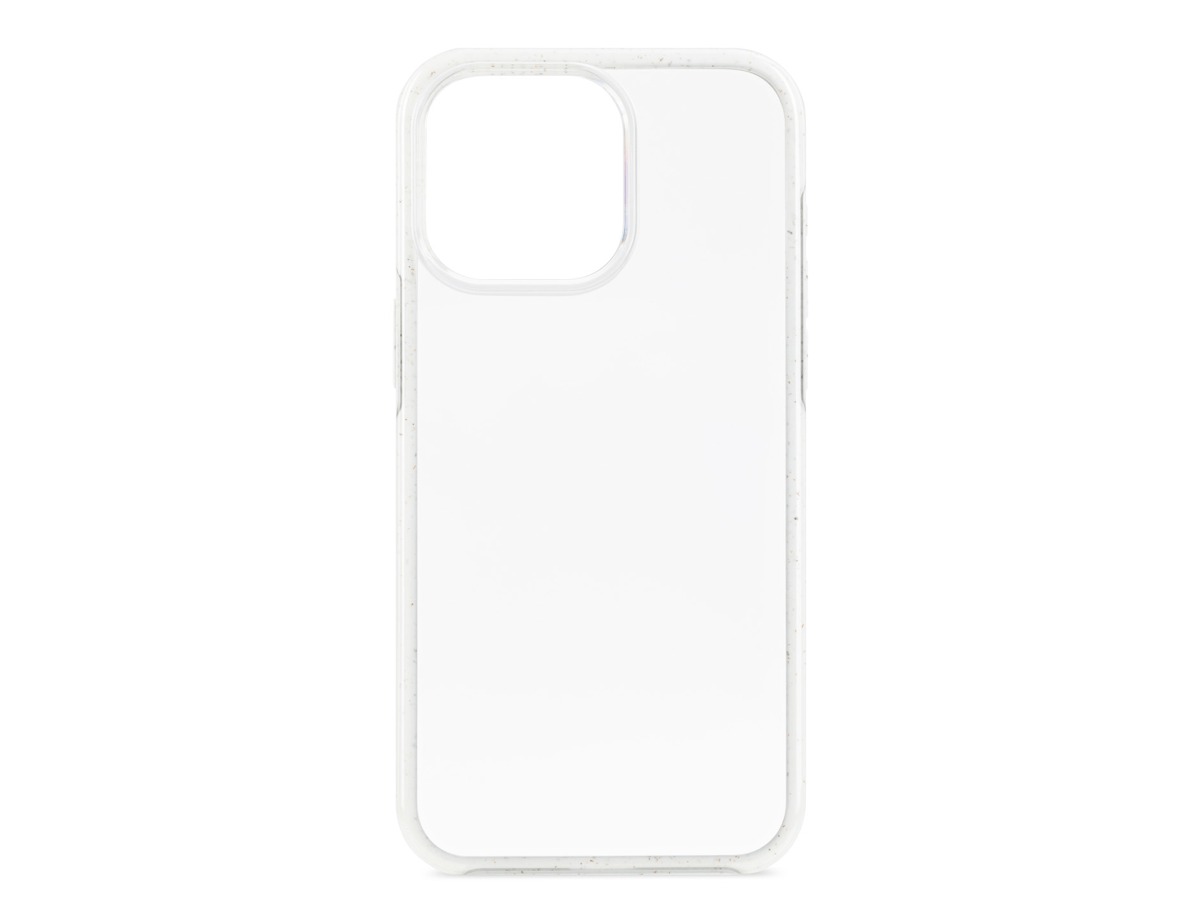
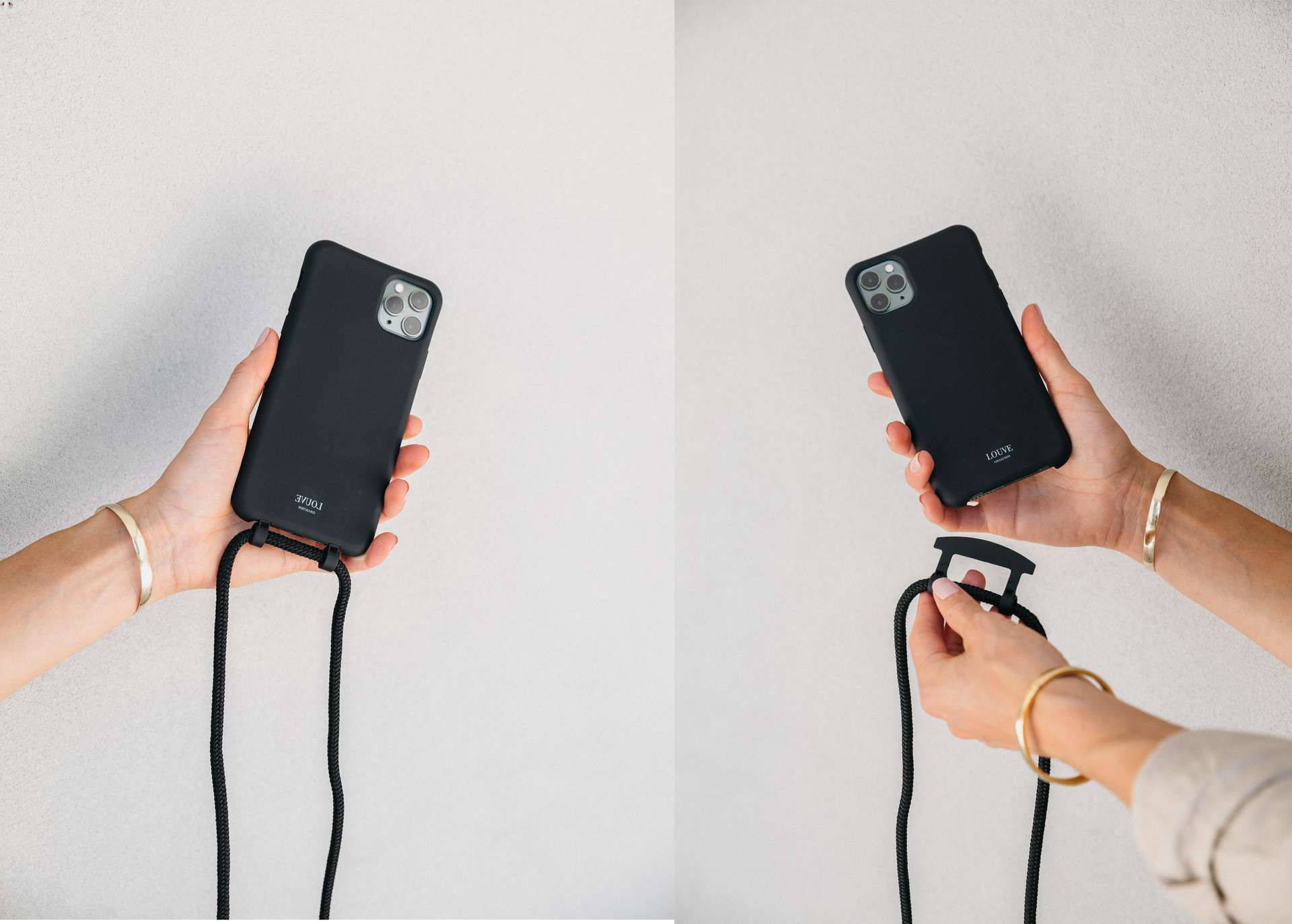
Apple documents attachment steps only for the Crossbody Strap and Wrist Strap, and these accessories work exclusively with select Apple iPhone cases that have small openings at the bottom corners. Apple also documents Wrist Strap for AirPods Pro cases. Follow these steps from Apple's official guidance:
- Remove the case from the iPhone.
- For the Crossbody Strap, locate the small openings on the bottom corners of the case.
- Thread the cord loop end of the connector from the outside of the case through one opening, then through the second hole to the outside of the case.
- Slip the metal ring through the cord loop and gently pull the metal ring to secure the loop.
- Repeat for the second connector on the other corner of the case, then make sure both connectors are securely attached.
- Put the case back onto the iPhone.
- Attach the strap using the snaps on the Crossbody Strap, looping each end through the metal ring on the connector and snapping it closed.
- For the Wrist Strap, attach a single connector to one corner of an iPhone case or AirPods Pro case using the same threading method, then loop the short end of the strap through the connector’s metal ring and press the snap layers together to secure it.
Apple documents the Crossbody Strap and Wrist Strap for select iPhone cases, and the Wrist Strap for AirPods Pro cases. No general iPhone settings path exists for adding a phone charm.
How to attach a phone charm to a Samsung Galaxy
Samsung's documented charm accessory is model-specific: the BTS Proof Charm Strap for Silicone Grip Case. This accessory is only compatible with the Galaxy S23, Galaxy S23+, and Galaxy S23 Ultra. No official attachment steps, balance guidance, or documented limits were provided on the Samsung support page. No universal Android method exists for adding a phone charm, and no Android settings path is documented.
Using third-party charm anchors and dust plugs
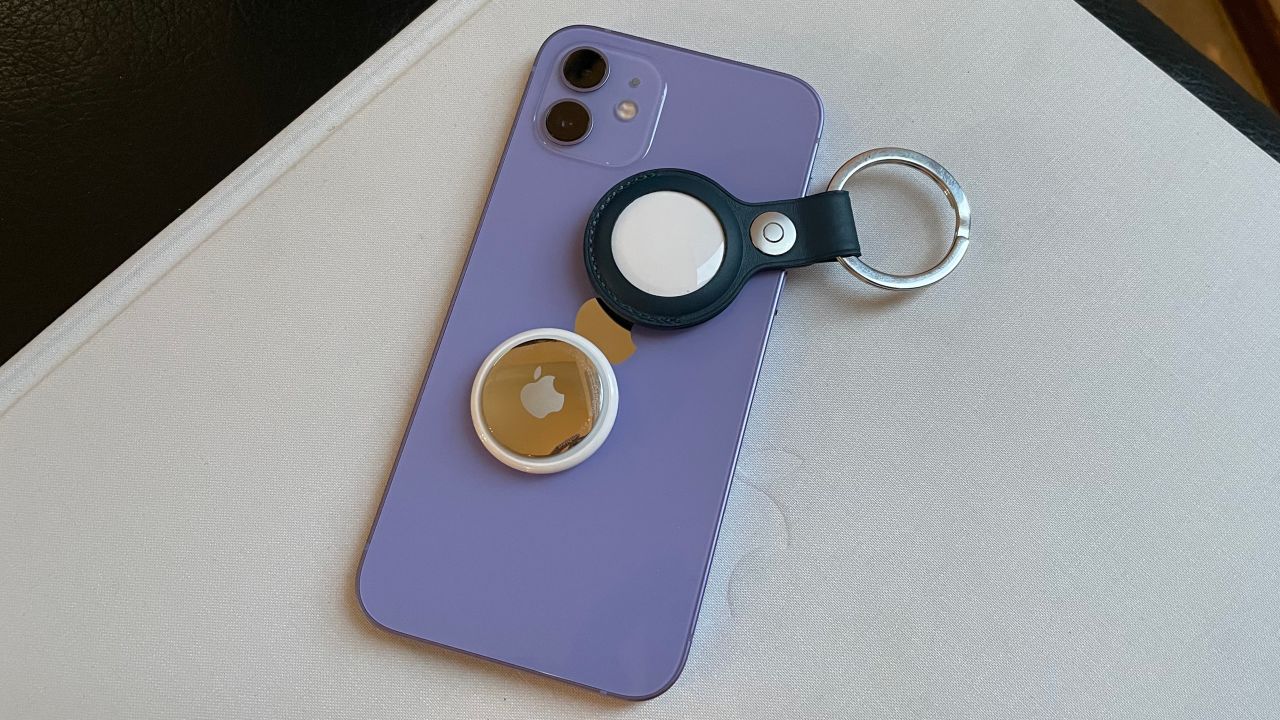
For phones without an official case with charm openings, third-party accessories like dust-plug charms or adhesive loops offer a workaround. A dust-plug charm fits into the charging port opening but should only be used if it is specifically designed for that purpose and does not block the port's functionality. Adhesive loops stick to the back of the phone or case. Strong caution is required: check compatibility with your phone model, and avoid blocking any ports, speakers, or microphones. A blocked microphone can ruin calls, and a blocked speaker can muffle audio. These accessories are not endorsed by Apple or Samsung, and no official weight limits or charm counts are documented for them.
Keeping your phone charm clean and secure
To maintain your charm and prevent damage to your phone, clean it with a soft, dry cloth to remove dust and oils. Regularly check for loose attachments or signs of wear, such as fading colors or fraying loops. Replace any charm that shows wear to prevent it from falling off and potentially scratching your phone or getting lost. Proper care ensures your charm remains a safe and stylish addition, much like changing wallpapers and themes on phones allows for personalization without physical risk.
Frequently Asked Questions
Can I attach a phone charm directly to my iPhone without a case?
No. Apple only documents charm attachment for select cases with specific openings. Attaching a charm directly to the iPhone body risks scratching the device or damaging ports, and there is no official method for doing so.
Will a phone charm block my phone's wireless charging?
It depends on the charm and its attachment point. A charm attached to a case with a metal ring or a thick adhesive loop may interfere with wireless charging if placed over the charging coil. Test charging with the charm attached before relying on it.
How do I remove a phone charm without damaging my case?
For Apple's official straps, gently unsnap the strap from the metal ring, then pull the cord loop back through the case openings. For adhesive loops, use a hairdryer on low heat to soften the adhesive, then peel slowly. Avoid pulling forcefully, which can tear the case material.
Are phone charms safe for children's phones?
Yes, if attached securely to a case and made of non-toxic materials. Avoid small charms that could be a choking hazard, and ensure the charm is lightweight so it does not put strain on the case or phone. Supervise young children to prevent them from pulling the charm off.
Can I use a phone charm with a pop socket or other grip?
Yes, as long as both accessories attach to the case without overlapping or blocking each other. A charm attached to a bottom corner typically does not interfere with a pop socket mounted on the back center. Test for clearance to ensure neither accessory is stressed.
Related reading: How To Add Applecare To My Phone.