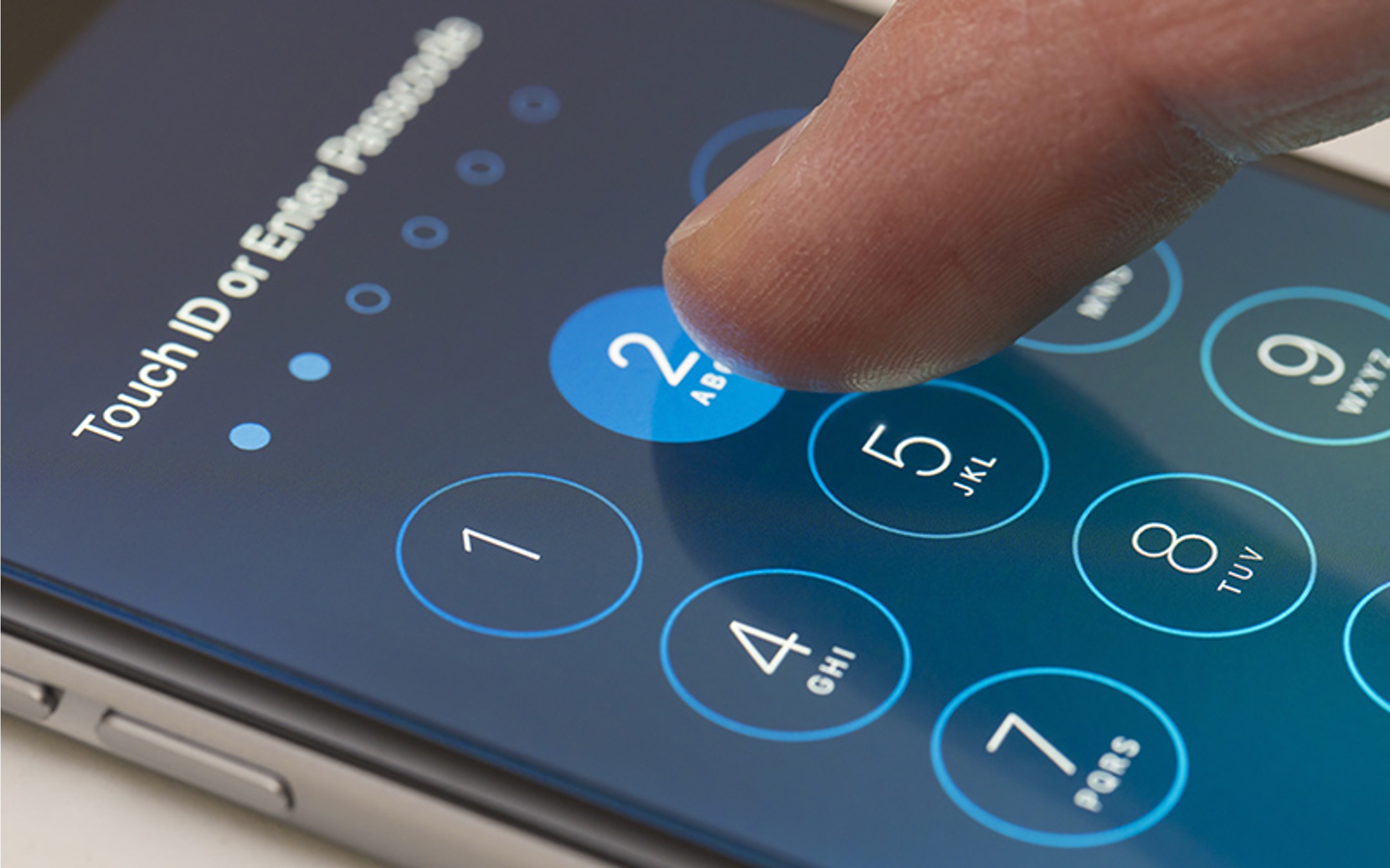
To release a phone number from Verizon, you need to generate a Number Transfer PIN for the line you want to move and give that PIN plus your Verizon account number to your new carrier. The new carrier initiates the transfer, and you must keep your Verizon account open until the port completes, at which point the line disconnects automatically.
How to release a phone number from Verizon: the quick answer
The two things your new carrier needs are your Number Transfer PIN and your Verizon account number. The new carrier starts the transfer; your Verizon account must stay open until the move is finished. Moving a number out of Verizon is called porting out or moving your mobile number to another carrier.
Step 1: Make sure your number is eligible to port out
Before you begin, confirm that your line is eligible to leave Verizon. Check that your account is in good standing with no outstanding balance and that you are not under an active contract that would require early termination fees. A support page from a Verizon-authorized porting guide says the PIN requires a standard monthly account and must be requested by an Account Owner or Account Manager. For business lines, you must disable Number Lock before you can generate a Number Transfer PIN.
Step 2: Generate your Number Transfer PIN
- Log into your Verizon account through the self-service tools (the My Verizon app or website for consumer accounts; My Business Wireless for business accounts). For business accounts, Verizon’s support page provides self-service PIN generation in My Business Wireless rather than requiring a call.
- Navigate to the section for porting and releasing phone numbers. Verizon’s documentation on how to port, transfer and change your phone number shows where to generate the PIN.
- Generate the Number Transfer PIN for the specific line you want to move. Each line needs its own PIN. For business accounts, each line needs its own Number Transfer PIN. The PIN is unique to the line it was generated for.
- Note that the PIN is valid for 7 days and you can generate it a maximum of 5 times per line in one day. A Number Transfer PIN is valid for 7 days and can be generated a maximum of 5 times per line in one day.
Step 3: Give the PIN and your account number to the new carrier
Provide your new carrier with the Number Transfer PIN and your Verizon account number. The new carrier will use this information to initiate the port. Do not generate a new PIN after handing one over, as that may interfere with the port-out process.
Step 4: Keep your Verizon account open until the transfer completes
Verizon requires that your account remain active during the port. The line disconnects automatically when the new carrier completes the transfer. If you close your Verizon account early, the port will fail and you could lose the number.
What if you cannot generate a PIN online?
If you are locked out of your account or cannot generate a PIN through self-service, call Verizon customer service at 1-800-VERIZON for help generating the PIN or resolving account issues. For business accounts, the self-service option in My Business Wireless is the preferred method, but a call can also assist.
Frequently Asked Questions
Can I keep my phone number when switching to a new carrier?
Yes, in most cases you can keep your number by porting it to your new carrier. You must provide the Number Transfer PIN and your Verizon account number to the new carrier, and keep your Verizon account open until the transfer finishes.
How long does the porting process take?
The process can take anywhere from a few hours to a few business days, depending on the new carrier and the accuracy of the information provided.
Is there a fee for releasing a phone number from Verizon?
There is generally no fee for porting your number out, but if you are still under a contract, you may owe early termination fees. Check your contract or contact Verizon to confirm any outstanding obligations.
What do I do after the number transfers?
Once the port completes, your line with Verizon is automatically disconnected. You should update your phone settings, configure voicemail with your new carrier, and notify your contacts of any changes if your number remains the same.
Related reading: How To Unlock A Phone Number From Verizon and How To Get Transfer Pin From US Cellular.