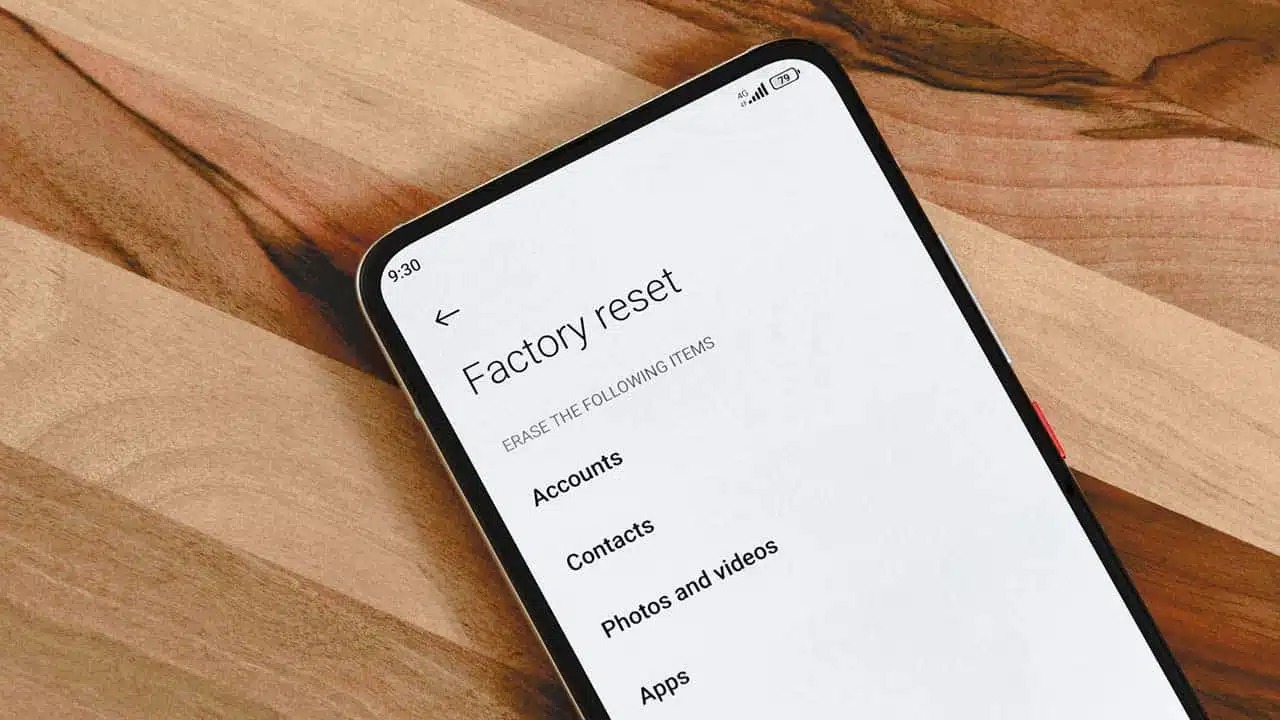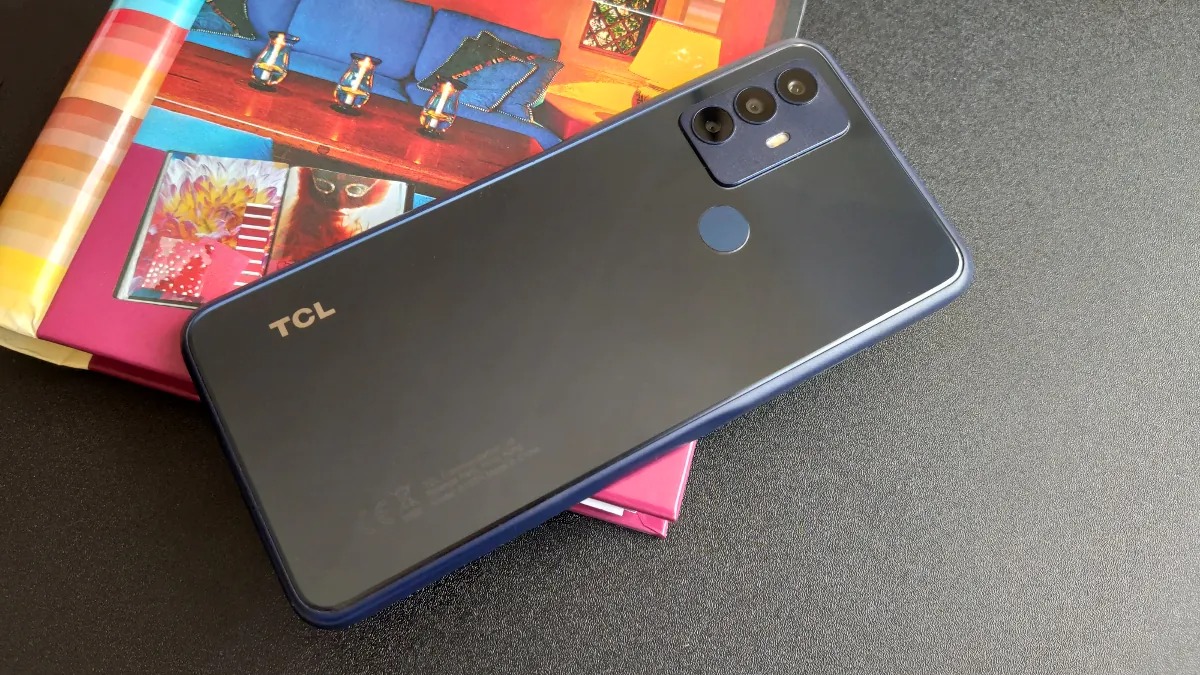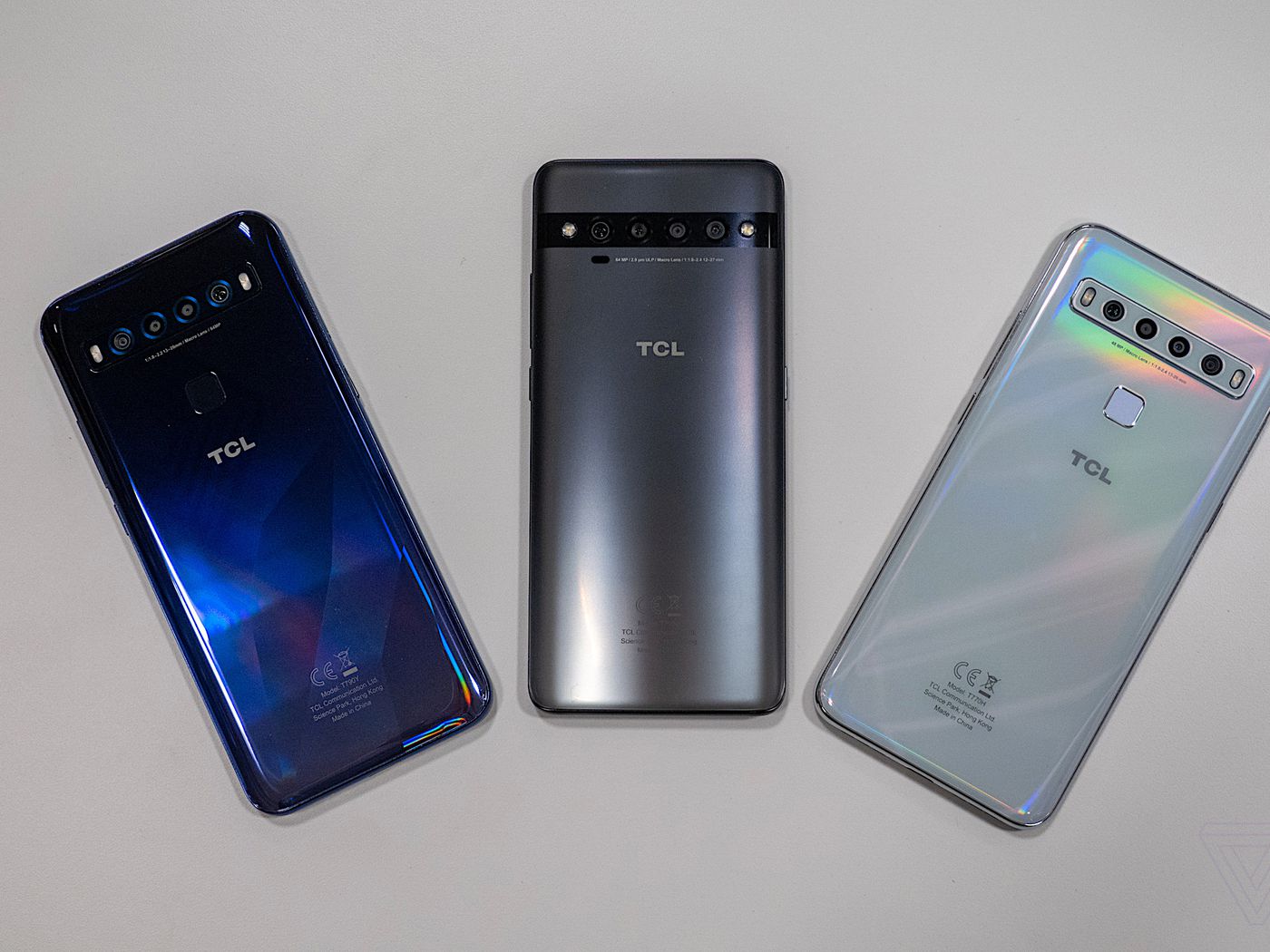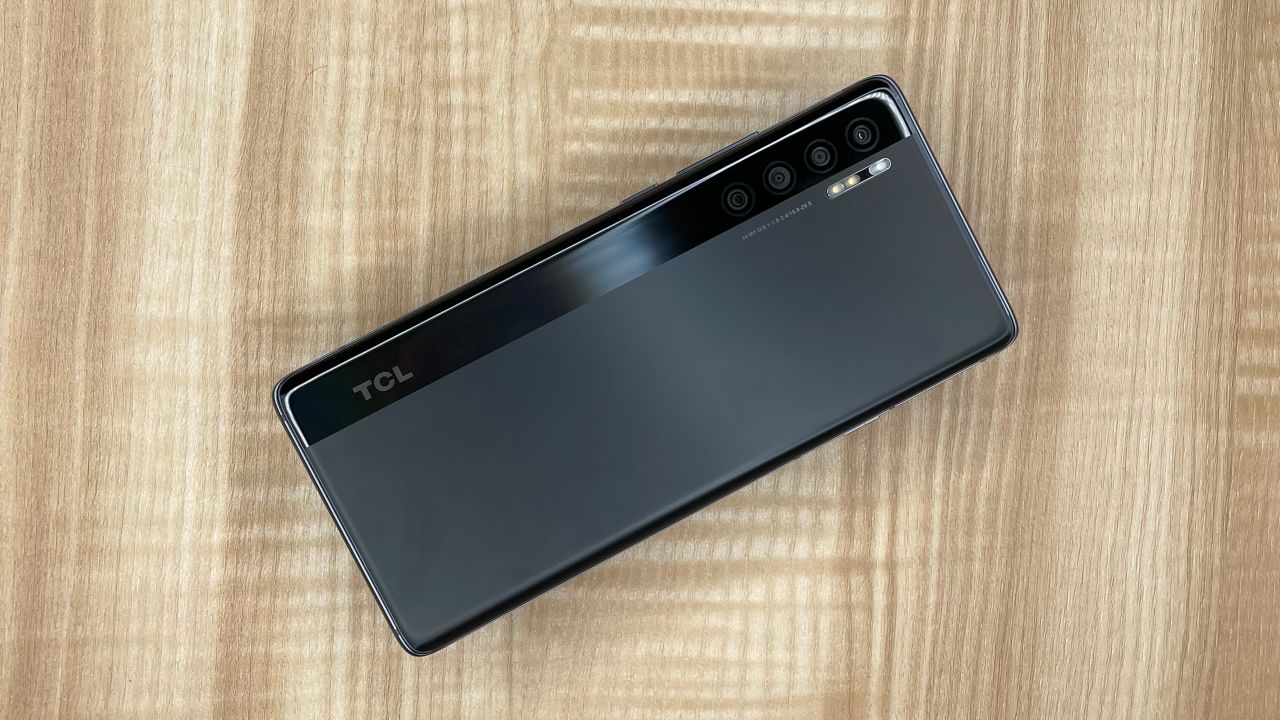
To reset your TCL phone, you can perform a factory reset through the Settings menu, use hardware buttons to enter Recovery Mode, or erase it remotely with Google's Find My Device. A factory reset will erase all personal information and downloaded applications from your TCL phone, so it is essential to back up your data first.
Before you reset your TCL phone
Before performing a factory reset, complete these critical prerequisites to prevent data loss and avoid complications. First, back up all personal data such as contacts, photos, and files to a cloud service or computer. Second, you must remove your Google account from the device to disable Factory Reset Protection (FRP), which otherwise would lock you out after the reset. Third, ensure the phone's battery percentage is higher than 20% or 30% to prevent the process from failing due to power loss.
How to reset TCL phone from Settings
This is the primary method for a factory reset when your phone is accessible and functioning normally. Use this approach to fix persistent software issues or to prepare the device for sale.
- Go to "SETTINGS" on your TCL phone.
- Touch "SYSTEM".
- Touch "RESET" (or "Reset options").
- Touch "ERASE ALL DATA (FACTORY RESET)" (or "Factory data reset").
- Confirm by touching "ERASE ALL DATA" (or "RESET PHONE") multiple times as prompted.
The phone will reboot and begin erasing all data. After completion, you will need to set up the device as new.
How to reset TCL phone with buttons (Recovery Mode)
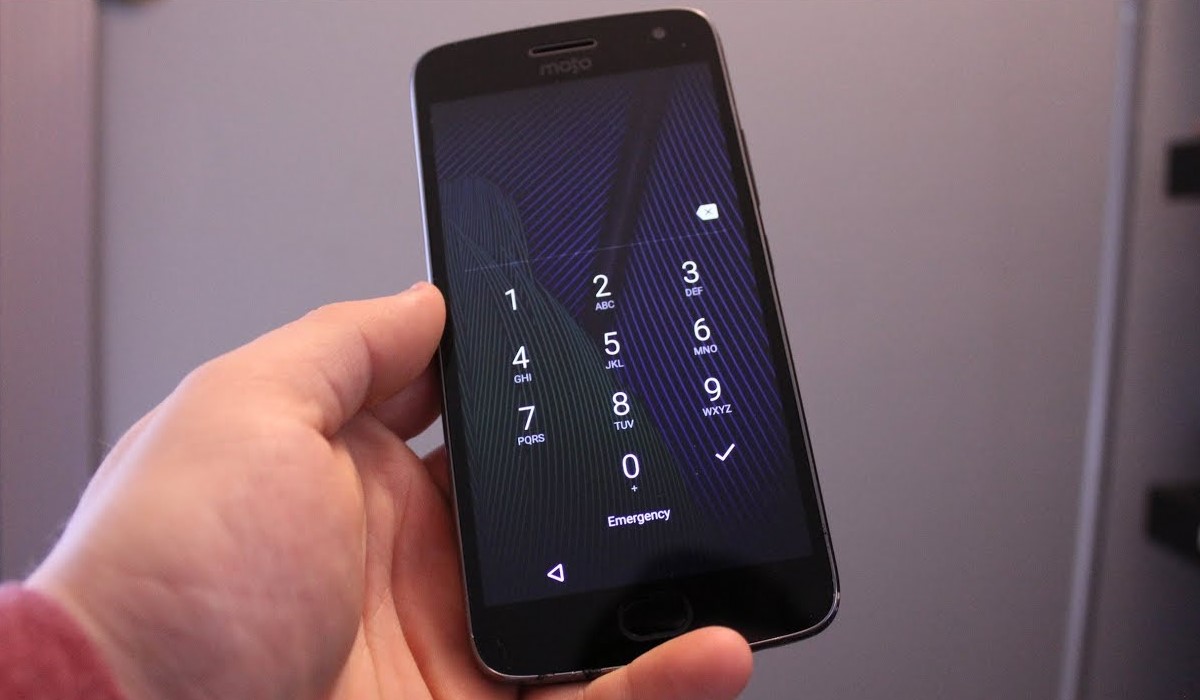
Use this hardware key method when the phone is frozen, unresponsive, or you are locked out of the screen. This method does not require access to the operating system.
- Power off the phone completely.
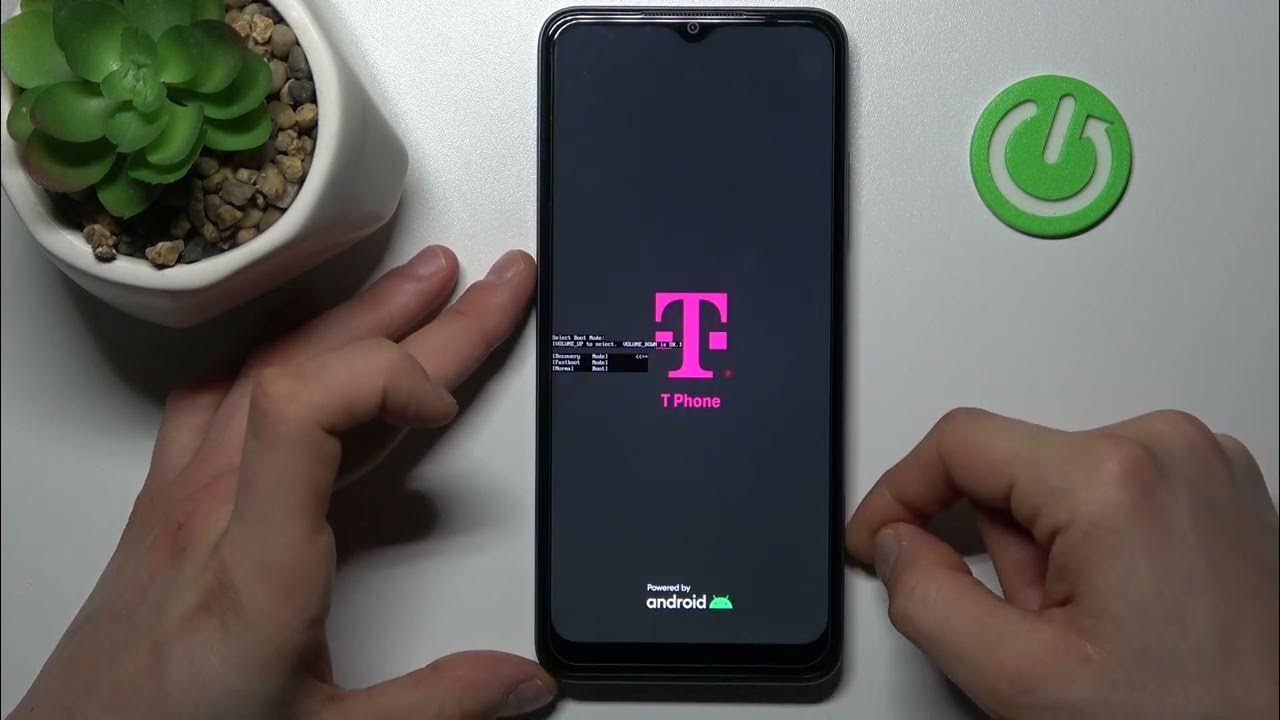
- Long press the "power" key and "volume up" key simultaneously.
- Release the keys when the TCL logo appears or after entering Android system recovery mode. Some models may require releasing the power key while continuing to hold volume up after the logo appears.
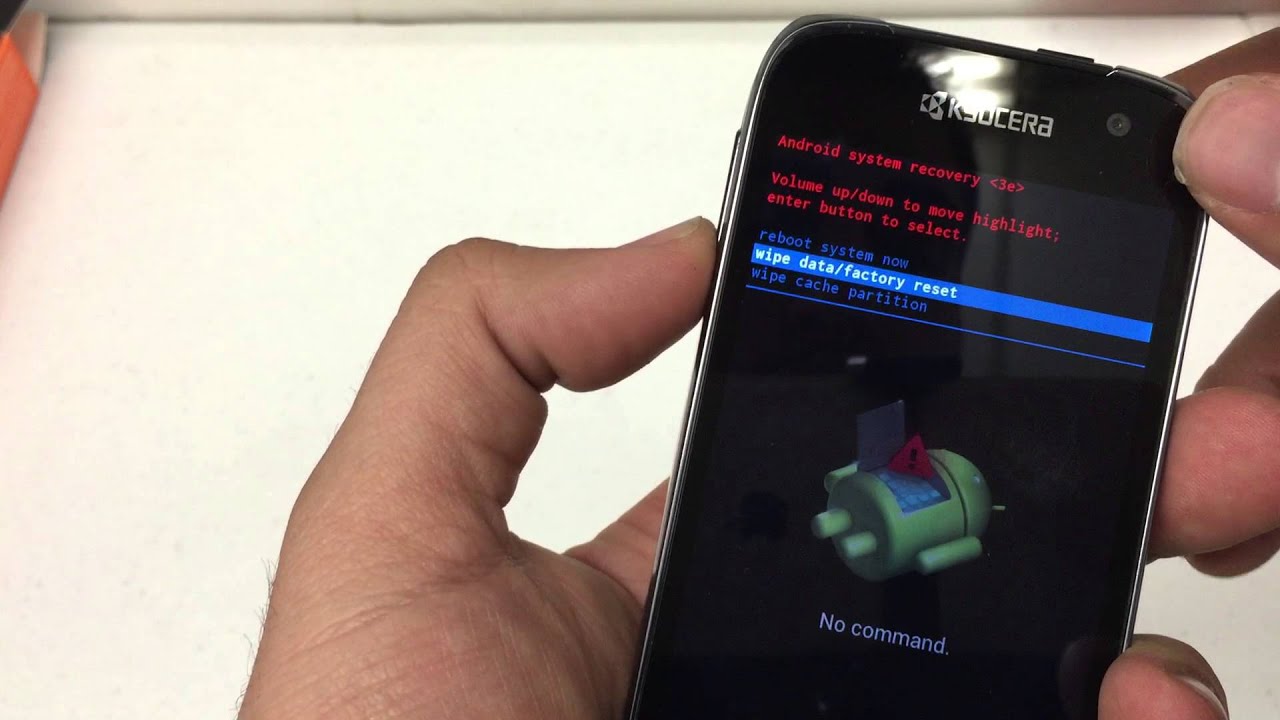
- In Recovery Mode, use the "volume" keys to navigate and select "wipe data / factory reset" (or "Yes" for some software versions), then press the "power" key to confirm.
- Select "Factory data reset" and confirm with the "power" key.
- Once the reset is complete, select "reboot system now" and confirm with the "power" key.
Method 4: Hard Reset using PC Software (e.g., Android multi-tools or GSM Flasher FRP Tool) for bypassing Google account verification or unlocking bootloader.
How to reset TCL phone remotely with Find My Device
If your TCL phone is locked, lost, or inaccessible, you can use Google's Find My Device tool to remotely erase its data and perform a factory reset. This is useful for protecting your personal information if the phone is stolen or when you cannot physically access the device.
How to reset network and app settings only
These less destructive options let you fix connectivity or app issues without wiping all personal data. A soft reset, which is a simple reboot, can be performed by pressing and holding the power button until the power options menu appears, then selecting "Restart" or "Power off" and then powering the device back on. A soft reset can also be performed by pressing and holding the Power button for approximately 30 seconds until the device restarts if the phone is unresponsive. To reset specific settings like mobile network, Bluetooth, Wi-Fi, or app preferences without losing all data, navigate to "Settings" → "System" → "Reset options" and choose the relevant reset option. This approach is ideal when you only need to clear network configurations or app conflicts.
Frequently Asked Questions
Will a factory reset delete everything on my TCL phone?
This is why backing up data and removing your Google account beforehand is critical.
What should I do if my TCL phone is unresponsive and won't turn off?
If the screen is frozen and the power button does not respond, press and hold the power button for approximately 30 seconds until the device restarts. If that does not work, proceed with the hardware button method to enter Recovery Mode.
What if a factory reset doesn't solve the problem on my TCL phone?
If software issues persist after a factory reset, the problem may be related to hardware or a deeper system corruption. In this case, contact TCL customer support or take your phone to a certified technician for further diagnosis.
How do I wipe your Android phone or tablet properly before selling it?
To wipe your Android phone or tablet properly, back up your data, remove your Google account from the device, and then perform a factory reset via Settings or Recovery Mode. This ensures your personal information is erased and the next owner cannot access your accounts.
Is factory resetting phones safe for the device hardware?
Factory resetting phones is a software process that does not damage the hardware. It simply erases data and restores system settings, so it is safe to perform as long as the battery has sufficient charge and the device is not interrupted during the process.
How often should I restart my TCL phone?
Not necessary regularly unless experiencing issues, but once a week or when performance issues are noticed can help refresh the system.
What should I do if my TCL phone is not charging?
Troubleshooting steps: check cable/adapter, clean charging port, try different power source/USB cable, contact support if unresolved.
Related reading: How To Factory Reset A TCL Android Phone.