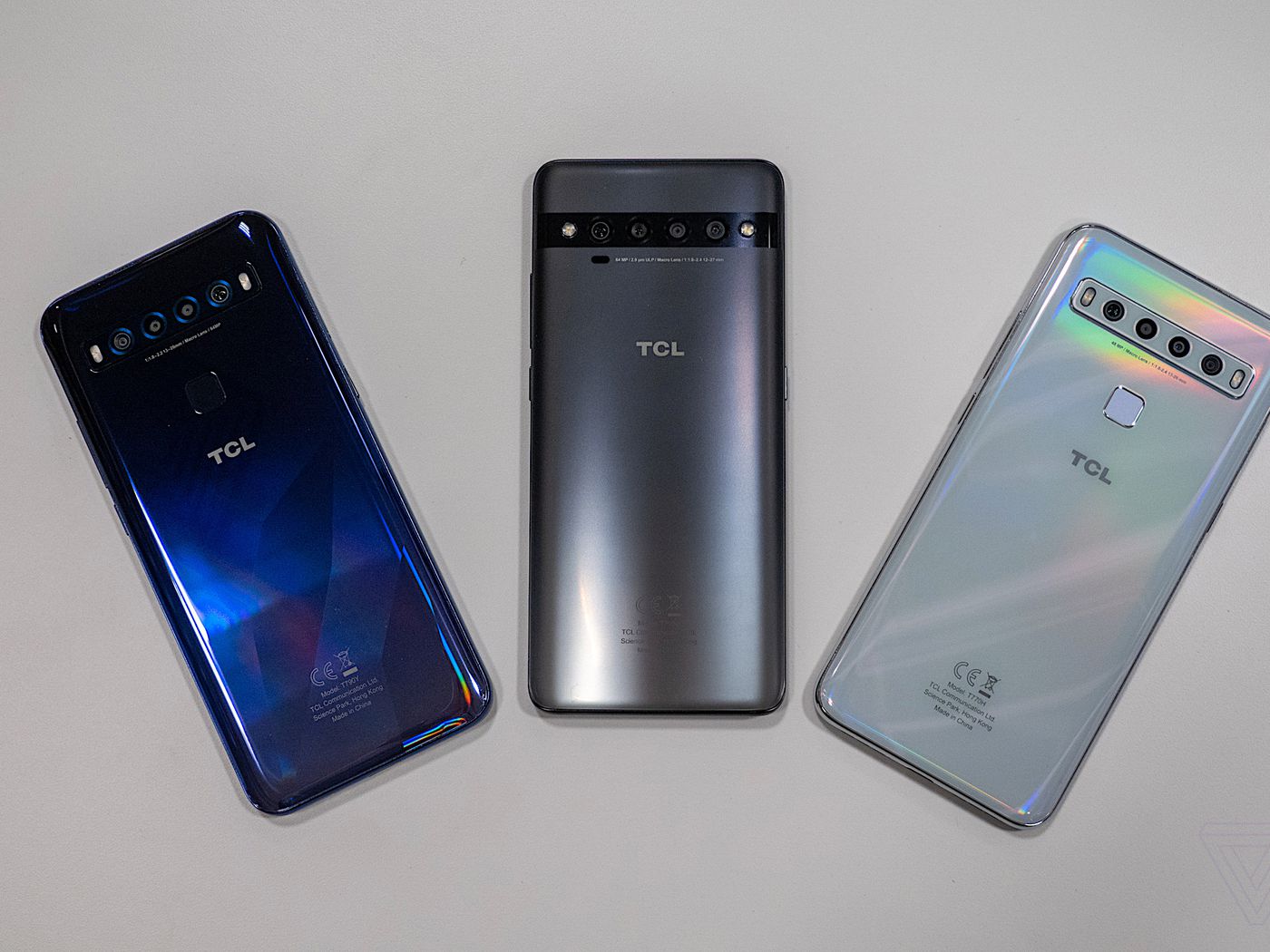
To unlock a TCL phone for carrier use, the official and safest method is IMEI unlocking, which allows the phone to be used with any network provider. If you are locked out of the device itself due to a forgotten password, a factory reset is the necessary solution.
Carrier unlock vs. screen unlock: what's the difference?
Carrier unlocking removes the software restriction that ties your TCL phone to a specific mobile network, letting you insert a SIM card from any compatible carrier. Screen unlocking is a completely different process used to regain access to a phone when you have forgotten the PIN, password, or pattern lock. The methods for each are distinct and serve separate purposes.
Before you start: find your IMEI and check eligibility
To carrier unlock your TCL phone, you need the 15-digit IMEI number, the carrier it is locked to, and the country. You can find your IMEI by dialing *#06# on the phone's keypad or by navigating to Settings > About. The phone must be paid off and not reported as lost or stolen to be eligible for an official unlock.
Method 1: Official IMEI unlocking (recommended)
This is the safest method and does not invalidate the device's warranty. Follow these steps:
- Find your 15-digit IMEI number using
*#06#or Settings > About. - Contact your carrier or a reputable unlocking service with your IMEI, the carrier it is locked to, and your country to obtain the unlock code.
- Receive the unique unlock code for your device.
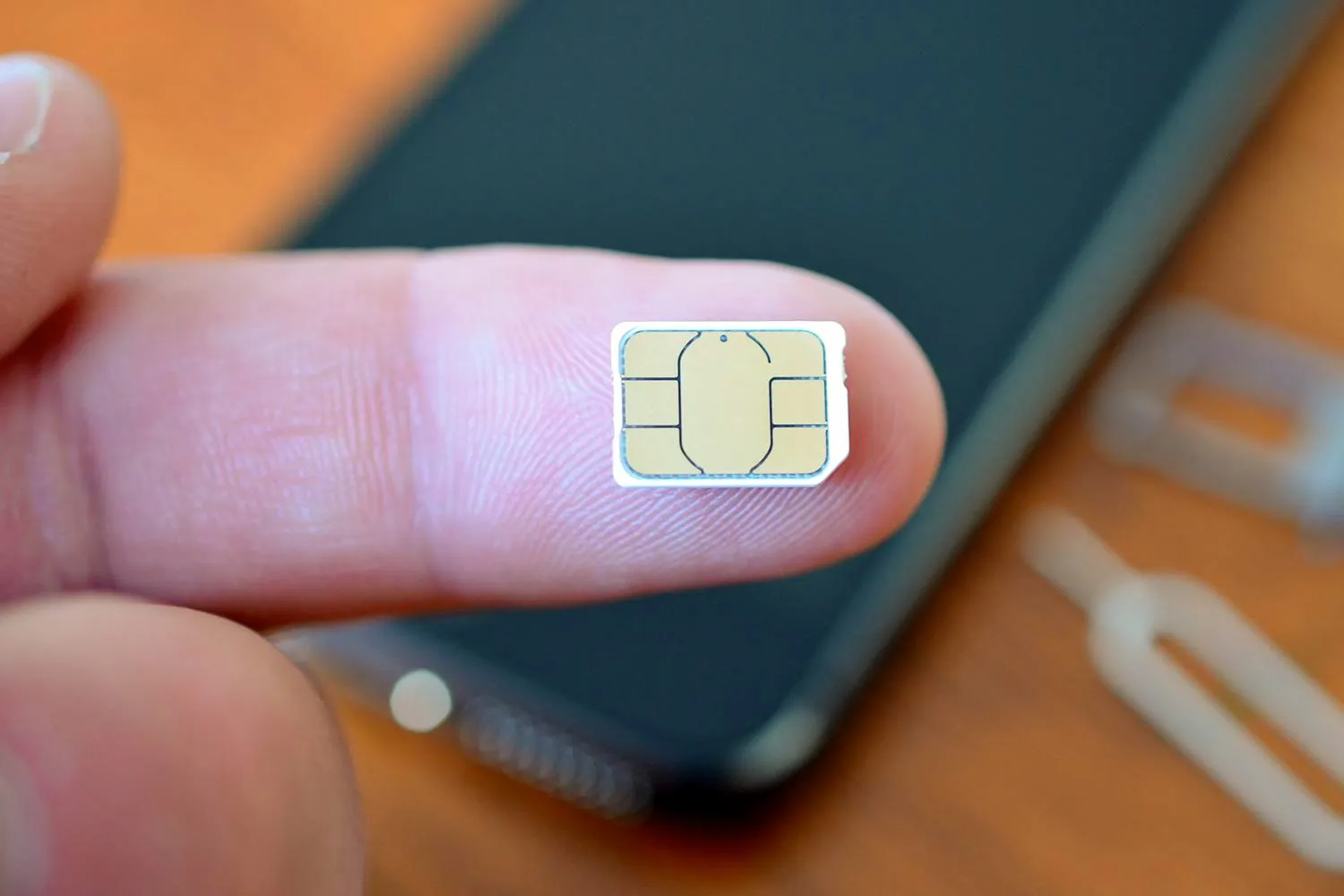
- To prompt for the unlock code, insert a SIM card from a different carrier into the TCL phone and power it on.
- When prompted, enter the unlock code to complete the process.
Method 2: Contact your service provider directly
Many carriers will provide the unlock code for free or for a fee once your contract is fulfilled. Typical eligibility requirements include having an account in good standing, the phone being paid off, and the account being active for a certain period. This method is a direct way to initiate the official unlocking process.
How to factory reset a locked TCL phone (forgotten password)
If you are locked out of your TCL phone because you forgot the password, a factory reset will erase all data on the phone. To perform a manual factory reset when the phone is off, press and hold the Power and Volume Up buttons simultaneously for about five seconds to enter Android system recovery mode. In Recovery mode, use the volume buttons to navigate to "wipe data / factory reset" (or "Clear Data" then "Clear All Data") and confirm with the power button.
Frequently Asked Questions
How can I unlock my TCL phone?
You can unlock your TCL phone by obtaining an IMEI-based unlock code from your carrier or a reputable unlocking service. Insert a non-carrier SIM and enter the code when prompted.
Can I unlock my TCL phone for free?
Some mobile service providers offer a free unlocking service after you meet certain eligibility criteria, such as completing your contract or paying off the device. Check with your carrier to see if you qualify.
What are the benefits of unlocking my TCL phone?
Unlocking your TCL phone allows you to switch carriers, use local SIM cards while traveling to avoid roaming charges, and increases the resale value of the device. It gives you the freedom to choose your service provider.
Will unlocking my TCL phone void the warranty?
Unlocking a TCL phone via the official IMEI method does not invalidate the device's warranty. This is a safe and manufacturer-approved process.
Can unlocking my TCL phone harm the device?
Using the proper IMEI unlocking method should not cause any harm to the device. However, using unverified third-party software or improper methods can potentially damage the phone.
For the wider topic, see unlocking carrier phones.
Related reading: How To Unlock Nokia Phone.