LTE on your phone stands for Long-Term Evolution, the mobile data standard that provides high-speed internet connectivity on your device. When you see the LTE icon, it simply means your phone is connected to a fast cellular network for browsing, streaming, and downloading.
What does LTE mean on my phone?
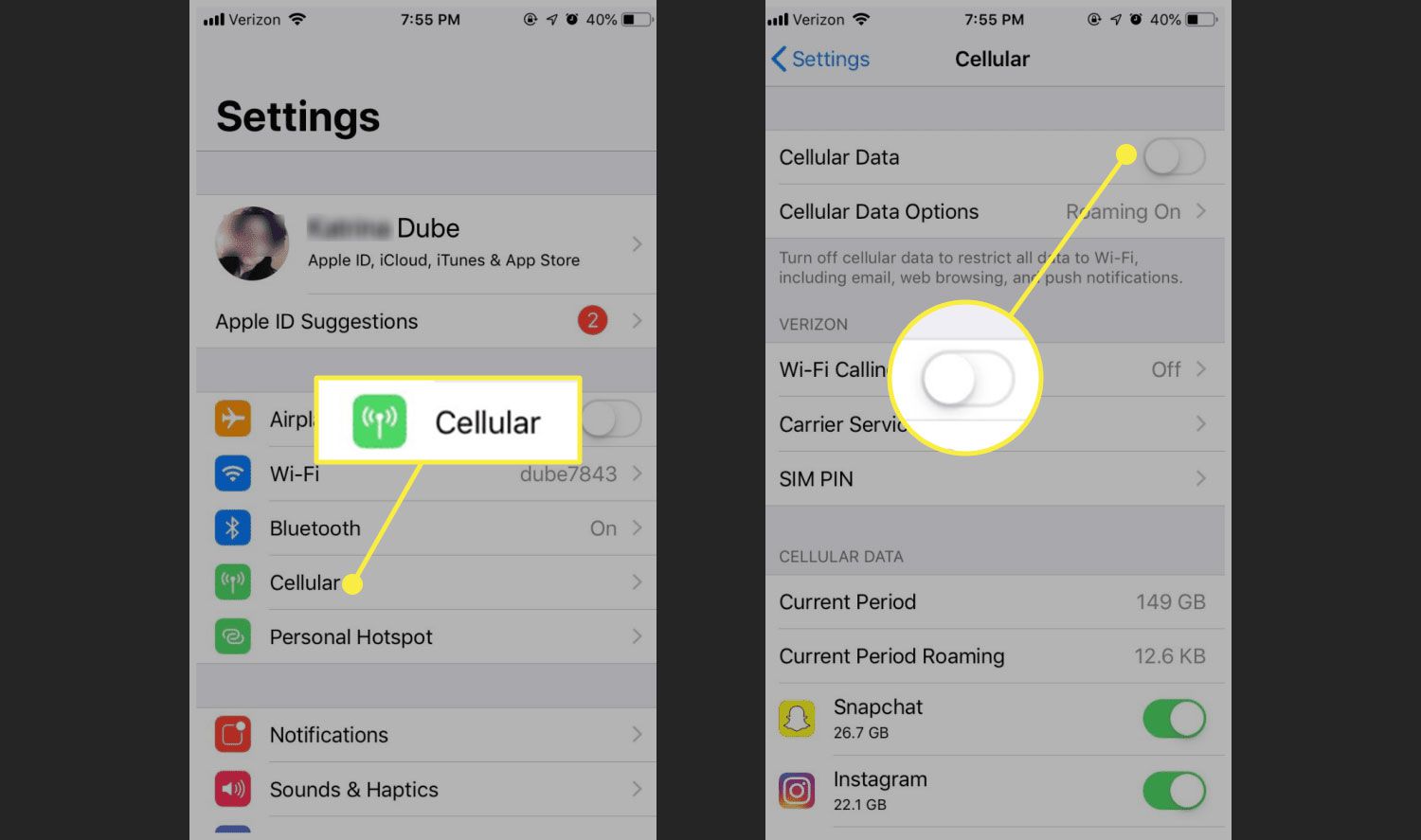
LTE means Long-Term Evolution, and it is the mobile data standard your phone uses to connect to a cellular network. It is a fourth-generation (4G) technology designed to deliver faster and more reliable internet connectivity than earlier standards like 3G. On iPhone, Apple documents LTE as a cellular option under Settings > Cellular > Cellular Data Options > Enable LTE or Settings > Mobile Data > Enable LTE.
How LTE works on your phone
LTE is the network mode used for mobile data on supported cellular networks. It provides high-speed data transmission, allowing you to stream videos, make video calls, and browse the internet seamlessly. Apple distinguishes LTE from 5G on iPhone, with LTE available on all iPhone models and 5G available only on supported models and networks. LTE operates on different frequency bands that vary by country and carrier, using a technology called Orthogonal Frequency Division Multiplexing (OFDM) to transmit multiple signals simultaneously over separate frequencies for efficient spectrum use. LTE operates on an IP-based network, enabling simultaneous voice and data services, unlike some other 4G technologies like WiMAX that use separate channels. LTE supports multiple input and multiple output (MIMO) technology, which uses multiple antennas to enhance signal quality and improve coverage in congested areas.
How to find and manage LTE settings on iPhone
To manage LTE on your iPhone, follow the exact step-by-step path from Apple's support documentation:
- Open Settings on your iPhone.
- Tap Cellular (or Mobile Data if your iPhone uses the alternate menu layout).
- Tap Cellular Data Options (or directly look for the option under Mobile Data).
- Tap Enable LTE to turn it on or off.
Which iPhones support LTE?
Apple documents LTE support for all iPhone models on its iPhone cellular page. All iPhone models connect to 5G and LTE networks, with 5G available only on supported models and networks. Additionally, Apple documents private, data-only cellular networks on devices with iOS 17 and iPadOS 17 or later, using LTE, 5G NSA, or 5G SA. This feature is limited to data-only private cellular networks.
What about Android phones?
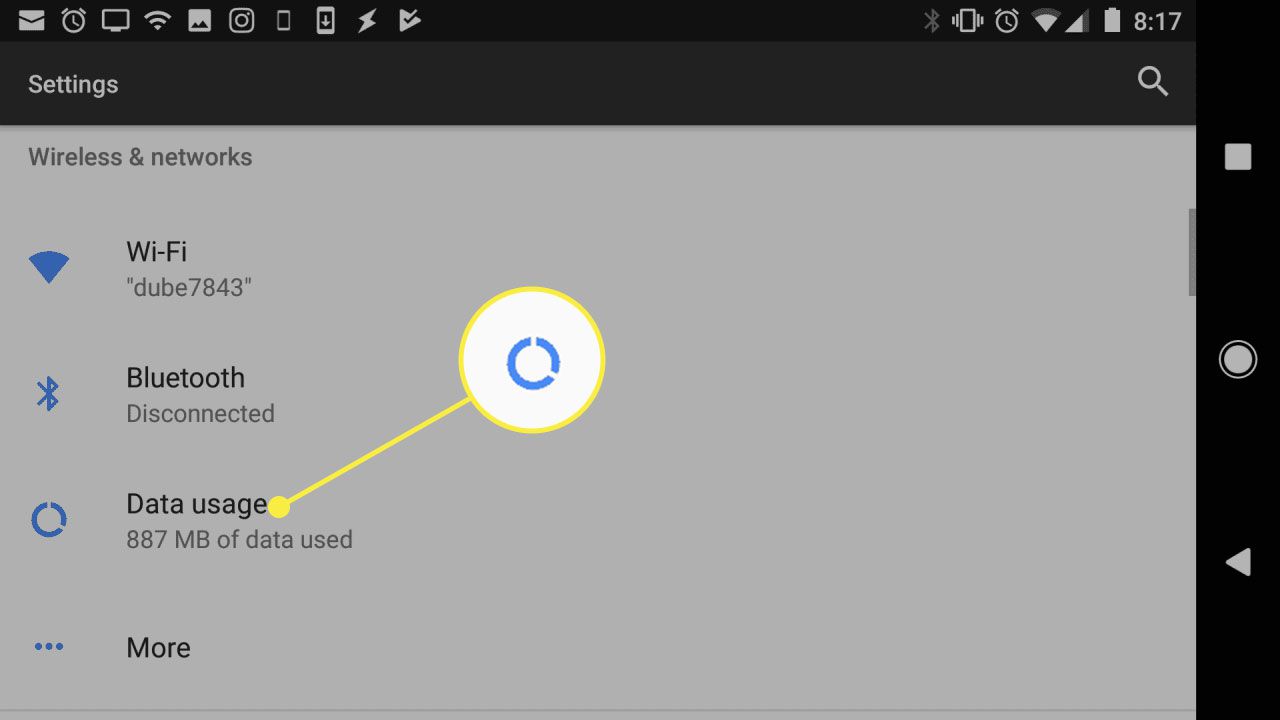
No official Android support page was retrieved that documents the exact LTE menu path, setting name, supported Android versions, or model limits. For specific LTE settings on your Android device, check your carrier or manufacturer's support page for accurate guidance.
Frequently Asked Questions
What does LTE mean on my phone?
LTE stands for Long-Term Evolution, a wireless broadband standard that provides high-speed 4G network connectivity on your phone for faster data speeds and more reliable internet access.
How is LTE different from 3G?
LTE is a more advanced technology than 3G, offering faster data transfer speeds, lower latency, and better overall network performance. While 3G was designed primarily for voice calls and basic browsing, LTE supports bandwidth-intensive activities like video streaming and online gaming.
Do all phones support LTE?
Not all phones support LTE. To connect to an LTE network, your phone needs an LTE-enabled modem or chipset. Most modern smartphones are LTE-enabled, but check your phone's specifications to confirm compatibility.
Will using LTE drain my phone's battery faster?
Using LTE may result in slightly faster battery drain compared to older network technologies like 3G, because LTE offers faster data speeds that require more power. However, the battery drain is usually marginal and can be mitigated by optimizing your phone's settings and disabling unnecessary background processes.
Can I use LTE even if my phone is not 4G capable?
No, you cannot use LTE if your phone is not 4G capable, but it can still connect to older networks like 3G or 2G.
What are common LTE problems and how can I fix them?
Common LTE problems include:
- Weak Signal, Move near a window or outside, update device software/firmware, or use a signal booster/external antenna.
- Network Congestion, Avoid data-intensive apps during peak hours, connect to Wi-Fi, or switch to a different LTE band if supported.
- Battery Drain, Disable LTE when not needed and switch to 3G/2G, reduce screen brightness, or carry a portable charger.
- Incompatibility with Older Devices, Upgrade to a newer device, contact the service provider for alternatives, or use a device-specific LTE adapter/external modem.
For the wider topic, see mobile phone basics.
Related reading: How To Switch Phone From 5G To 4G and 4G vs WiFi: Which Is Faster?.