Our guides for managing your Call of Duty Mobile account directly from your phone. This page is for any player who needs practical, step-by-step help with common in-game tasks or account issues, whether you are a new recruit or a seasoned veteran.
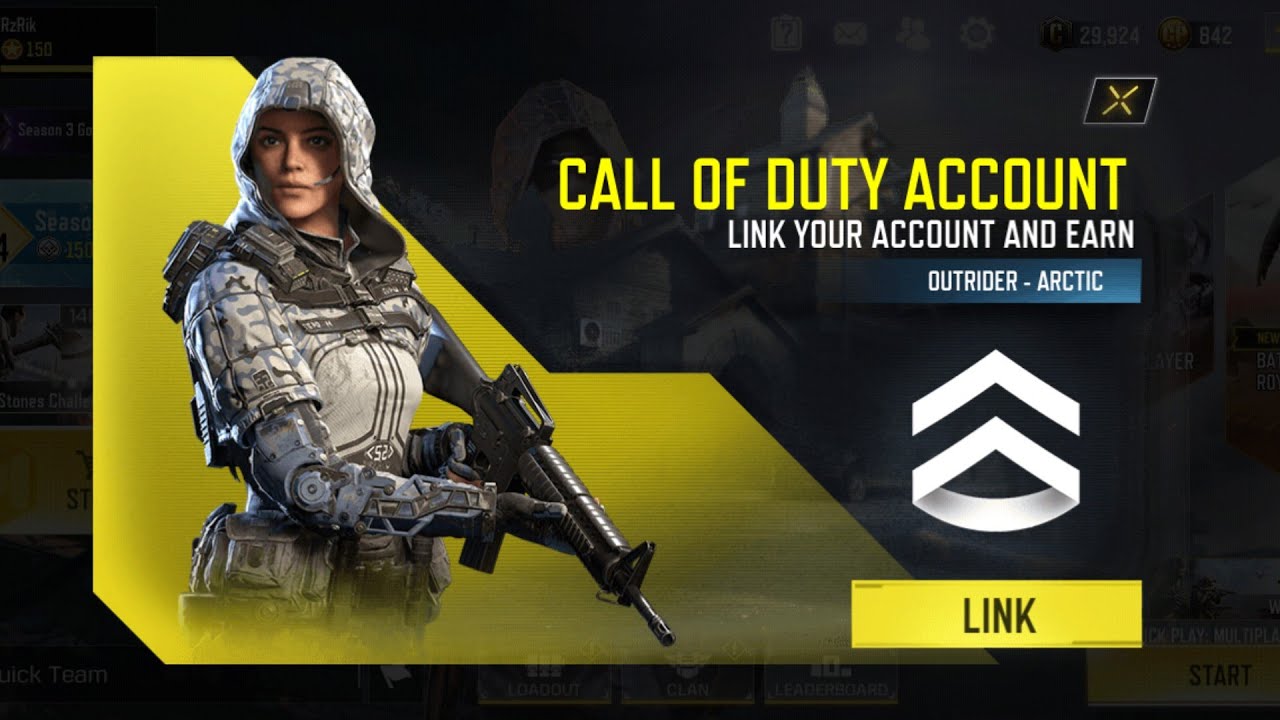
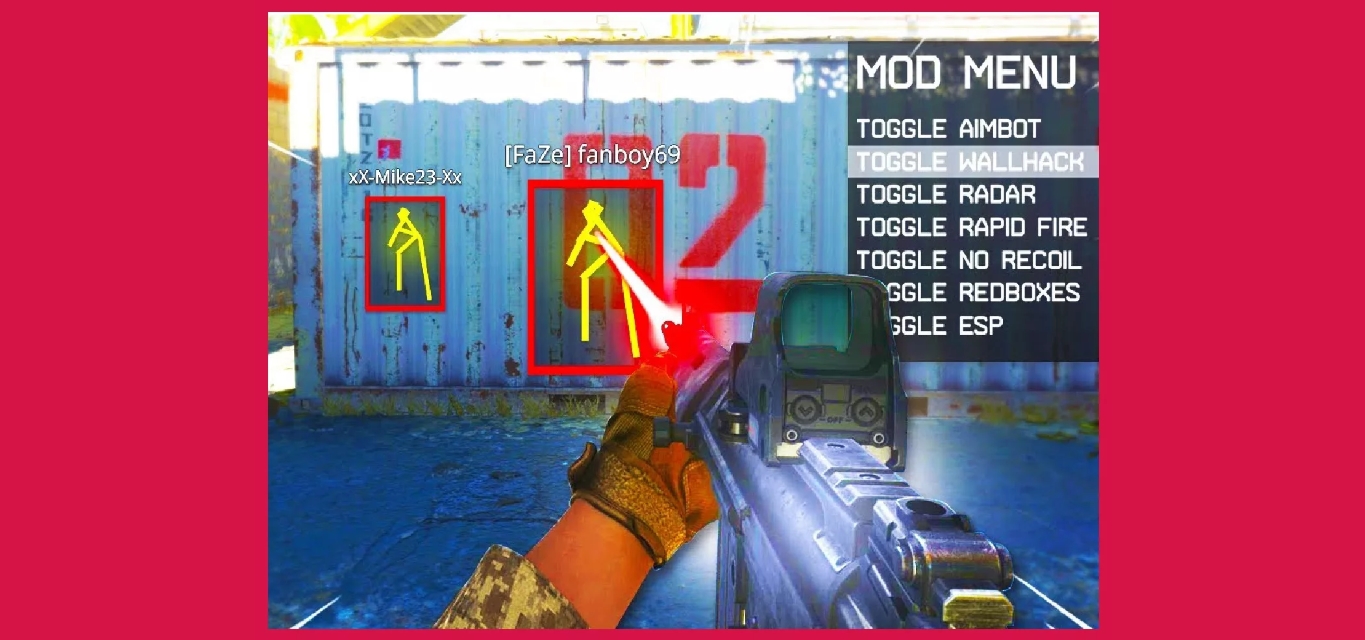
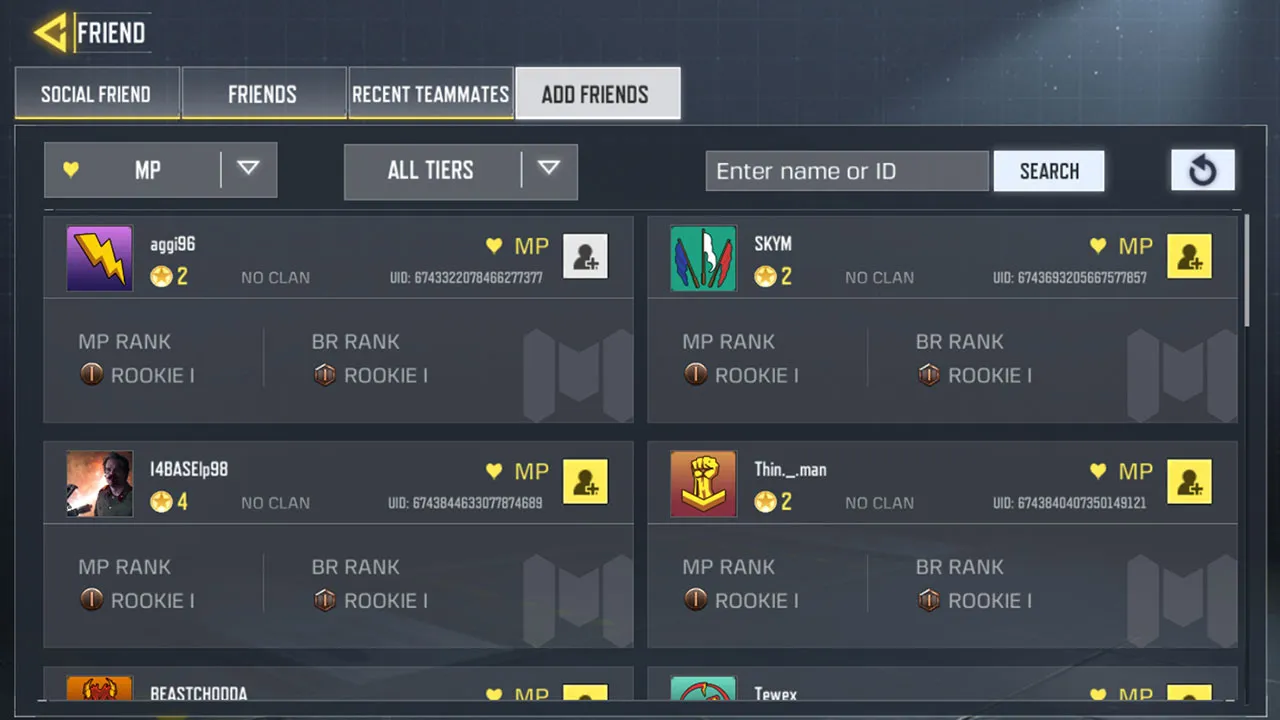
The articles here solve two main kinds of problems. First, they help you handle your account’s basic setup and security, covering how to link your COD Mobile account for cross-platform play, how to change your region in COD Mobile to play with friends overseas, and how to recover a lost Call of Duty Mobile account. Second, they address everyday social and access needs, such as how to add friends on Call of Duty Mobile to squad up, and how to log out of COD Mobile safely when switching profiles. For those looking to adjust their gameplay, you will also find a guide on how to get aimbot on Call of Duty Mobile and how to get Ghost in COD Mobile.
These straightforward tutorials help you perform specific actions like deleting an account, changing settings, or unlocking a popular character. Each guide focuses on one clear task, so you can find the exact fix you need without extra steps.