The Airplane Mode tag collects articles for anyone who has ever been confused, frustrated, or stranded by their phone’s connectivity settings. Whether you are a traveler trying to stay online at 30,000 feet, a parent managing a family tracking app, or someone dealing with a stubborn SOS screen, these guides are built for real-world troubleshooting.

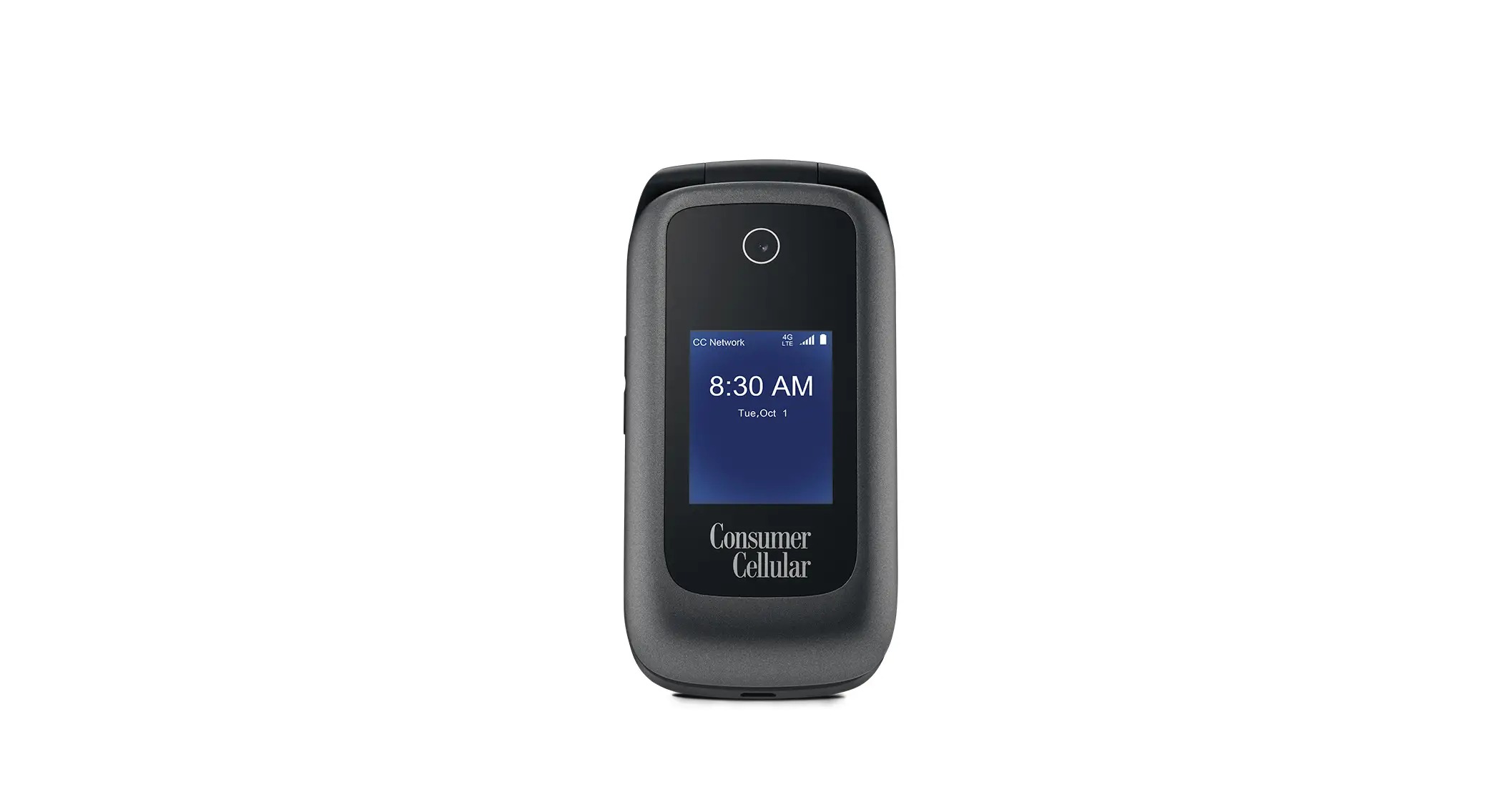
The articles here solve two main kinds of problems. One group focuses on managing how your phone and apps appear to others, for example, articles like How To Make Life360 Say Phone Out Of Battery and How To Read A Message Without Triggering A Read Receipt help you control your digital presence. Another group deals with getting your device unstuck from problematic modes, such as How Do I Get My Phone Out Of SOS Mode or How To Turn Off Airplane Mode On Consumer Cellular Flip Phone. A third, smaller theme covers using connectivity in transit, like How To Use Wireless Earbuds On A Plane and How To Use T-Mobile In-Flight WiFi.

These articles help you do specific things: hide your true battery status from Life360, bypass read receipts, disable a SIM card, or turn off a Walmart work phone. They also cover fixes for silent but urgent issues, such as why you have no service on T-Mobile. Each guide is a straightforward, no-frills solution to a real phone problem.

How To Use T-Mobile In-Flight WiFi

To use T-Mobile in-flight WiFi, enable Airplane Mode on your device, turn on Wi-Fi, and connect to the airline’s network. Then, open your browser, sign into your airline loyalty account,...

Why Do I Have No Service On T-Mobile

If your phone shows no service on T-Mobile, the cause is almost always one of a handful of verified issues: an inactive line, being outside a coverage area, Airplane mode...

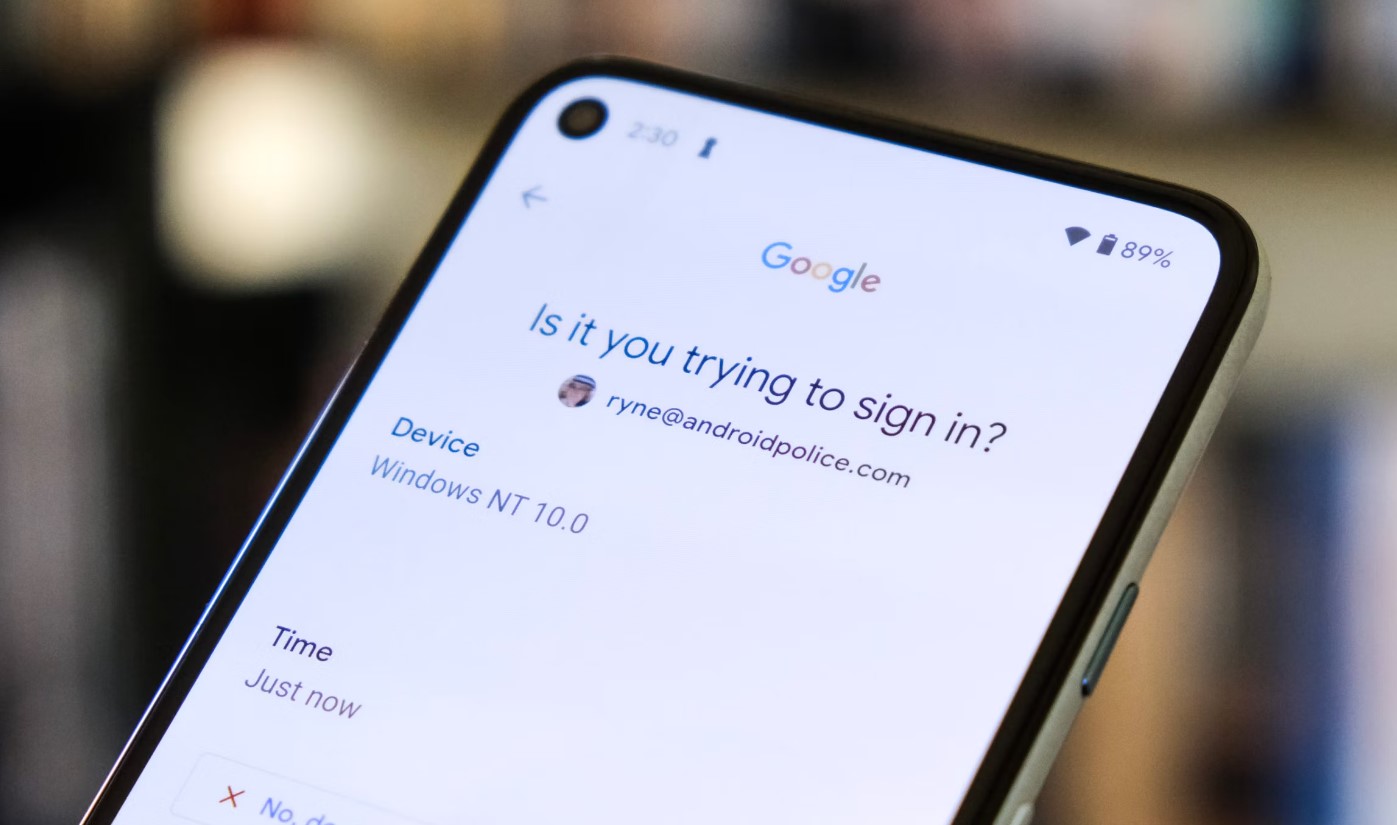
How To Turn Off Google Phone

To turn off your Google phone, press and hold the power button until the power menu appears, then tap "Power off." This is the primary method for physically powering down...

How To Turn Off A SIM Card

To turn off a SIM card, you can either disable it through your phone’s settings or physically remove it, depending on your device. This temporarily stops calls, texts, and mobile...

How To Use Wireless Earbuds On A Plane

To use wireless earbuds on a plane, the only rule that matters is that Airplane Mode must be on, but you can legally re-enable Bluetooth on your personal device if...

How To Turn Off Walmart Work Phone

To turn off a Walmart work phone, you use the same standard power and settings controls found on any iPhone or Android device, there is no Walmart-specific shutdown method. You...

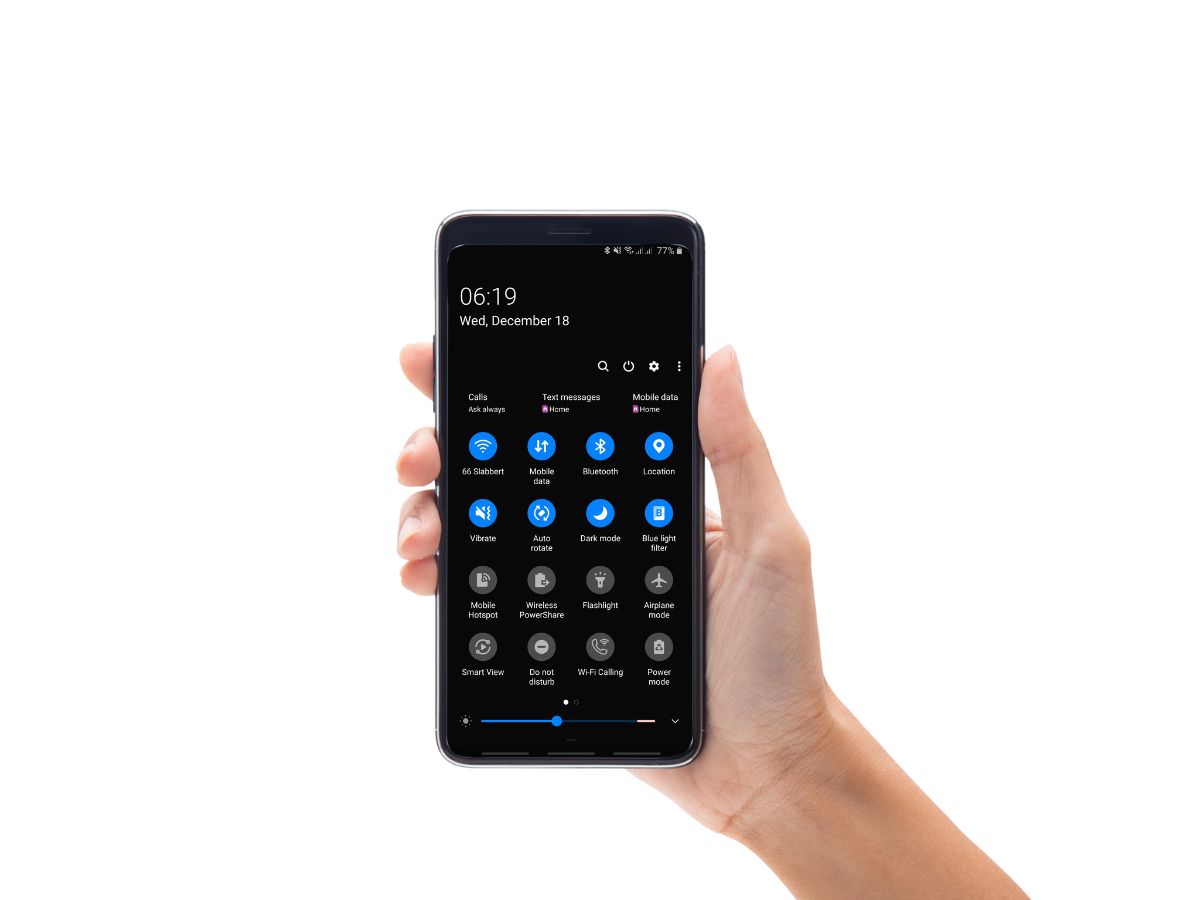
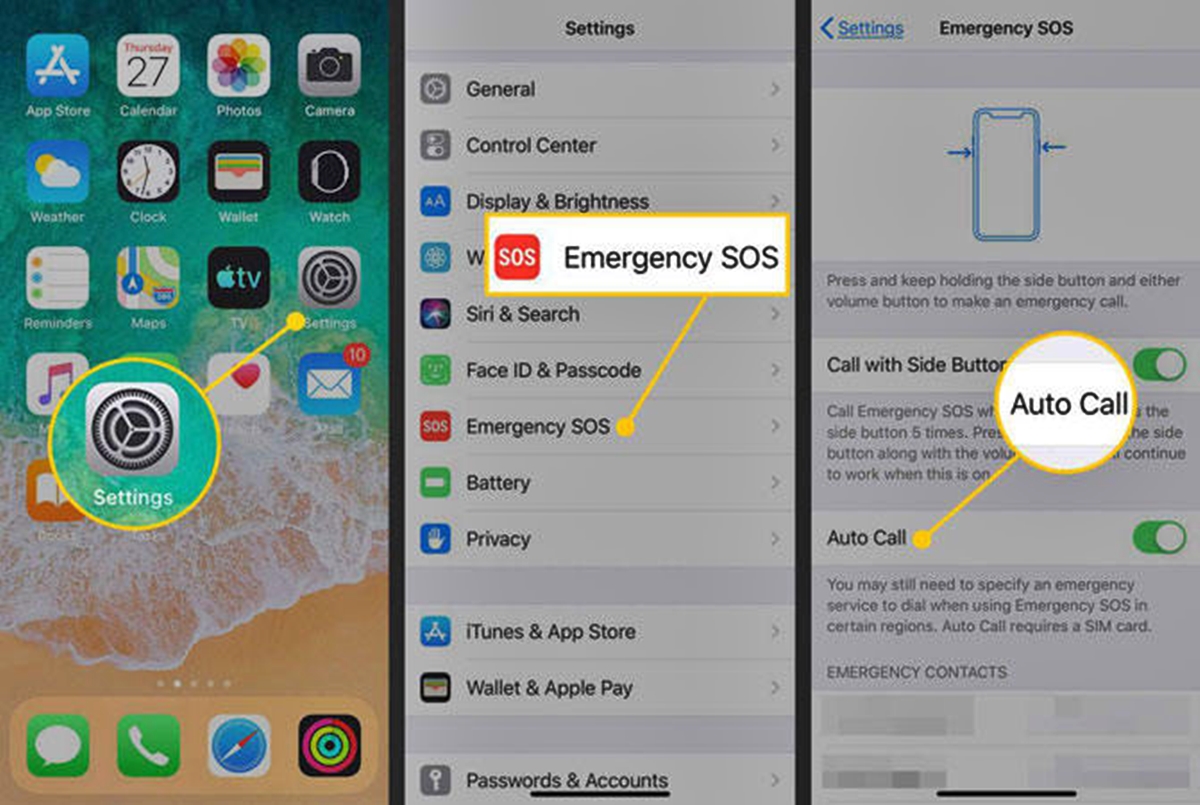
How Do I Get My Phone Out Of SOS Mode

To get your phone out of SOS mode, you first need to identify which of three distinct causes is triggering the message: a temporary network signal loss, Samsung's battery-conserving Emergency...