Start here: AirPlay

All topics →

This tag collects articles about using AirPlay and other wireless casting and mirroring technologies to connect your phone to various displays and audio devices. It is designed for anyone who wants to share their phone’s screen, stream video from apps, or play music on a bigger screen or through different speakers, whether at home or on the go.

The articles here solve three main kinds of problems. First, they help you establish a connection, covering how to cast your phone to specific TV brands like Sony, Insignia, Hisense Roku, Vizio, and LG, as well as how to connect an iPhone to a Roku TV via Bluetooth. Second, they address the reverse, how to disconnect your TV from your phone or unmirror your screen when you’re done. Third, they guide you through streaming specific content, such as how to stream Hulu, ESPN, Xfinity, Crunchyroll, or NFL Mobile from your phone to a TV, and how to play music from your phone on your television.

Whether you need to screen share an iPhone 13 or iPhone 14, cast to a MacBook, or connect wireless speakers to your television, these articles provide straightforward steps to get your content where you want it.
Casting Apps From Phone to TV

Before you start: how to cast phone to TV When you cast phone to TV, every connection relies on one of two underlying methods, and mixing them up is the...

How To Mirror NFL Mobile To TV

To mirror NFL mobile to TV, you can wirelessly cast the NFL app from your phone to your television using Chromecast, AirPlay, or built-in smart TV features. This lets you...

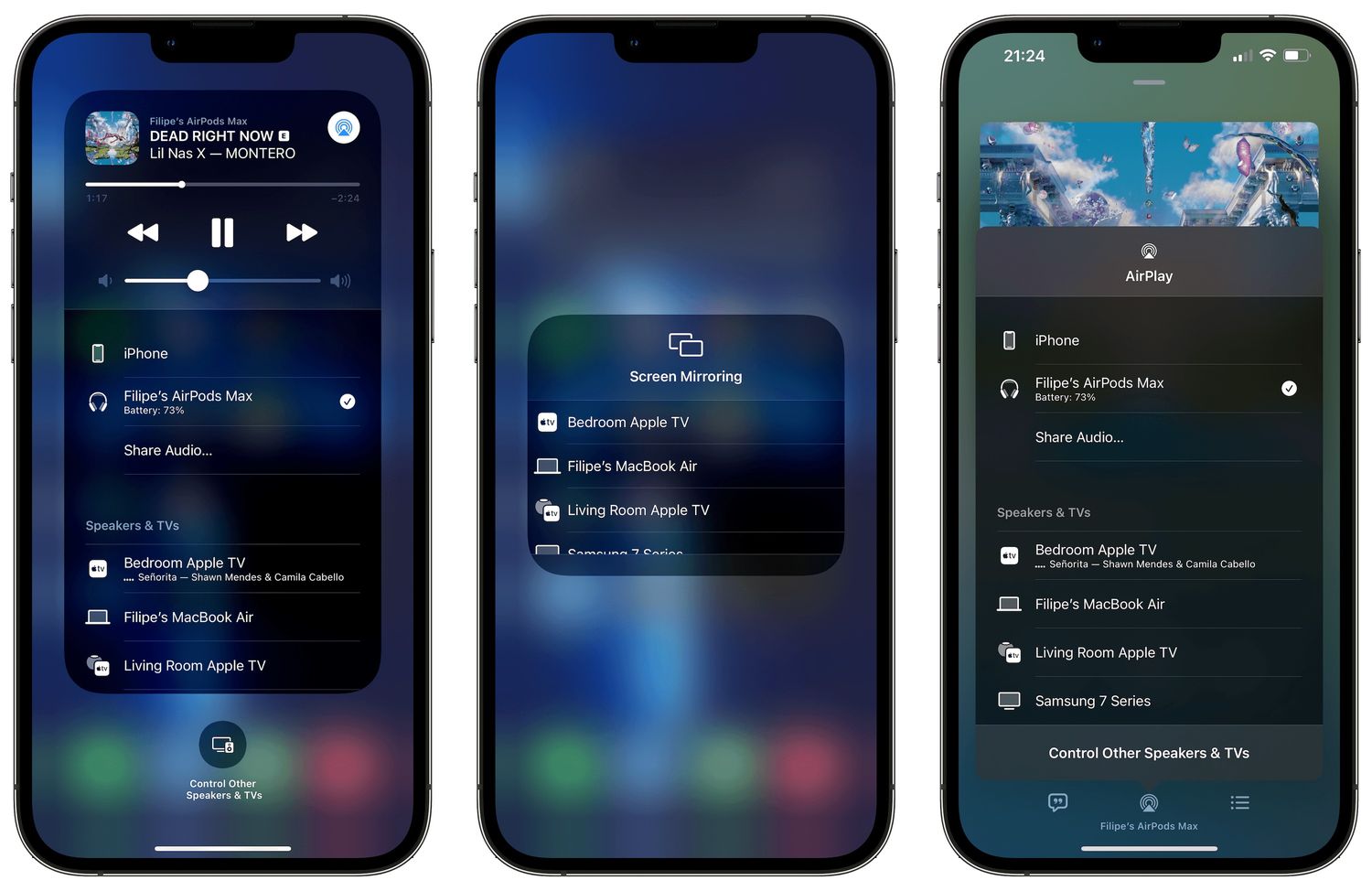
How To Screen Mirror On IPhone 14

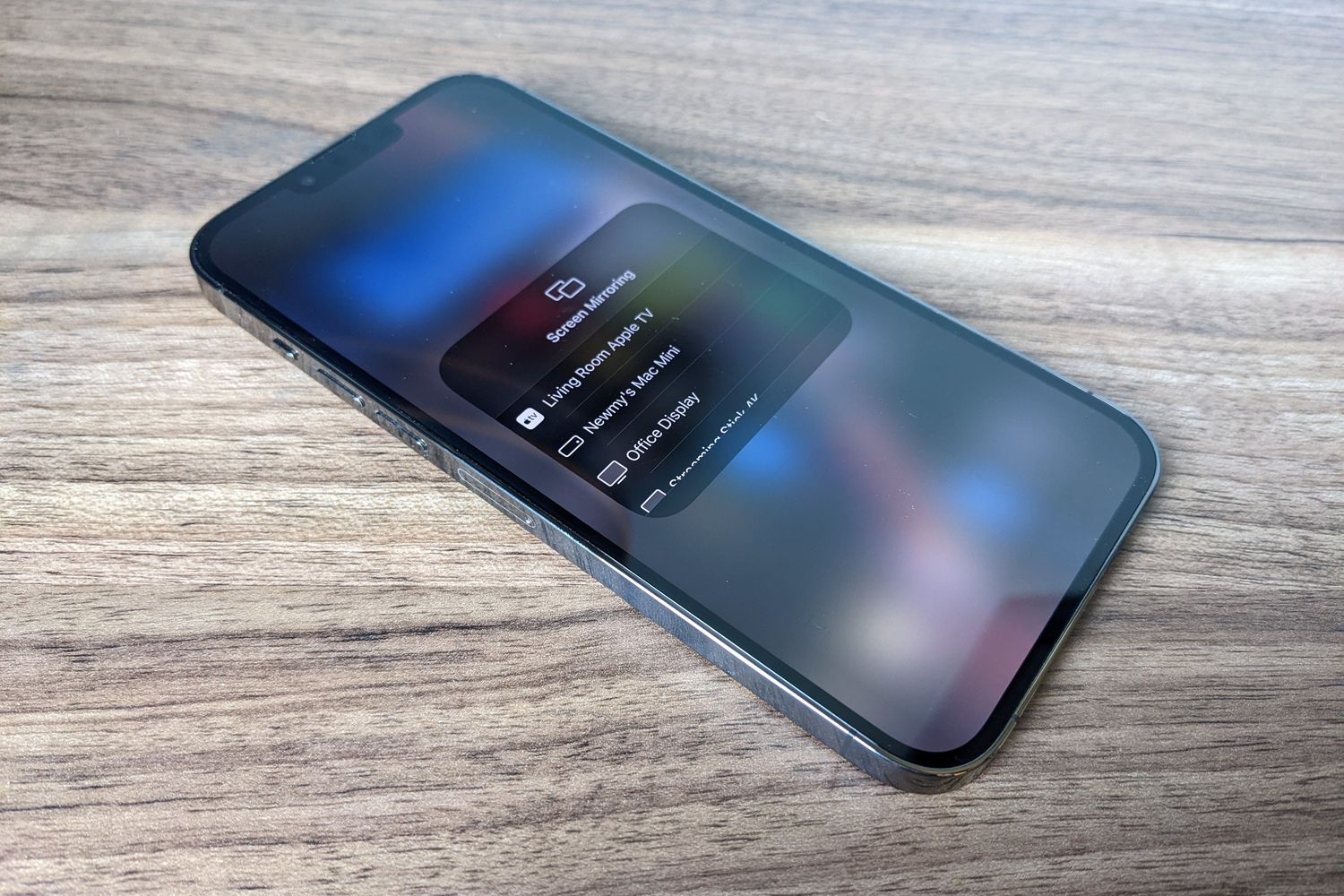
To screen mirror on iPhone 14, use the built-in AirPlay feature to wirelessly display your screen on an Apple TV, Mac, or AirPlay-compatible smart TV. Open Control Center by swiping...

How To Screen Share IPhone 13

You can screen share iPhone 13 wirelessly to a TV, Mac, or during a FaceTime call using built-in tools like AirPlay and Apple’s screen sharing features. These methods let you...

How To Play Music From My Phone On TV

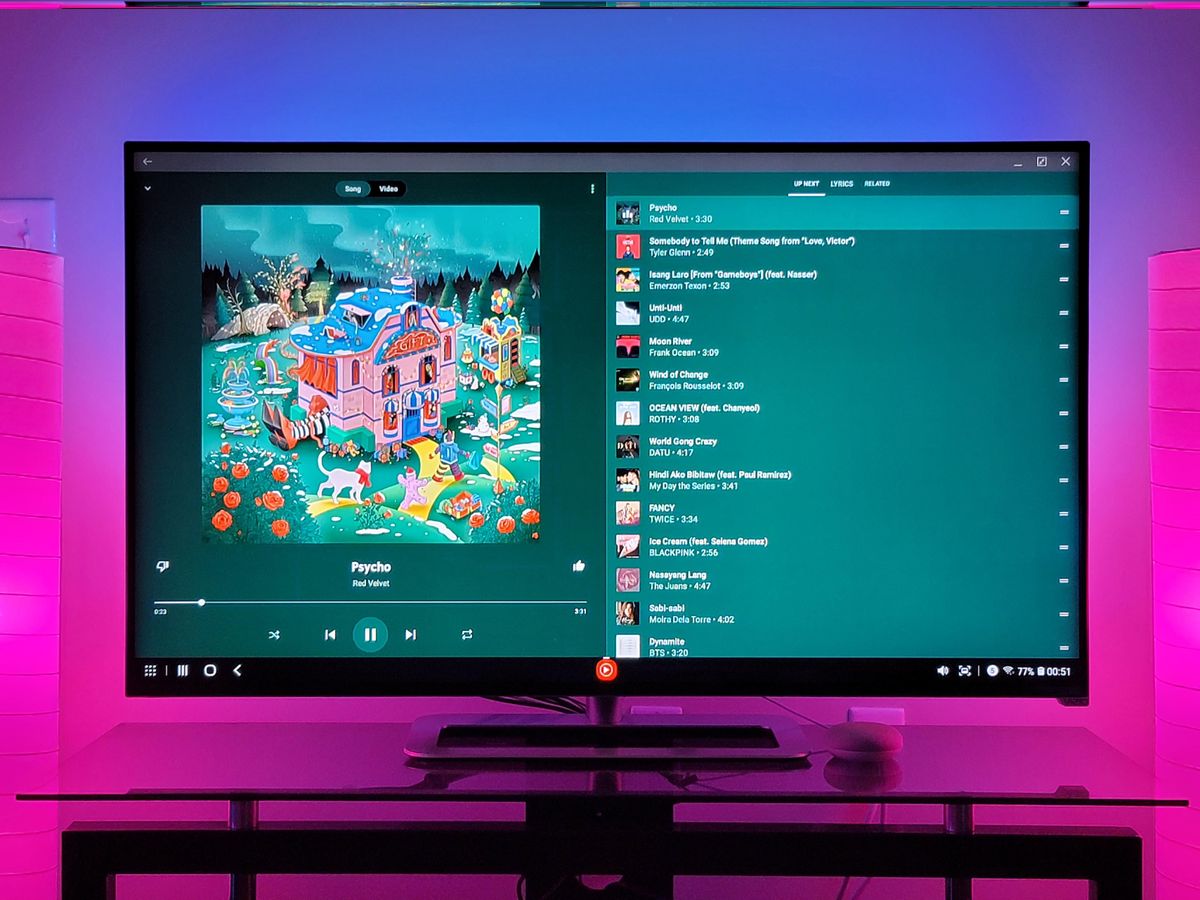
To play music from your phone on a TV wirelessly, you can use AirPlay (for iPhone) or Smart View (for Samsung Galaxy phones) if your TV or streaming device supports...

How To Cast My Phone To My Vizio TV

You can cast your phone to your Vizio TV using two built-in wireless methods: Chromecast built-in for streaming from apps on both Android and iPhone, and AirPlay 2 for screen...

How To Cast Phone To Insignia TV

To cast phone to Insignia TV, you can use the built-in wireless features of your TV and smartphone without needing extra hardware. This lets you share photos, videos, and apps...