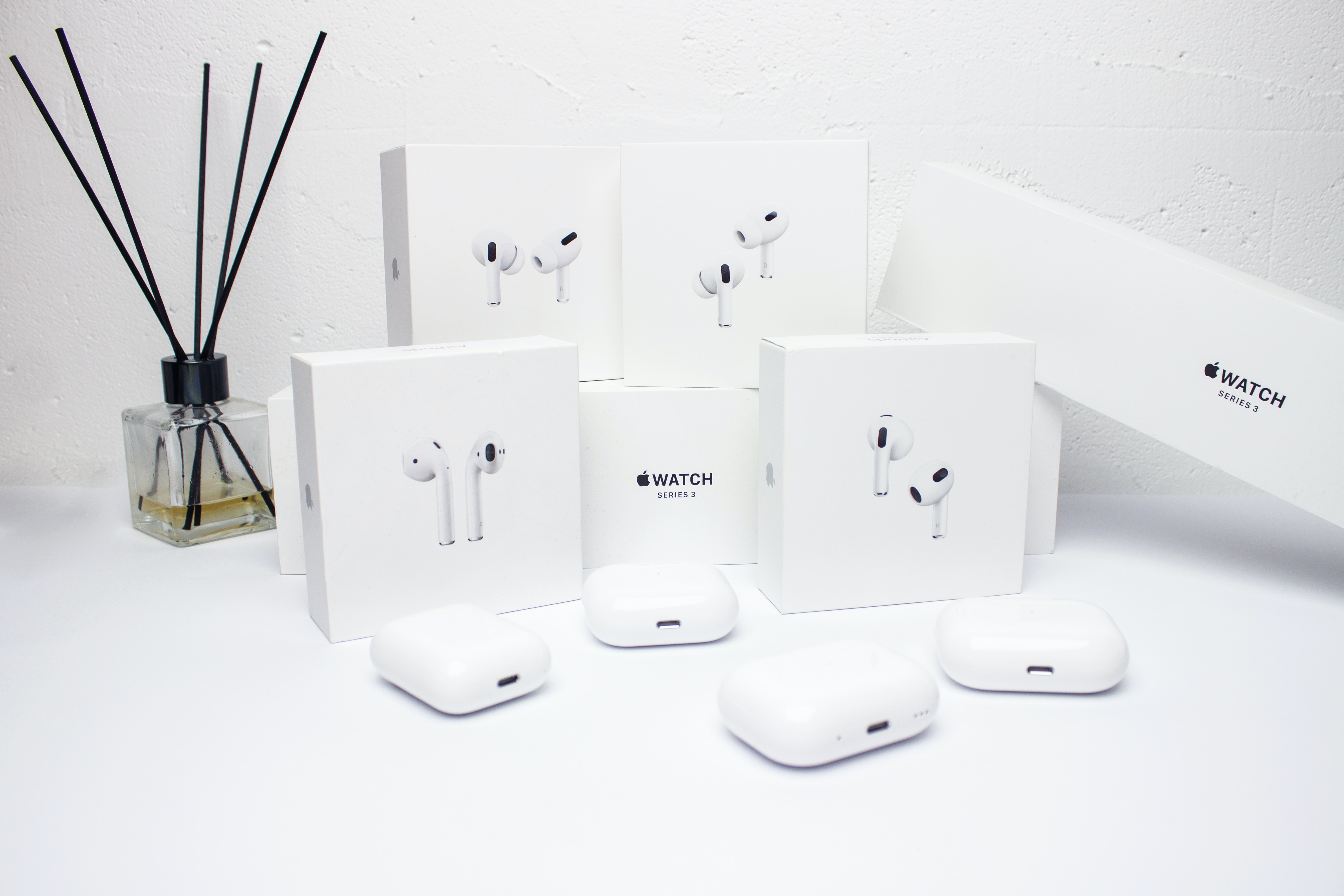
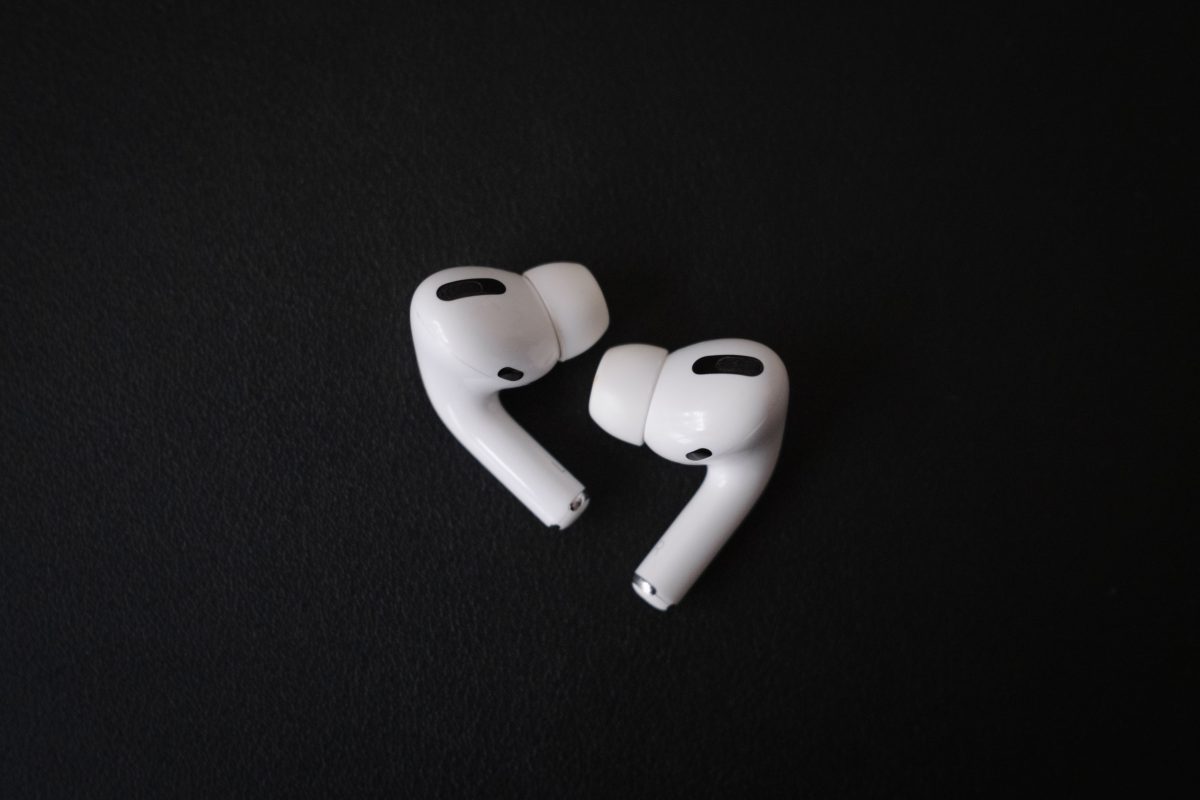
This tag page collects every article on CellularNews related to Apple AirPods and wireless headphones. It is designed for anyone who owns a pair of AirPods, from the original model to the latest Pro, as well as users of other wireless earbuds and headsets. Whether you are a new owner trying to figure out basic features or a long-time user dealing with a missing earbud, these guides are built to help you solve real, everyday problems.
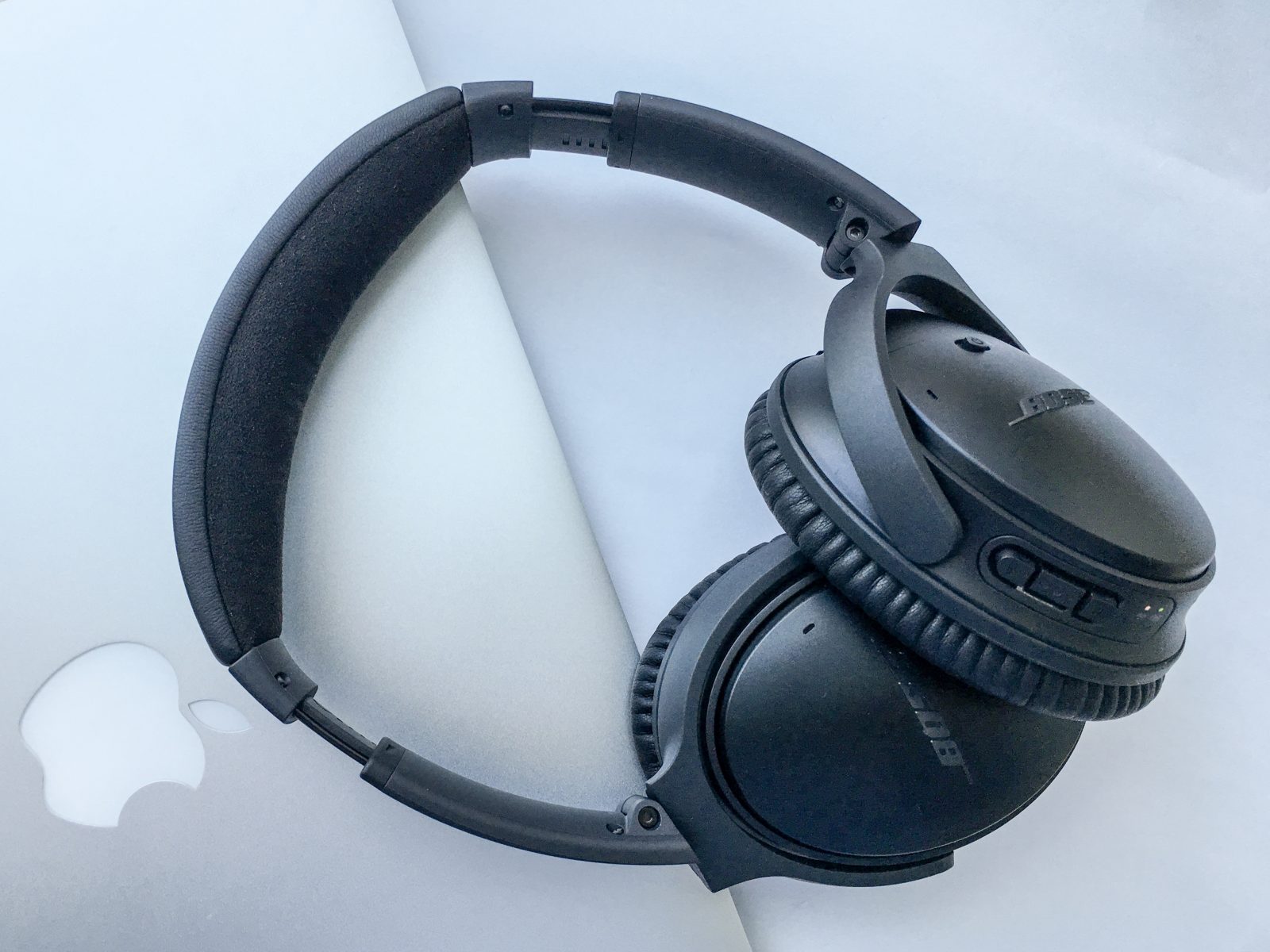
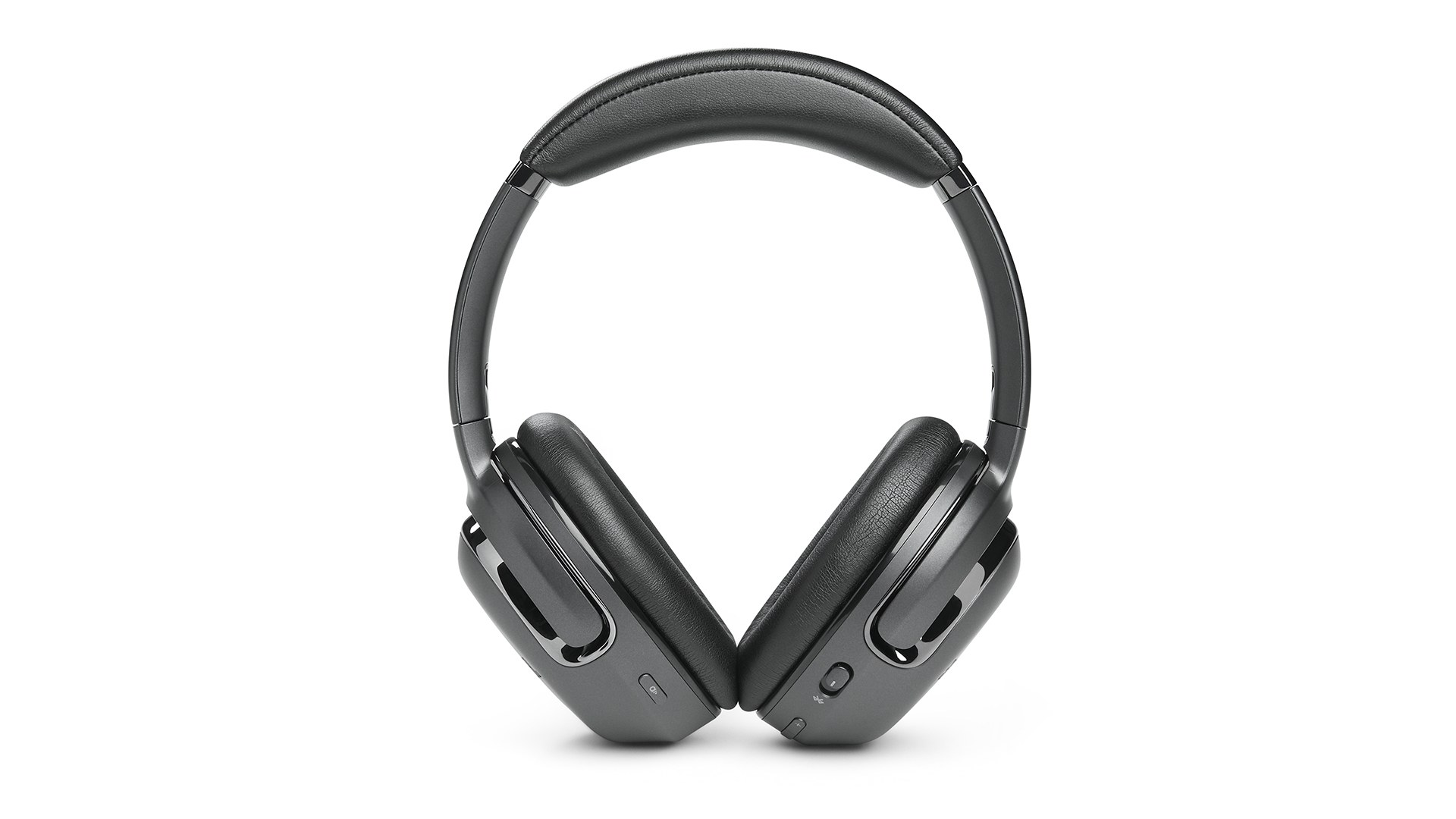
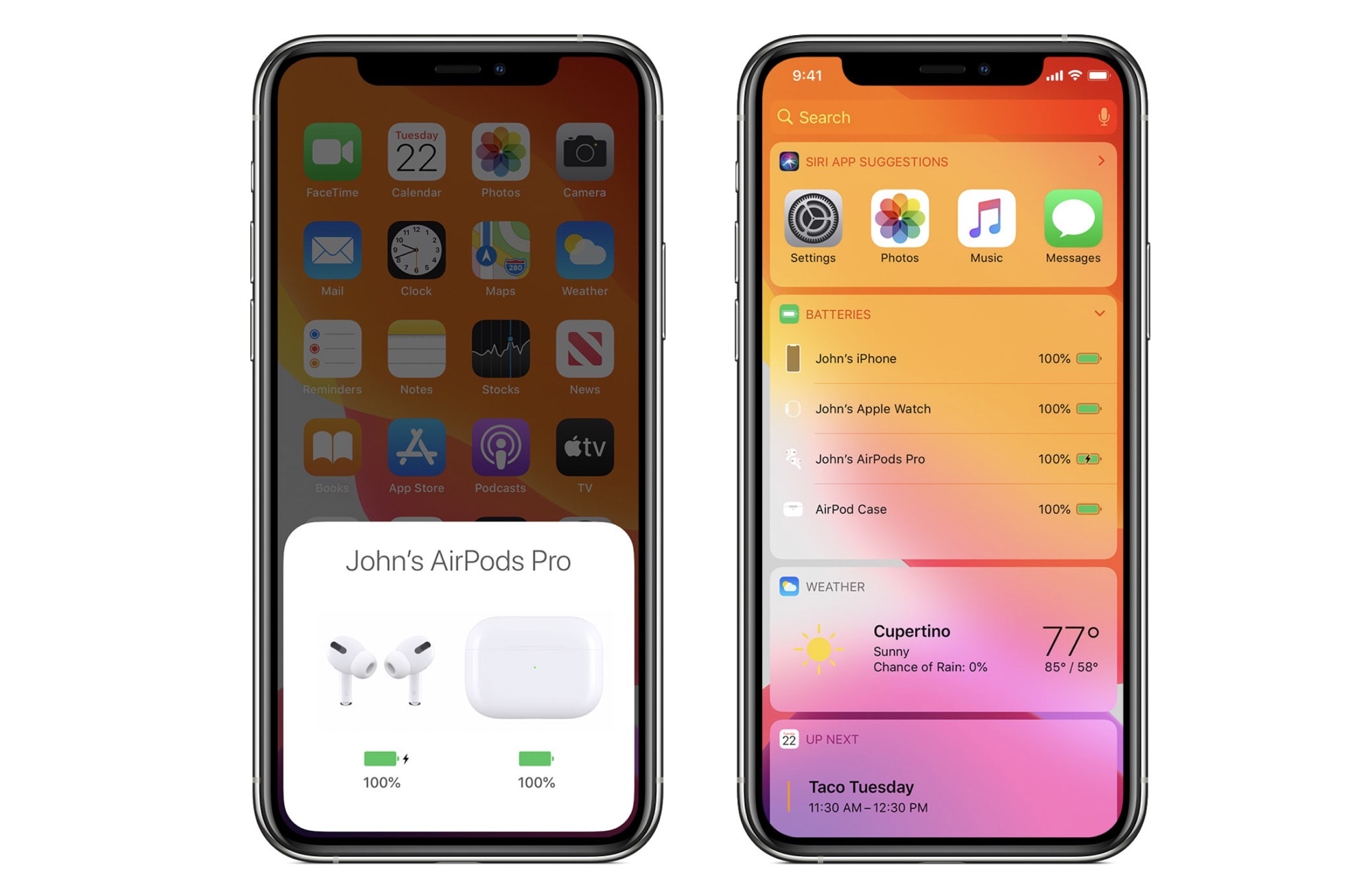
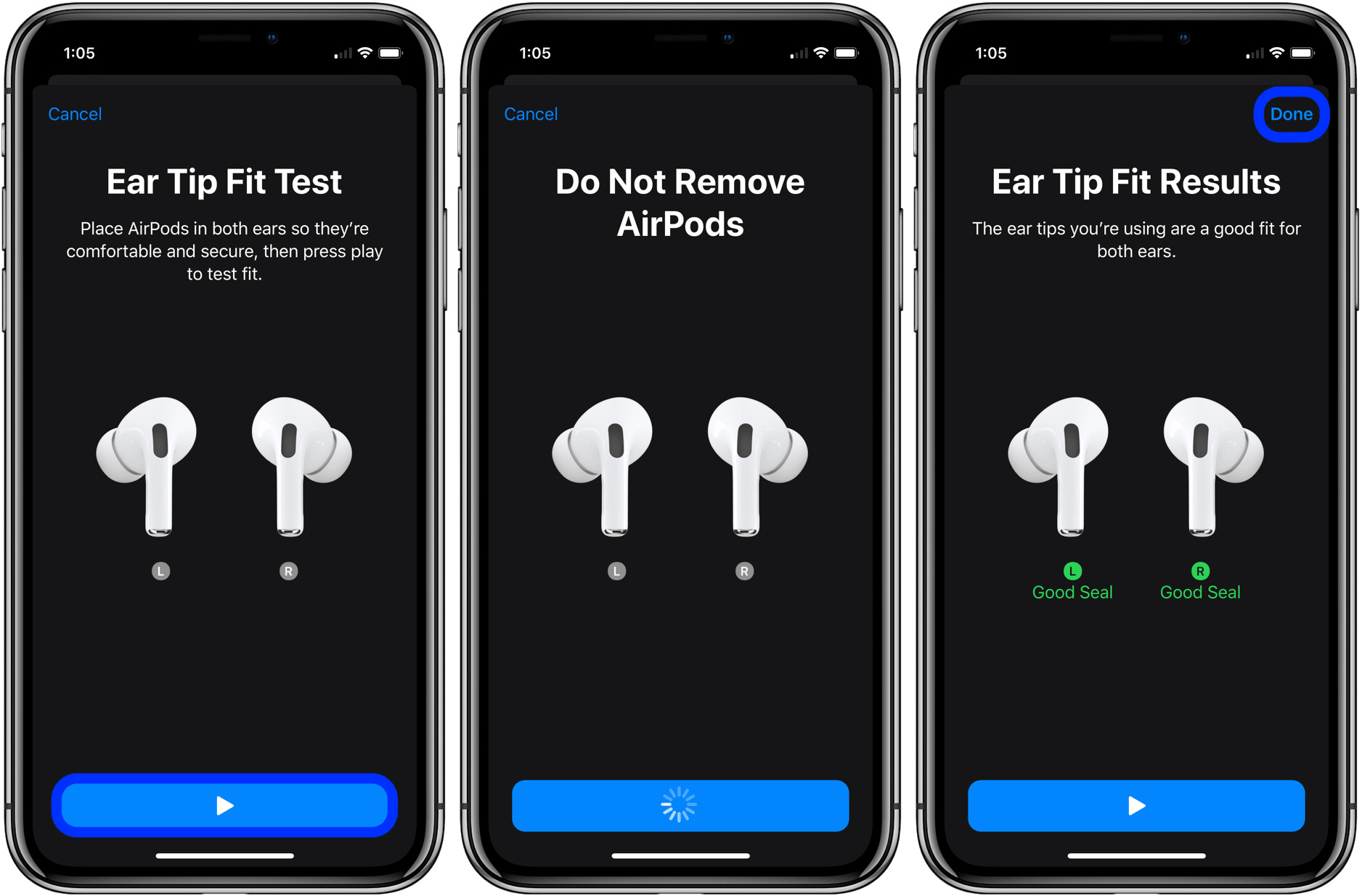
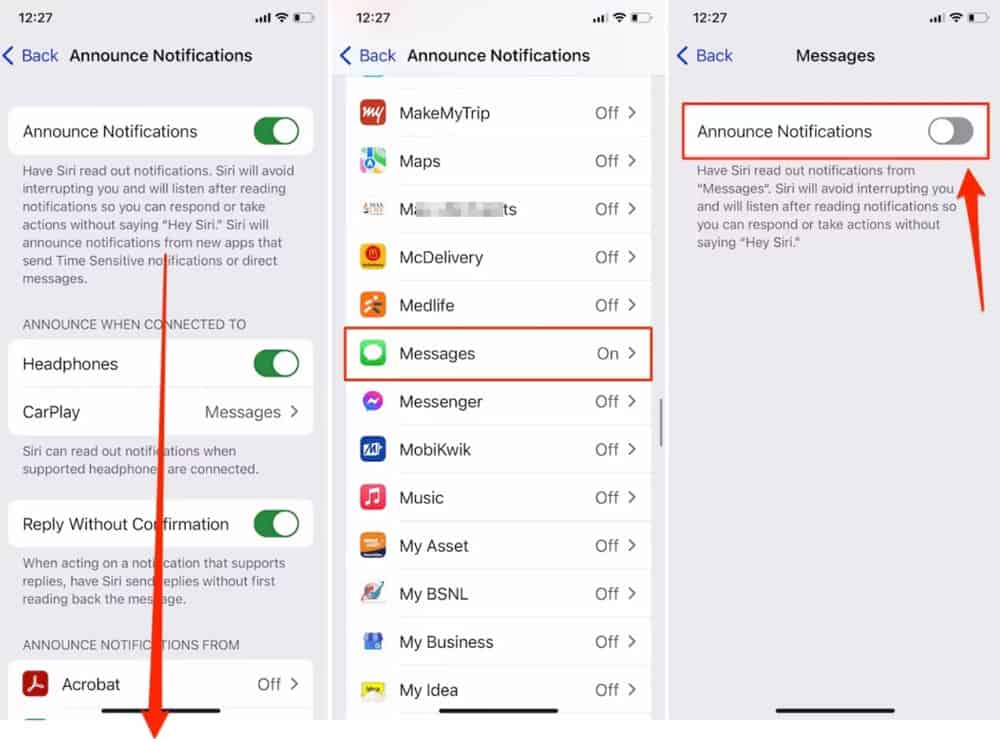
The articles here focus on two main areas: recovery and daily usage. For recovery, you will find practical help for when things go wrong. Articles like "What Happens If I Lose One AirPod?" and "How To Find A Dead AirPod" address the common anxiety of a missing or drained earbud. Similarly, "How To Find Your Wireless Headphones" and "How To Reset Headset" provide step-by-step methods for tracking down lost gear or fixing connection issues. For daily usage, the guides cover how to get the most out of your device. You can learn "How To Use The AirPod Pros" effectively, manage notifications with "How To Turn Off AirPod Announcements," and even add the "How To Add AirPod Battery Widget" to your phone for quick status checks.
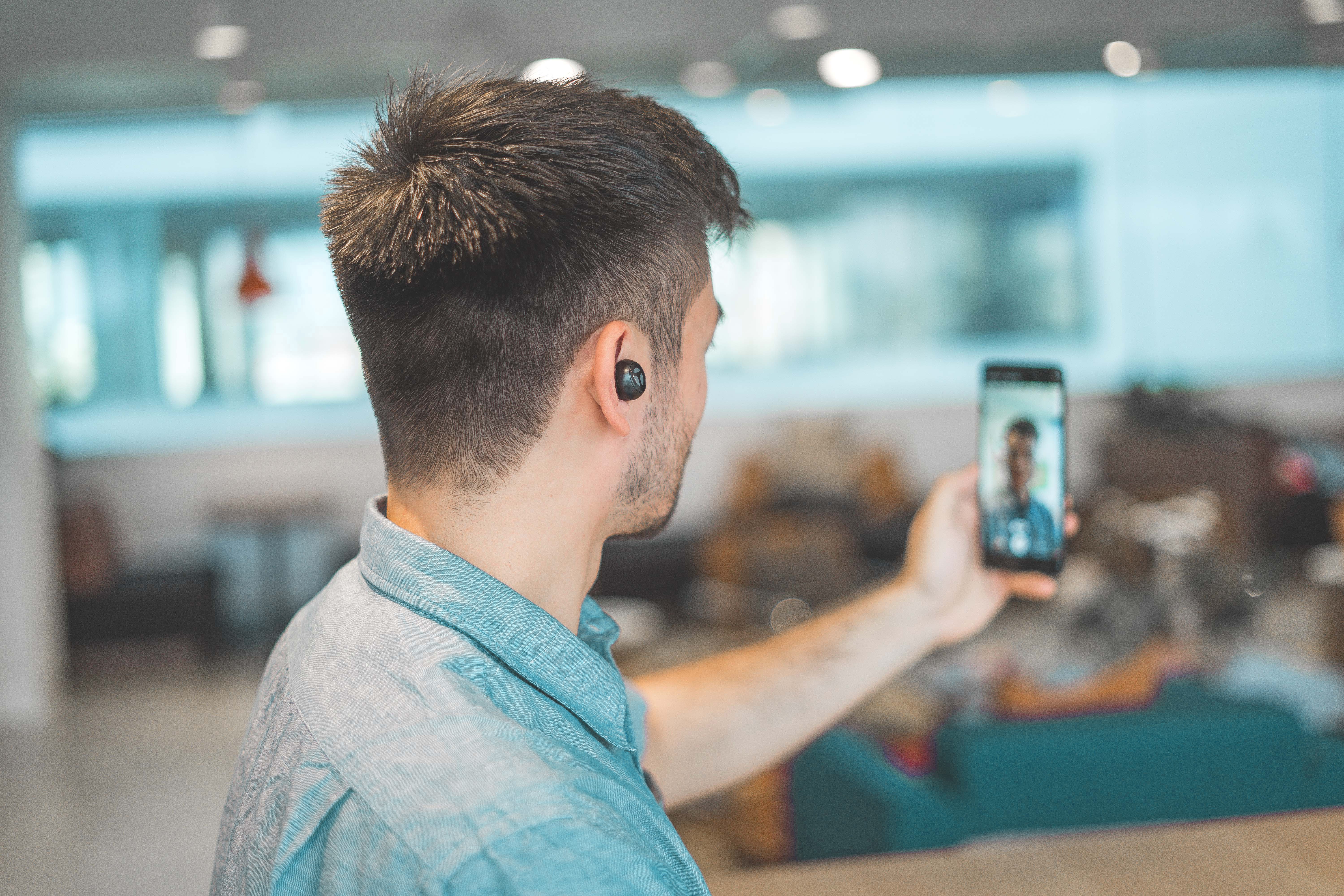
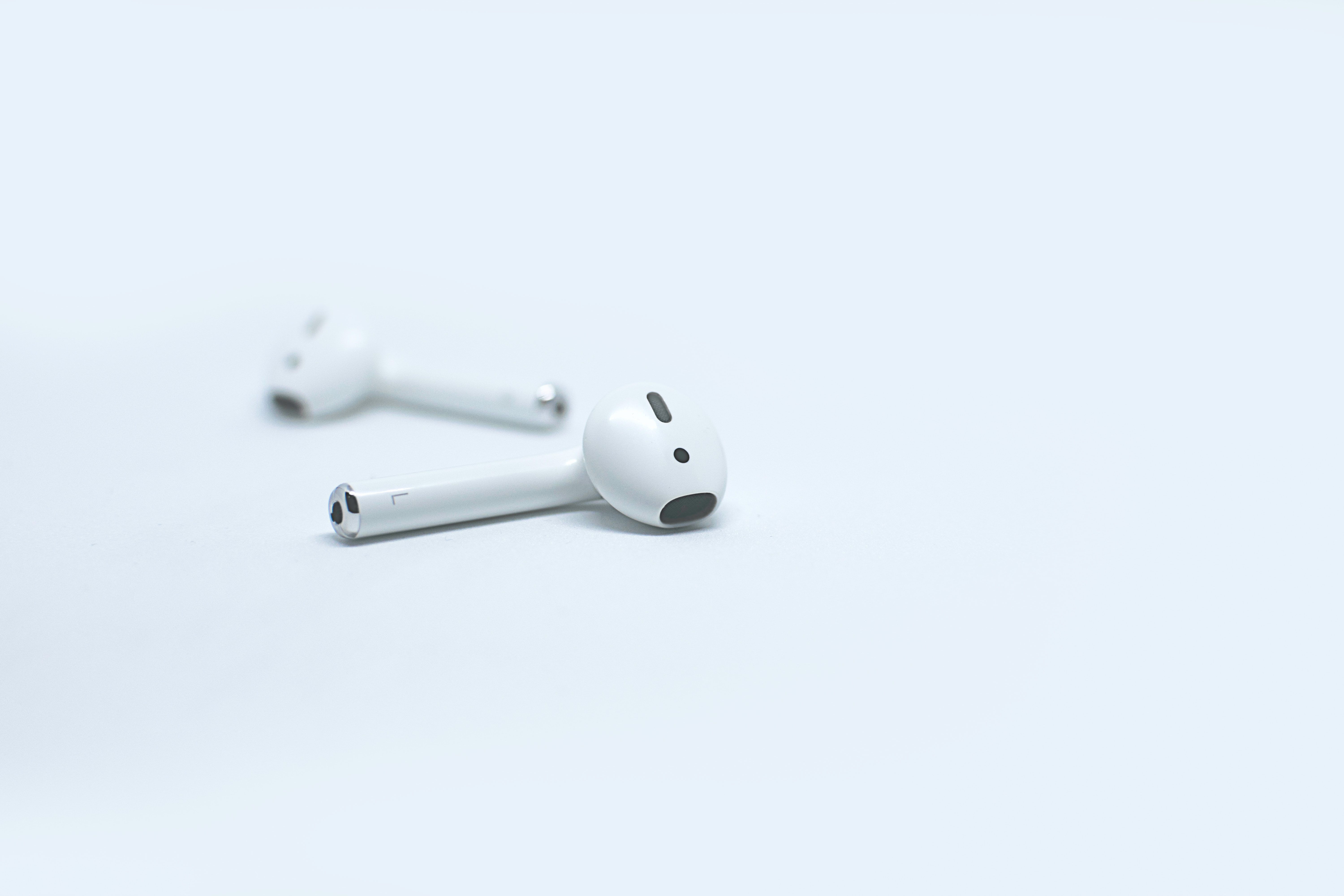
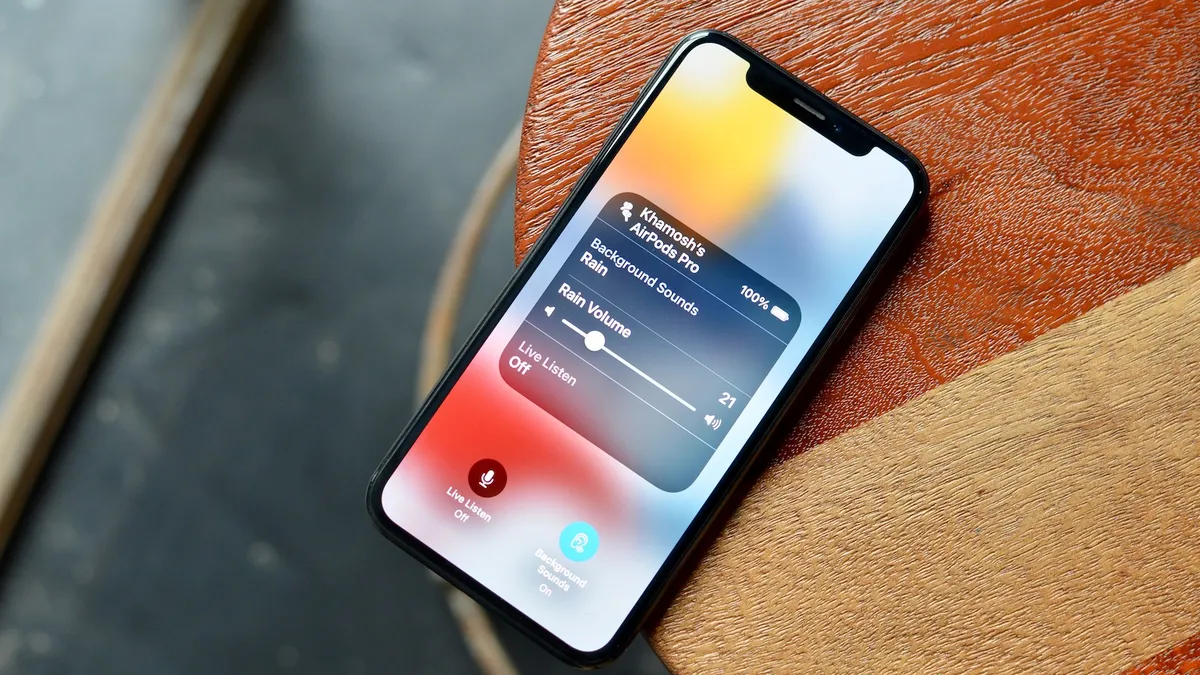
Other articles help you with specific features and identification. "How To Tell AirPod Generation" is essential for knowing exactly which model you own, while "What Is Live Listen iOS 15" explains a powerful accessibility tool. Finally, "How To Answer Calls With Wireless Earbuds" solves a basic but crucial task. These articles are meant to help you take immediate action, whether that is locating a lost earbud, silencing unwanted alerts, or simply setting up your headphones for a call.