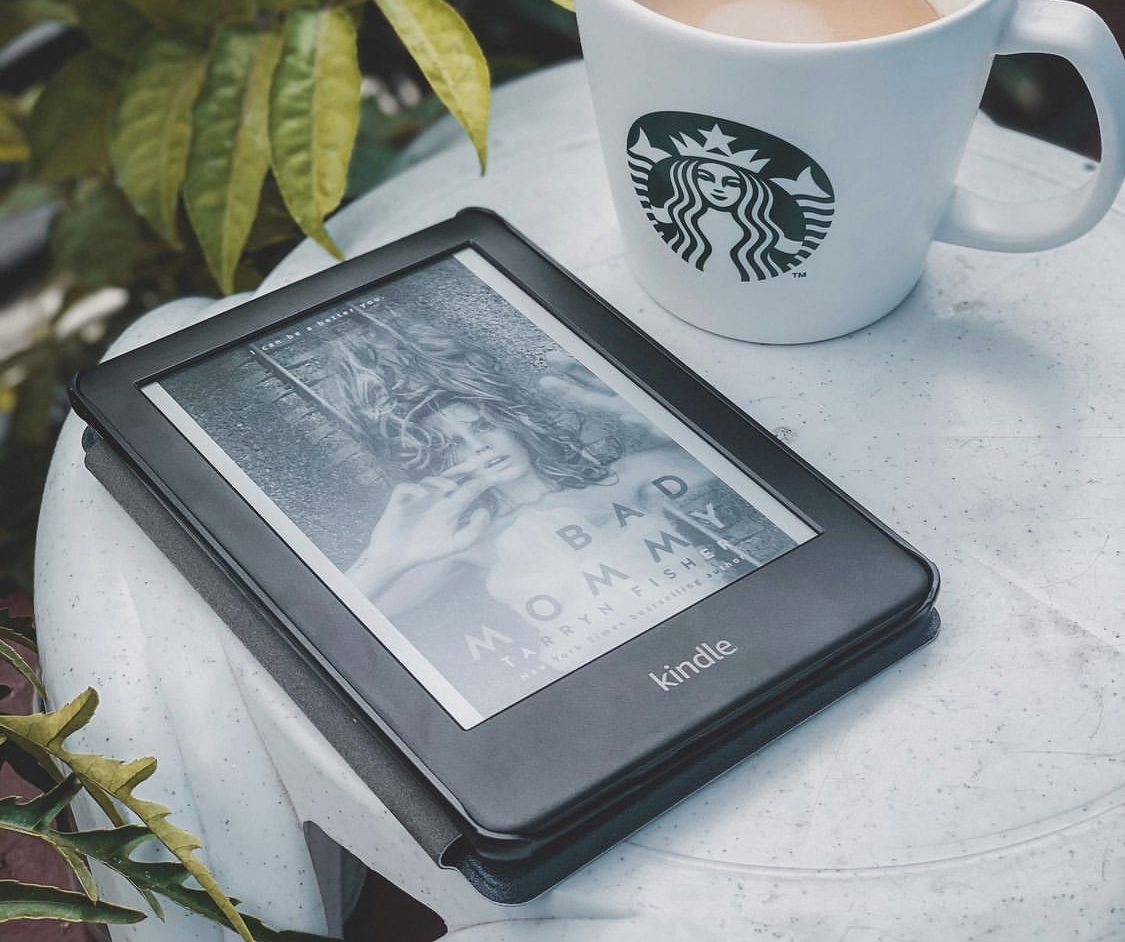
This tag collects all of CellularNews’s articles related to Amazon’s ecosystem of devices, services, and shopping tools. It is designed for anyone who owns a Kindle, a Fire tablet, or an Alexa-enabled device, as well as for regular Amazon shoppers who want to manage their account and orders from a phone. Whether you are troubleshooting a connection issue or trying to share content with family, these guides offer straightforward, step-by-step help.
The articles solve practical problems that fall into two main themes. The first is managing your Kindle and digital library: you can learn how to delete books from the Kindle app, share Kindle books with family members by setting up an Amazon Household, and check how long a Kindle battery lasts. The second theme covers Alexa and Fire device setup, including how to pair Bluetooth speakers to Alexa, how to mirror an Android phone to a Fire Stick, and how to connect to a wireless network on a Kindle Fire. Several articles also address account and order tasks, such as how to hide orders on Amazon, how to archive orders on mobile, and how to change the mobile number associated with your Amazon account.
Specific topics you will find include a review of ComiXology for reading comics on mobile, instructions for taking a screenshot on any Kindle Fire, and a guide to the Amazon Kindle Unlimited free trial. There is also advice on where to buy a cheap tripod or a GPS tracker, and how to add a phone number to Alexa. Each article helps you perform a clear action, from updating your Kindle device to finding the Amazon mobile app URL.