Our guides and recommendations for getting the most out of your phone, whether you are looking for new things to do or trying to fix a frustrating issue. This page is for anyone who owns an Android device and wants practical help, from picking the next great game to solving a network problem.
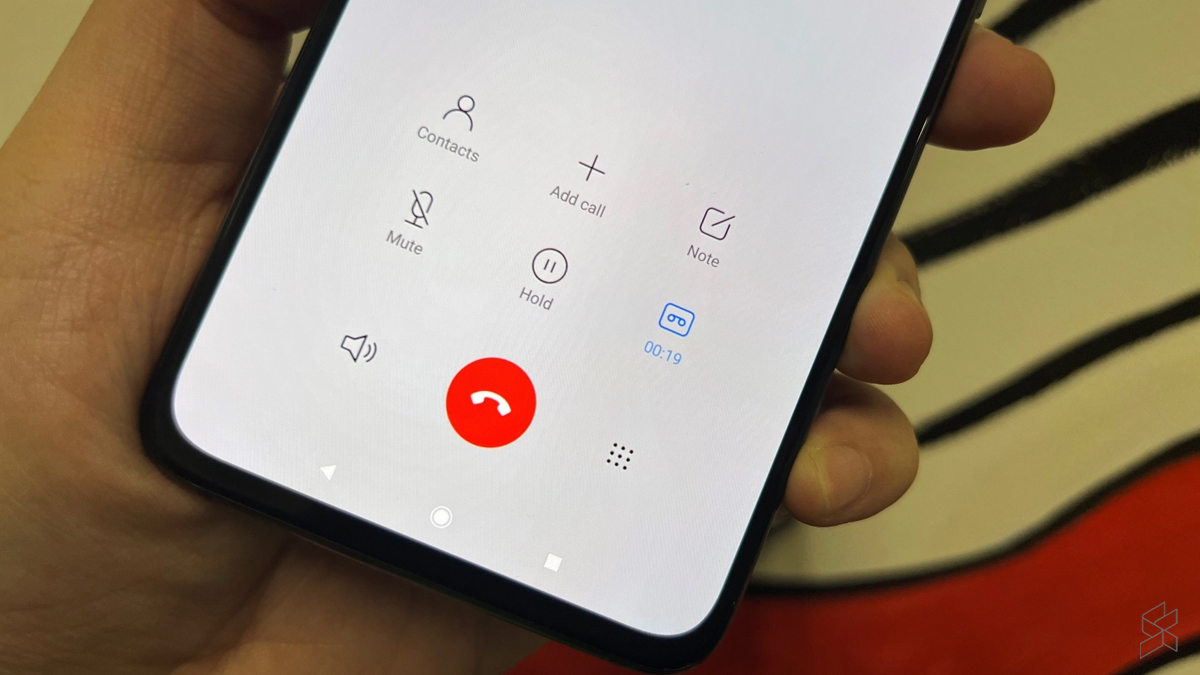
The articles here fall into a few clear themes. One major focus is on entertainment and apps, helping you find the best games and tools. You can discover top titles in categories like word games, third person shooters, and survival games, or find the best camera apps and free movie apps to upgrade your media experience. Another theme is solving common technical problems. For example, the guides offer fixes for when your cellular network is not available for voice calls or when your mobile data stops working, and they provide easy ways to boost your mobile coverage. A smaller but useful set of articles helps with specific tasks, such as finding someone's location by cell phone number or learning how to screen record mobile games.
Ultimately, these articles help you do specific things: pick a new game to play, fix a broken setting, or find a better app for productivity or photography. Whether you are troubleshooting a network error or searching for a new MOBA or rhythm game, the content here gives you clear steps and curated lists to solve your problem or find your next favorite download.