Straightforward, step-by-step guides for getting new devices and services up and running on your phone. This page is for anyone who has just unboxed a gadget, downloaded a new app, or needs to connect a smart accessory to their mobile device, and wants clear, practical instructions without the fluff.
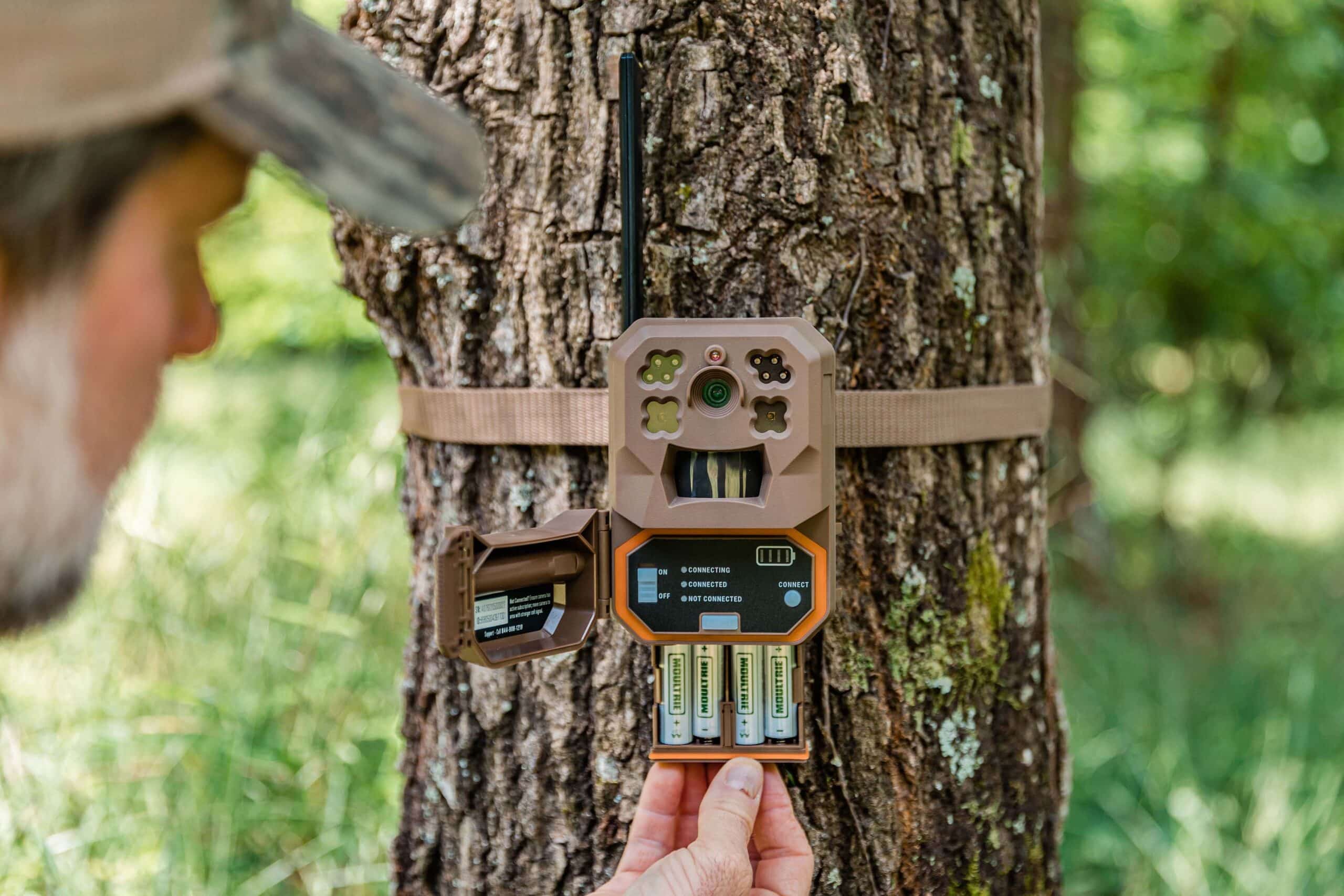
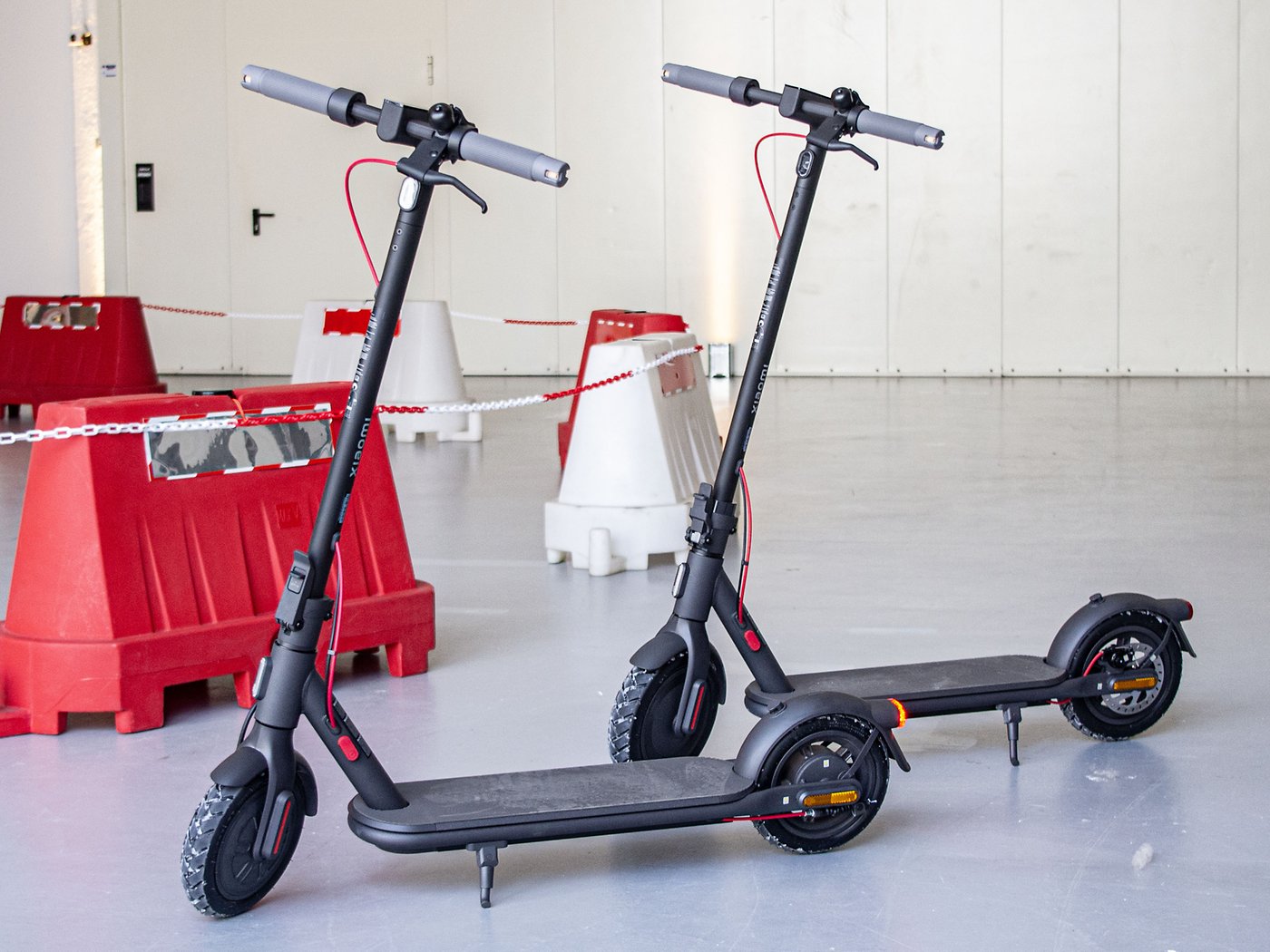
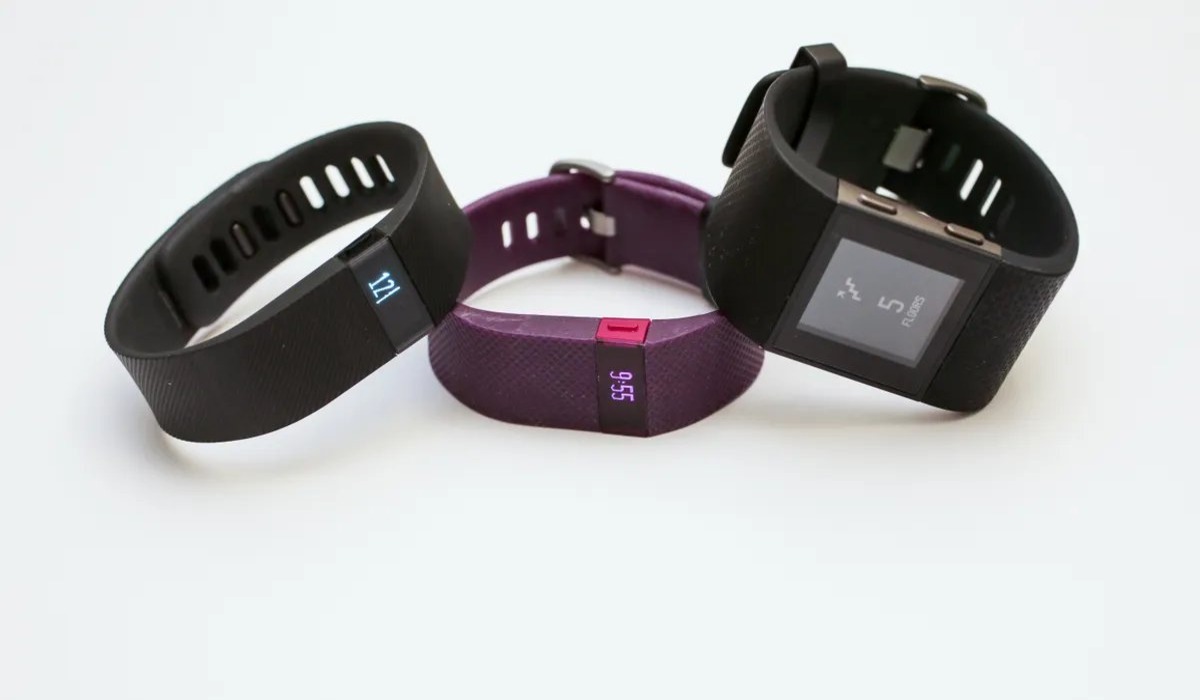
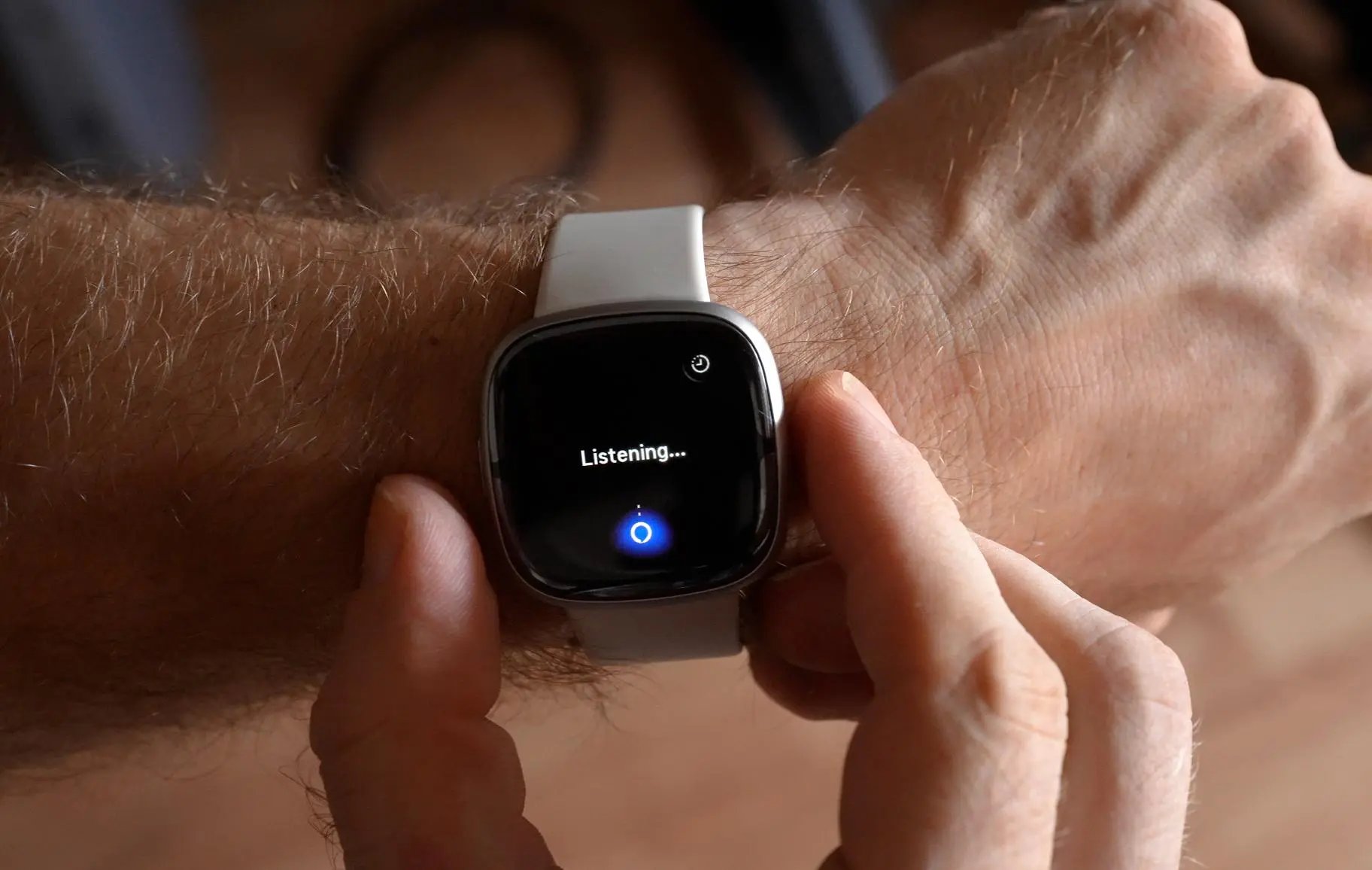
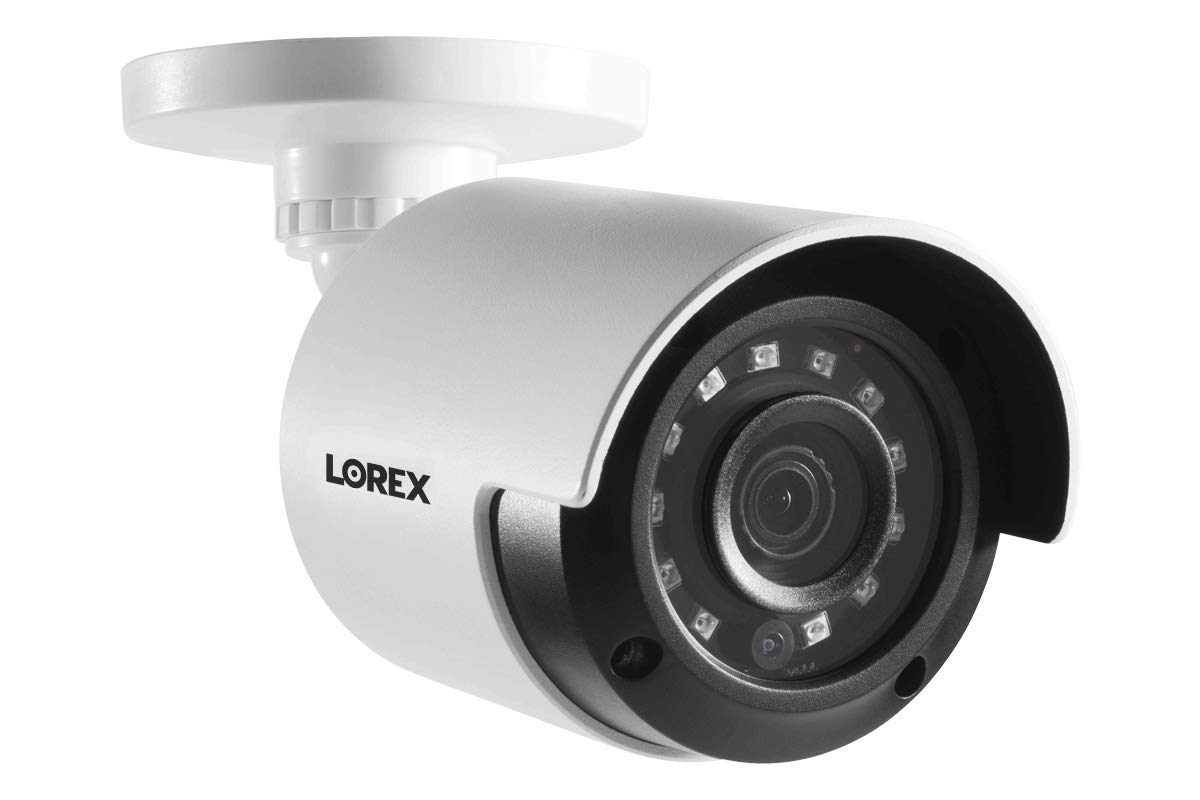
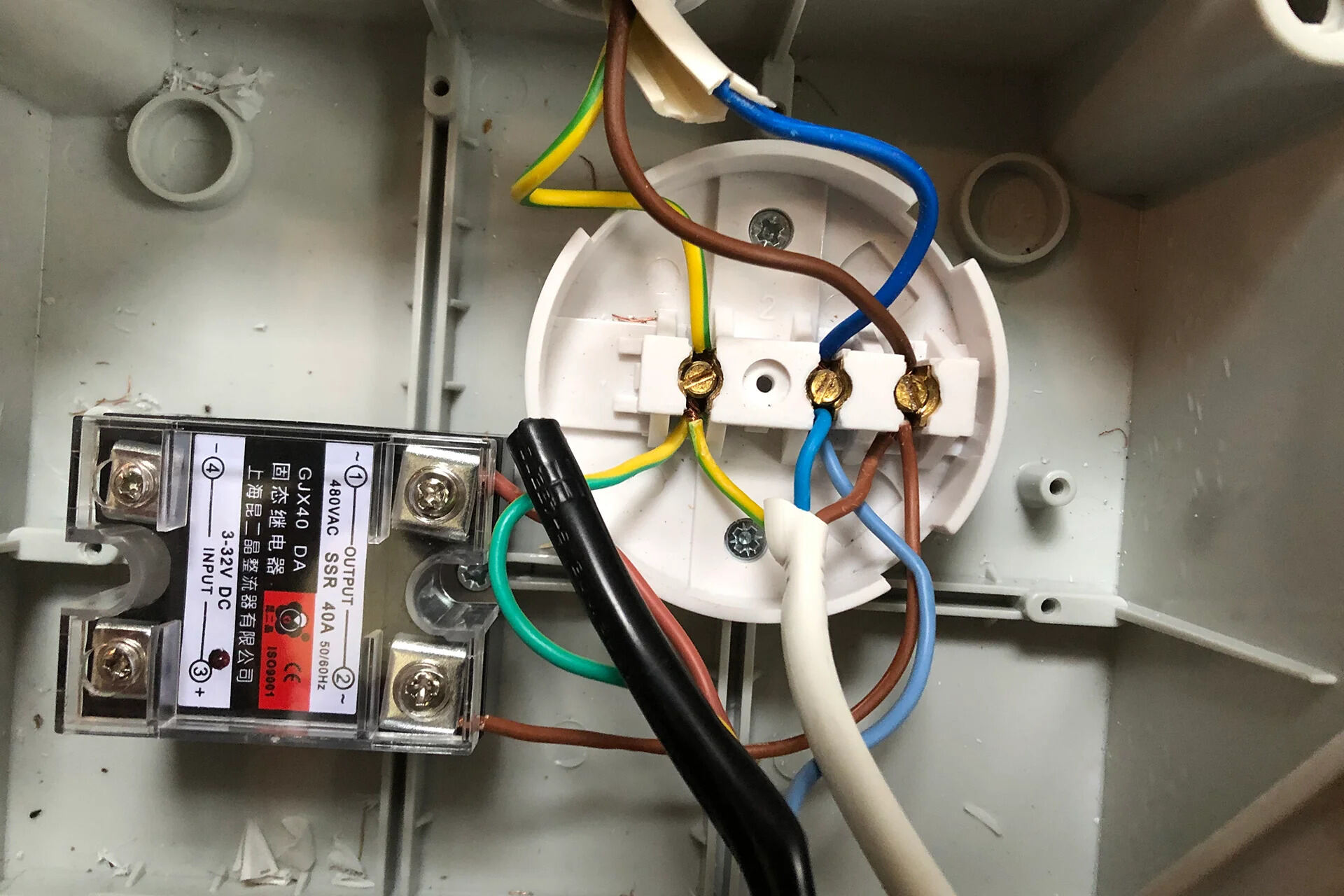
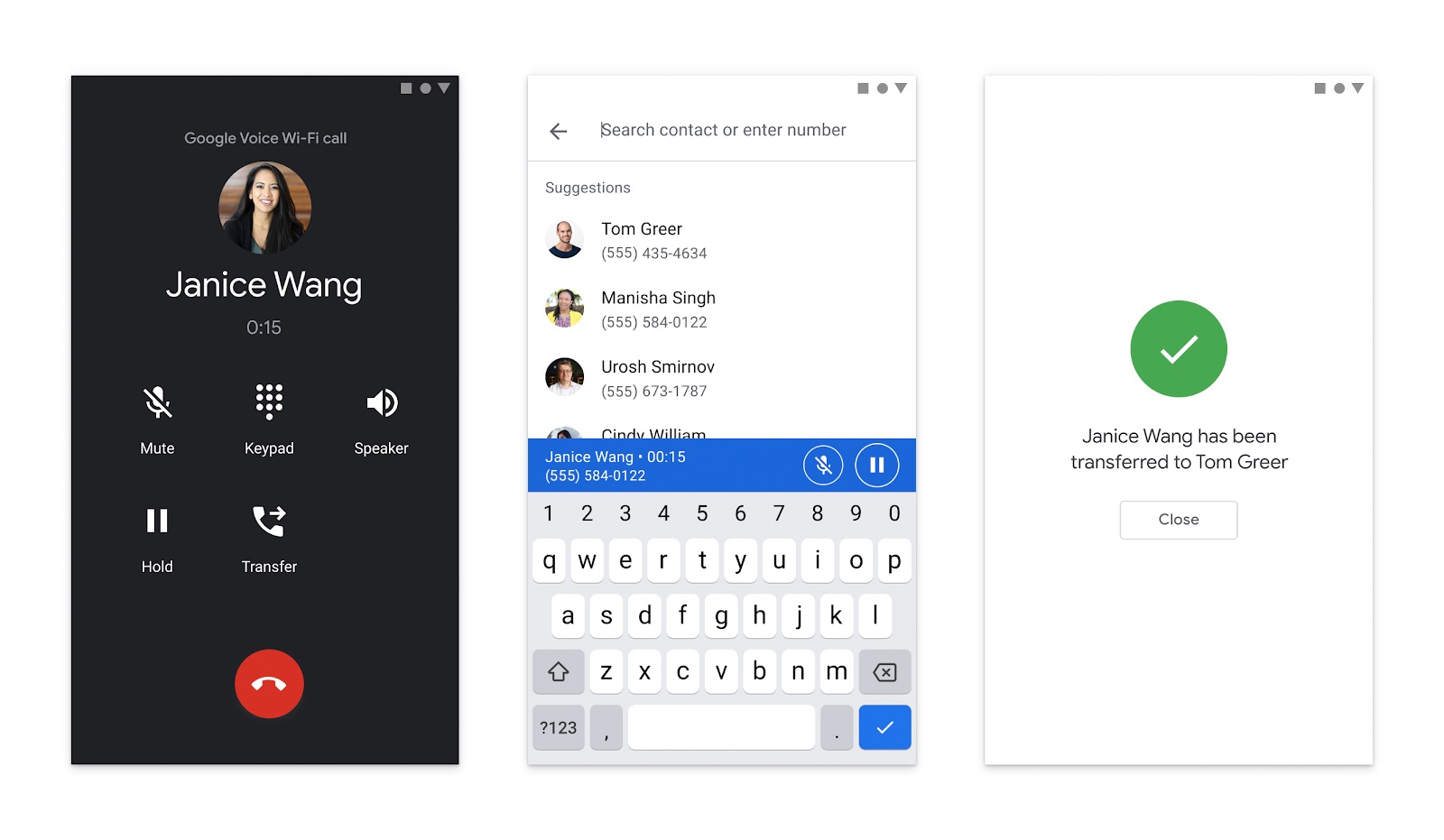
The articles here solve two main kinds of problems. First, they help you bridge the gap between your phone and a separate piece of hardware, like pairing your Fitbit Charge or setting up a Lorex wireless camera so you can view the feed on your screen. Second, they tackle app-based configuration, from using Google Voice without a traditional phone number to setting up Alexa on your Fitbit Sense 2. A few specific topics you will find include how to connect a Moultrie Mobile trail camera, install a wireless thermostat, and even set up a Xiaomi scooter to work with your phone. For gamers, there is also a guide on getting Roblox running on mobile, covering both the initial setup and common fixes.
Whether you are syncing a fitness tracker, linking a smart home device, or configuring a new app, each article is designed to help you complete the setup process quickly and get back to using your gear.