Roblox mobile guide: getting started on your phone
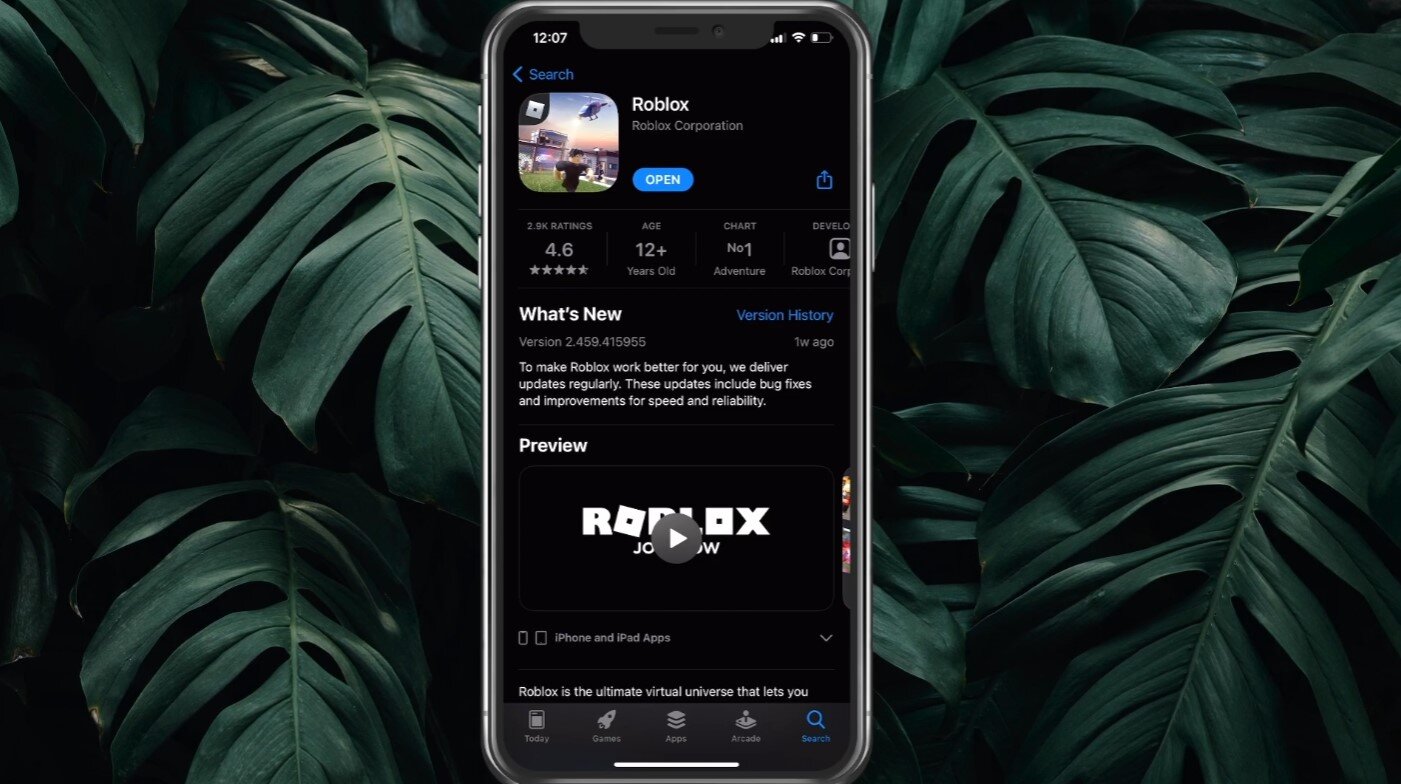
This Roblox mobile guide starts with installing the app from the App Store on iPhone or Google Play on Android. Once it is on your device, open the app and tap the More button to reach the main menu. You can log in with your username and password on the sign-in screen. If you need to add a number after logging in, go to Settings, then Account Info, and choose Add Phone. Select your country from the pull‑down menu, type the number, and confirm your password. Roblox sends a one‑time code by SMS that you enter to finish verification.
Many people want to play Roblox on phone with voice chat, and the way to enable that feature is to verify your age and phone number inside the standard Account Info settings. The steps are identical whether you get Roblox VC with phone number on Android or iPhone, because Roblox provides the verification flow via its mobile app, desktop app, or the website. You cannot start the process from a console. If you usually log into Xbox Roblox account on mobile you will still need to open the mobile app and use Account Info to add and verify a phone number, since the company’s help pages document logging in with a phone number in the mobile apps but do not describe a dedicated console‑linking menu to connect Xbox Roblox account to mobile. You simply sign into the same Roblox identity on your phone that you use on Xbox.
Buying, redeeming, and managing Robux
Adding currency to your profile from a phone begins with knowing that you cannot enter a code directly inside the Roblox app. You must open a mobile browser like Safari or Chrome and visit the redemption page to redeem a Roblox gift card. After signing in, the site accepts gift card, virtual item, and promo codes in the same field, which is how to redeem Roblox codes on mobile without switching to a computer. If you need to put Roblox card on your phone, you must use a browser because Roblox does not support code entry on consoles or inside the app itself.
Once you have credit, buying Robux happens through your device’s store profile. Tap the Robux icon in the app and choose an amount to complete the purchase via iTunes, Google Play, or other local payment methods supported by your device's app store. Some players want to give people Robux on phone. You may also see offers that promise to let you get free Robux on phone. When you redeem Robux on phone using a gift card or a direct purchase, the balance appears on your profile and is available across all platforms where you play.
Finding, saving, and organizing games
Building your personal library starts with the star icon on any experience’s details page, which is how you favorite a game on Roblox mobile so it stays pinned to your profile for quick access later. While you are organizing your library, you might also need to find Roblox user id on mobile if a support form or a friend request on another platform asks for it. Roblox’s retrieved support material does not provide a mobile-specific path for this, so a practical workaround is to open a web browser on your phone, sign into your profile, and copy the number from the address bar. Keep in mind that any third-party tool promising to reveal a hidden favorites manager or scrape user IDs is likely a front for credential theft, not a legitimate feature.
Fixing crashes, freezes, and login problems
When the app freezes on the loading screen or drops you mid-round, the fastest first step is to force-close and restart Roblox on mobile, which clears temporary memory without touching your saved login. On an iPhone, swipe up from the bottom of the screen and pause to open the app switcher, then swipe the Roblox preview up, then tap the icon again and most stutters stop. If the game still stumbles, the deeper reasons for Roblox failures often hide in a mismatched device clock, so open Settings and confirm Date & Time is set automatically, or in a corrupted local cache that a full delete and App Store reinstall can scrub. Android users share those same general fixes, and you can clear the app cache via Settings > Apps > Roblox > Storage > Clear data/cache, though a clean reinstall is another route when you need to fix Roblox crashing mobile on that platform. Login loops are a related headache, and Roblox recommends signing in via a browser like Chrome or Safari when the app stubbornly refuses; you can also log out entirely, then back in to refresh the session token and your profile credentials. If you are locked out because you lost access to both your email and phone, there is no documented way to recover Roblox account without email or phone number, but you can contact support directly with proof of ownership.
Creating and selling on mobile
Almost nothing you have been told about building on a phone holds up when you check the real tools. There is no sanctioned path to open Roblox Studio on mobile, and no version of the app lets you get Roblox Studio on mobile from your tablet’s store. Because the full editor does not run on a handheld device, you cannot truly make a Roblox game on mobile the way you would on a computer; you can only use your phone to test touch controls inside an experience that was already built elsewhere, though the Roblox app does include a Build tab for generating basic games from text prompts. The same limitation applies when you try to make a Roblox game on Android phone. If your goal is to use Roblox scripts on mobile, one mobile-specific scripting support documented in official sources is the ContextActionService API, which a developer adds on desktop so that on-screen buttons appear when someone plays on a phone. You can create a Roblox gamepass on mobile via the Roblox app. Every mobile creation shortcut you encounter is not backed by official documentation.
Refunds and transaction history
When you try to refund items on Roblox mobile app, you hit a wall quickly because the app itself contains no button or menu for reversing a purchase. Roblox directs refund requests to the platform that processed the payment, meaning for charges showing "Xsolla*Roblox" you must contact Xsolla, while for other charges you contact Roblox Customer Support directly rather than hunting inside the Roblox interface. The same limitation holds if you need to refund a gamepass on Roblox mobile, as the authorized recourse is contacting the billing provider that handled the transaction. Before you spend anything, you can see pending Robux on mobile by opening a browser and signing into the Roblox site. Tap the Robux icon, select My Transactions, and under the summary earned Robux from Experience Pass sales sit in escrow until the holding period ends. That pending balance is visible there, not inside the native app, and the process is identical whether you use an iPhone or an Android device.
Using controllers, VR, and audio
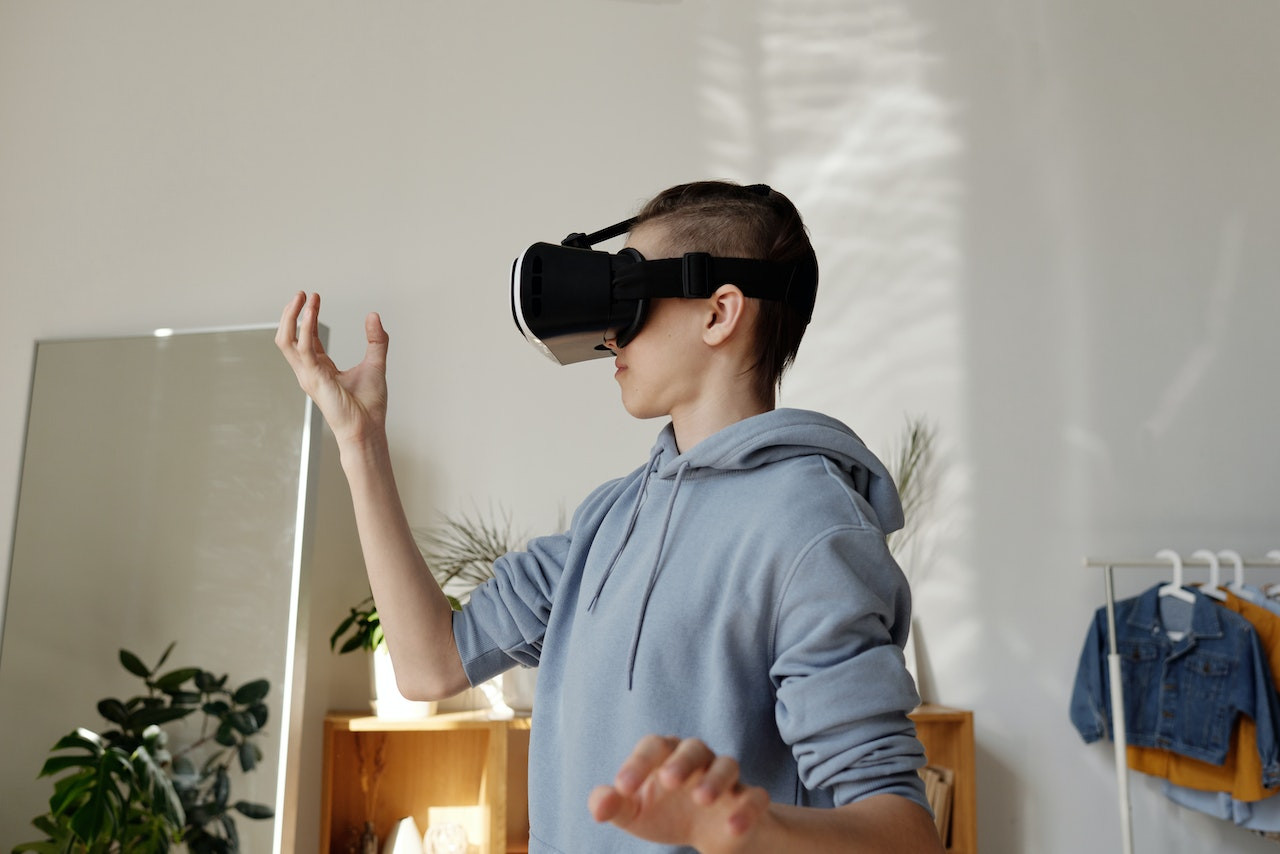
If you want to use controller on Roblox mobile, start by pairing your device through Bluetooth before you open the app, then join a game. The catch is that not every experience recognizes a controller, so you may still need the touchscreen in some titles. Xbox and PlayStation pads are widely mentioned by players, though the company’s help pages do not publish a guaranteed compatibility list. The idea of trying to play Roblox in VR on mobile hits a harder wall, because the platform limits its VR mode to PC platforms with dedicated headsets and does not support it directly inside the phone app. If your goal is to play music while playing Roblox mobile, your success depends entirely on how your device and streaming app handle a running game, as there is no documented setting that forces background audio to stay active.
Advanced tools and exploits
When you search for ways to use Auto clicker on Roblox mobile, a system-level feature that comes close in official documentation is Android's built-in accessibility menu. Under Android's accessibility settings, you may find an autoclick or dwell timing feature that lets you adjust controls like delay and click area, but this is a device-wide gesture, not something Roblox recognizes as a supported gameplay tool. The same gap appears when players try to get aimbot on mobile Roblox. No approved Roblox page documents a working aimbot path for any phone, and every third-party download promising one operates completely outside the platform's rules. These are external programs that often request your login credentials to function, not hidden settings you activate with a special code. Because Roblox does not provide a mobile-exclusive refund process, losing your profile to a fake cheat leaves you with no safety net inside the app. The practical reality is that any shortcut claiming to automate your aim or taps is a gamble, and the documented automation on your device exists in the phone's own accessibility settings, not in Roblox itself.
Frequently Asked Questions
Can I use Roblox Studio on my iPad?
No, Roblox Studio does not run on any mobile device including iPads. The full editor requires a computer, and no tablet version exists in the App Store.
How do I clear Roblox cache on Android?
Open Settings, tap Apps, select Roblox, then tap Storage and choose Clear data or Clear cache. A clean reinstall from Google Play is another option if the app still crashes.
Where is the star icon to favorite a game?
The star icon sits under the Play button on any experience's details page. Tap it once so it fills in, and that game stays pinned to your profile for quick access later.
Can I get a refund for a gamepass I bought on iPhone?
Refund requests go to the platform that processed your payment, not through the Roblox app itself. For charges showing Xsolla, contact Xsolla directly; otherwise contact Roblox Customer Support.
Can I enable voice chat without verifying my age?
No, Roblox requires both age verification and phone number verification through Account Info settings. You complete these steps in the mobile app, desktop app, or on Roblox.com.