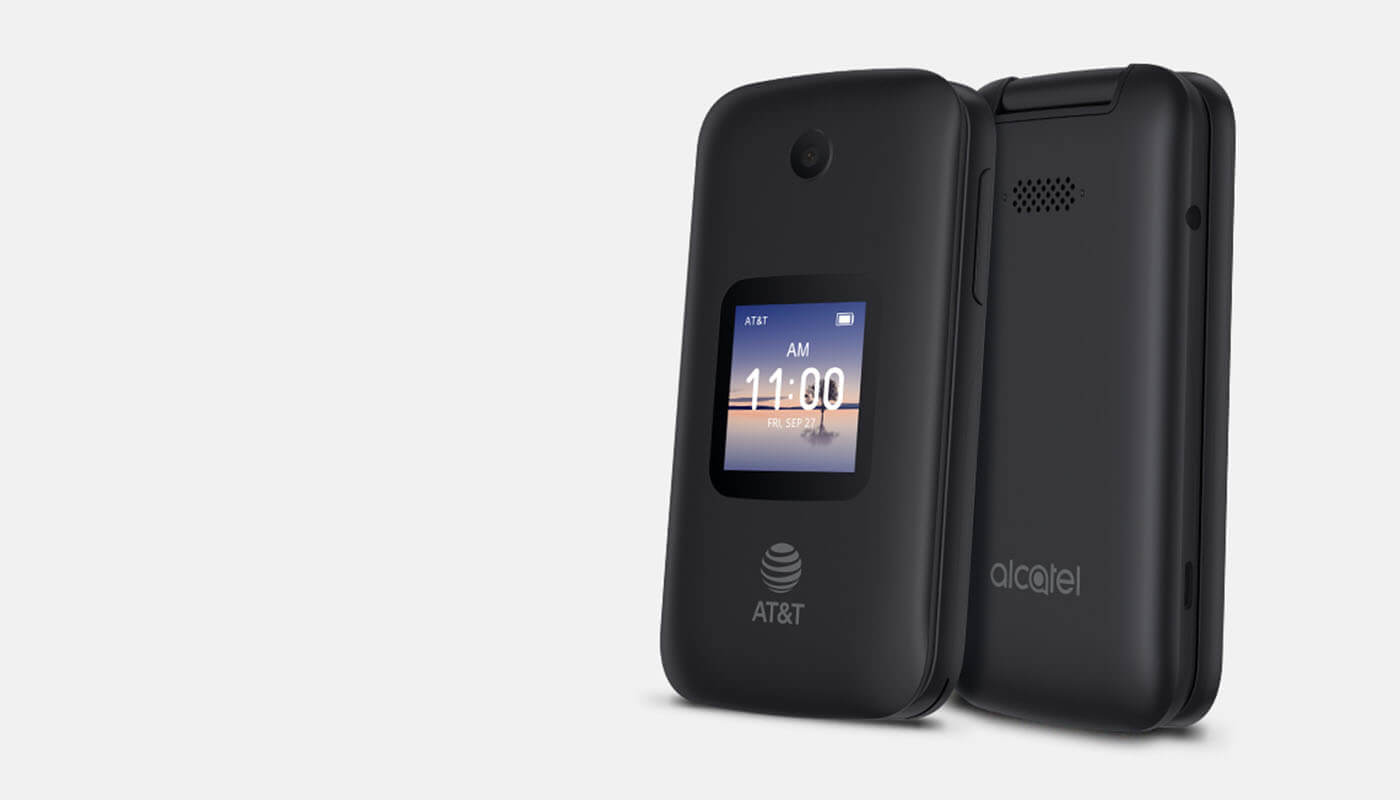
The AT&T tag on CellularNews collects guides, comparisons, and how-to tutorials focused specifically on AT&T services and devices, as well as broader topics relevant to anyone managing a mobile phone plan. This page is for current AT&T customers, people considering switching to the carrier, and anyone troubleshooting common phone or account issues.

The articles here solve practical problems grouped around three clear themes. First, there are plan and carrier selection guides, such as comparing T-Mobile vs. AT&T vs. Verizon, finding the best unlimited data plan, and understanding Cricket Wireless options. Second, a large group of articles focus on managing hotspot data, including how to check usage, add more data, and set up an AT&T mobile hotspot. Third, many tutorials address device and account settings, like how to turn on the ringer on an AT&T flip phone, set up voicemail on a wireless home phone, or cancel an AT&T mobile line.

Specific topics you will find include how to unblock a number on an AT&T landline, how to transfer landline calls to a cell phone, and how to improve AT&T cell phone reception at home. Other articles explain how to check data usage via text, change your wireless password, and return a phone to AT&T. Whether you need to make international calls or look up phone records, these guides walk you through the exact steps to get things done.
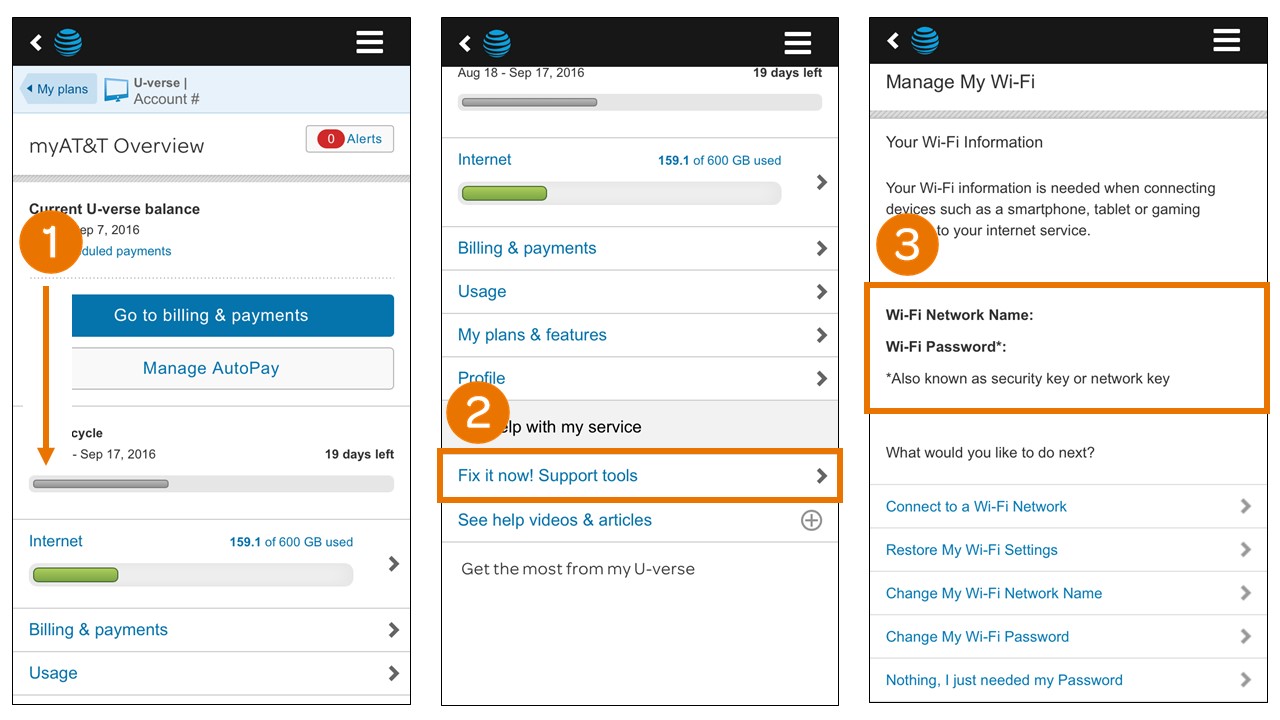
How To Change Wireless Password AT&T

To change your wireless password on an AT&T gateway, the fastest method is using the AT&T Smart Home Manager app or website. This is the primary way to change wireless...

How To Look Up Phone Records On AT&T

To look up phone records on AT&T, sign in to your online account and use the Usage area for wireless lines or the AT&T phone portal for home phone lines....

How To Return Phone To AT&T

To return phone to AT&T, you can either mail it back or take it to an AT&T branded store, but a mail return must always start by calling 800.331.0500 within...

How To Cancel Phone Service With AT&T

To cancel phone service with AT&T, you must call customer service at 800-331-0500 or dial 611 from your AT&T wireless phone. Before you do anything else, understand that if you...

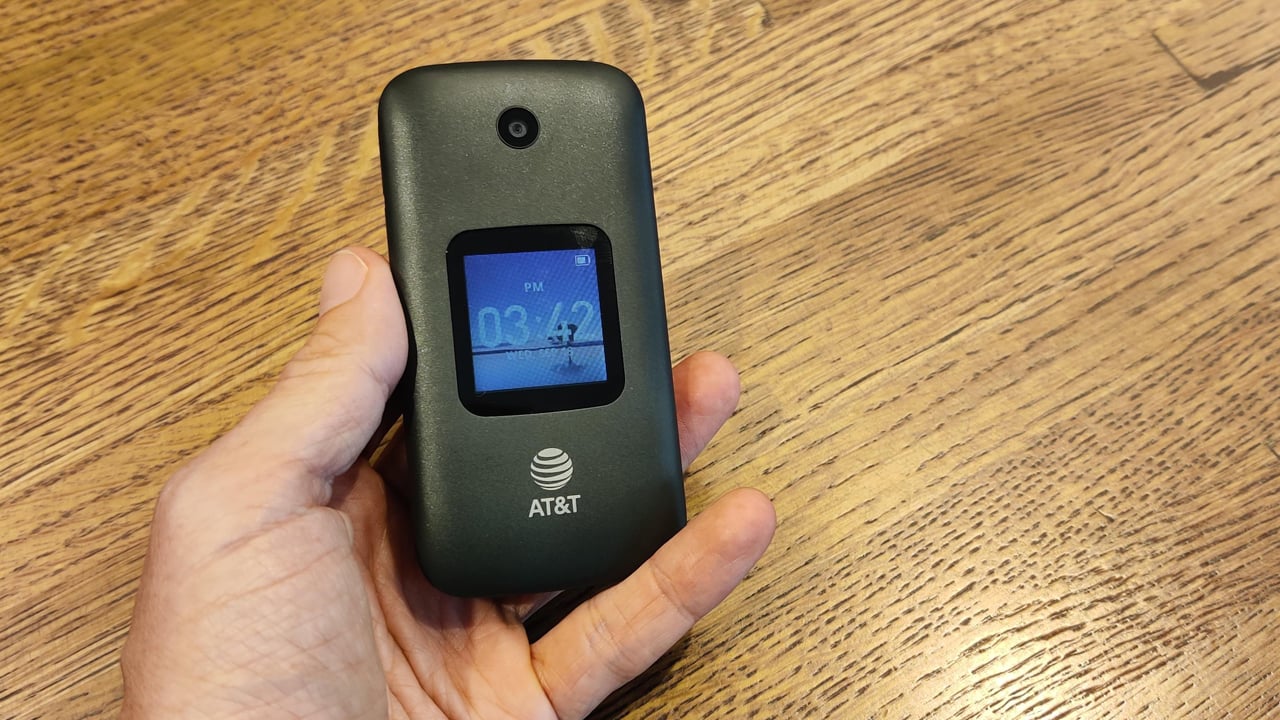
How To Turn On Alcatel Flip Phone

To turn on an Alcatel flip phone, press and hold the End/Power key (or the Power/Back/Hang up button on the AT&T SmartFlip) until the screen lights up or the phone...

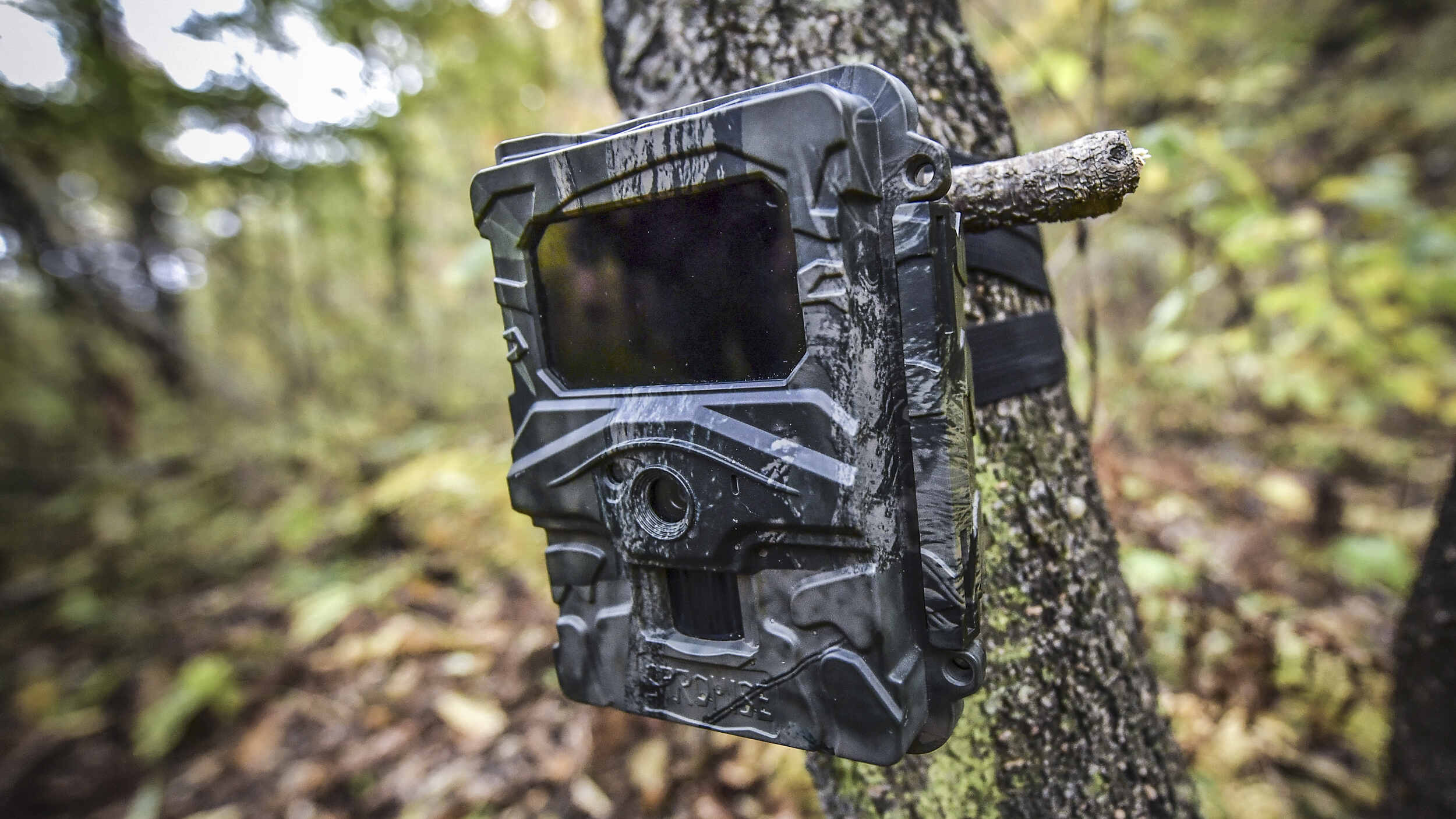
How To Set Up A Cellular Trail Camera

To set up a cellular trail camera, you need to install the manufacturer’s app on your iPhone or Android, create an account, and scan the QR code on the camera...

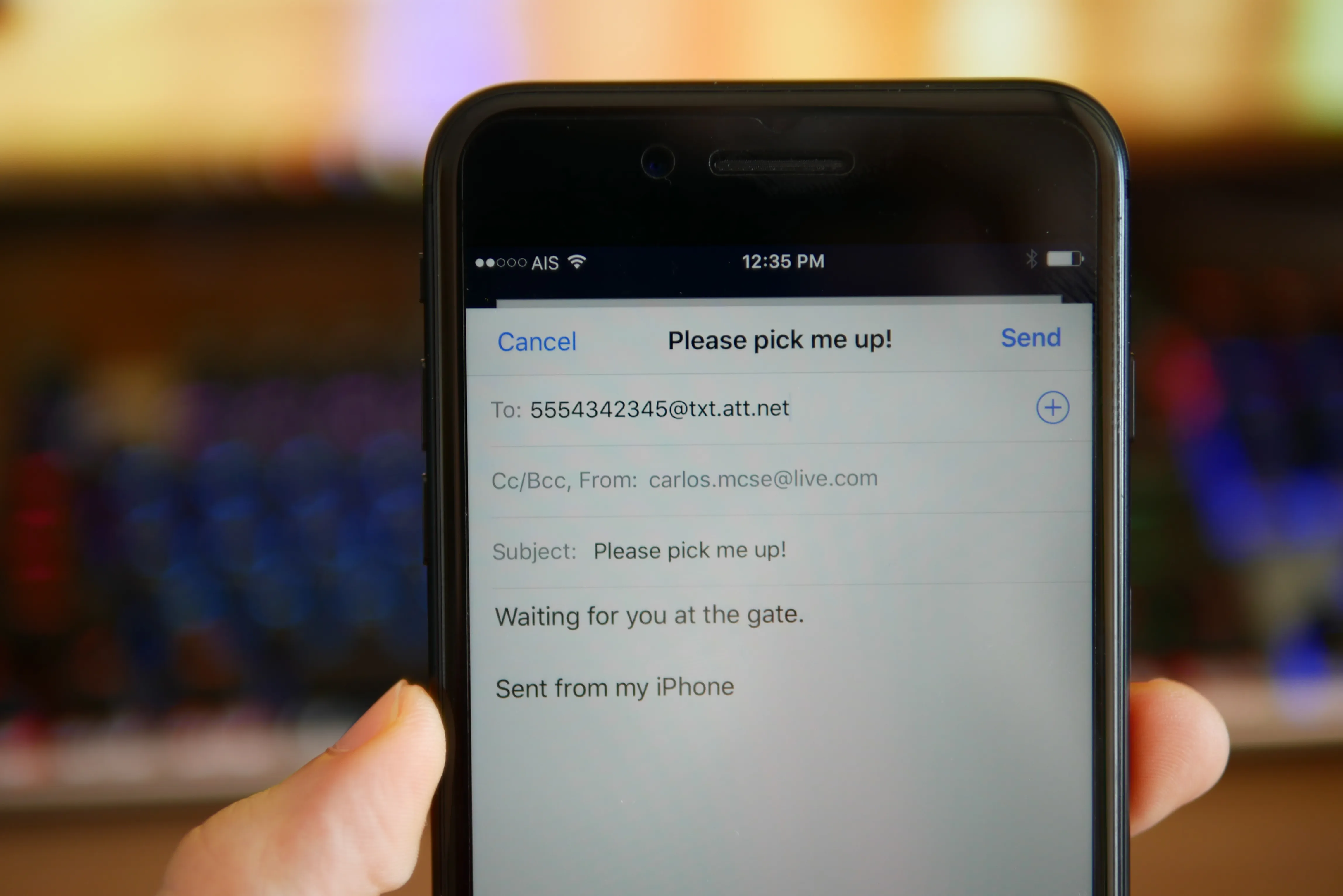
How To Text To AT&T Phone From Email

You can no longer text to an AT&T phone from email. AT&T shut down its email-to-text gateway on June 17, 2025, meaning the old @txt.att.net and @MMS.att.net addresses no longer...

How To Transfer Landline Calls To Cell Phone

To transfer landline calls to a cell phone, the primary method is activating unconditional call forwarding from your landline handset. This redirects every incoming call to your mobile number so...

How To Turn On AT&T Flip Phone

To turn on an AT&T flip phone, press and hold the phone’s power key until the screen lights up. The exact button name and location vary by model, but the...