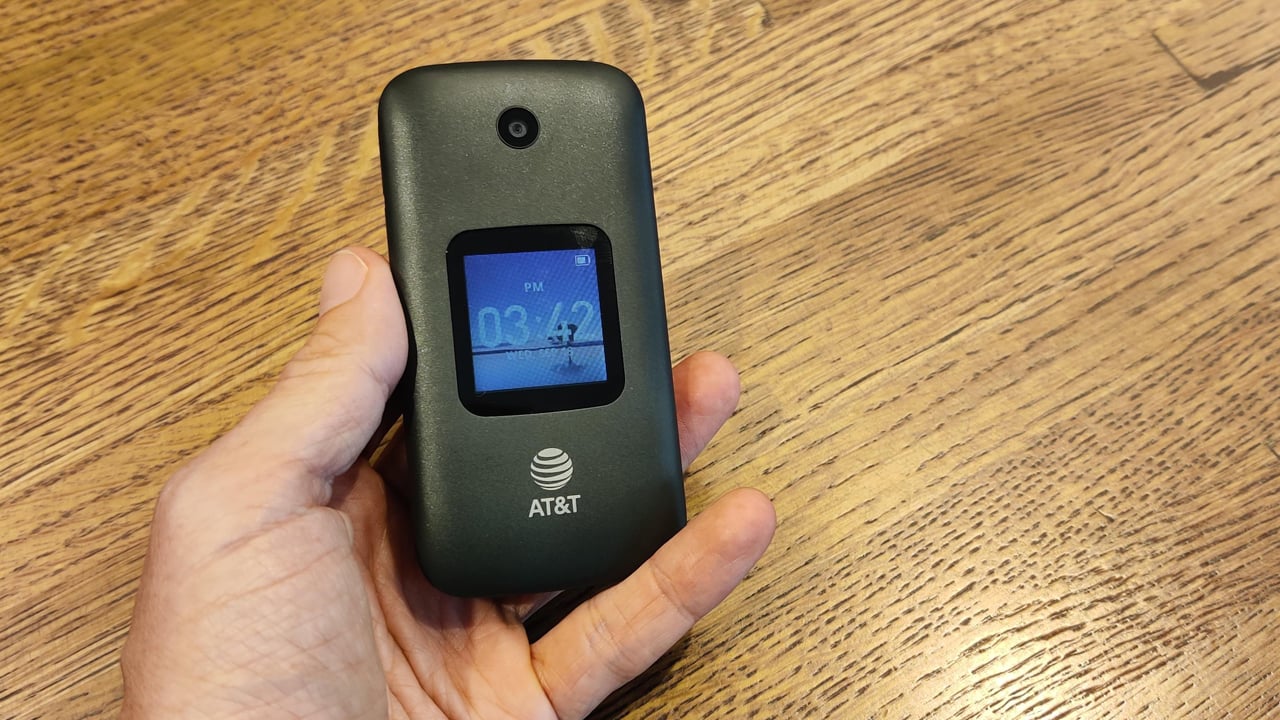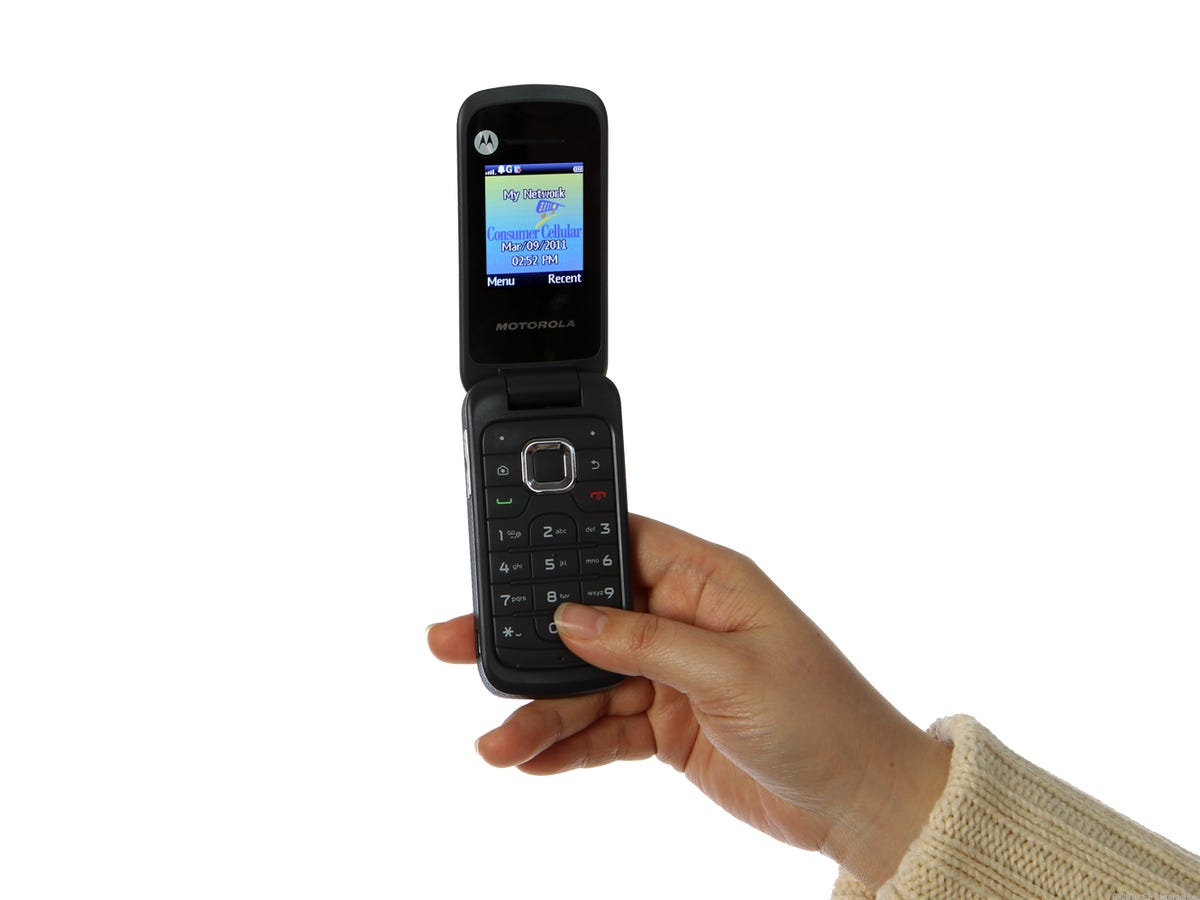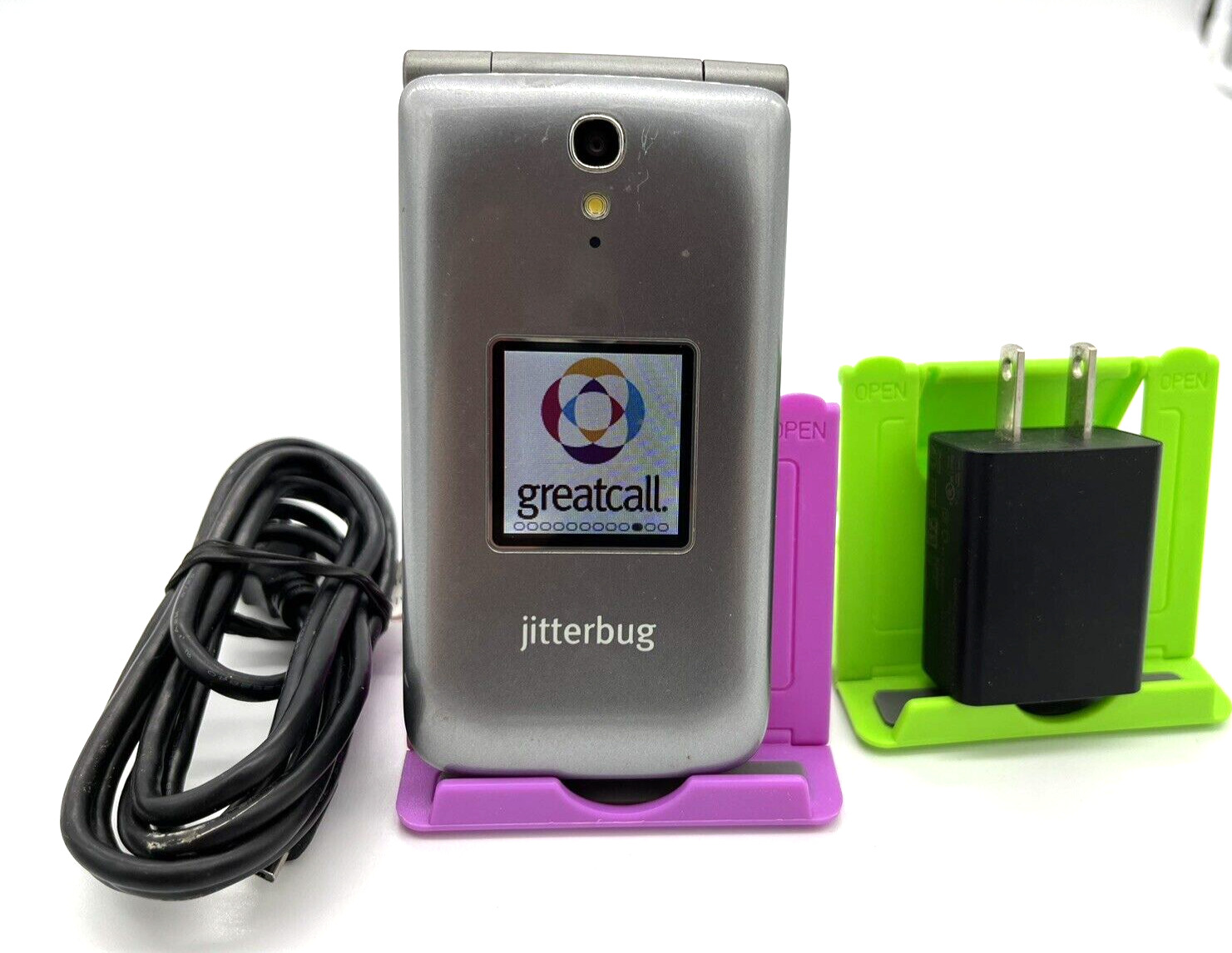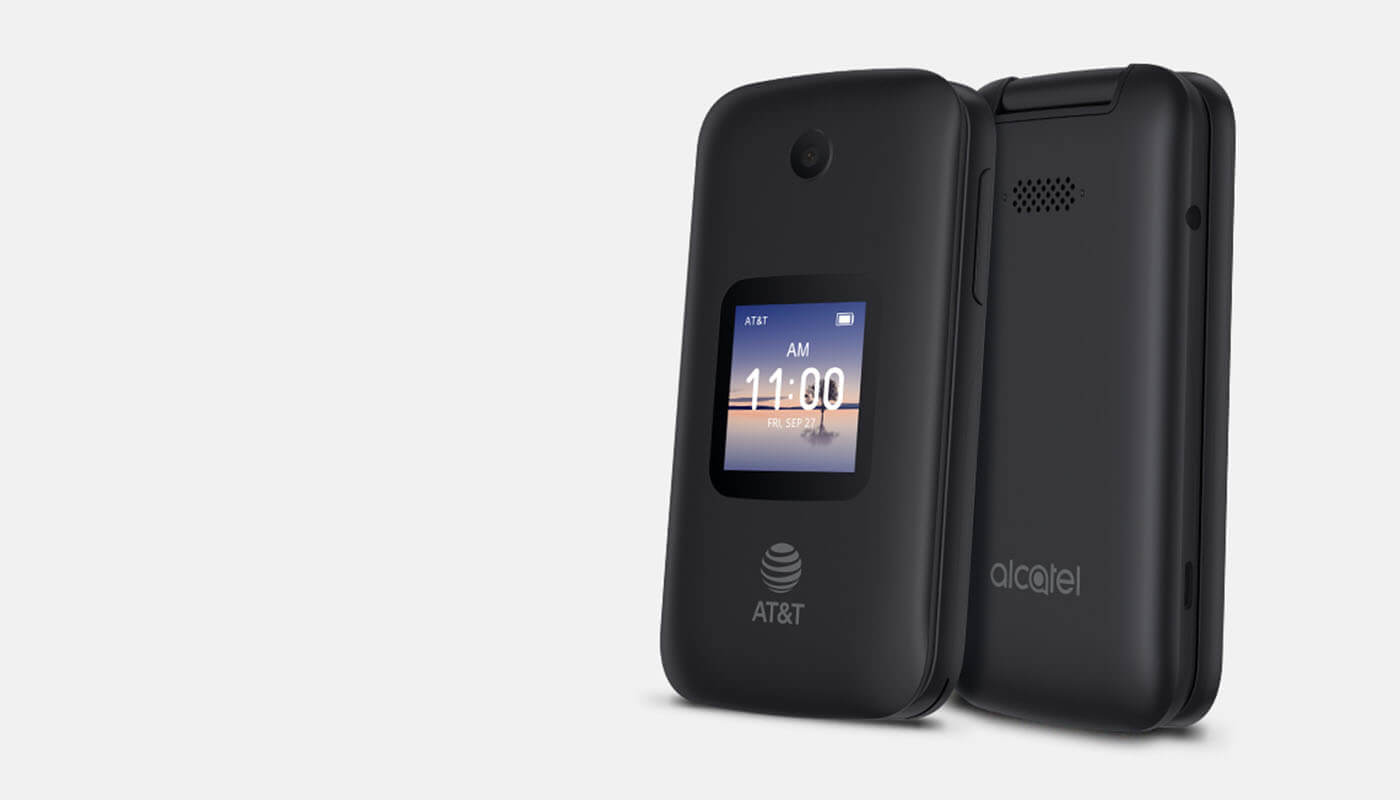
To turn on an AT&T flip phone, press and hold the phone’s power key until the screen lights up. The exact button name and location vary by model, but the action is the same across all AT&T flip phones.
How to turn on your AT&T flip phone
Each AT&T flip phone model uses a specific button to power on. Follow the instructions for your device:
- Cingular Flip 2 (4044O): Press and hold the Power/End call button until the screen lights up.
- Cingular Flip 3 (Q28A): Press the Power/Hang up button to turn the device on or off.
- Cingular Flip IV (U102AA): Press and hold the End/Power key until the phone powers on.
If you are new to using basic flip phones, note that these devices do not have a software-based power option. The hardware button is the only way to start the phone.
What to do if your AT&T flip phone won't turn on
If pressing and holding the power key does not work, follow AT&T’s official troubleshooting steps:
- Charge the phone for 15 minutes: Plug the phone into a power source and let it charge for at least 15 minutes before trying to turn it on again. A completely drained battery can prevent the phone from powering up.
- Remove and reinsert the battery (Cingular Flip 2 only): If the phone will not power off with the key, AT&T says to remove and re-insert the battery on the Cingular Flip 2. Open the back cover by putting a thumbnail into the notch at the bottom left of the back, then lifting up. Remove the battery by pulling from the notch on the top. Wait a few seconds, then reinsert the battery and close the cover. Press and hold the Power/End call button to turn the phone on.
If charging for 15 minutes does not work, contact AT&T support for further assistance.
Frequently Asked Questions
Can I turn on my AT&T flip phone without a SIM card?
Yes. AT&T's Cingular Flip IV user guide says that if no SIM card is installed, the phone can still power on, connect to Wi‑Fi, and use some features, but it cannot make network calls without a SIM card.
What should I do if my AT&T flip phone is completely unresponsive?
If the phone does not respond to any button presses, first charge it for 15 minutes. If it still does not turn on, remove and reinsert the battery (on models with a removable battery).
How long should I hold the power button to turn on the phone?
Press and hold the power key until the screen lights up. This typically takes 2-3 seconds, but may take longer if the battery is very low. Do not release the button until you see the display activate.
Why does my AT&T flip phone turn off by itself?
This is usually caused by a low battery or a loose battery connection. Charge the phone for 15 minutes and ensure the battery is properly seated. If the problem continues, the battery may need replacement.
Can I turn on my AT&T flip phone by plugging it into a charger?
Plugging the phone into a charger does not automatically turn it on. You must still press and hold the power key after connecting the charger. The charger only provides power to the battery; it does not bypass the power button.
Related reading: How To Turn On Alcatel Flip Phone and How To Turn On ETalk Flip Phone.