Welcome to the Automation tag on CellularNews. This page is for anyone who wants their phone to do more on its own, from saving time on repetitive tasks to streamlining daily routines. Whether you are a gamer, a smart home enthusiast, or just someone tired of manual chores, the articles here focus on practical, step-by-step solutions that turn your device into a more efficient tool.
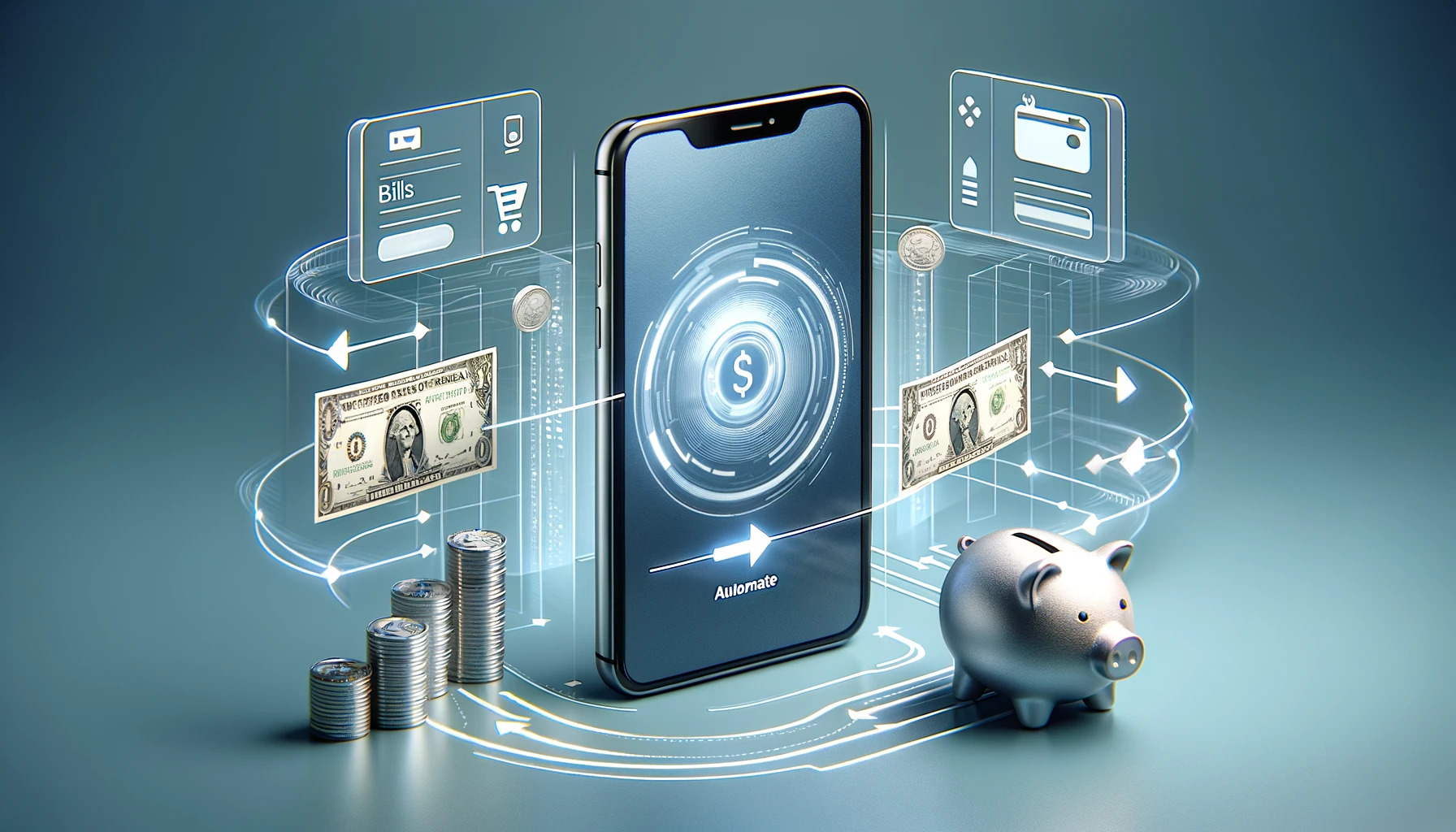
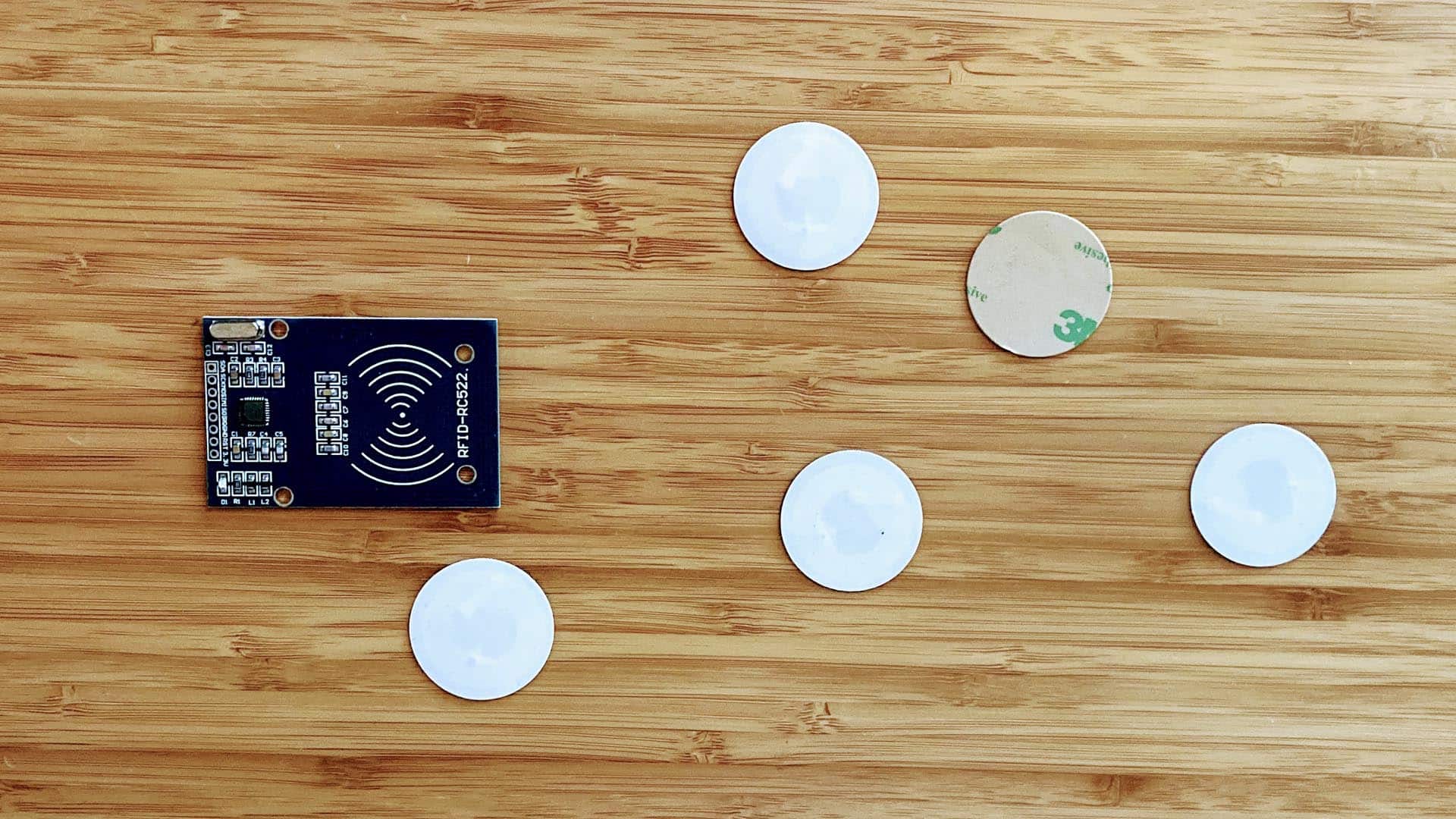
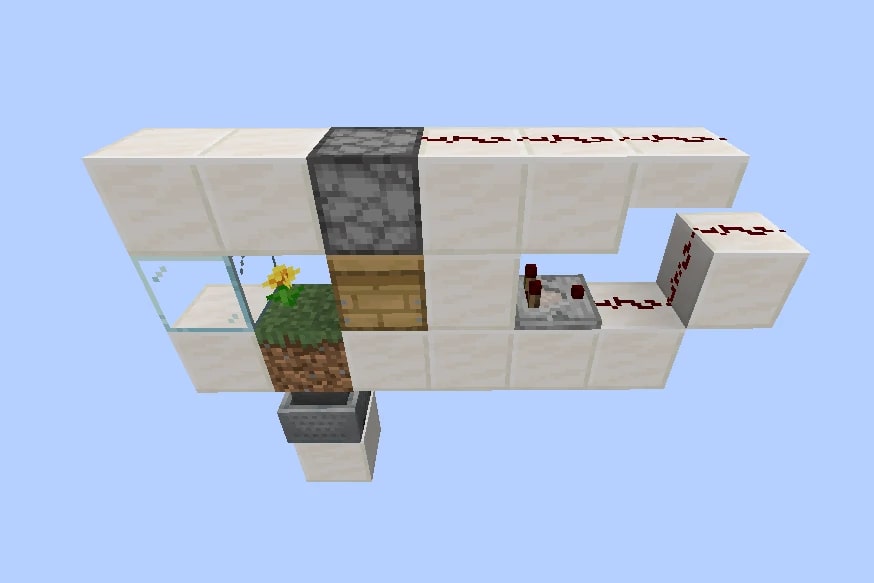
The articles tackle two main kinds of problems. First, there are guides for repetitive digital actions, like the 16 Best Auto Clicker Apps for iPhone and Android and the specific How To Use Auto Clicker On Mobile walkthrough. These help you automate taps and clicks for gaming or productivity. Second, there are projects that connect your phone to the physical world, such as How To Set Up An NFC Sticker, which lets you trigger actions with a simple tap, and How To Make My Phone Talk When I Plug It In, which automates audio feedback for charging events. You will also find a guide for a game-specific setup in How to Make a Minecraft Bee Farm to Automatically Harvest Honey, and a practical finance tool in Automating Finances: Using Mobile Apps for Bills and Savings.
These articles help you do real things: set up auto-clickers for mobile games, program NFC stickers for quick tasks, configure your phone to announce when it is plugged in, and automate bill payments or savings transfers. Each guide focuses on a single, clear outcome so you can apply the automation immediately.