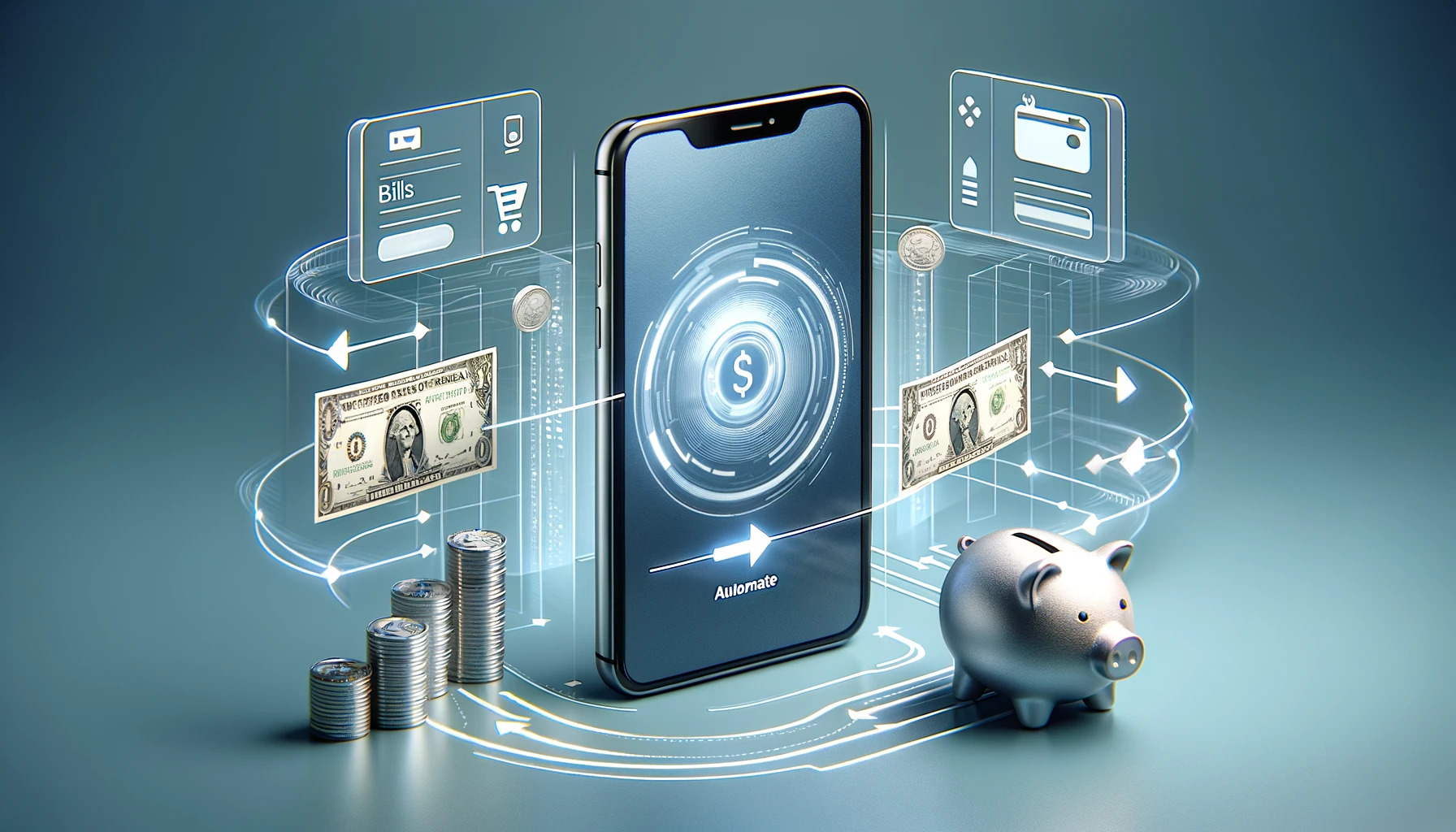
Automating finances with mobile apps means setting up recurring bill payments, scheduled transfers, and smart rules that move money without daily effort, letting you save and pay on autopilot.
How automating finances with mobile apps actually works
Automation relies on three core mechanisms. Round-ups capture spare change from purchases and move it to savings. Scheduled transfers move fixed amounts on set dates. Smart rules let an app choose which payment method to use based on merchant, amount, or category. These features eliminate the need to remember bills or manually transfer savings. The following sections walk through setting up each piece, from savings alerts and round-up apps to bill trackers, cashback rewards, and credit monitoring, so everything runs with minimal manual input.
Set up automated savings with round-up and alert apps
Savings automation starts with apps that round up purchases or send alerts when you might overpay. Apps round up purchases and move the extra to savings; for example, spending $4.70 charges $5 and moves $0.30, adding up to $109.50 a year. WalletHub provides savings alerts so you can avoid overpaying, plus budgeting tools and a personalized plan to improve credit. NerdWallet includes budgeting tools, 24/7 credit monitoring, and personalized opportunities to save. To use these apps, install them from your device’s app store and connect your bank or credit card account. Both apps work on iPhone and Android smartphones. Once connected, round-up features automatically transfer the difference between a purchase amount and the next dollar into a linked savings account. Alerts notify you of bills due or spending patterns that need attention.
Automate bill tracking and budgeting across devices
Goodbudget and Curve Pay let you track bills and budgets from any device. Goodbudget is available on computer, tablet, iPhone, and Android smartphone. To use it on a phone, install the app and log in with your Household username/email address and password. The Free version lets a budget be shared with up to 2 mobile devices at a time, while Premium supports up to 5 mobile devices. Goodbudget’s App Store listing also says it can be shared across multiple devices including iPhones, other smartphones, and the web, and lists iPhone compatibility as iOS 13.0 or later. Curve Pay tracks cashback rewards, currency exchange rates, and spending, and includes a built-in budget tracker and expense monitoring. Curve Pay integrates with Samsung Pay, GPay, and Garmin Pay, and Smart Rules automate card choices, for example, always using the card that gives the best cashback at a specific retailer. Both apps sync across phones, tablets, and computers so you can check your budget or adjust a bill payment from any device.
Earn passive cashback while you spend
Cashback apps reward purchases automatically after setup. Cashrewards requires iPhone with iOS 15.1 or later, iPad with iPadOS 15.1 or later, and iPod touch with iOS 15.1 or later. ShopBack requires iPhone with iOS 15.0 or later, iPad with iPadOS 15.0 or later, iPod touch with iOS 15.0 or later, and Apple Vision with visionOS 1.0 or later. Curve Pay also tracks cashback rewards. To choose an app, check which retailers you shop at most, each app supports different stores. After installing, link your payment method and activate offers before shopping. Cashback then posts automatically to your account. For example, you can pay with Cash App on phone and still earn cashback if the app supports that payment method. This passive earning requires no extra work after the initial setup.
Automate credit score monitoring and improvement
Credit monitoring apps update your score daily and provide improvement plans without manual checks. WalletHub offers a personalized budget, spending tracker, daily-updated credit scores, 24/7 credit monitoring, savings alerts, and a debt payoff roadmap. It provides a clear plan for improving credit score. Credit Karma also offers credit monitoring. Automation helps long-term score growth by sending alerts when your score changes, when new accounts appear, or when utilization rises. The apps identify problem areas, missed payments, high balances, or errors, and suggest actions. Credit score improvement takes time; it may take a few months to see big improvements. Over time, following the personalized plan leads to gradual improvement. No need to pull your report manually each month; the app does it and tells you what to do next.
Connect everything for a fully automated system
To create a single automated finance system, layer cashback, budgeting, savings, and credit monitoring apps so they share data with minimal manual input. Start with a budgeting app like Goodbudget or Curve Pay to track all spending. Add a cashback app like Cashrewards, ShopBack, or Paymi to reward purchases. Link a savings app like WalletHub or NerdWallet for round-ups and alerts. Finally, connect a credit monitoring app like WalletHub or Credit Karma for daily score updates. When evaluating paid apps, check for subscription fees in addition to initial costs; the top 10 paid apps in the Apple App Store cost over $100 combined at the time of writing. Emma requires users to connect a current, savings, or credit card account first; if the bank is not supported, the app cannot be used. Once all accounts are linked, the system updates automatically. You only need to check in occasionally to review alerts or adjust a Smart Rule. This setup handles bill payments, savings transfers, cashback collection, and credit tracking, all without daily effort. For entertainment while you manage finances, you might also check the best mobile games like Fortnite you should play now, but the core system runs on its own.
Frequently Asked Questions
Do I need a bank account to use these automation apps?
Most apps require a linked checking, savings, or credit card account to function. Emma, for example, cannot be used if your bank is not supported. Budgeting apps like Goodbudget can work with manual entry, but full automation needs a connection.
Can I automate bill payments from multiple bank accounts?
Yes. Apps like Curve Pay let you connect multiple cards and set Smart Rules that choose the funding source per merchant. Goodbudget can track bills across accounts, but actual payment automation may require your bank’s own bill-pay feature for accounts not linked to the app.
Will cashback apps work with Apple Pay or Google Pay?
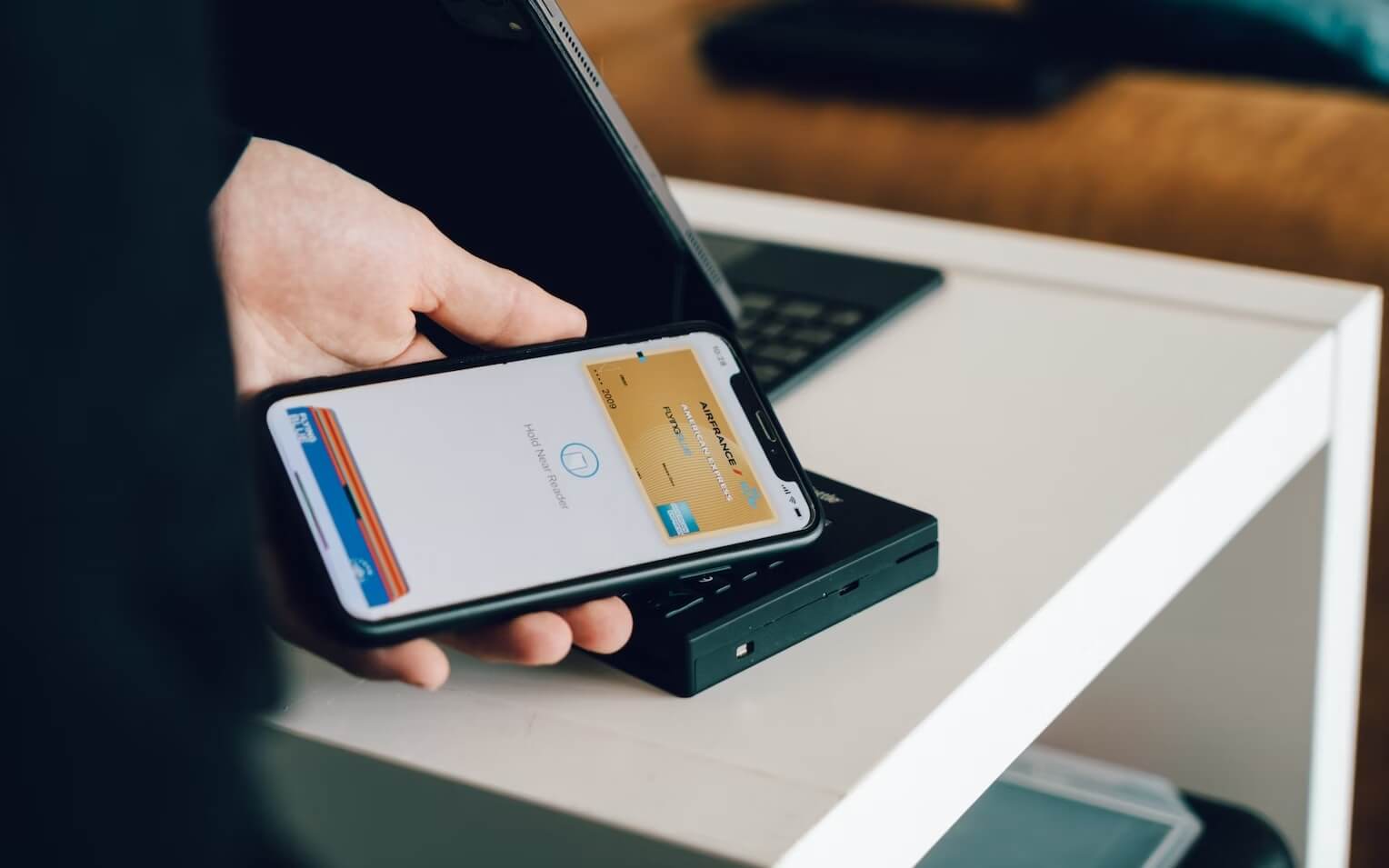
Some do. Curve Pay integrates with Samsung Pay, GPay, and Garmin Pay. Other cashback apps often require you to activate offers before paying, but the payment method itself (Apple Pay, Google Pay) is usually supported as long as the app’s linked card is used.
How often do credit monitoring apps update my score?
WalletHub provides daily-updated credit scores and 24/7 monitoring. Credit Karma also updates regularly. The exact frequency varies by app, but daily updates are common for the major free services.
Are these apps safe to connect to my bank accounts?
Reputable apps use read-only access or tokenized connections that cannot move money without your authorization. Always check an app’s security page and confirm it uses encryption and bank-level data protection before linking accounts.



![What Is The Canva App: An Easy Guide [Mobile Photo Editing Steps Included]](/wp-content/uploads/2020/04/canva_logo.jpg)