This tag collects articles about controlling and troubleshooting screen brightness across mobile devices and fitness trackers. It is written for anyone who finds their phone or Fitbit display too dim to read comfortably, or who wants to understand how to adjust their device’s visual settings for better visibility in different lighting conditions.
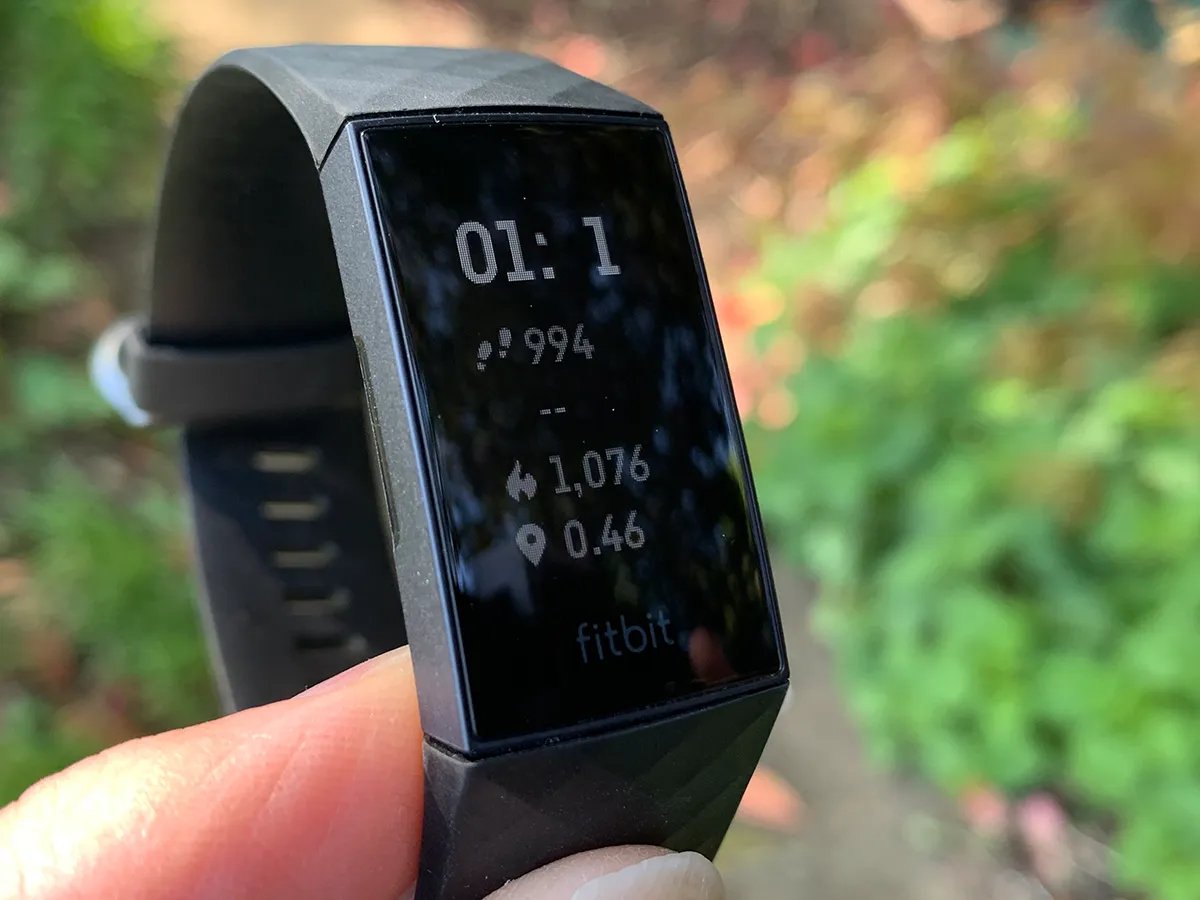
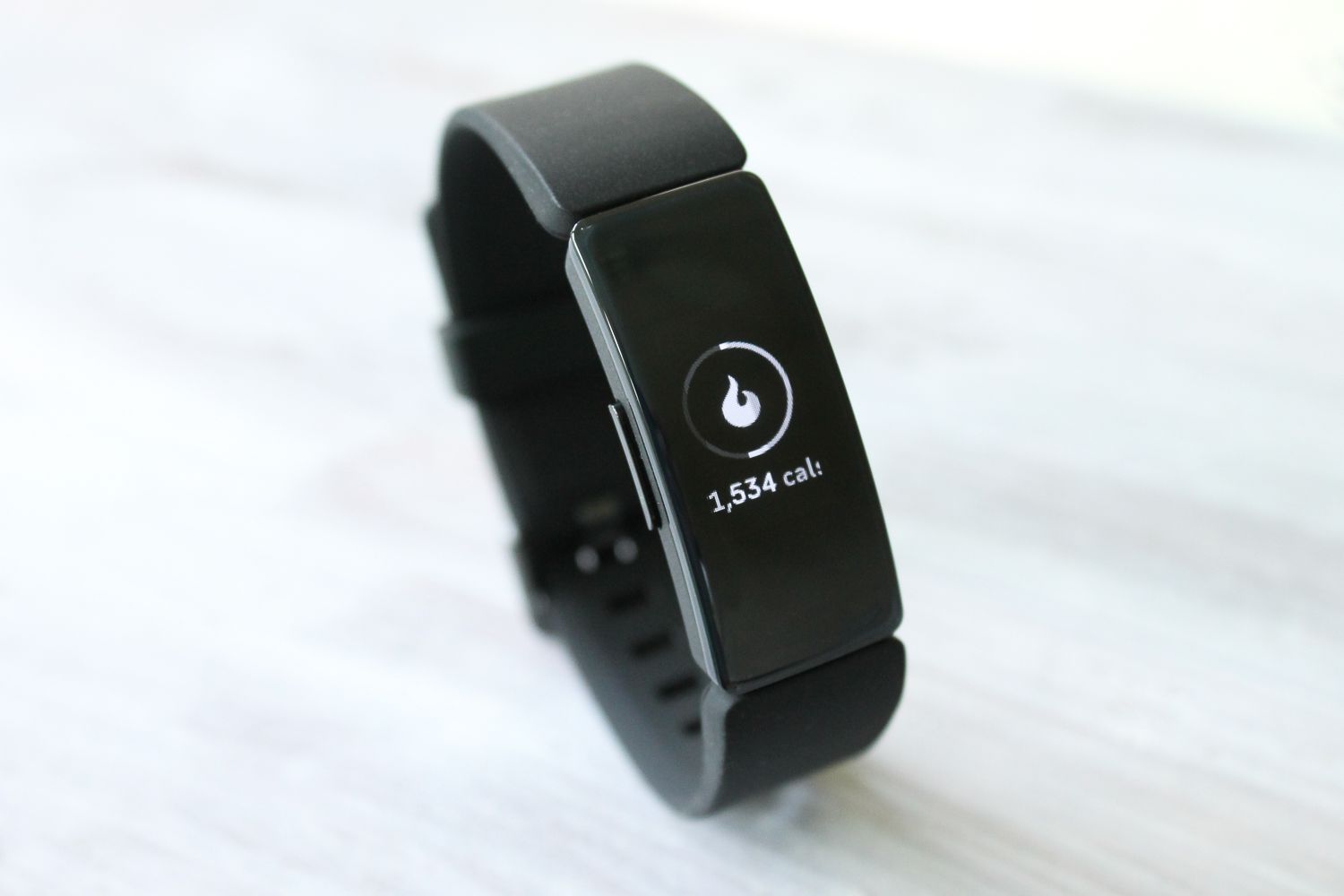
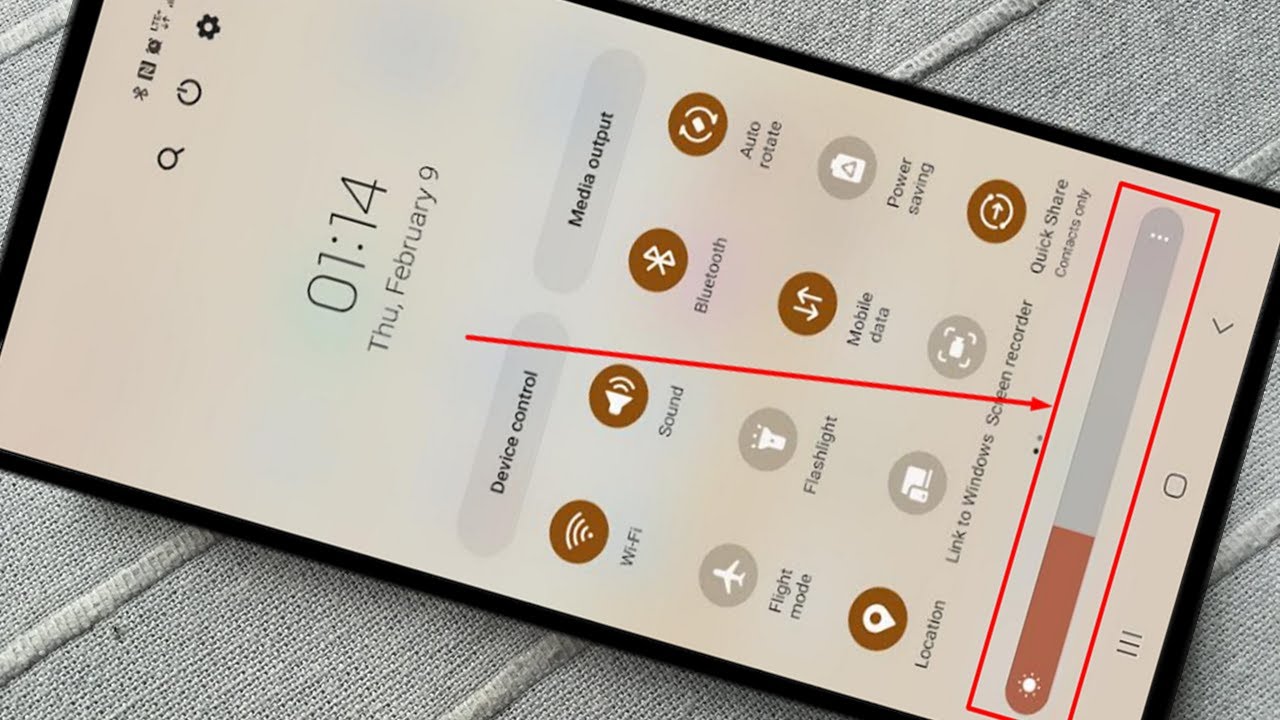
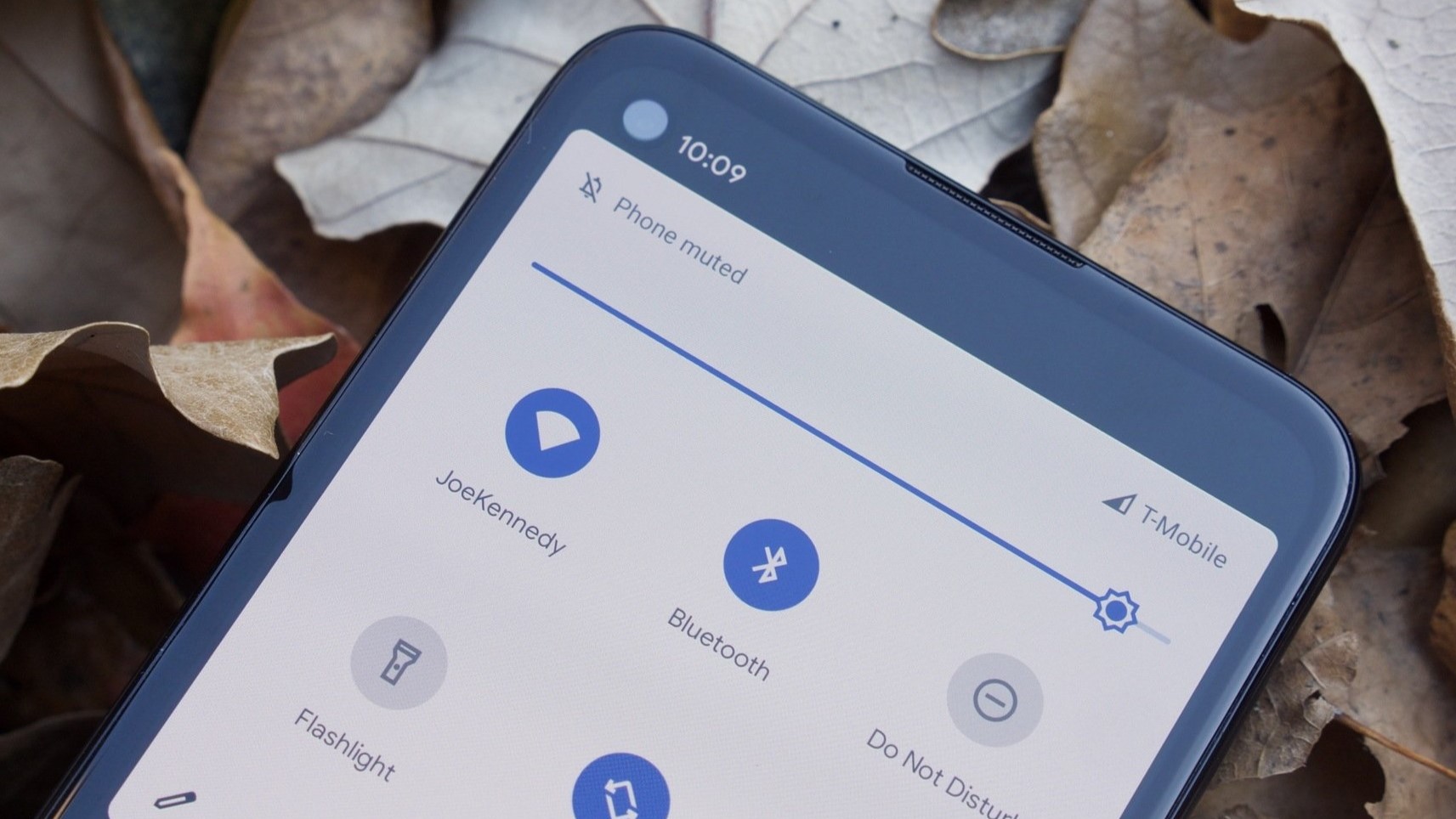
The articles here solve two main kinds of problems. One group focuses on quick, practical fixes for Android phones, showing you exactly how to turn up the brightness on your phone’s screen through settings or quick toggles. Another group addresses specific issues with Fitbit devices, such as why the light on your Fitbit is dim and how to increase brightness on models like the Charge 4 and Inspire 2. A broader guide also covers adjusting both brightness and display color for a more customized viewing experience.
These guides help you take immediate action, whether you need to brighten your Android screen for outdoor use, or troubleshoot a Fitbit screen that has become hard to see. By following the step-by-step instructions, you can make your device’s display clearer and more usable without guesswork.