Practical guides for anyone who needs to manage the phone call records on their device or carrier account. Whether you are a prepaid user, a postpaid subscriber, or someone using a basic flip phone, these articles are written for everyday people who want to take control of their call logs without digging through confusing menus or waiting on hold with customer support.
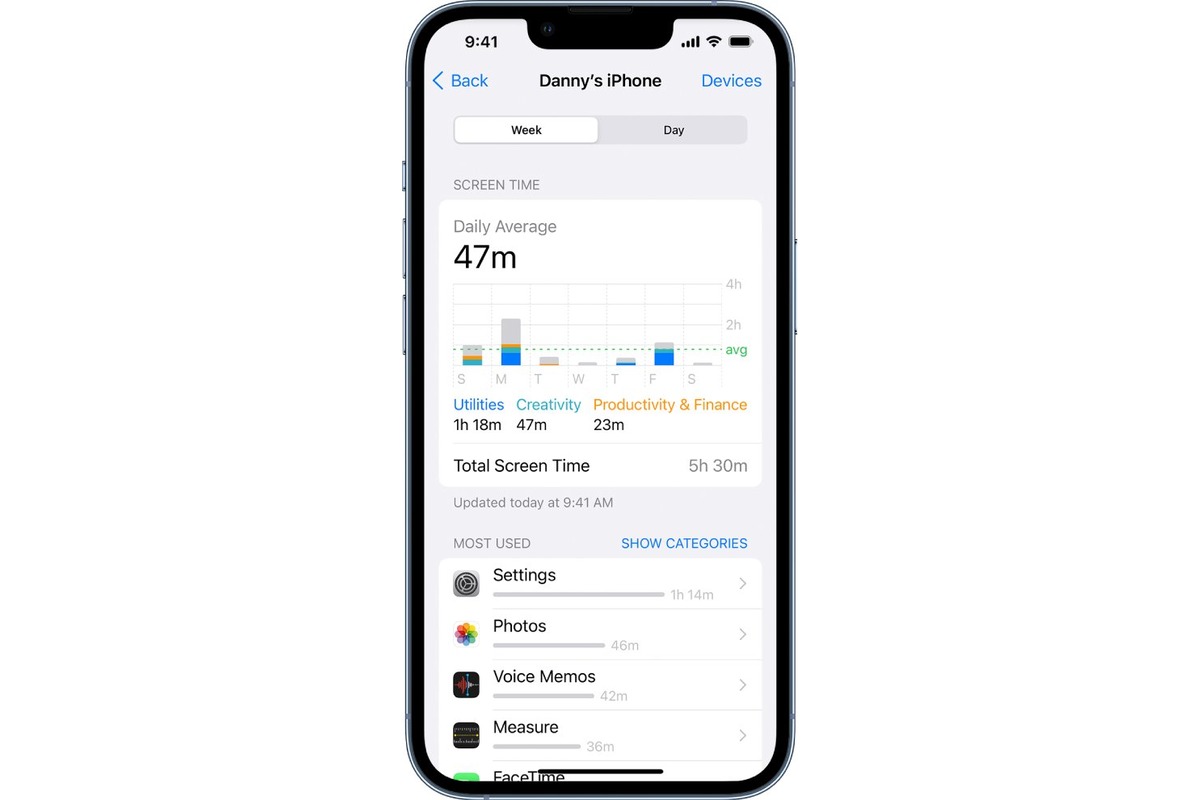
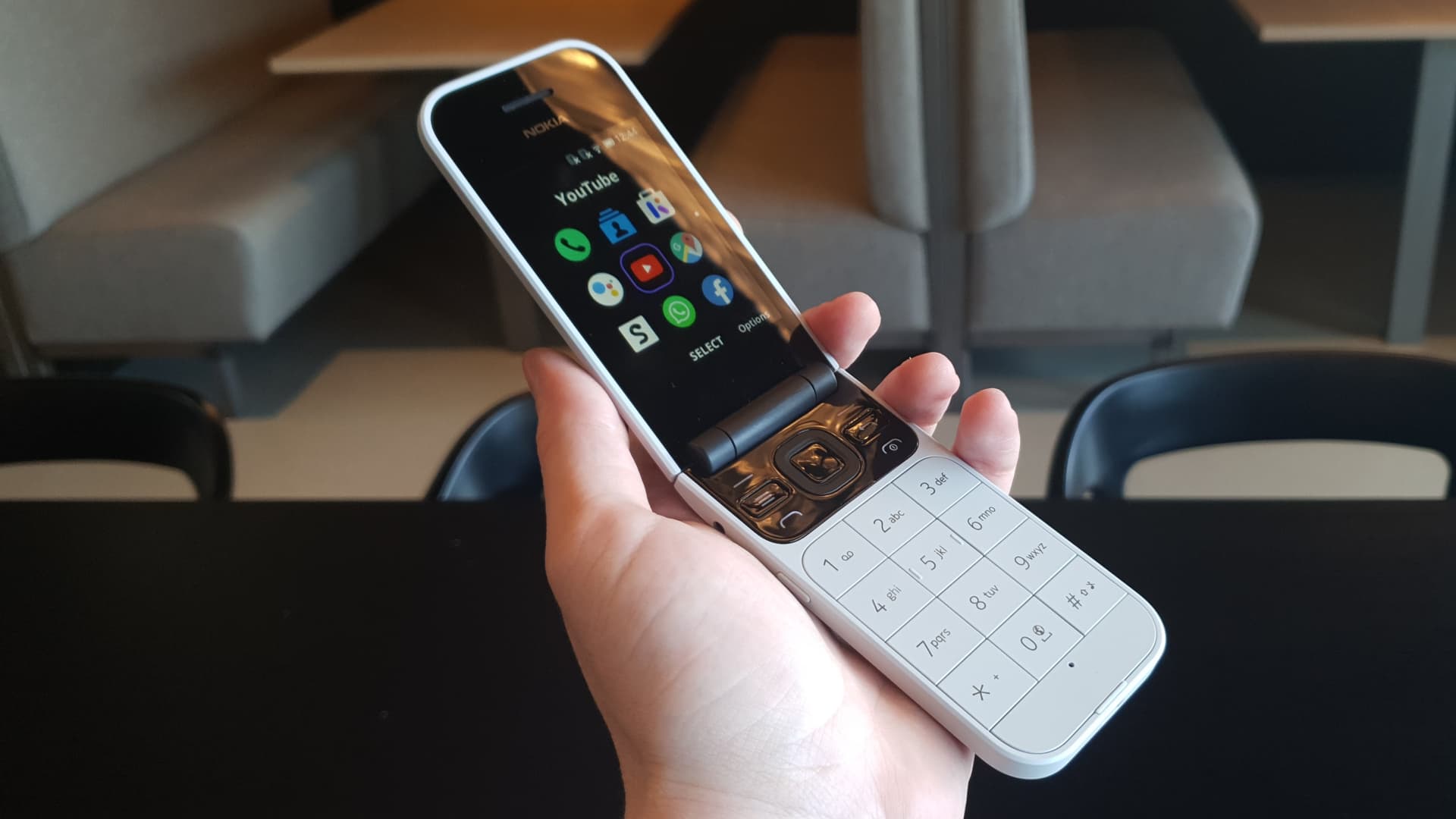
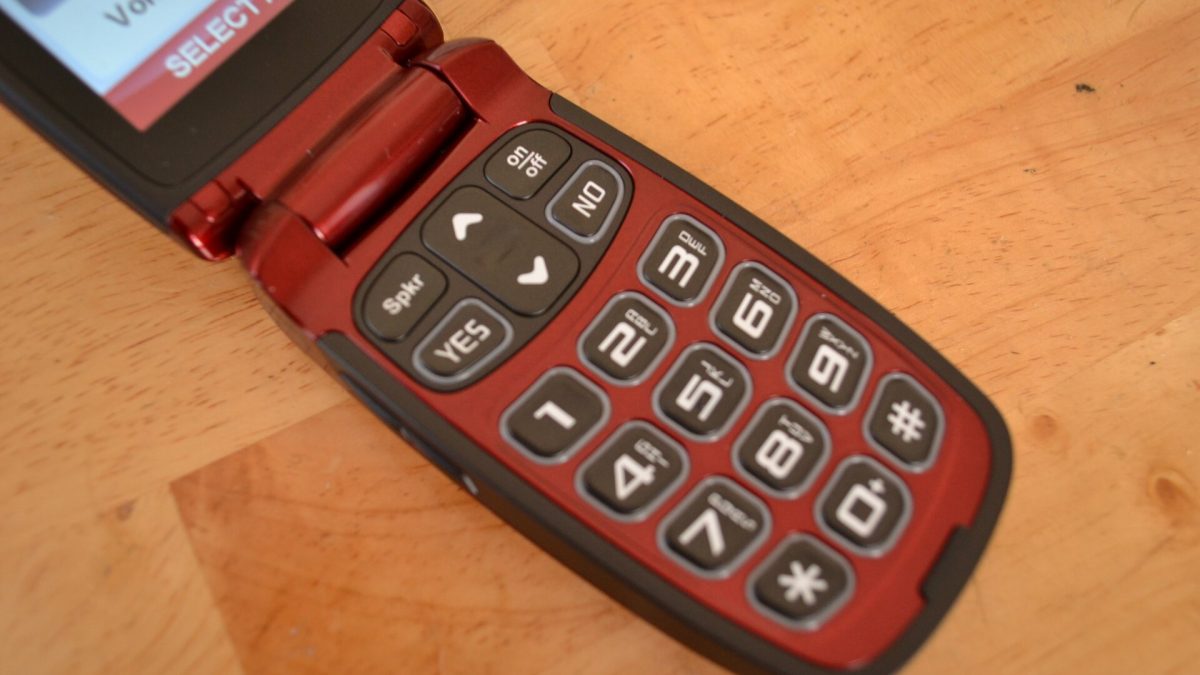
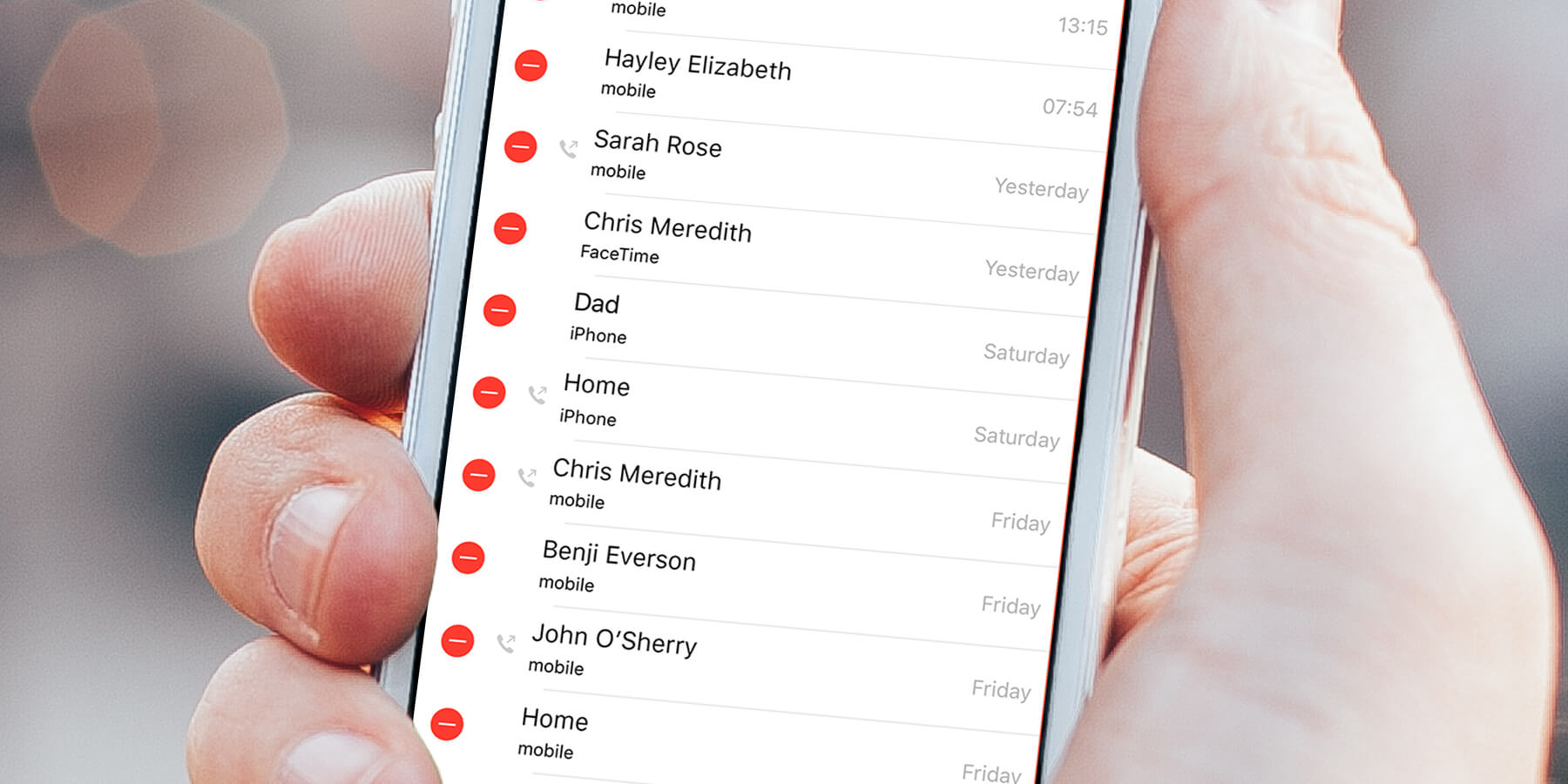
The articles here solve two main kinds of problems. First, they help you locate and review your call history across different providers. For instance, you can learn How To Check Call History On Boost Mobile or How To Look Up Phone Records On AT&T, as well as How To Get Phone Records From Xfinity Mobile and How To See Phone Calls On Verizon. Second, they address cleanup and privacy, showing you How To Delete Phone Calls On Android and even How To Delete Call History On Jitterbug Flip Phone. A third theme covers call management, with guidance like How To Block Calls On Flip Phone and How To Check iPhone Usage History to monitor your overall phone activity.
Each article helps you perform a specific action, whether that is pulling up a log of past calls, erasing sensitive entries, or stopping unwanted callers. The focus stays on clear, step-by-step instructions that work with the exact carrier or device you own, so you can get the job done quickly.