To check call history on Boost Mobile, you have two documented methods: the My Boost Mobile app and dialing #111#. There is no web portal or customer service option for retrieving call records, so either the app or the code is your only way to access this information.
Check call history using the My Boost Mobile app
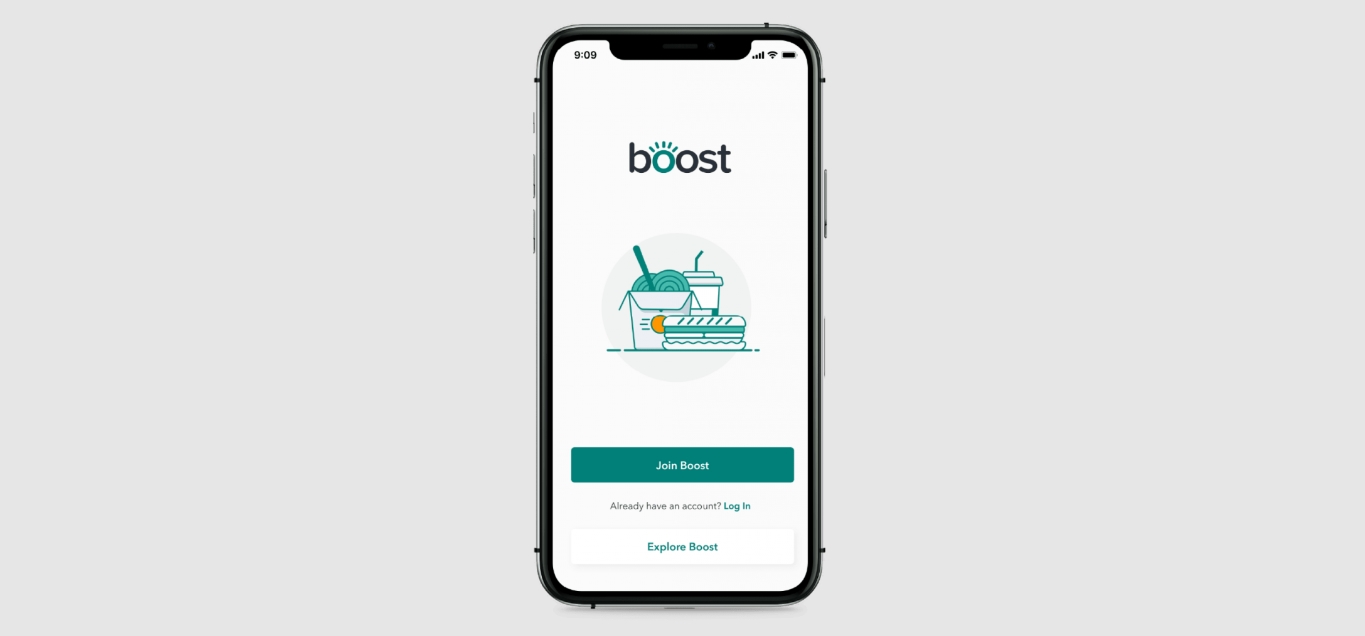
The My Boost Mobile app is the primary tool for reviewing your recent calls, texts, and data usage. To get started, follow these steps:
- Open the My Boost Mobile app and sign in with your username and password.
- Tap your phone number displayed on the main screen.
- Scroll to the bottom of the balance summary screen.
- Tap View your usage.
The app will then display your data, call and text usage. You can view and compare up to six months of call, text and usage data directly within this section.
Check call history by dialing #111#
If you prefer not to use the app, you can check your call history directly from your phone's dialer. This method works on any Boost Mobile device without needing to log in.
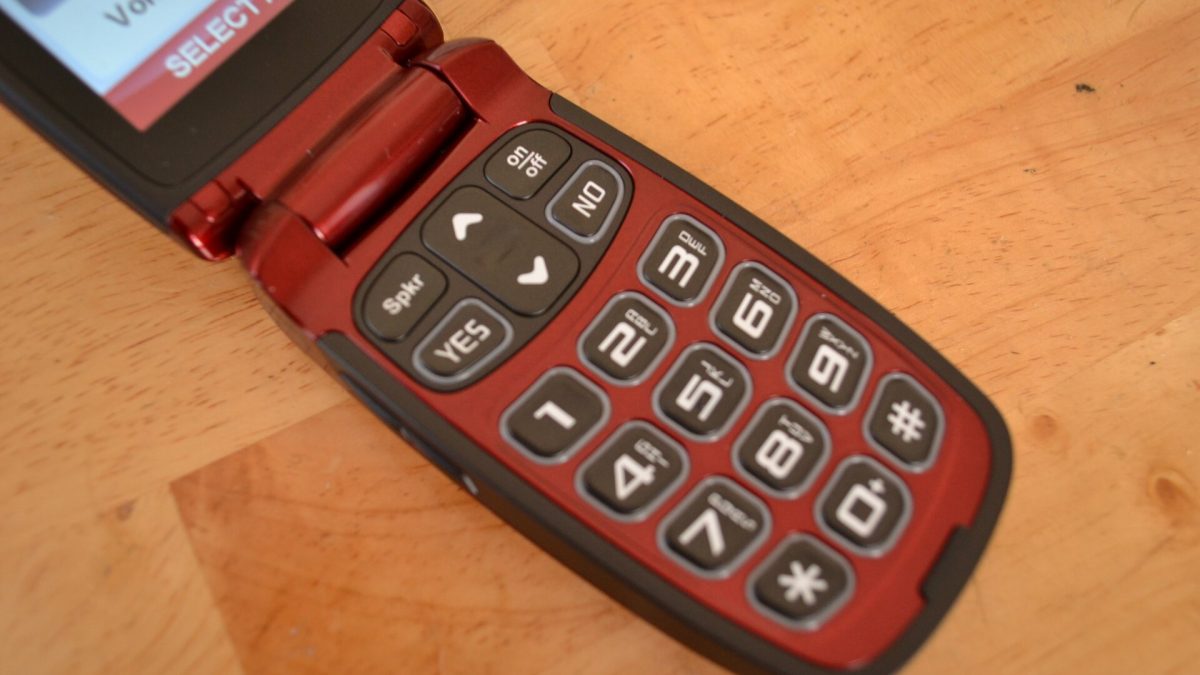
- Open your phone's dialer (the app you use to make calls).
- Enter #111#.
- Press the call button.
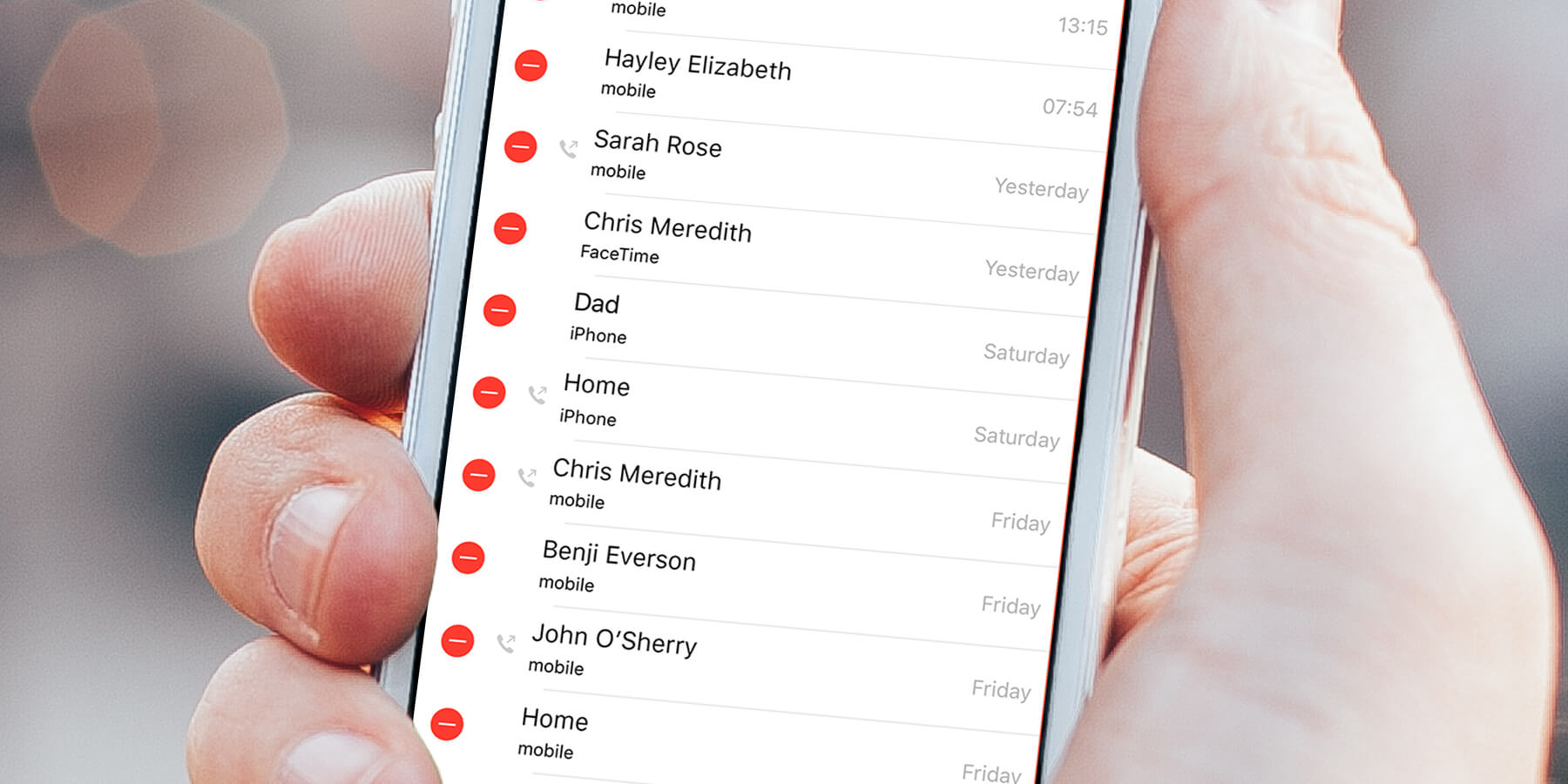
Once the request processes, look under the History label for your call and data usage information. You can also dial *##225##* as an alternative code to retrieve call history via text message.
What call history details are available
Boost Mobile documents a limit of up to six months of call, text and usage data in both the app and the #111# method. There is no documented download or export feature for your call history, so you cannot save a file or print a report directly from either tool. The app and the dialer code provide the same historical data, but the app offers a more visual breakdown of your usage over time.
Frequently Asked Questions
Can I check my call history online through the Boost Mobile website?
No. You must use the My Boost Mobile app or dial #111# to access your records.
Can Boost Mobile customer service provide my call history?
No.
How far back does my call history go?
No other retention period is specified on the official pages. Typically, you can view up to 90 days of call history, though this can vary depending on your specific plan.
Can I download or print my call history from the app?
No. There is no documented call-log download or export feature in the My Boost Mobile app or through the #111# code. You can manually view the information on screen but cannot save it as a file. To inquire about obtaining a copy of your call history, contact Boost Mobile customer service.
Does the My Boost Mobile app work differently on iPhone versus Android?
The retrieved Boost pages describe the My Boost Mobile app generally and do not give separate iPhone and Android instructions for this feature. The steps to check call history are the same regardless of your device.
How can I check the call history for other lines on my Boost Mobile family plan?
Log in to the My Boost Mobile app with the primary account holder's credentials and select the specific line you want to review from the account dashboard before tapping View your usage.
For the wider topic, see Boost Mobile services.
Related reading: How To Add Minutes To Boost Mobile and How To Check IPhone Usage History.