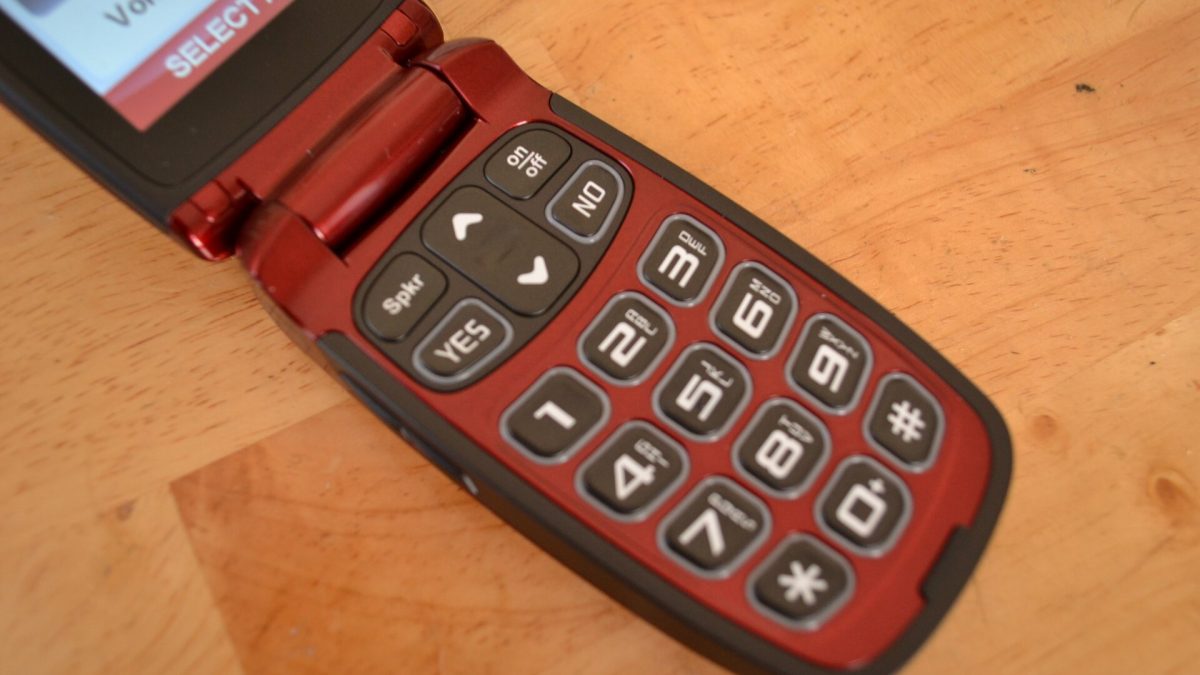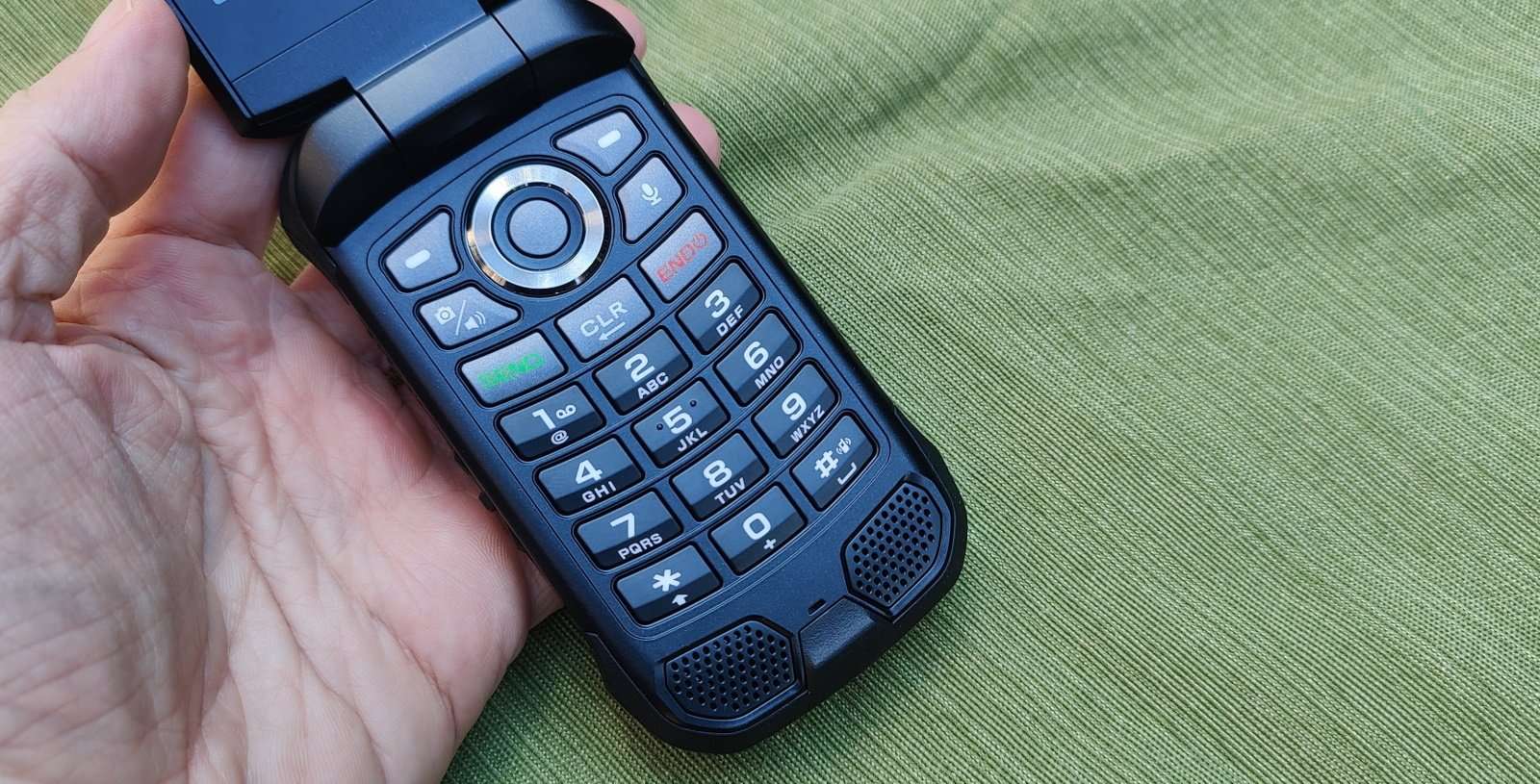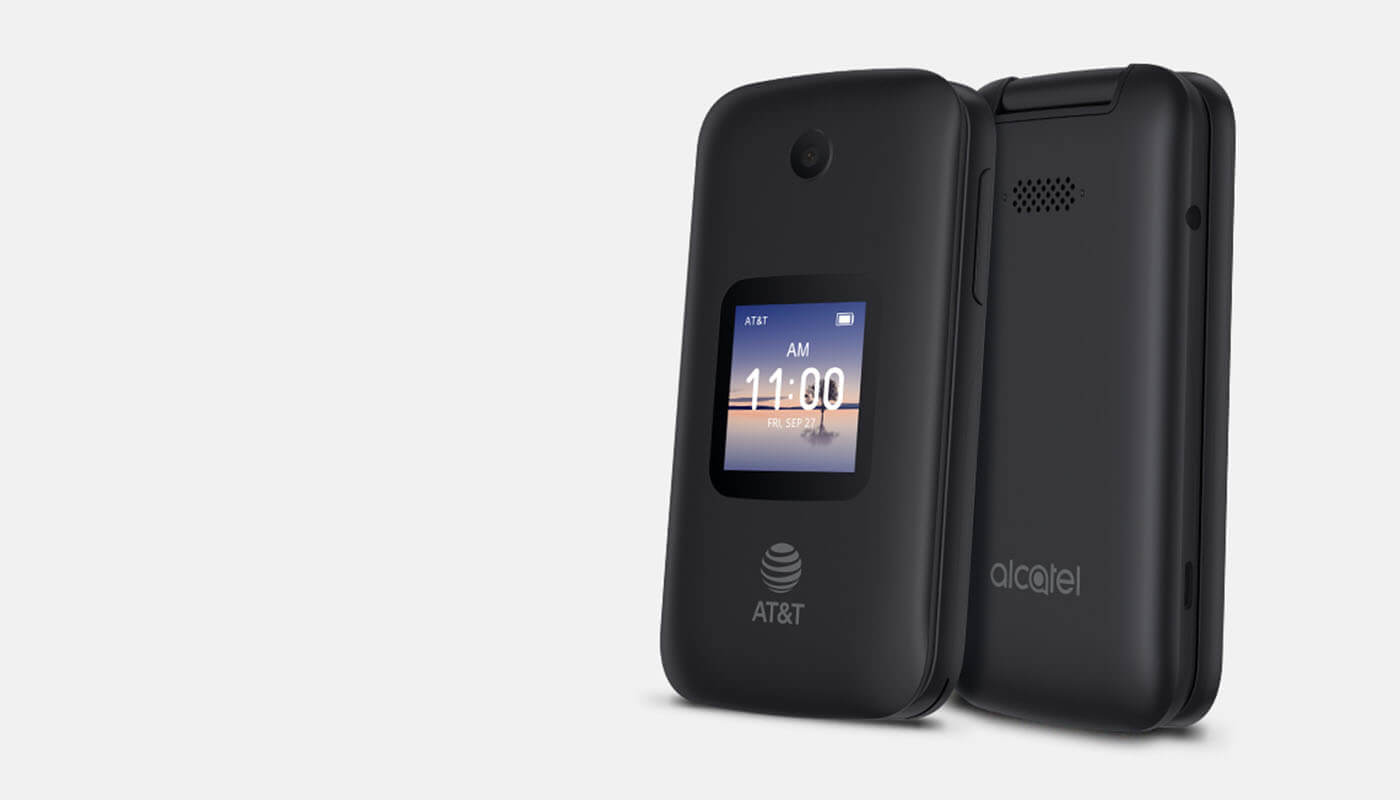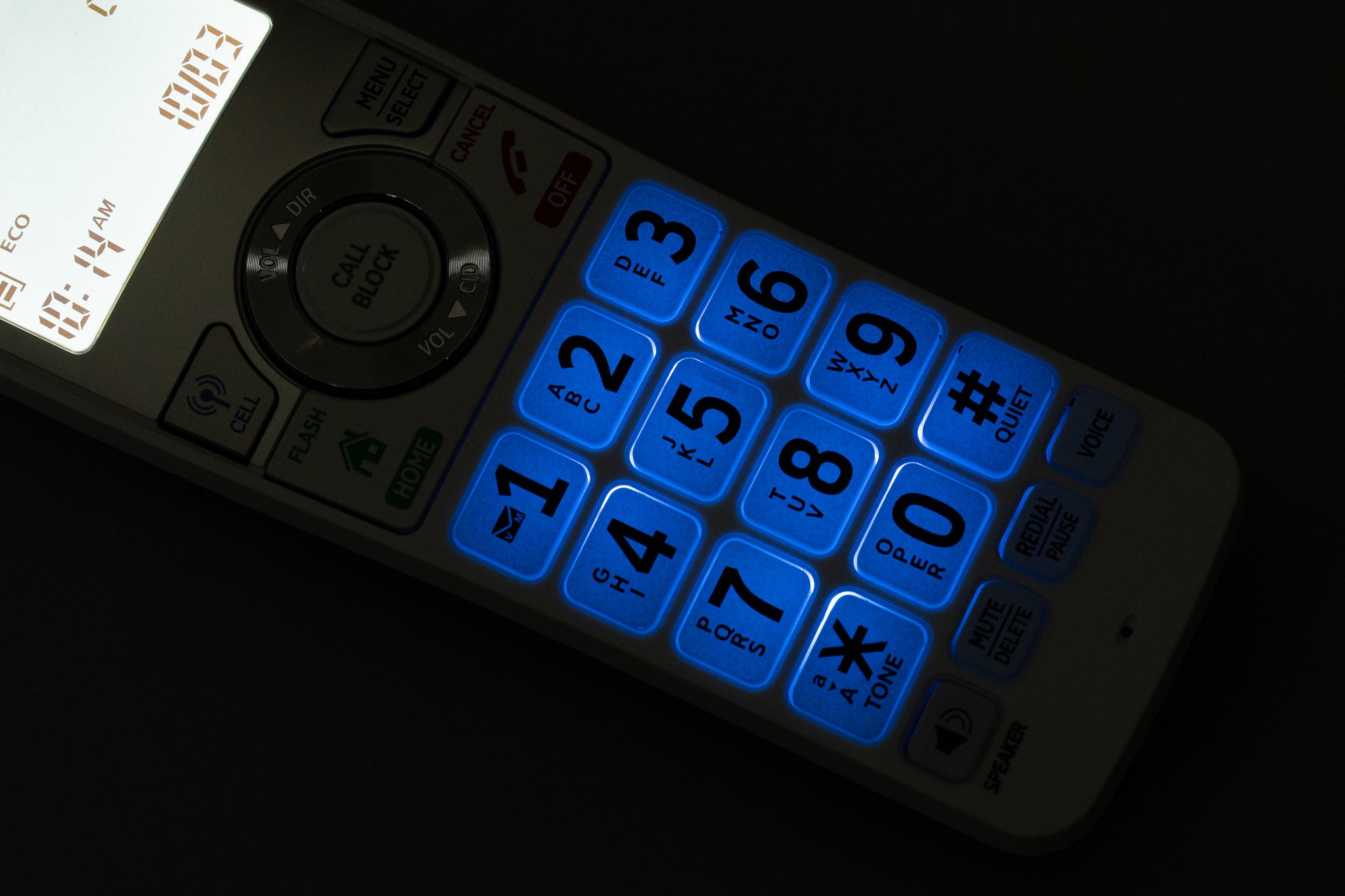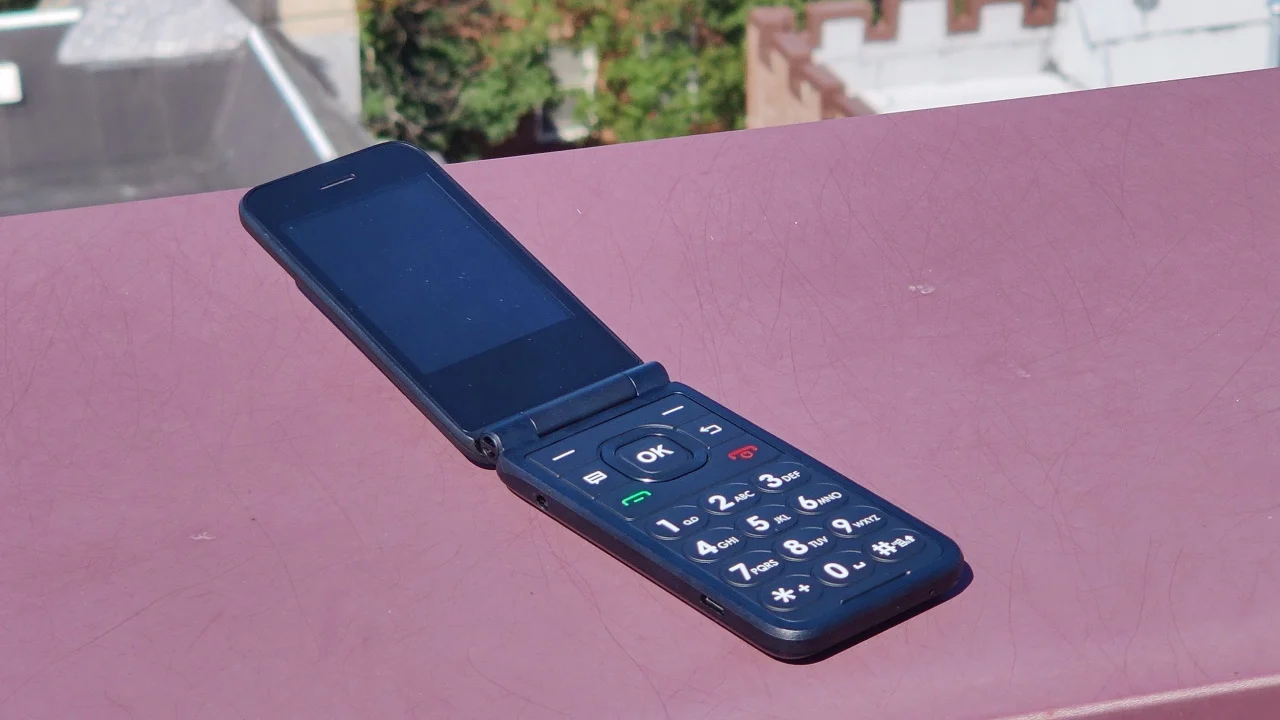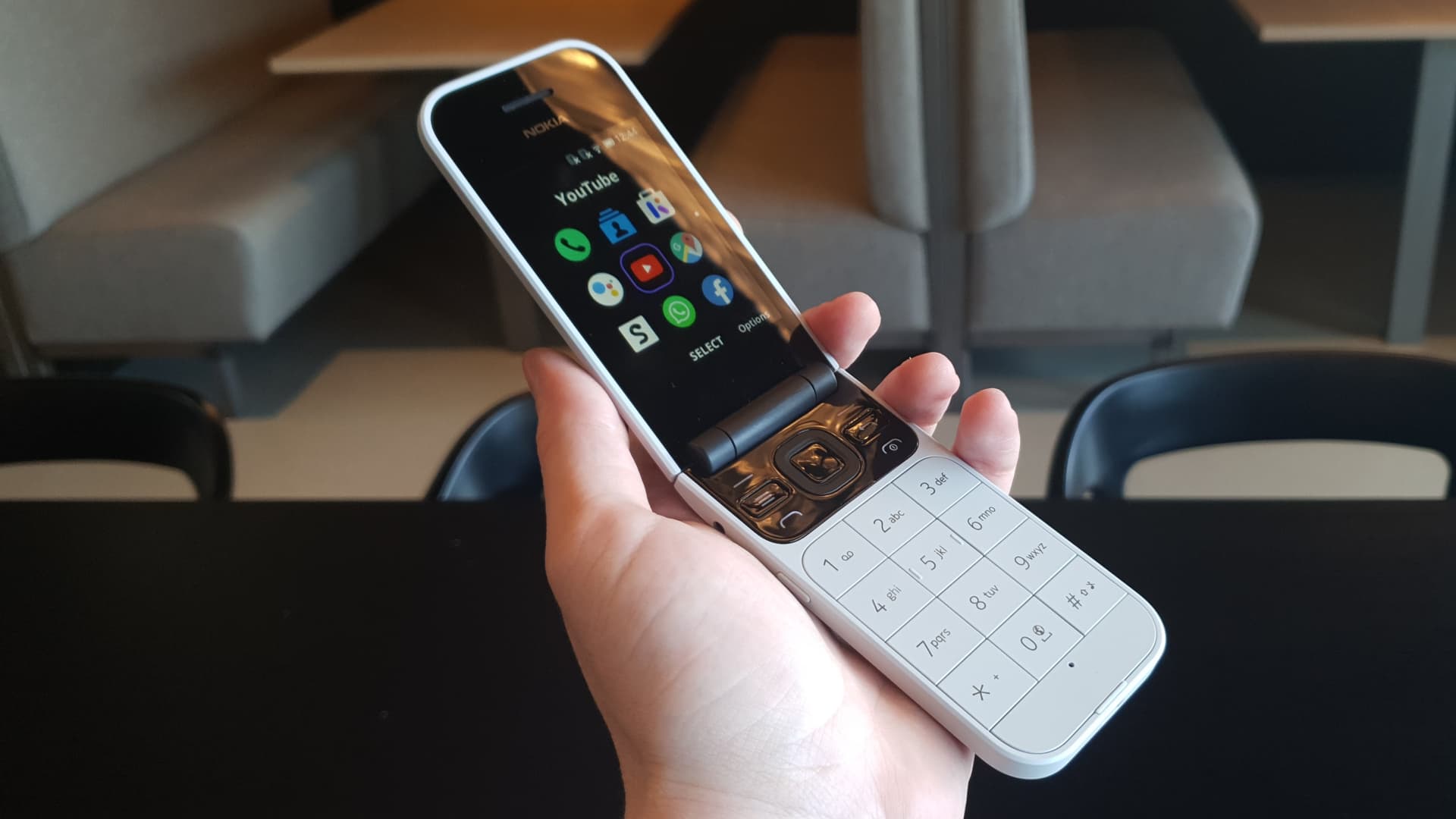
To block calls on flip phone, start by opening your call history or call log, selecting the unwanted number, and choosing an option like "Block Number," "Add to call rejection," or "Block." This is the fastest way to stop a specific caller without navigating through menus.
How to block calls on a flip phone from the call history
The most common method for blocking calls on flip phone begins in the call log, where you can quickly target a number that has already called you.
- Open the "Call History" or "Call Log" from your phone's main menu or home screen.
- Scroll through the list of recent calls and highlight the number you want to block.
- Press the Options or Menu key (often the center button or a soft key labeled "Options").
- Look for an option such as "Block Number," "Add to call rejection," or "Block." Select it.
- Confirm the action when prompted. The number is now added to your block list.
This method works on most flip phone models from carriers like AT&T and T-Mobile. Once you complete these steps, calls from that number will no longer ring your phone.
How to manually add a number to your flip phone's block list
If you have a number you want to block that hasn't called you yet, you can enter it manually through the phone's settings. This is useful for blocking known spam numbers or telemarketers before they disturb you.
- Go to your phone's main "Settings" menu.
- Find and select "Call Settings" or "Blocking." The exact label depends on your phone model.
- Look for an option called "Reject List" or "Blocked numbers." Open it.
- Some flip phones offer time-based call blocking, allowing you to define specific hours or days during which incoming calls are blocked.
- Enter the full phone number you wish to block, including the area code.
- Save the entry. The number is now on your block list.
This manual entry method is available on flip phones from manufacturers like Alcatel and is consistent across carriers such as Bell. It gives you control over blocking calls and numbers before they ever reach your device.
What happens when you block a number
When you block a number on a flip phone, calls from that number are typically ignored and often routed directly to voicemail. The caller may hear a busy tone or be sent to voicemail without your phone ringing. Text and picture messages from blocked numbers are generally not delivered to your Messages app, so you won't see them in your inbox. This means the blocked caller cannot leave a text or photo message that reaches your phone.
How to unblock a number on your flip phone
To unblock a number, go to your phone's Settings menu, then navigate to Call Settings or Blocking. Open the "Reject List" or "Blocked numbers" list. The number is now unblocked and can call or message you normally again.
Frequently Asked Questions
Can I block calls from unknown or private numbers on a flip phone?
Some flip phone models offer a setting to block unknown or private callers. Check your phone's manual to see if your model supports it.
Is there a limit to how many numbers I can block?
If you reach this limit, you will need to delete an existing blocked number to add a new one.
Will a blocked caller know they are blocked?
Blocked callers typically hear a busy tone or are sent directly to voicemail without any notification that they have been blocked. They will not receive a message saying their call was rejected.
Can I block area codes or prefixes on a flip phone?
Most basic flip phones do not support blocking entire area codes or prefixes. Manual call blocking on these devices works only for individual phone numbers entered into the reject list.
Does blocking a number also block text messages?
Yes, on flip phones that support text messaging, blocking a number usually prevents text and picture messages from that number from being delivered to your Messages app.
Can I use third-party apps to block calls?
Third-party call blocking apps like Truecaller, Hiya, YouMail, Mr. Number, and Calls Blacklist can be installed on some flip phones for additional spam filtering.
Does Do Not Disturb mode block calls?
Some flip phones have a Do Not Disturb mode that not only blocks incoming calls but also disables notifications and alerts. You can configure Do Not Disturb mode to allow certain contacts to bypass the block, ensuring important calls still come through.
Does manually blocking calls stop all unwanted calls?
Manually blocking calls only blocks specific phone numbers; it will not block calls from blocked or private numbers.
Related reading: How To Delete Call History On Jitterbug Flip Phone and How To Block A Number On Kyocera Flip Phone.