Practical guides focused on the everyday controls and features of your phone's calling functions. This page is for anyone who has ever fumbled with a speakerphone, needed to block a persistent caller, or wondered why their phone keeps answering by itself. Whether you use a modern smartphone or a classic flip phone, these articles address the basic, often confusing, settings that govern how you make, receive, and manage calls.
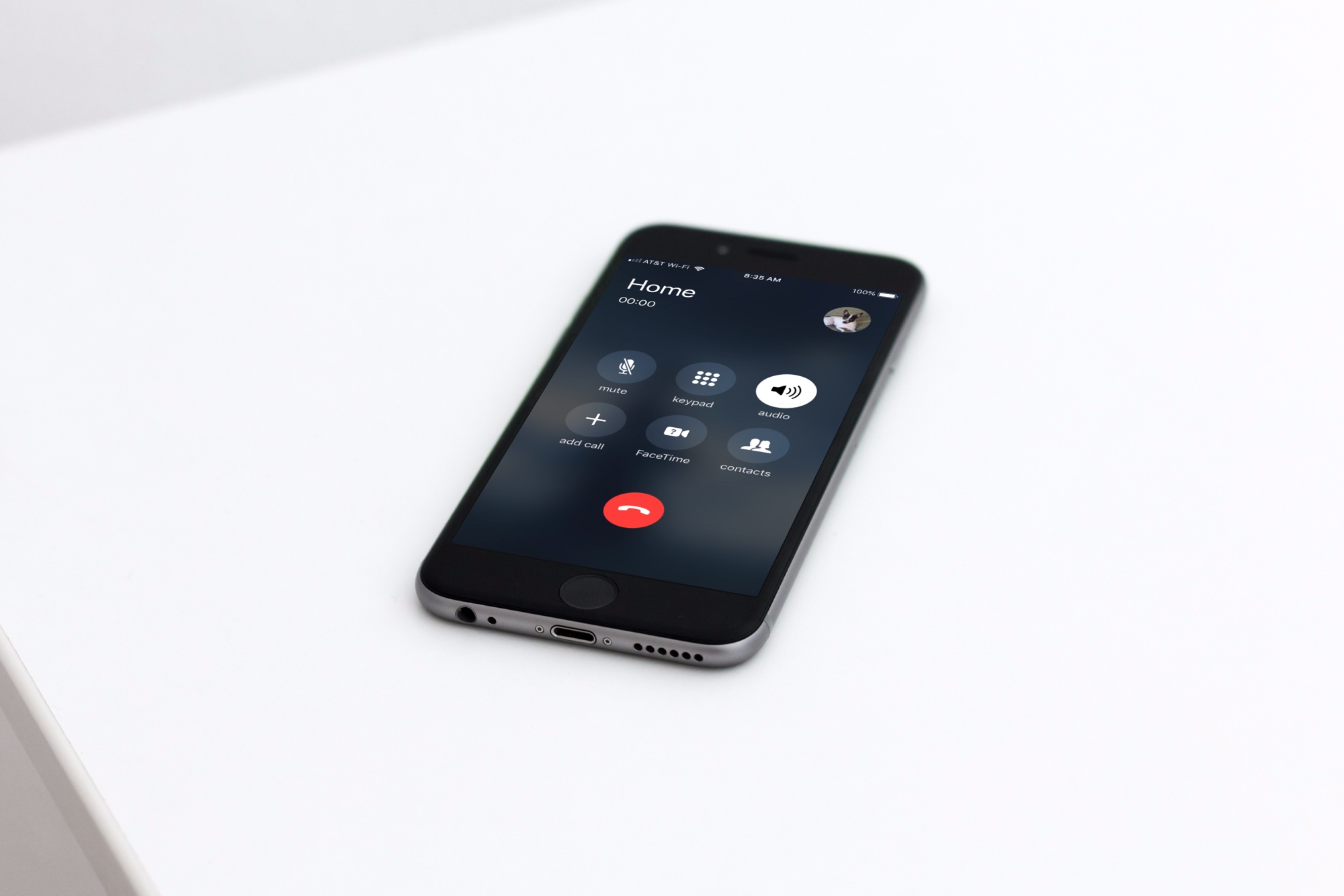
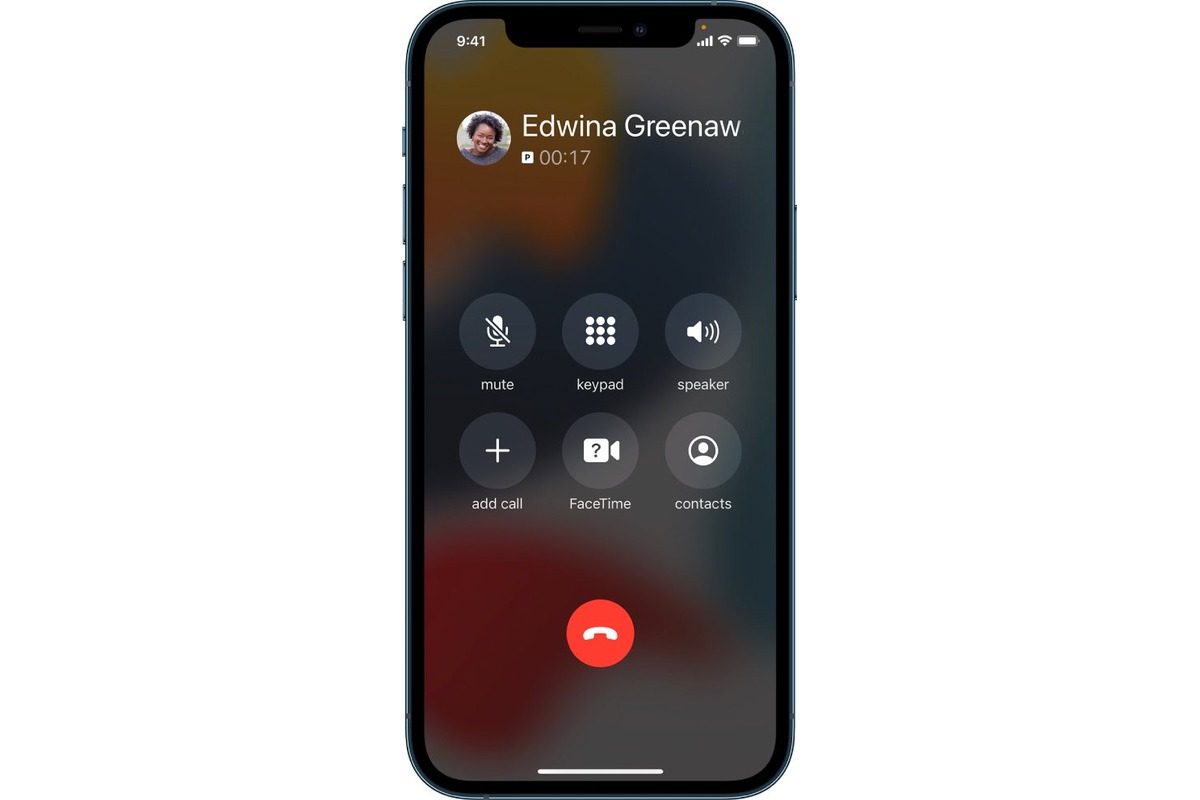
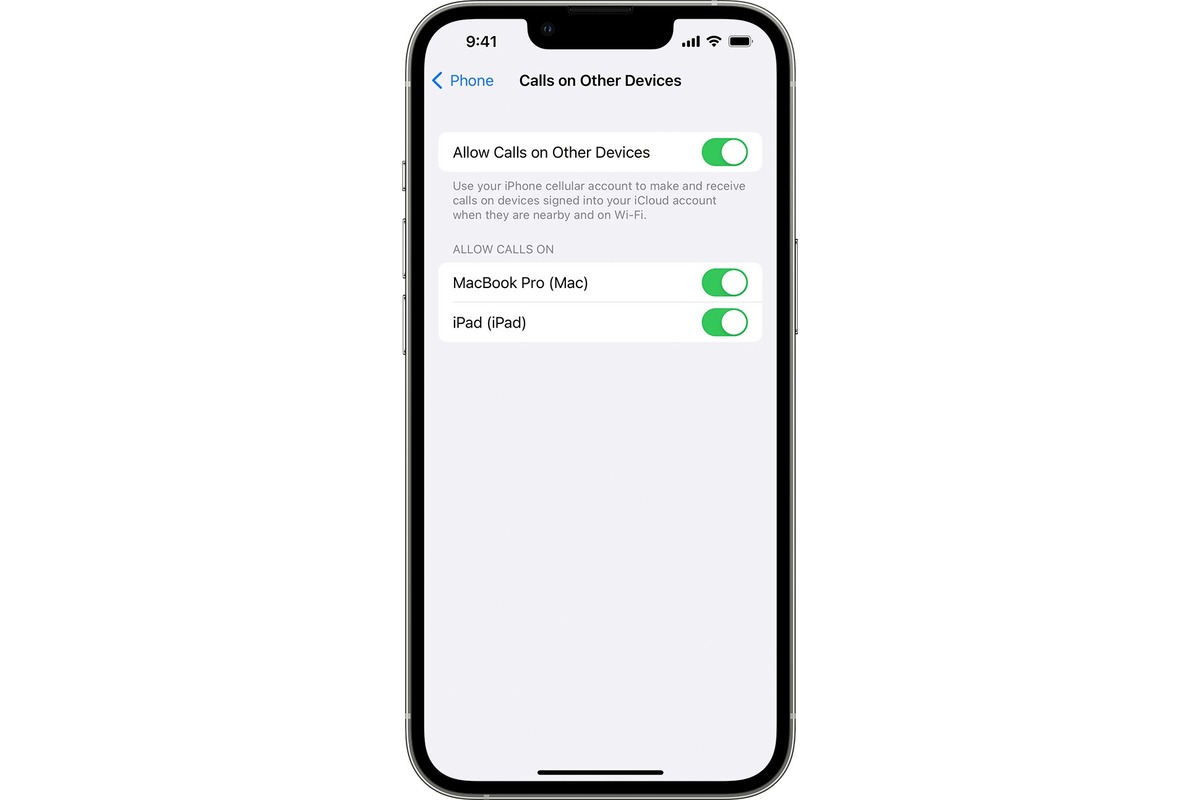
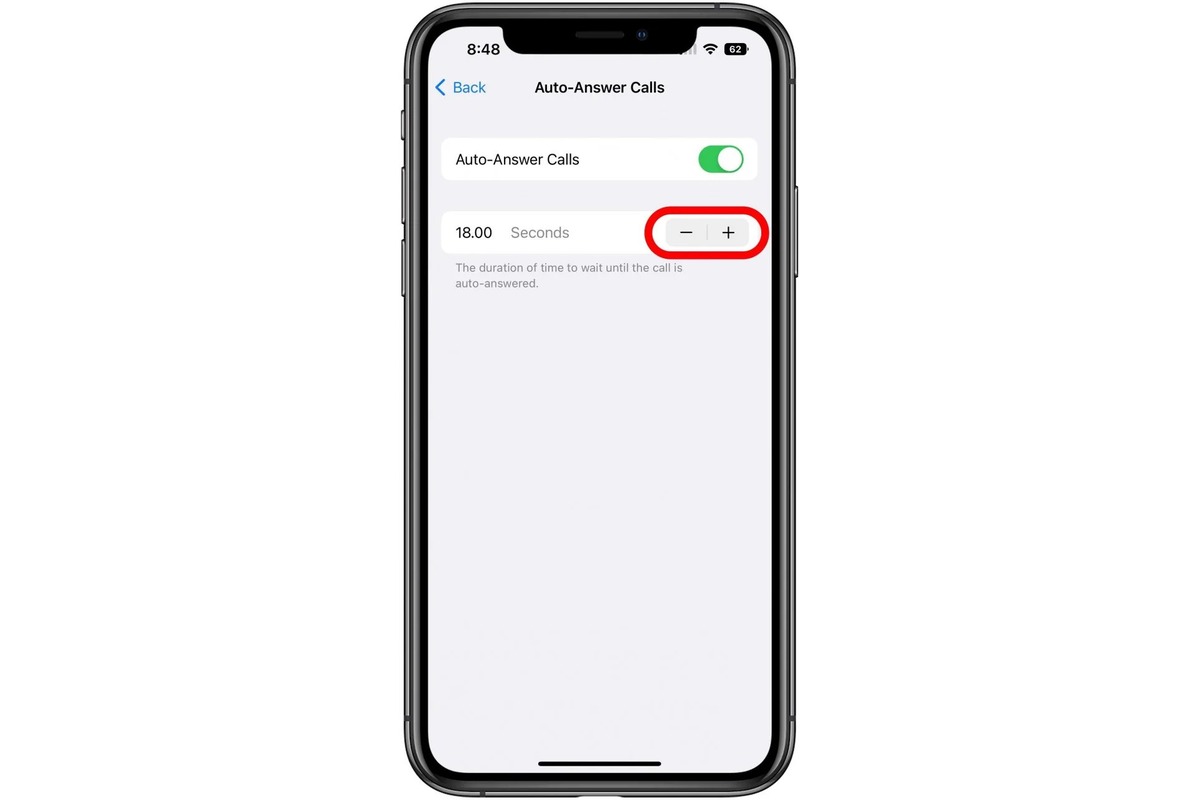
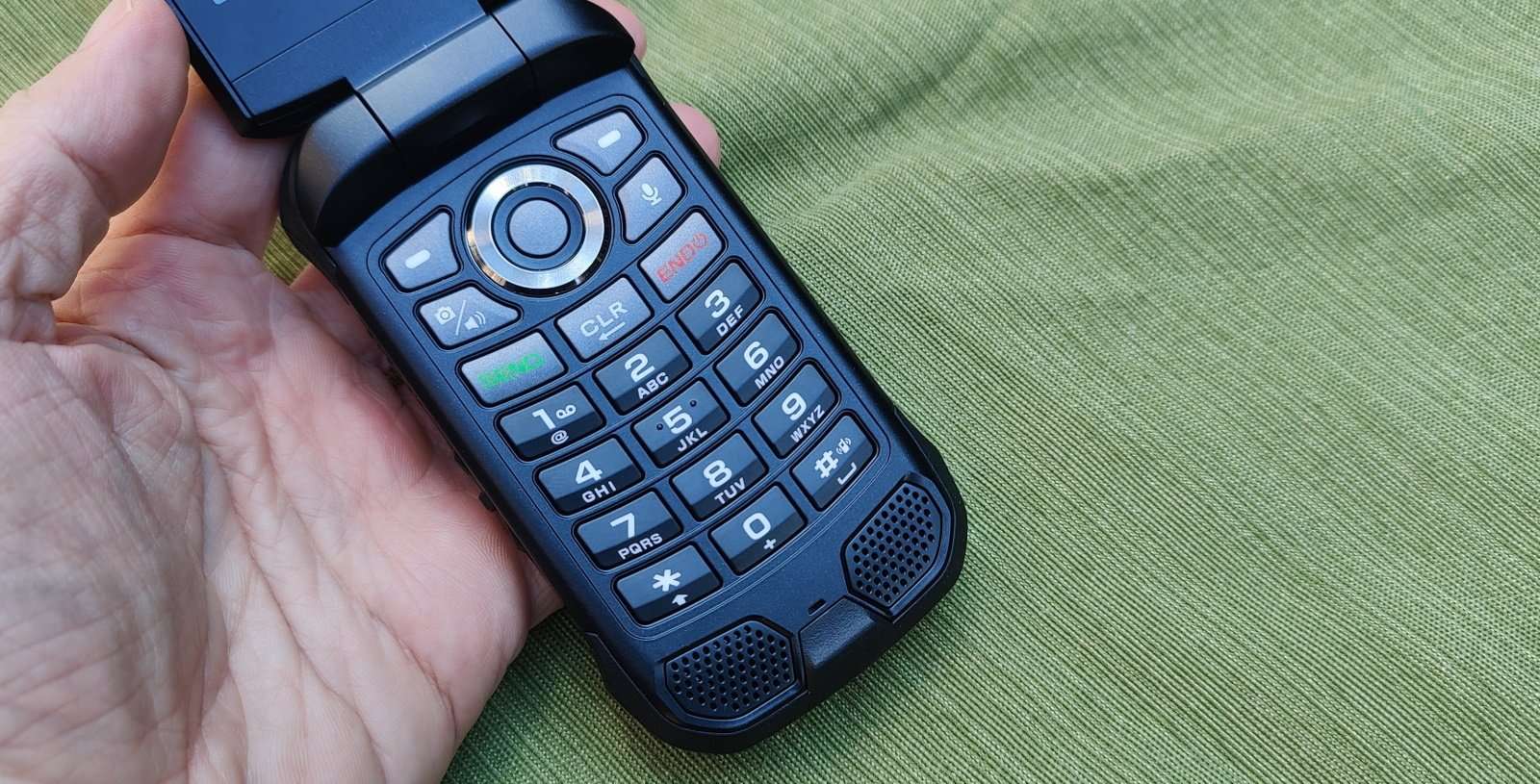
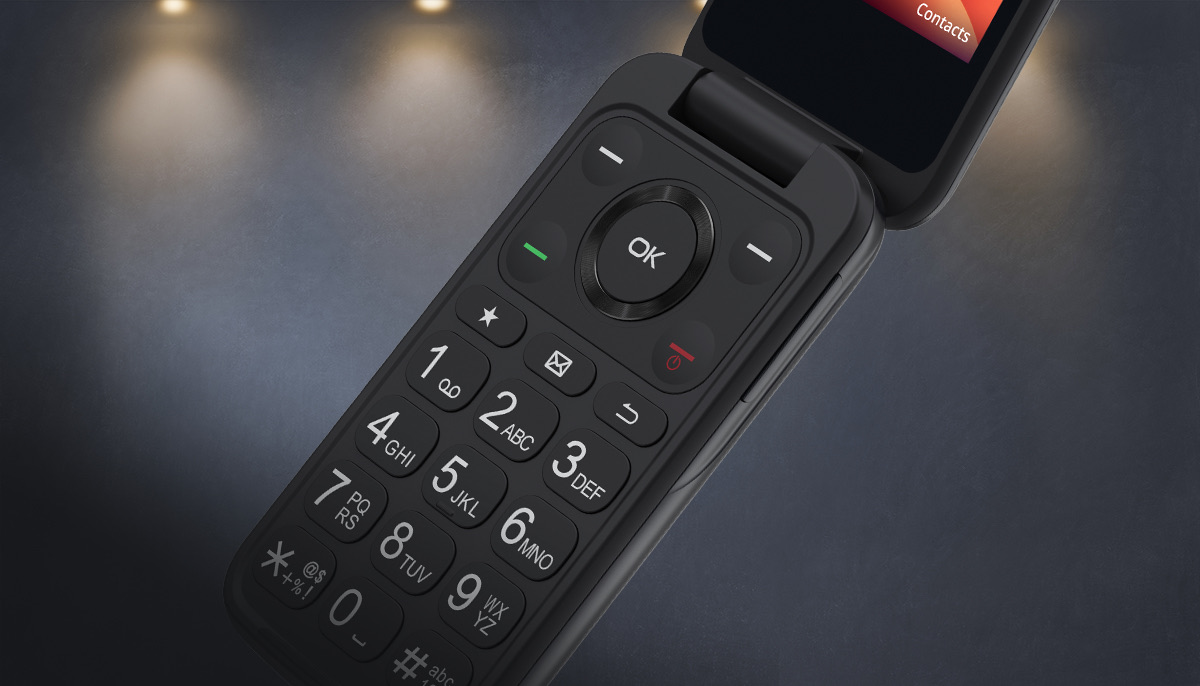
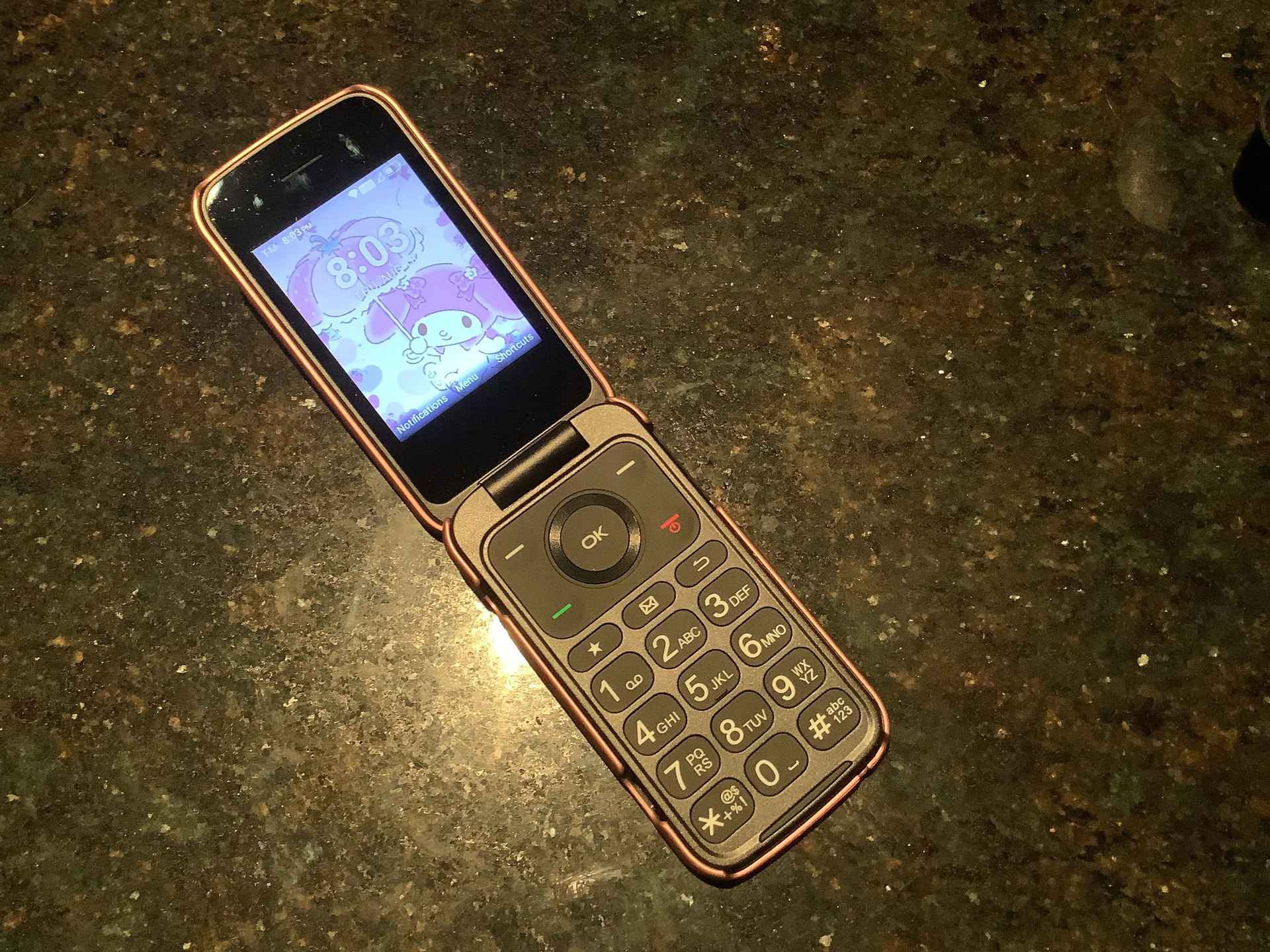
The articles here solve three main kinds of problems. First, they help you control audio output during a call, with straightforward instructions on enabling speaker mode. You can learn How To Turn On Speaker Phone for general models, get specific help for a TCL flip phone, or find out Where Is The Speaker Icon On An iPhone. Second, several guides tackle call management, such as blocking unwanted numbers with How To Block A Number On Kyocera Flip Phone or preventing unexpected connections by reading How To Turn Off Automatic Answer On iPhone. Finally, a few articles cover unique or regional settings, like How To Answer The Phone In Japanese and How To Allow All Calls On iPhone for controlling which calls get through.
These guides are designed to help you take immediate action. They walk you through the specific steps to turn on a speaker, block a contact, or adjust an automatic answer feature. Whether you need to get a flip phone on speaker or enable speaker mode on an iPhone 13, each article provides the direct, no-nonsense instructions to change a setting and get your phone working the way you want.