Welcome to the Camera Settings tag on CellularNews. This page collects guides and fixes for anyone who uses a phone, tablet, or compact camera, whether you are a casual social media poster, a mobile gamer, or a drone hobbyist. The articles here focus on the practical, everyday problems of capturing, adjusting, and managing camera footage and related hardware.
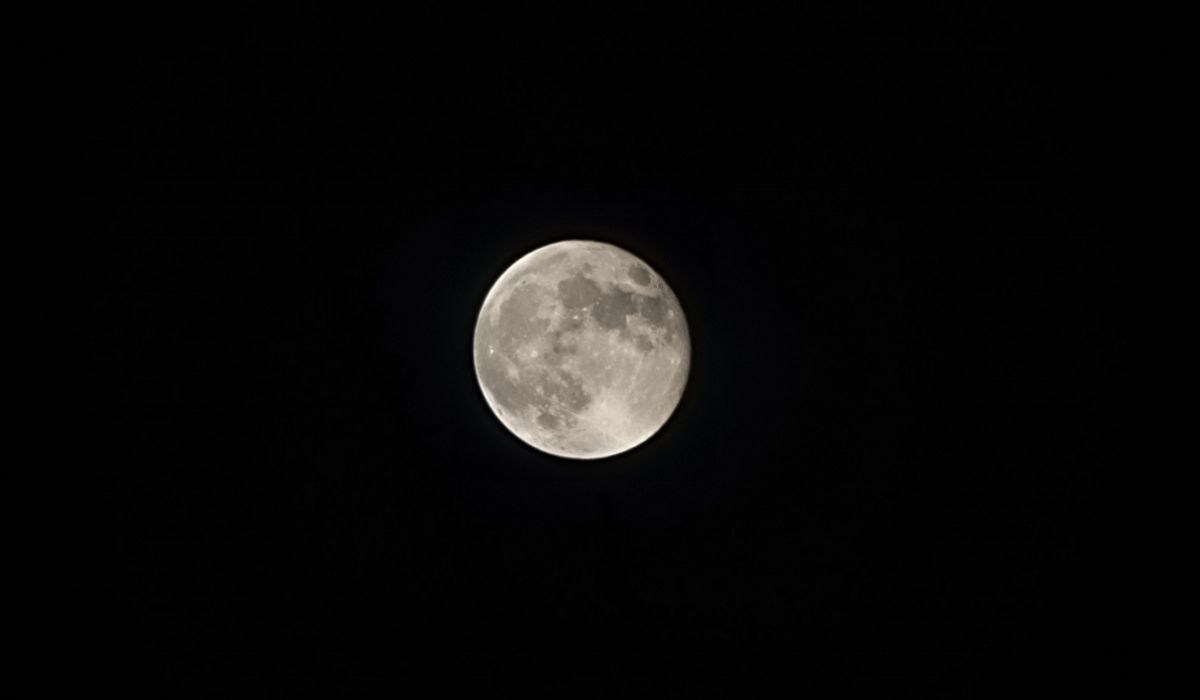
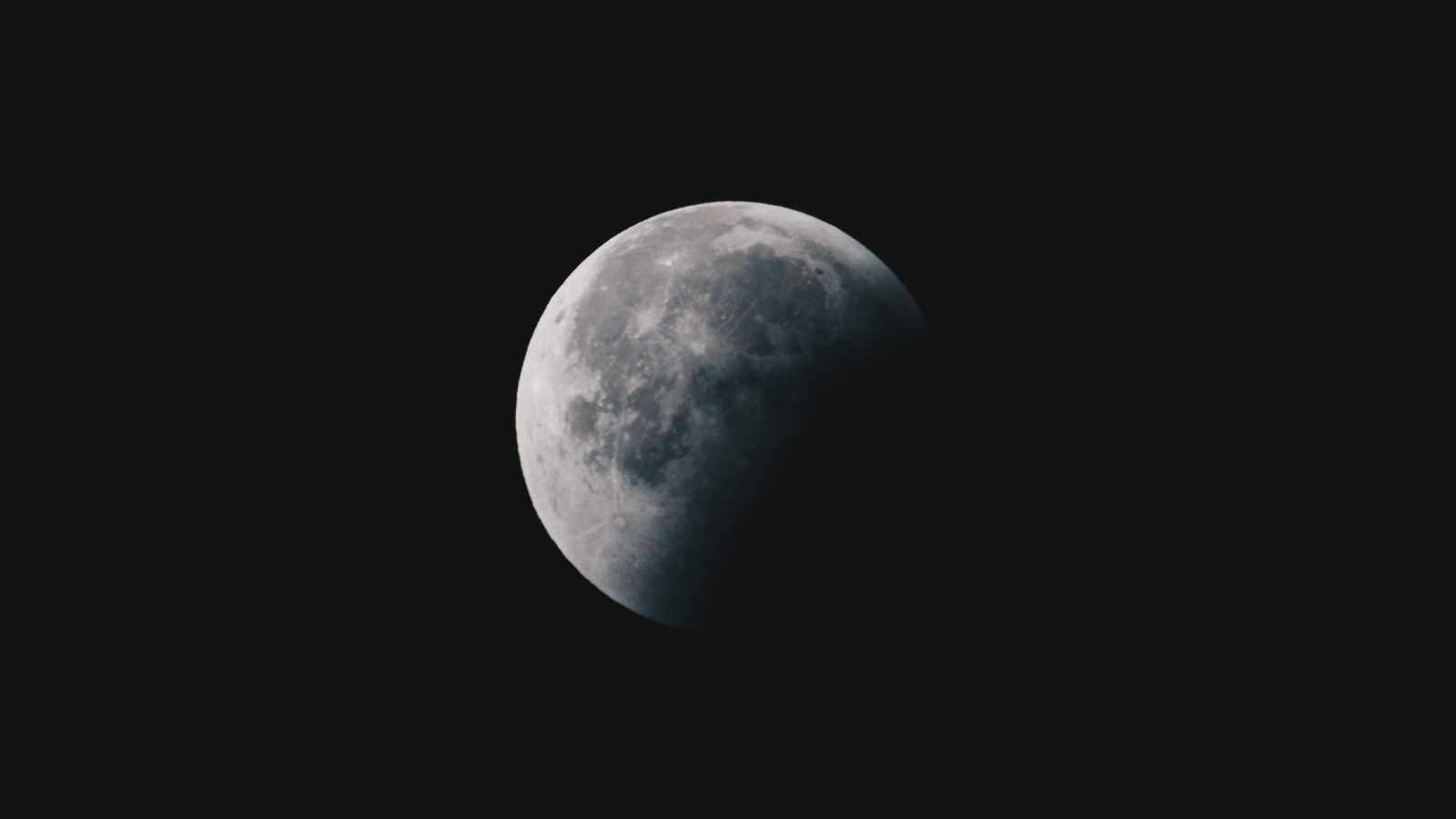
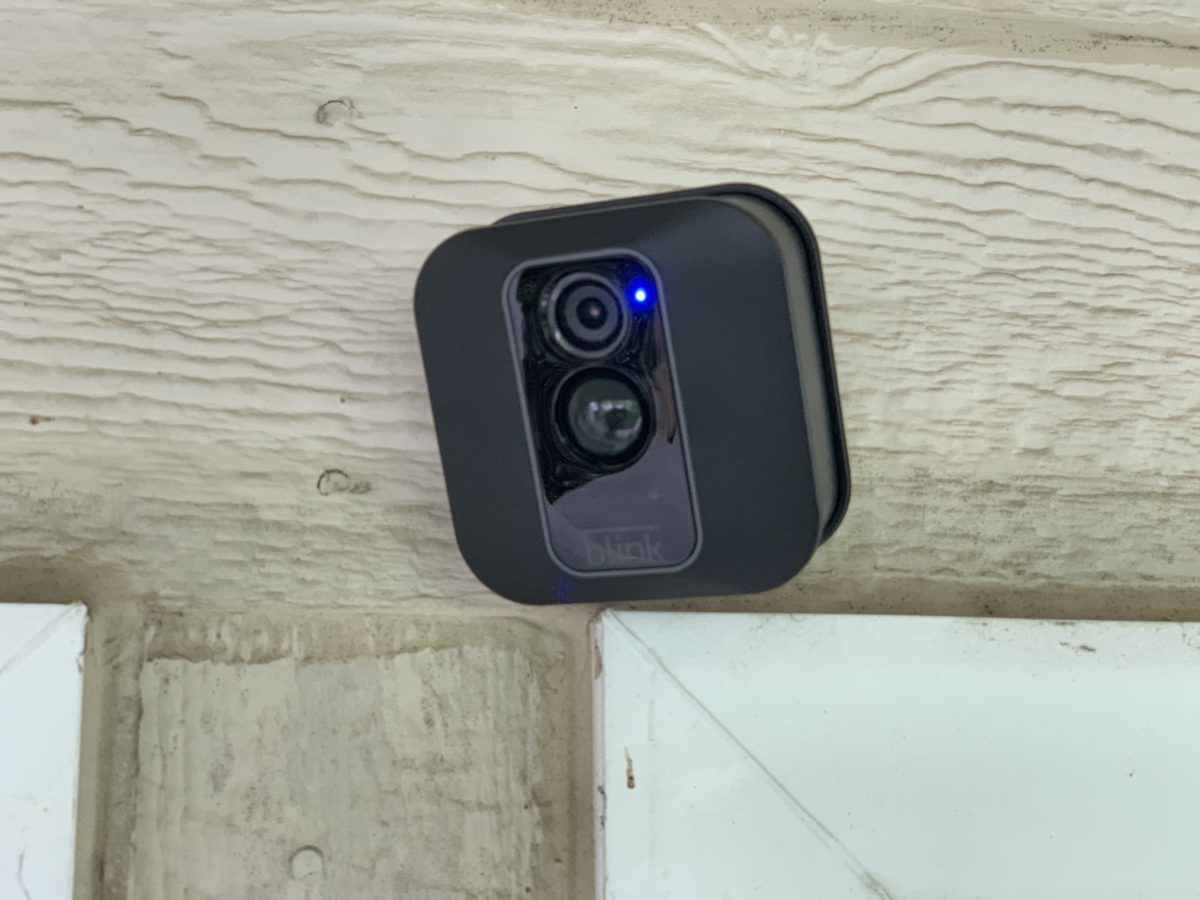
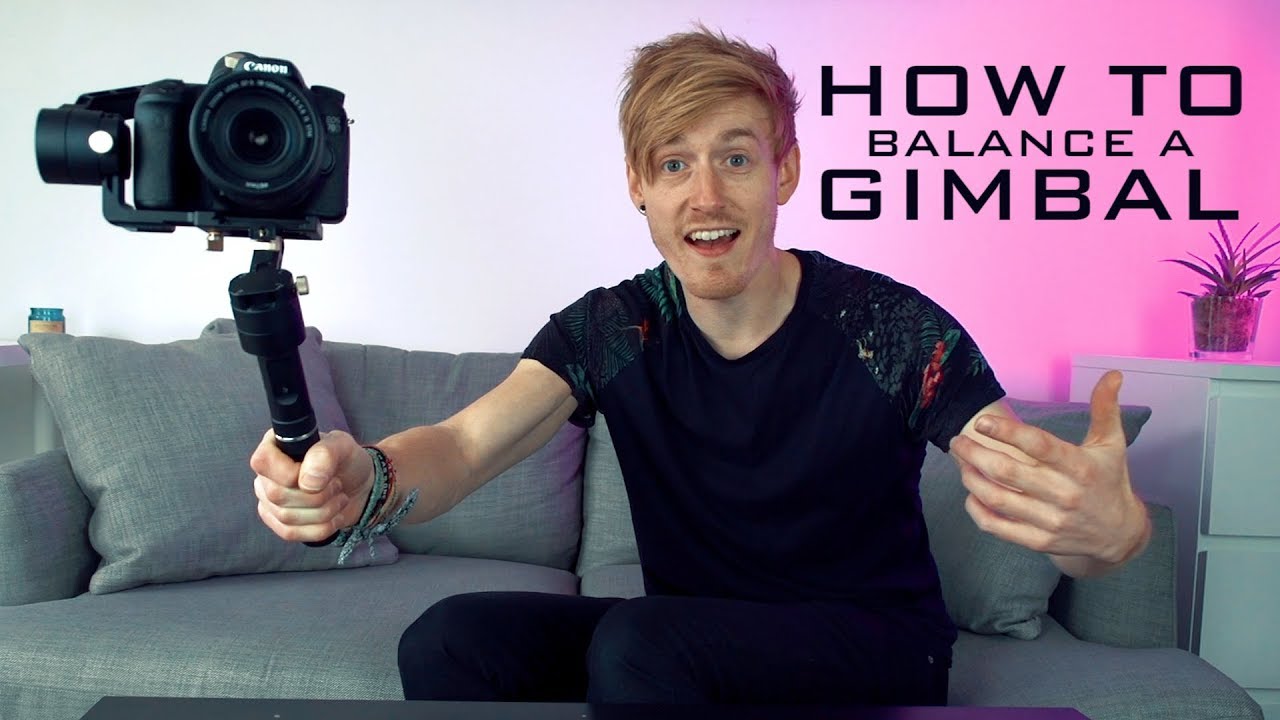
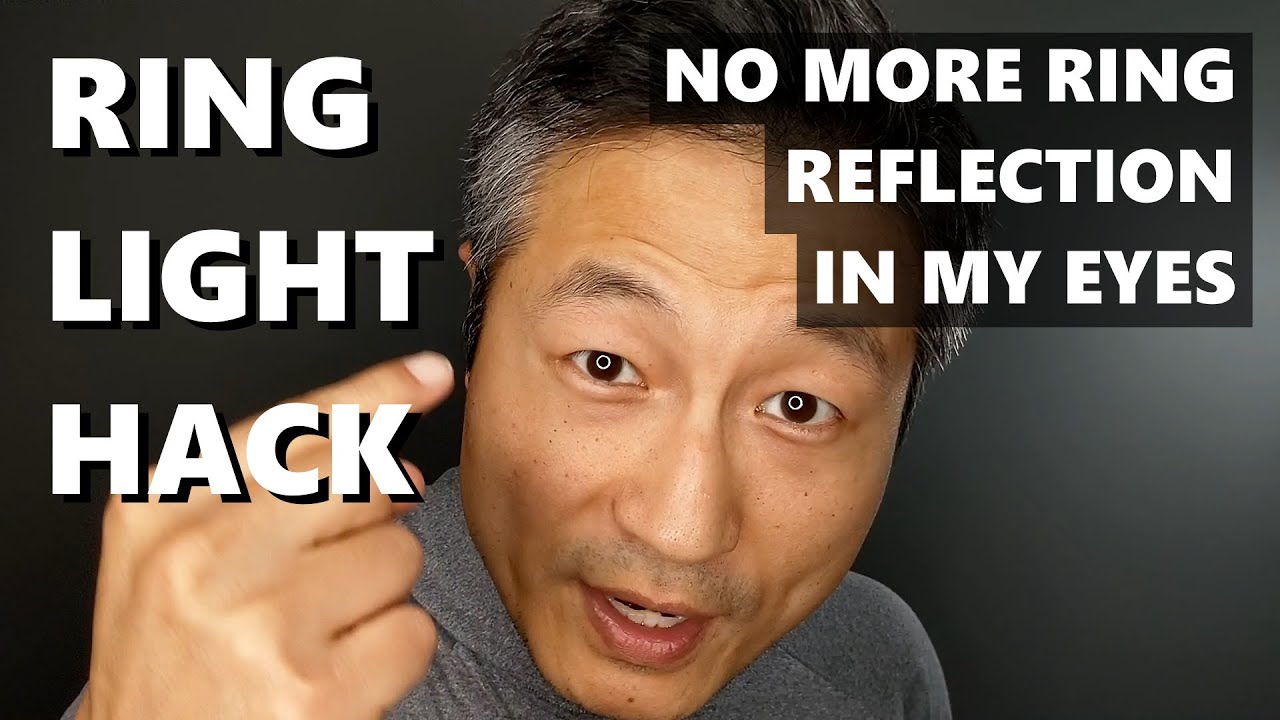
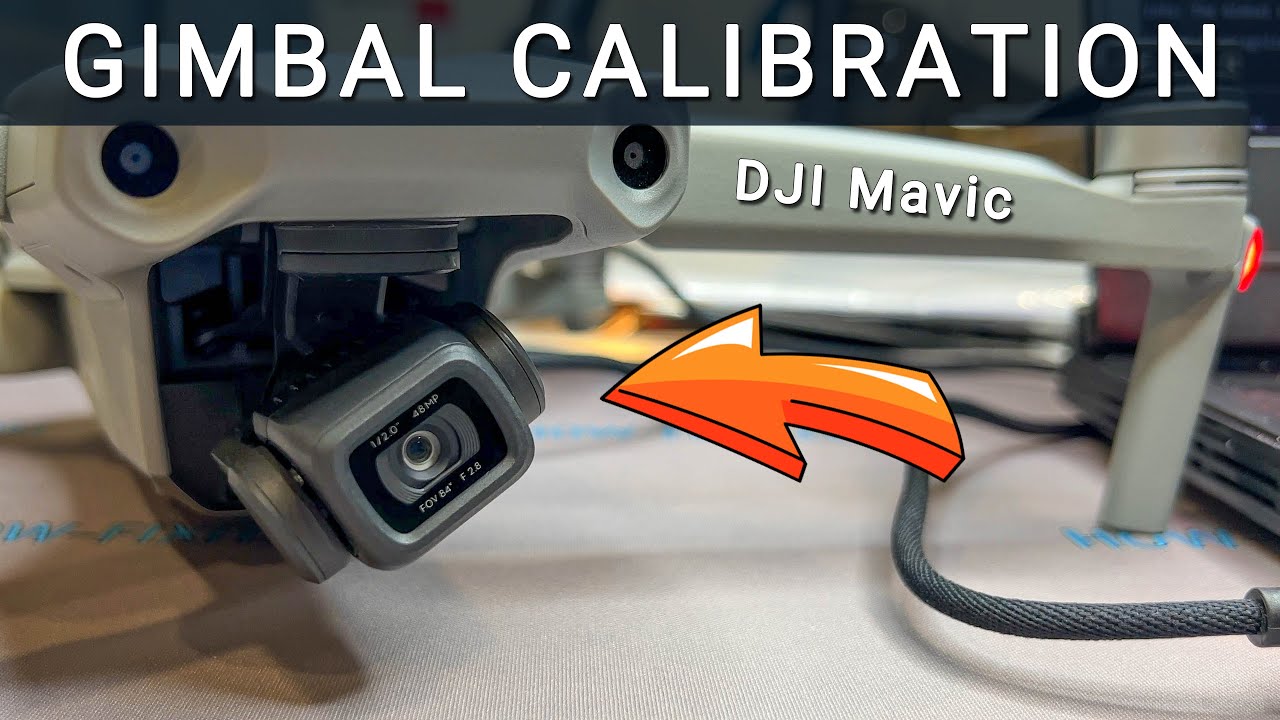
The topics fall into a few clear themes. One group helps you improve the quality of your photos and video, especially in tricky situations. You will find straightforward advice on how to take moon pictures with an iPhone 14 Pro and an iPhone 13 Pro, as well as how to get rid of the ring light in your eyes. Another theme covers the setup and maintenance of gimbal and drone gear. These articles walk you through calibrating a DJI Mini 3 Pro and a DJI Mini 2, and explain how to balance a gimbal properly. A third set of articles solves specific, common frustrations: how to flip your camera on Discord Mobile, what a blue light on a Blink camera means, and how to use shift lock on Roblox Mobile. You will also find guides on checking how long a GoPro battery lasts and extracting metadata from a photo.