Shift lock on Roblox mobile is a camera-locking feature that fixes your viewpoint to give you desktop-like control for aiming and precise movement. Unlike the PC version, there is no universal toggle in the Roblox mobile settings, the feature's availability depends entirely on whether the individual game developer chose to include it.
What is shift lock on Roblox mobile?
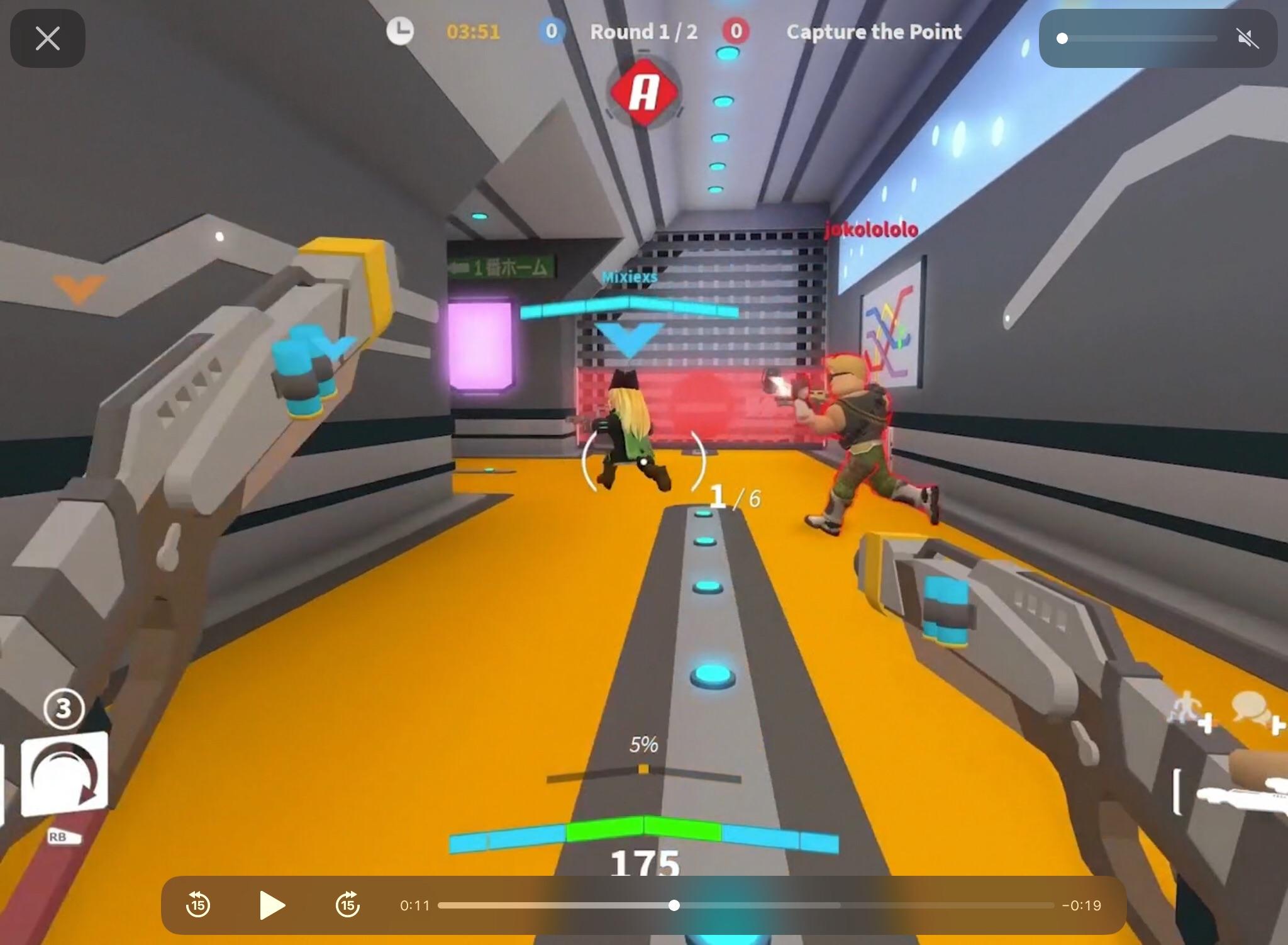
Shift lock on Roblox mobile locks your camera's orientation so that swiping the screen rotates your view rather than moving your character. This mimics the desktop experience, giving you better control and aiming in games that require precision, such as shooters, obstacle courses, or platformers. When enabled, the camera stays fixed even as your character moves, jumps, or performs actions, allowing you to focus on your surroundings without distraction. Shift Lock can be used to lock the crosshair onto a target, making it easier to track and hit enemies. Shift Lock provides a stable camera angle for building and editing, allowing you to place blocks and objects with greater accuracy.
The truth about enabling shift lock on mobile
The critical fact to understand is that there is no universal toggle for shift lock in the main Roblox mobile settings. The feature is not hidden in a global controls menu; it is a per-game option that the developer must implement. This explains why many players search the app's settings and cannot find it, it simply does not exist there. If a game supports shift lock, the developer has added a specific button or toggle inside that game's interface.
How to find and use the shift lock button in a game
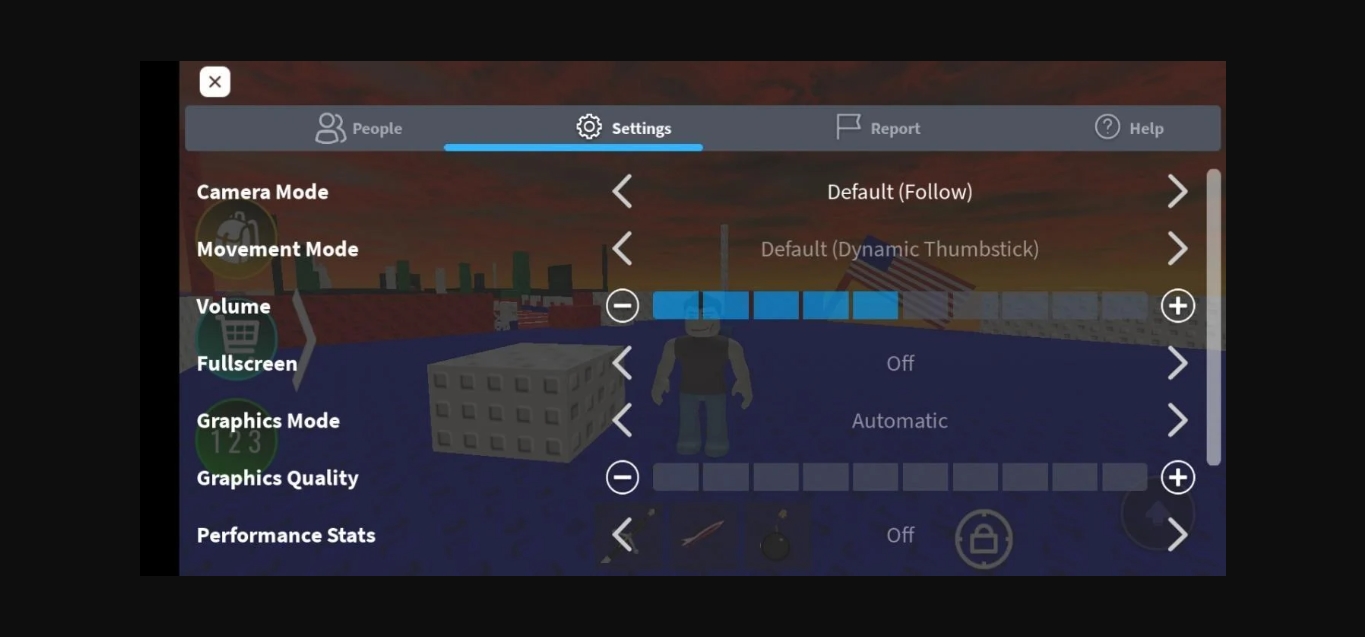
To find shift lock in a game that supports it, look for a dedicated icon or toggle on the game's on-screen UI. This button often appears as a small icon near the movement controls or in a corner of the screen. If you do not see it immediately, open the game's pause menu or settings menu and look for a "Controls" section where a shift lock option may be listed. Shift Lock can be enabled by tapping the menu button in the top-left corner, then scrolling to the 'Controls' section in the in-game settings menu. Once you locate the button, tap it to enable shift lock. When active, you can rotate the camera by swiping your finger across the screen, and a virtual joystick will control your character's movement instead of touch-and-drag. To disable shift lock, tap the same button again.
What to do if shift lock is missing
If you cannot find a shift lock button in a specific game, first confirm that the feature is not hidden in that game's pause or settings menus. Some developers place it under "Controls" rather than on the main screen. If it is absent from all menus, the game simply does not support shift lock. To verify that the feature works on your device, test it in a popular game known to support shift lock on mobile. If shift lock appears and functions in that game, then the issue is with the first game's design, not your device or the Roblox app. If it does not appear in any game, ensure your Roblox app is updated to the latest version. Restart the app completely and relaunch it to see if the issue resolves itself. Contact Roblox support for further assistance if the issue persists.
Frequently Asked Questions
How do I disable shift lock on Roblox mobile after enabling it?
To disable shift lock, simply tap the same shift lock button or toggle you used to enable it. The camera controls will revert to the default touch-and-drag style.
Can I customize the shift lock controls on Roblox mobile?
Customization of shift lock controls is not currently available on Roblox mobile. The default control scheme is designed to be intuitive, but you can adjust the camera sensitivity in the game's settings menu if the movement feels too fast or too slow.
Why does shift lock work in some Roblox games but not others?
Shift lock works only in games where the developer has programmed the feature into the game's code. It is not a platform-wide setting, so each game must include its own shift lock button or toggle.
Does shift lock on mobile work the same as on PC?
Yes, the core function is the same: locking the camera to give you a fixed perspective while you control your character. However, on mobile you activate it by tapping an on-screen button rather than pressing the Shift key on a keyboard.
Are there any Roblox mobile tricks for better camera control without shift lock?
Yes, several Roblox mobile tricks can help. These alternatives can improve control even in games that lack shift lock.
Related reading: How To Use Controller On Roblox Mobile.