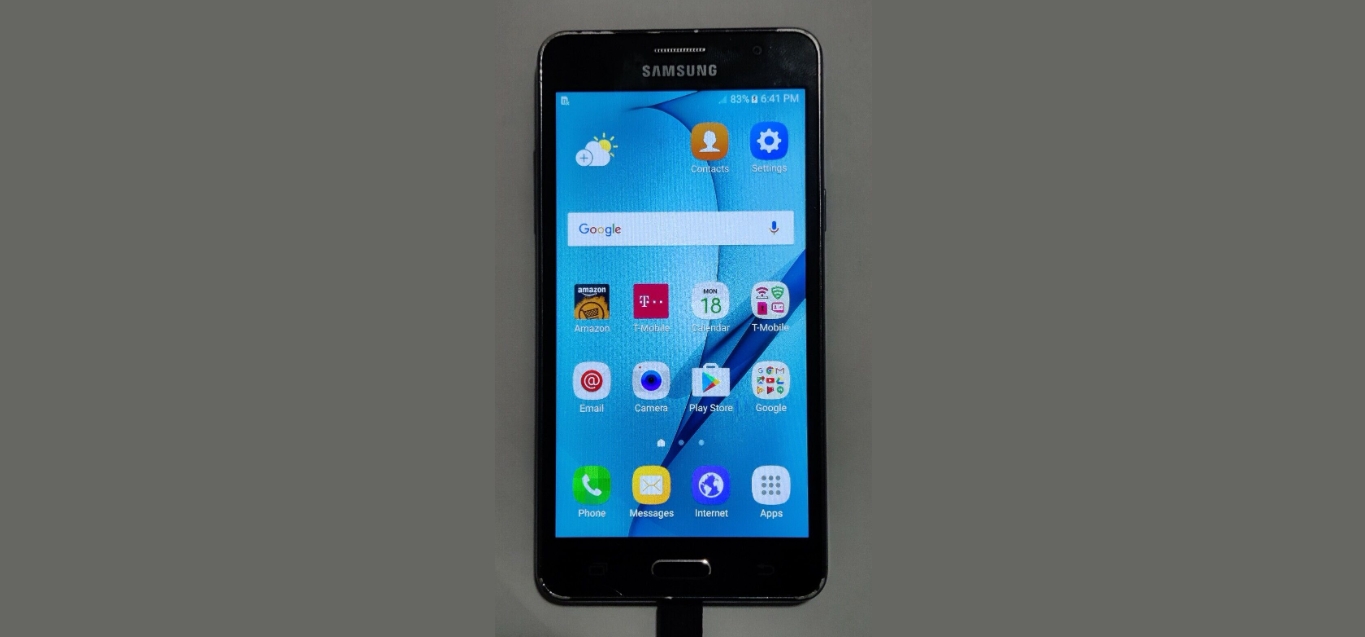
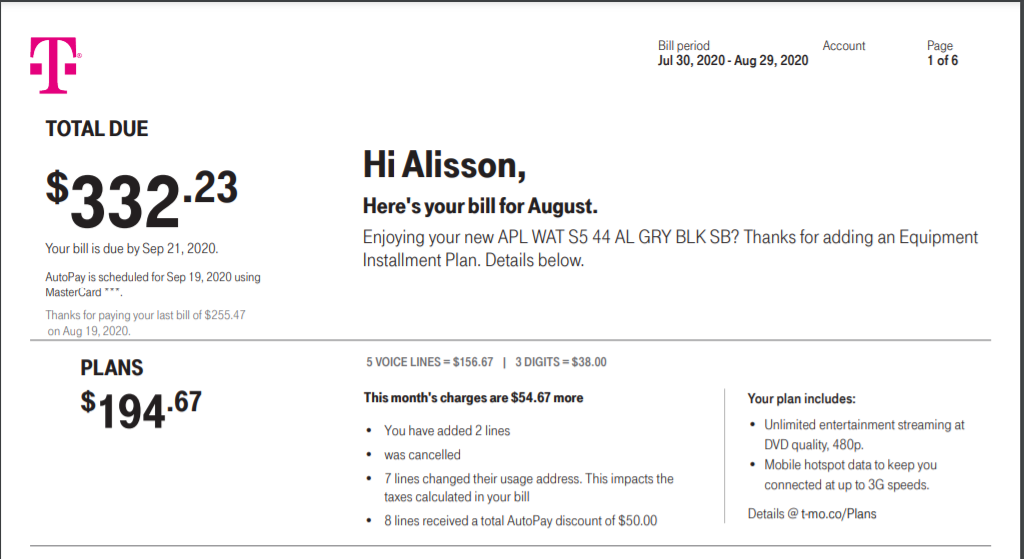
This tag collects articles for anyone managing a mobile phone plan, whether you are a prepaid user, a postpaid subscriber, or someone switching carriers. The content is designed for readers who need practical, step-by-step help with the everyday tasks that come with owning a smartphone, like paying bills, tracking data, and cleaning up unwanted apps.
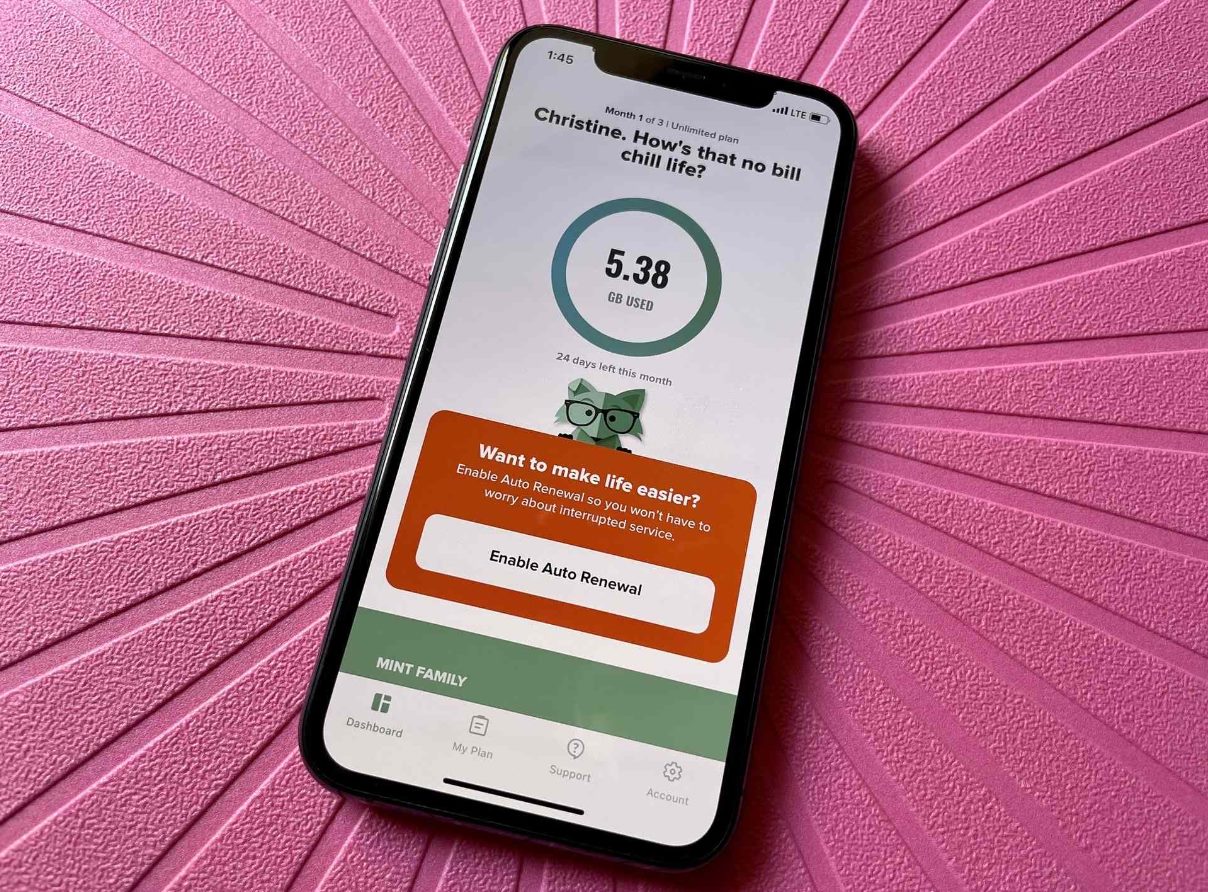
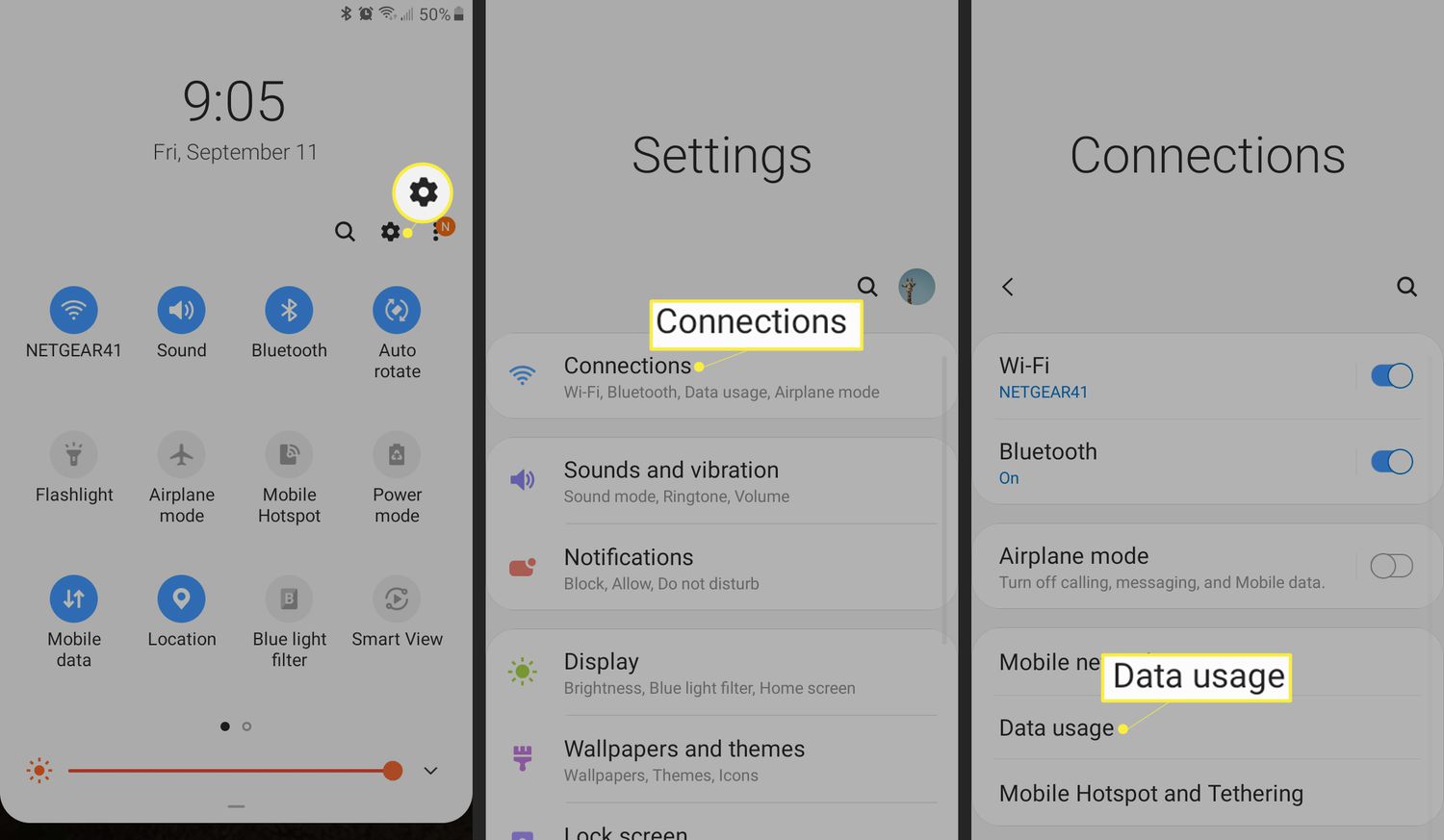
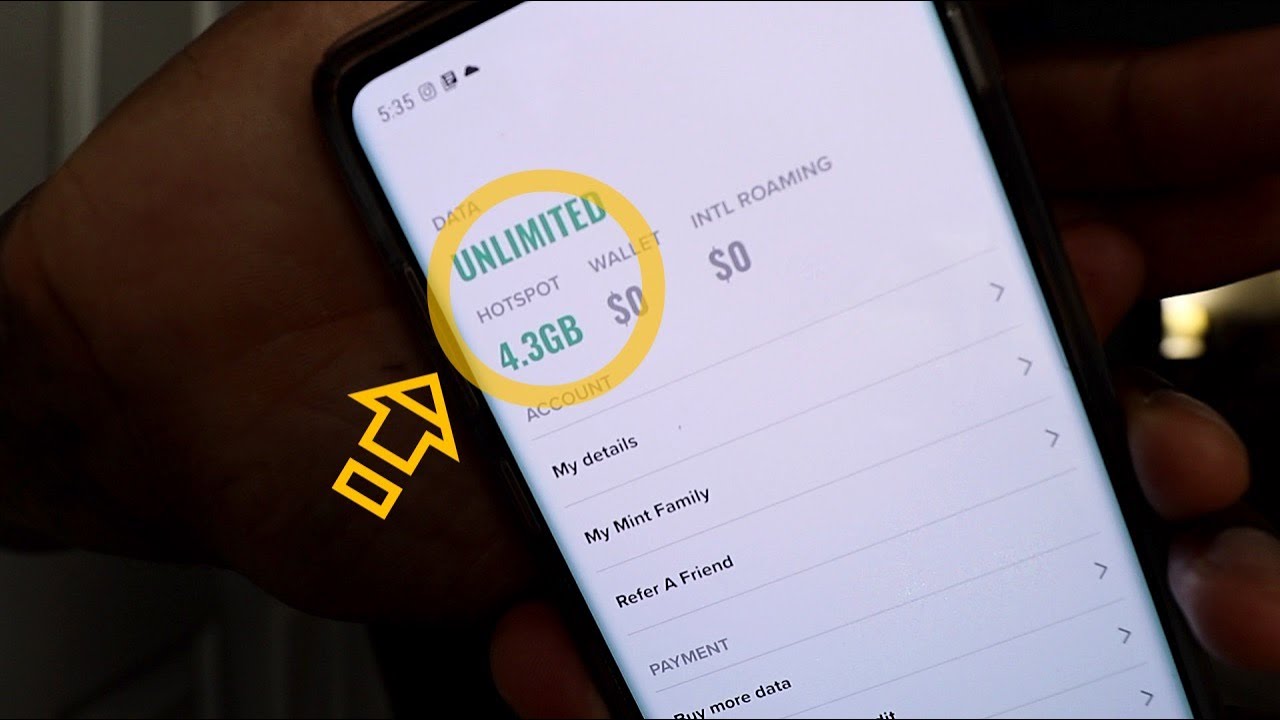
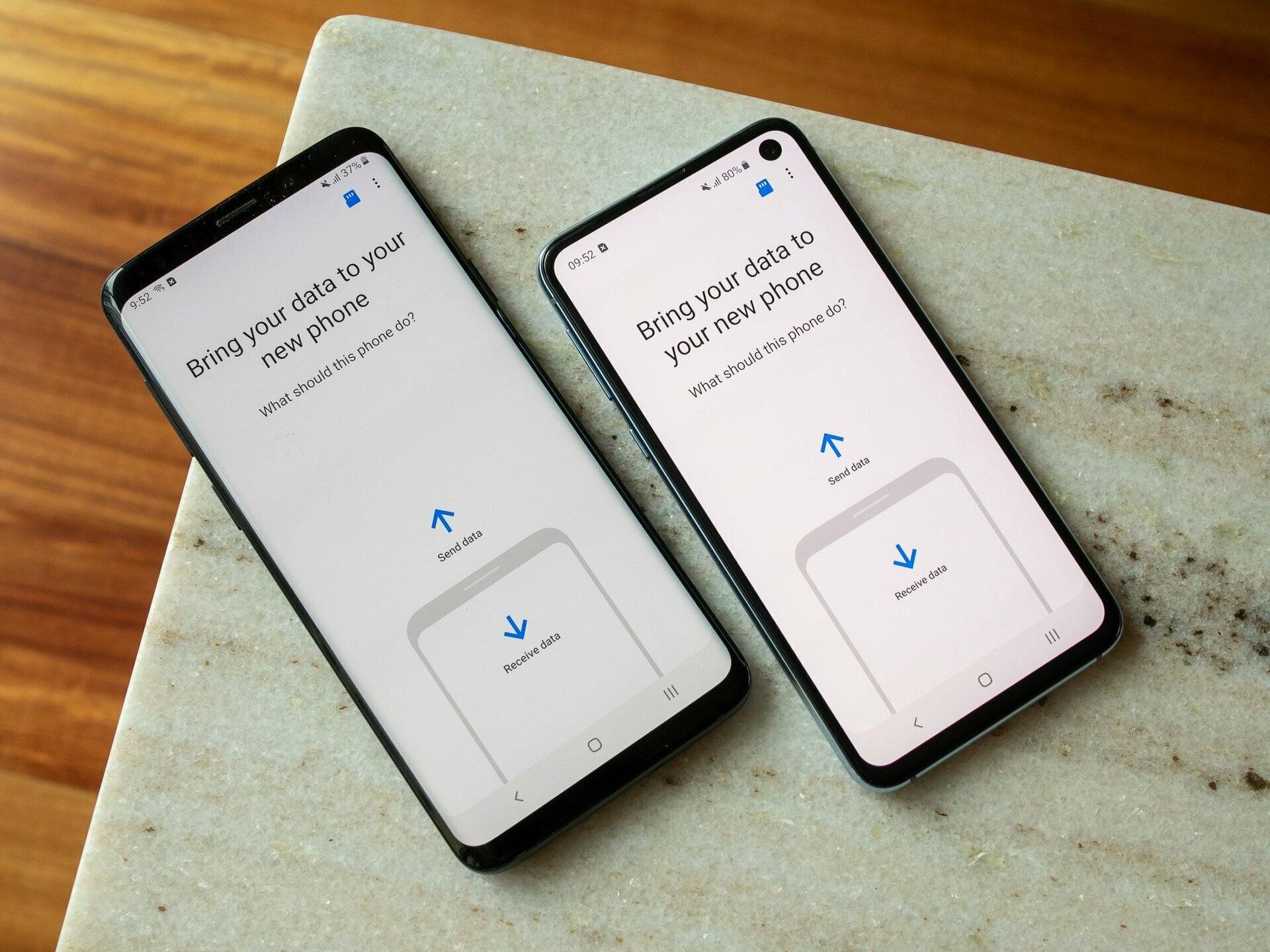
The articles here solve two main kinds of problems. First, they address account management and billing, helping you stay on top of payments and due dates. For example, you can learn exactly when your phone bill is due and how to pay a T-Mobile bill directly from your phone. Second, the tag covers data and hotspot monitoring, so you always know how much cellular data you have left and how to check your remaining hotspot allowance. A third theme is carrier switching and app cleanup, with guides like how to switch phones with Mint Mobile and how to remove the T-Mobile app from your device.
Whether you need to verify your Mint Mobile data usage or simply want to remove a carrier app you no longer use, these articles give you clear, actionable steps. They focus on the specific tasks you encounter when managing your phone service day to day.