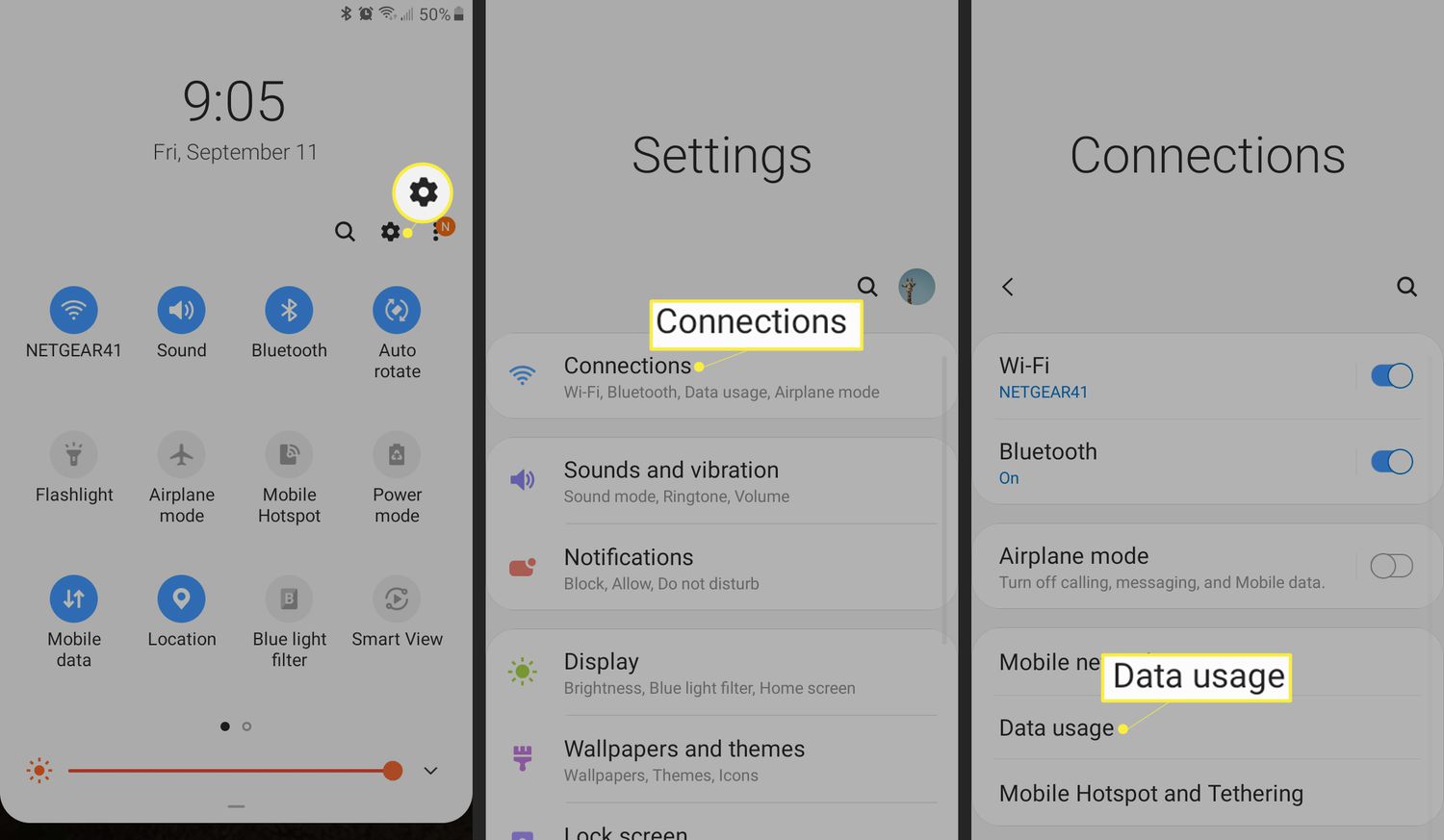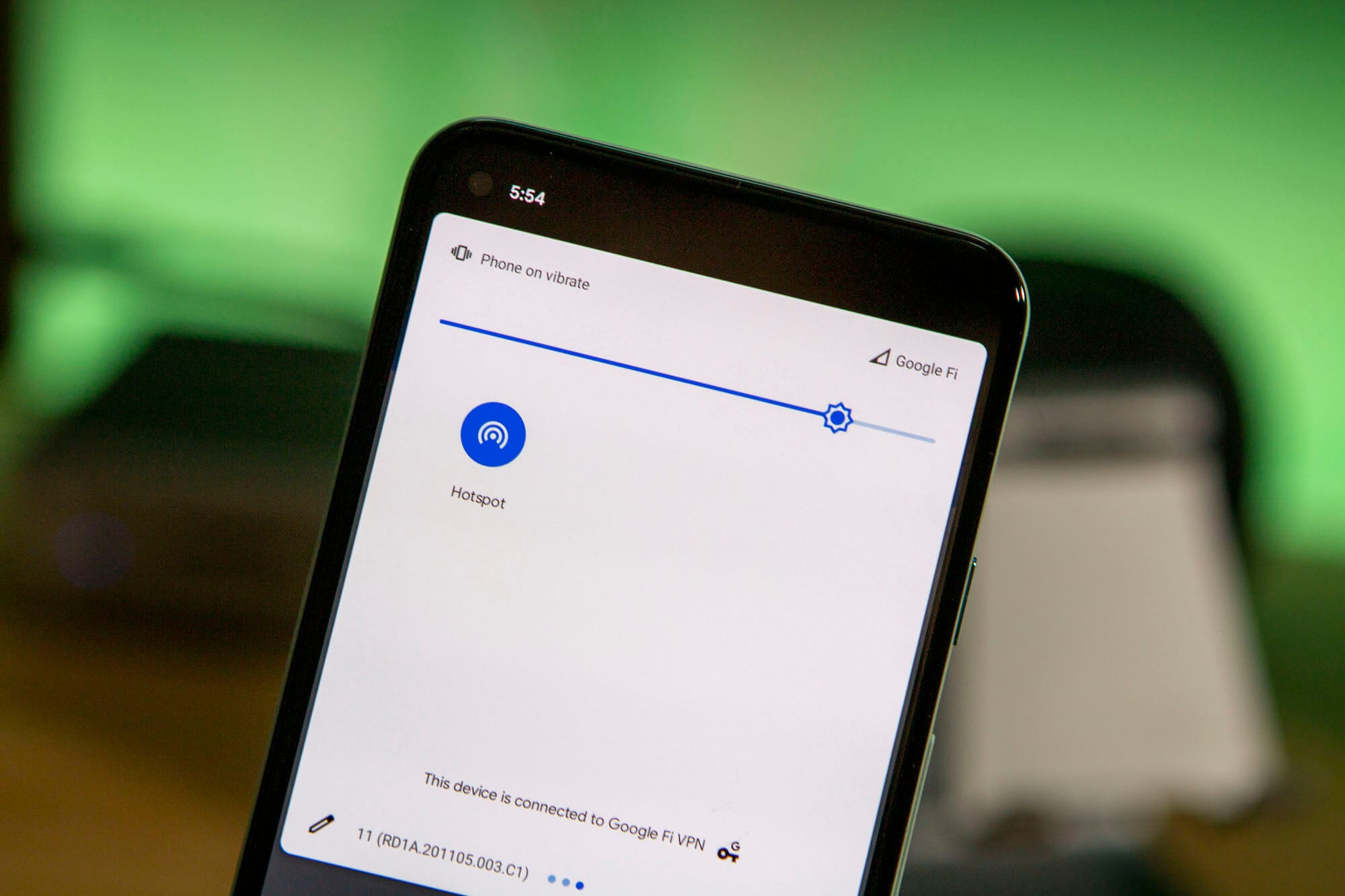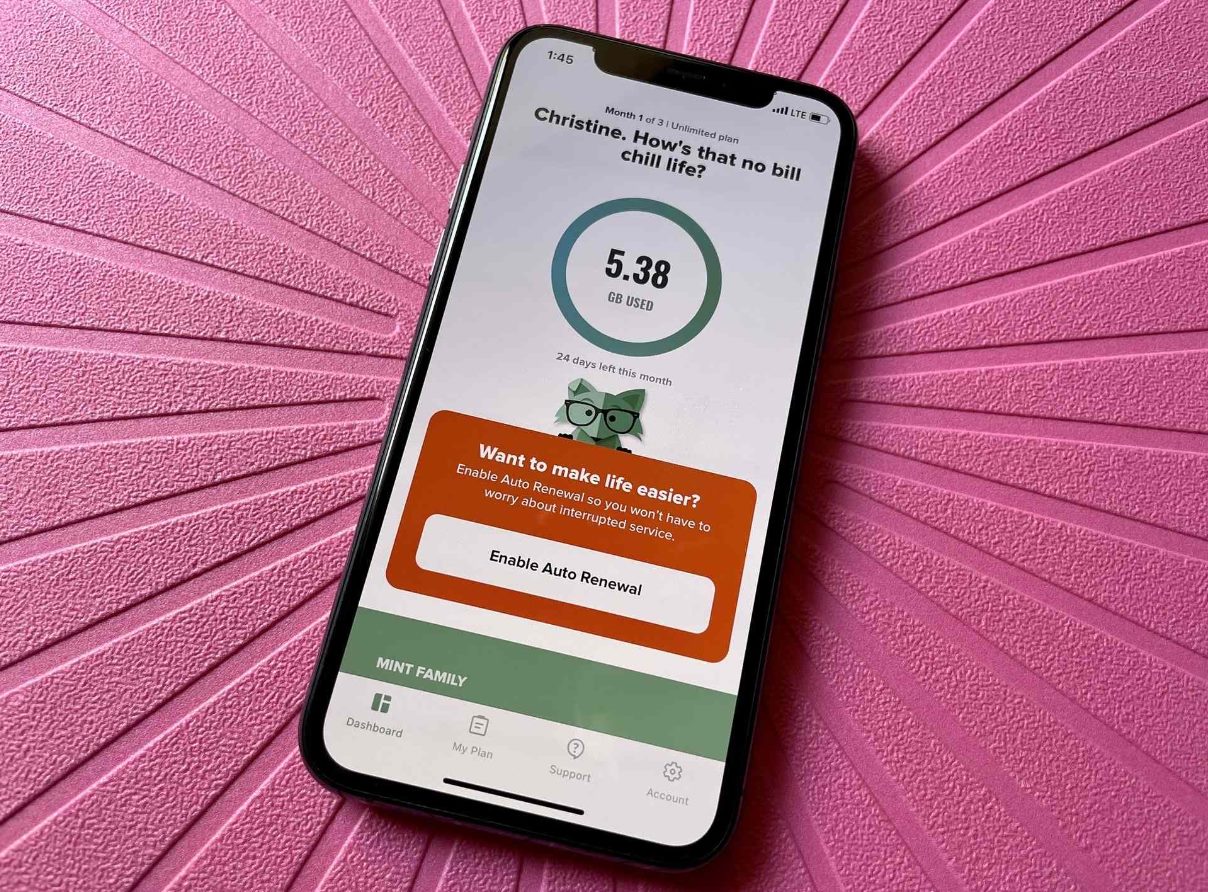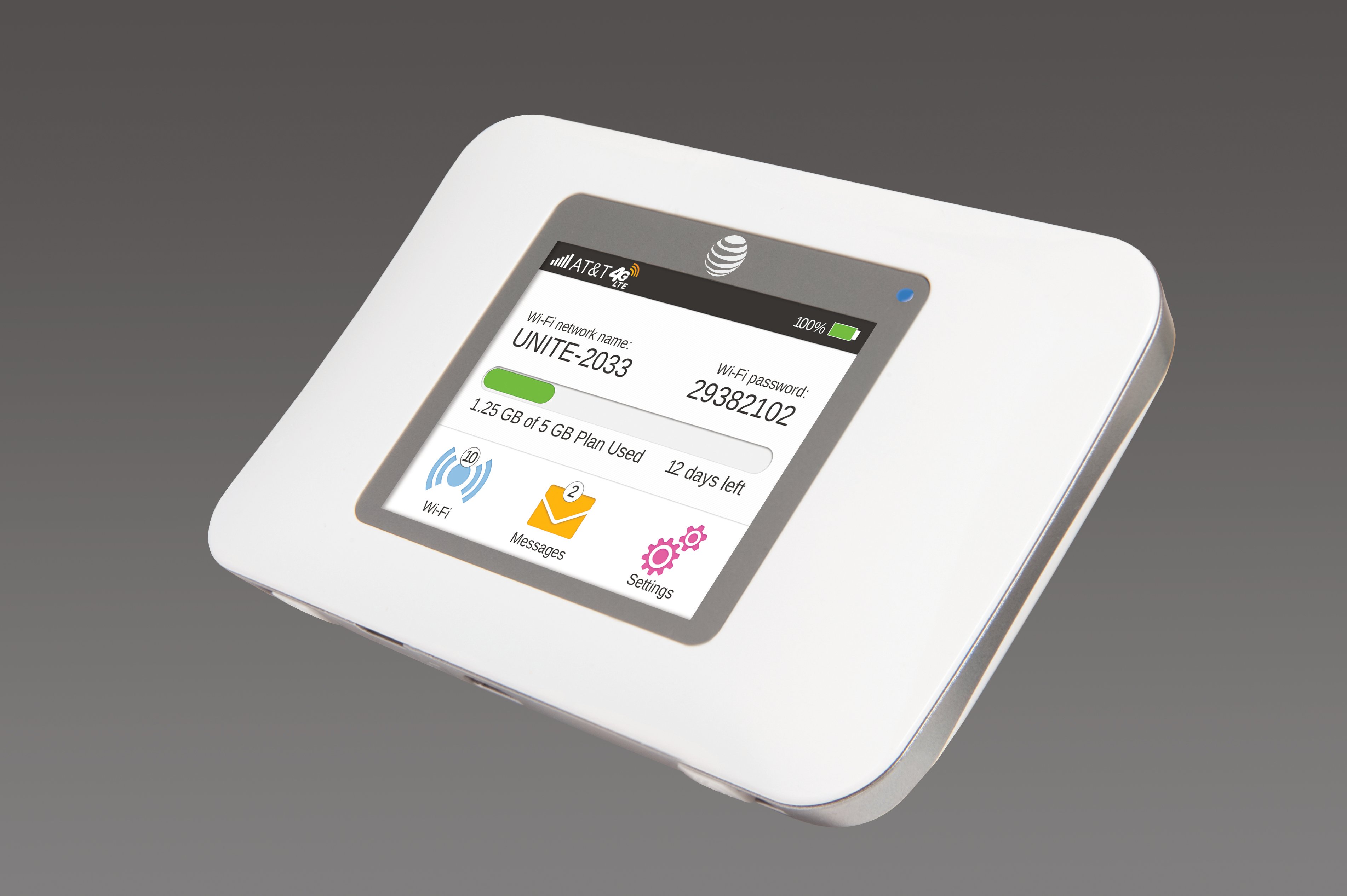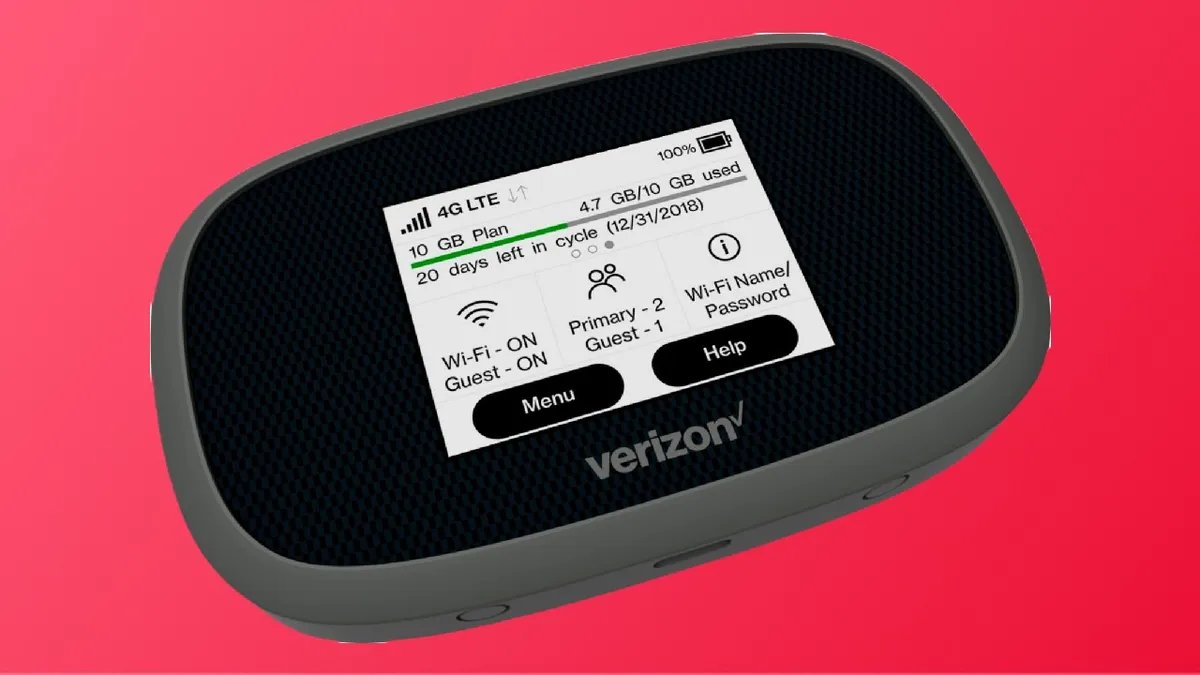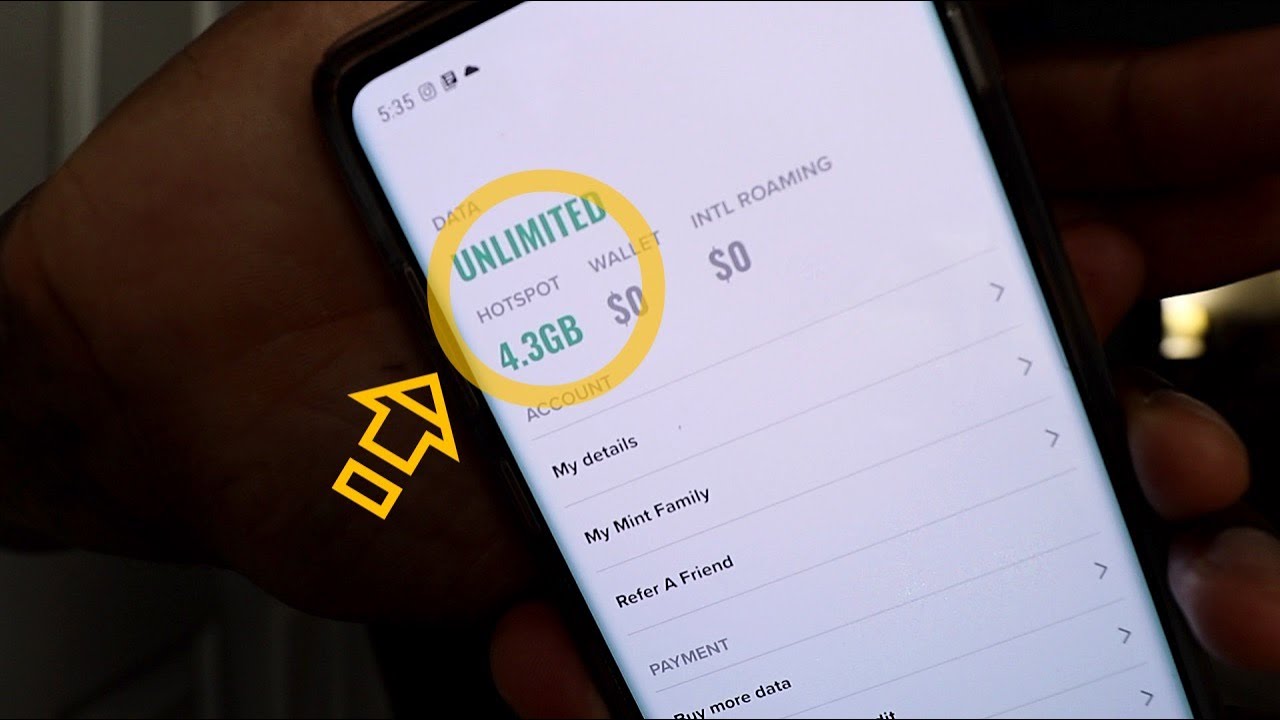
To check how much hotspot you have left, use one of three universal methods: check your phone's settings, open your carrier's app, or dial a carrier code.
Check how much hotspot you have left in settings
Your phone's settings menu can show how much hotspot data you've used, though it may not always display your plan's remaining allowance. Look for "Hotspot usage" to see the amount of data consumed. Note that these counters may need to be reset manually at the start of your billing cycle to match your carrier's tracking.
On Android devices, you can check hotspot usage under 'Network & internet' > 'Hotspot & tethering' > 'Hotspot usage'. On iOS devices, check hotspot usage in Settings > Cellular/Mobile Data > Personal Hotspot. On Windows devices, check hotspot usage in Settings > Network & Internet > Data Usage > Hotspot Usage, and you can reset statistics or set a data usage limit.
Check hotspot usage with your carrier's app or code
Carrier apps and dial codes provide the most accurate, real-time view of your remaining hotspot data. Here are the specific methods for major carriers:
AT&T
- Open the AT&T app and sign in.
- Navigate to Controls > Usage to see your hotspot data.
- Alternatively, dial *3282# from your AT&T wireless phone to receive a text message with your usage details.
For AT&T customers, you can check hotspot usage by logging into your wireless usage center online.
Verizon
- Open the My Verizon app and go to the Mobile tab > Usage.
- For online access, log into My Verizon and check the Usage page for monthly plans or Usage details for prepaid.
- You can also dial #DATA from your wireless phone to get a text summary.
Google Fi
- Open the Google Fi app or visit the website.
- Go to the "Home" tab and select "View details" to see tethering and hotspot data usage.
- Note that Google Fi's Unlimited Essentials plan does not support hotspot tethering. Hotspot data usage on Google Fi's Flexible plan counts towards your monthly data budget, while Unlimited Standard and Unlimited Premium plans have specific high-speed hotspot tethering limits (25 GB and 50 GB, respectively).
What happens when you run out of hotspot data
Once you reach your plan's high-speed hotspot data limit, your speeds will typically be reduced (throttled) for the remainder of your billing cycle. This means you can still connect devices to your hotspot, but activities like streaming video or loading large files will be very slow. If you exceed your hotspot data limit, your carrier may charge you extra fees. If you need full-speed hotspot access again, most carriers let you add more data by purchasing a one-time data add-on or upgrading to a higher plan that includes larger hotspot data allowances. Check your carrier's app or account online to explore these options.
Frequently Asked Questions
Can I check my hotspot usage in real-time?
Most devices and carrier apps update your usage periodically, not instantly. For the most accurate snapshot, use your carrier's app or dial code rather than your phone's settings counter, which may lag behind.
Does using a hotspot drain my phone's battery?
Yes, hotspot functionality can significantly drain your device's battery. The constant data transmission and Wi-Fi radio activity consume more power than normal phone use, so keep your phone plugged in during extended hotspot sessions.
How can I conserve hotspot data?
Connect to Wi-Fi whenever possible instead of using your hotspot. On your connected devices, disable background data for apps, turn off automatic updates, and use data-saving modes. Also, avoid streaming high-definition video while tethered.
Will checking my hotspot usage use data?
Simply checking your usage through your phone's settings or a carrier app does not consume your data allowance. Only viewing detailed usage history or loading heavy in-app pages may use a negligible amount, similar to loading a webpage.
Can I add more hotspot data to my plan mid-cycle?
Most major carriers allow you to purchase a one-time hotspot data add-on or upgrade your plan for more high-speed hotspot data. Check your carrier's app or website for available options and pricing.
Related reading: How Much Hotspot Does Fortnite Use and How Much Hotspot Does Netflix Use.