This tag collects our guides on switching your phone service to a new carrier, whether you're moving to a budget-friendly option or a major network. It’s for anyone planning to leave their current provider and wants clear, step-by-step instructions for the process.

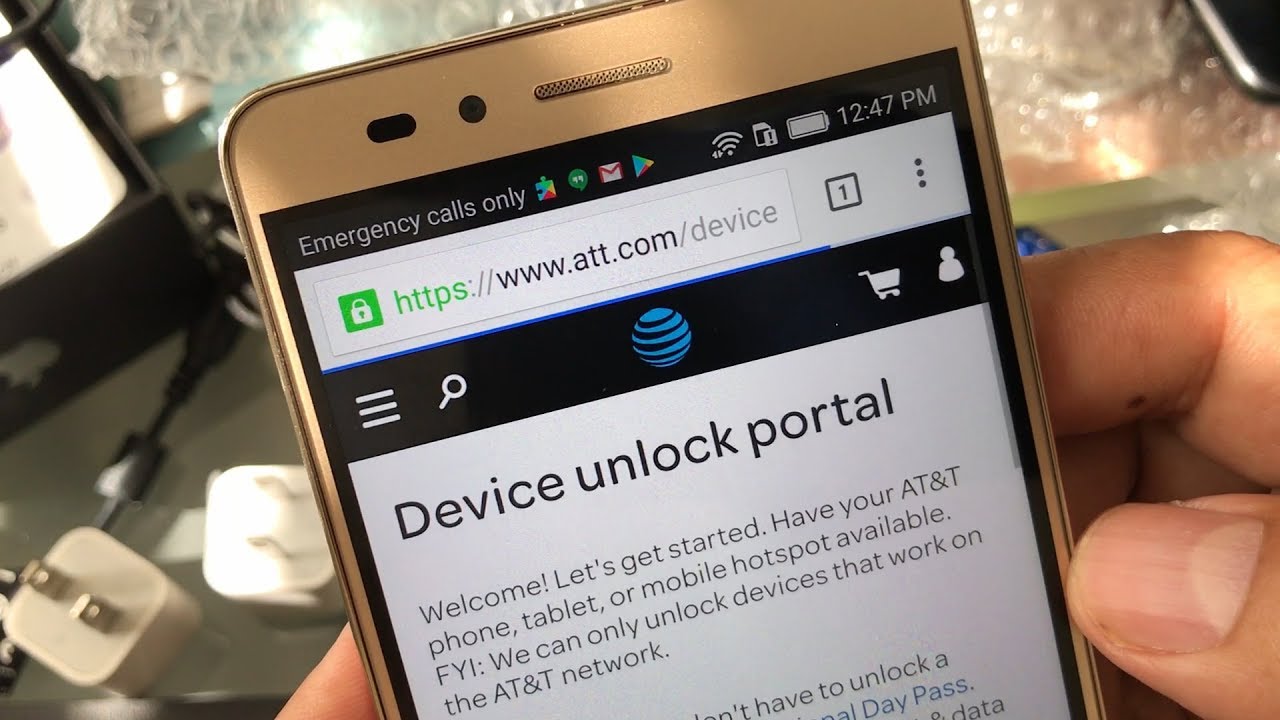
The articles here solve two main problems. First, they help you start a new account with a specific carrier, like Consumer Cellular or Spectrum Mobile. Second, they walk you through the often-tricky task of releasing your phone number from your old provider, a step that’s essential for keeping your number. You’ll find detailed help on how to release your number from AT&T and how to port your number from Xfinity Mobile.

Several guides also cover moving between major networks, such as switching to T-Mobile from Verizon, or moving from a prepaid brand like Metro to T-Mobile’s main service. Each article focuses on the exact steps you need to take, so you can complete the switch without losing service or your existing phone number.
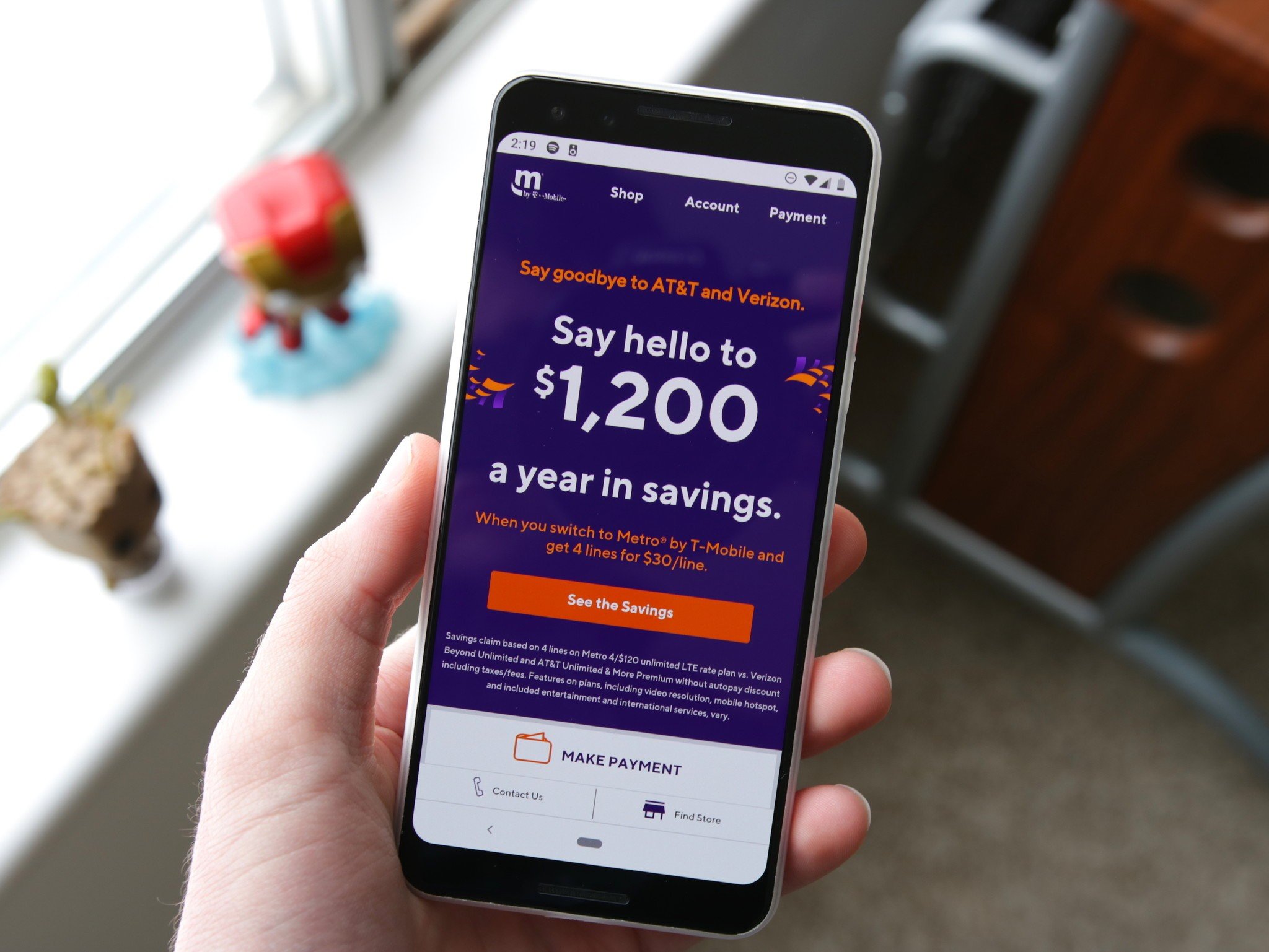

How To Switch From Metro To T-Mobile

To switch from Metro to T-Mobile, you can keep your existing phone number and bring your current device, as long as it is unlocked and compatible. This process, called porting,...

How To Port Number From Xfinity Mobile

To port number from Xfinity Mobile, sign in to your Xfinity Mobile account using the primary or manager’s Xfinity ID, go to the Devices tab, select the line you want...

How To Switch To Consumer Cellular

To switch to Consumer Cellular, you need to move your existing phone number and service to their network without losing your number or data. The key is to start the...

How To Switch To Spectrum Mobile

To switch to Spectrum Mobile, you must first be an active Spectrum Internet customer, as this is a mandatory requirement for eligibility. The process involves bringing your own compatible, unlocked...

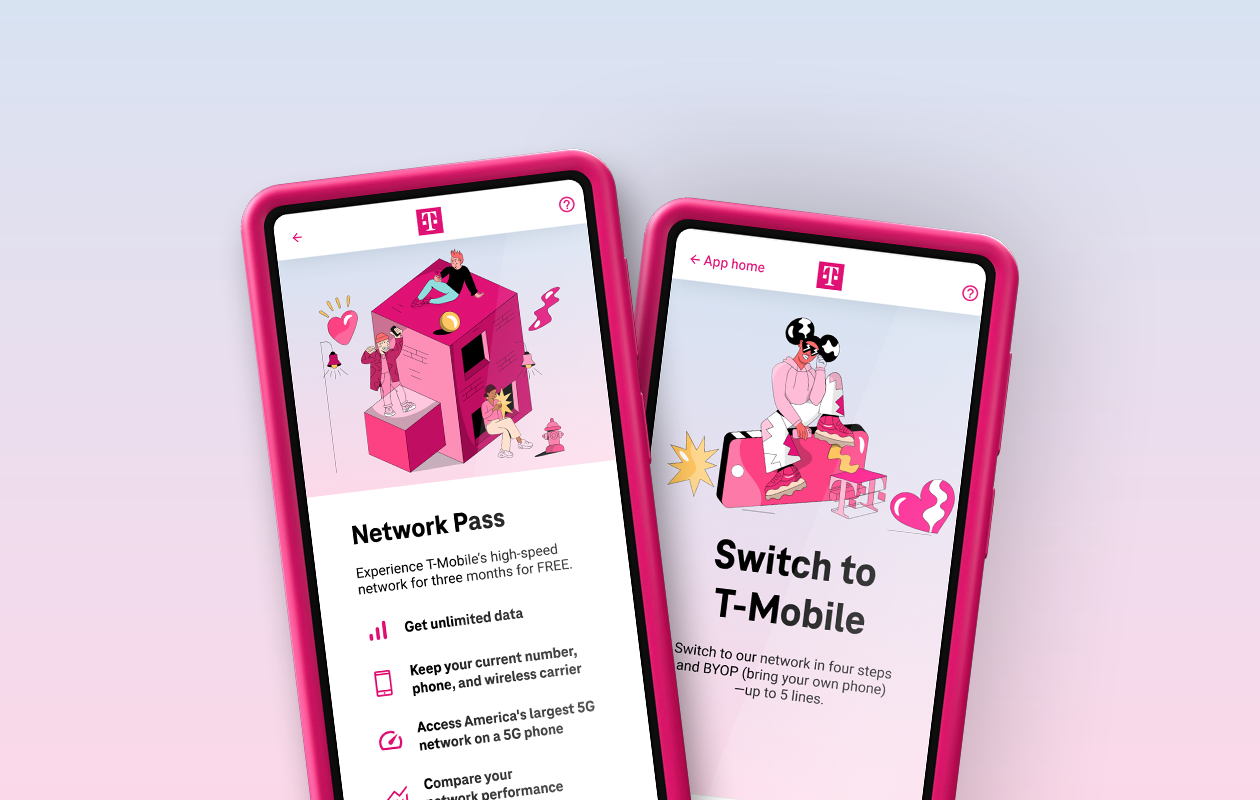
How To Switch To T-Mobile From Verizon

To switch to T-Mobile from Verizon, you will transfer your phone number and device to T-Mobile's network by porting your number and activating a new SIM or eSIM. This step-by-step...