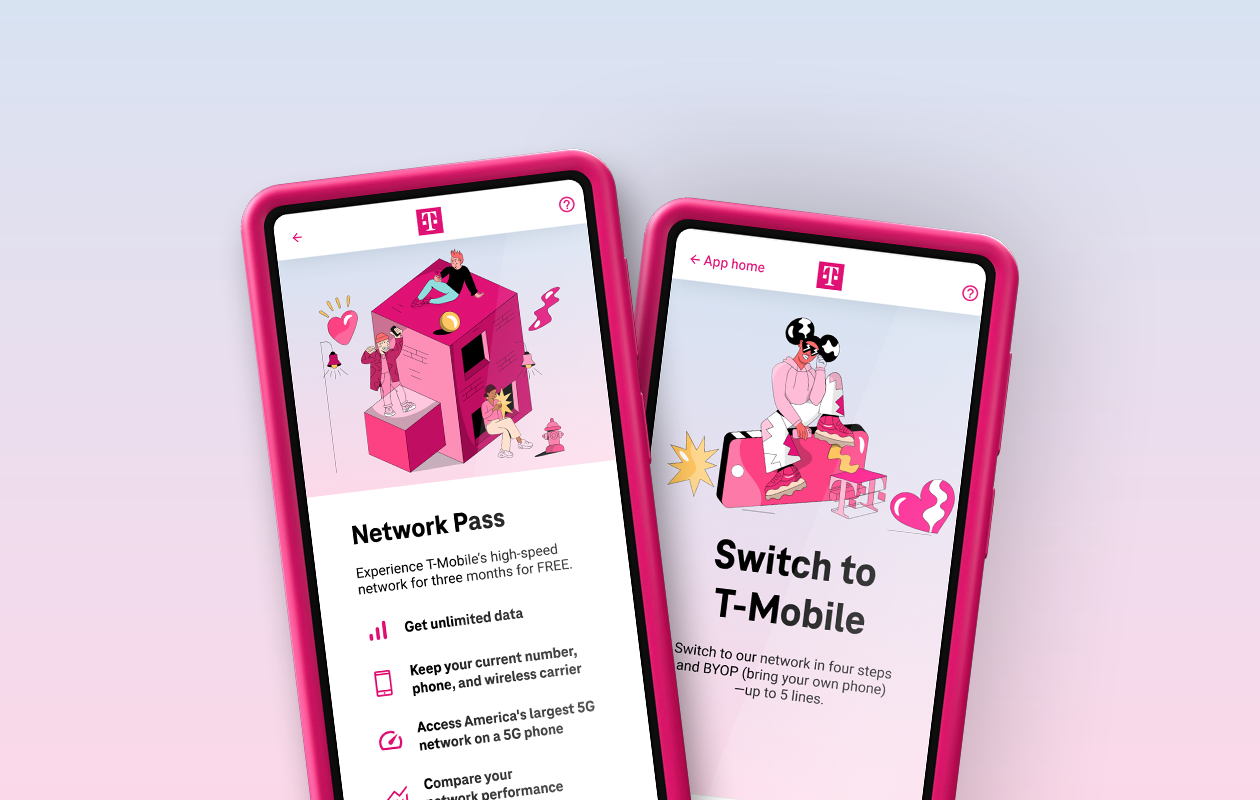
To switch from Metro to T-Mobile, you can keep your existing phone number and bring your current device, as long as it is unlocked and compatible. This process, called porting, transfers your active Metro account to a T-Mobile postpaid or prepaid plan without losing your number or service.
Before you switch from Metro to T-Mobile: unlock your phone
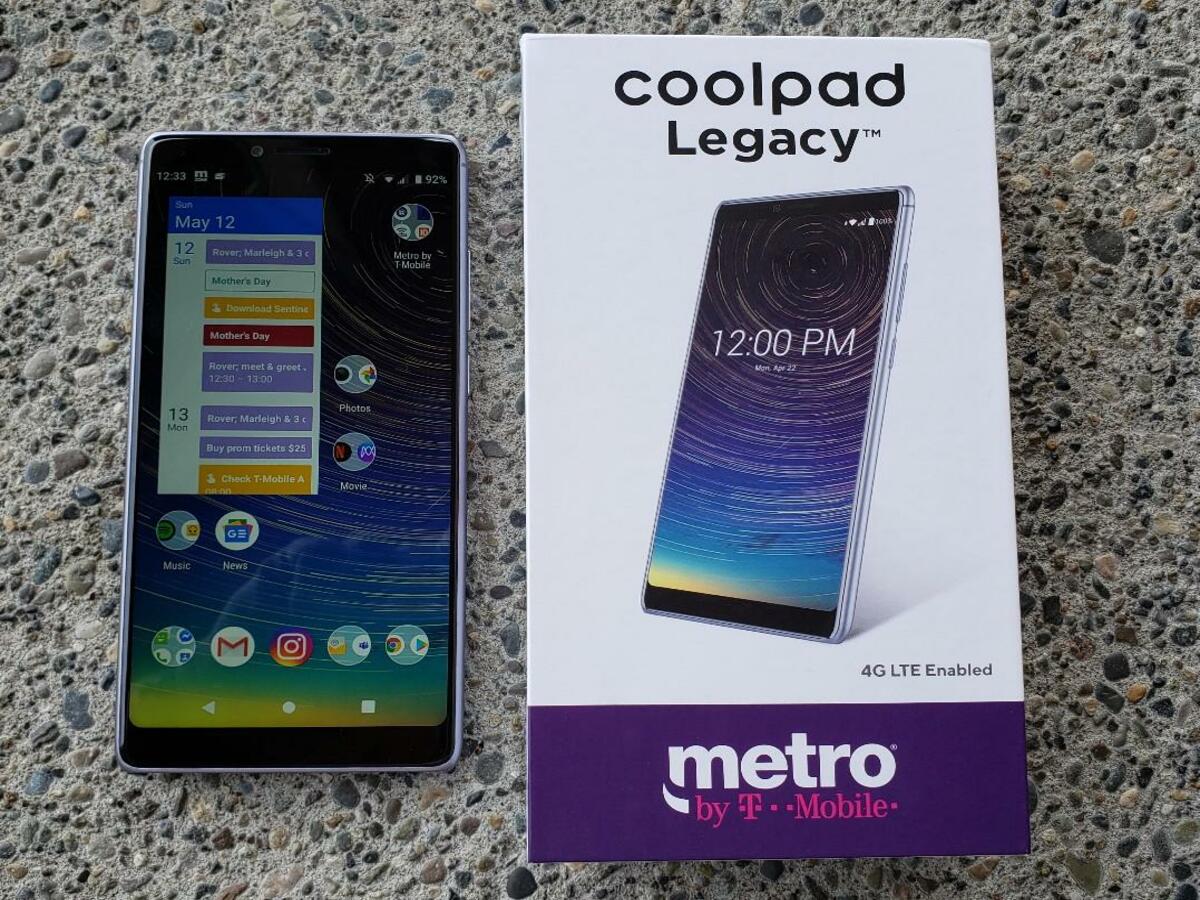
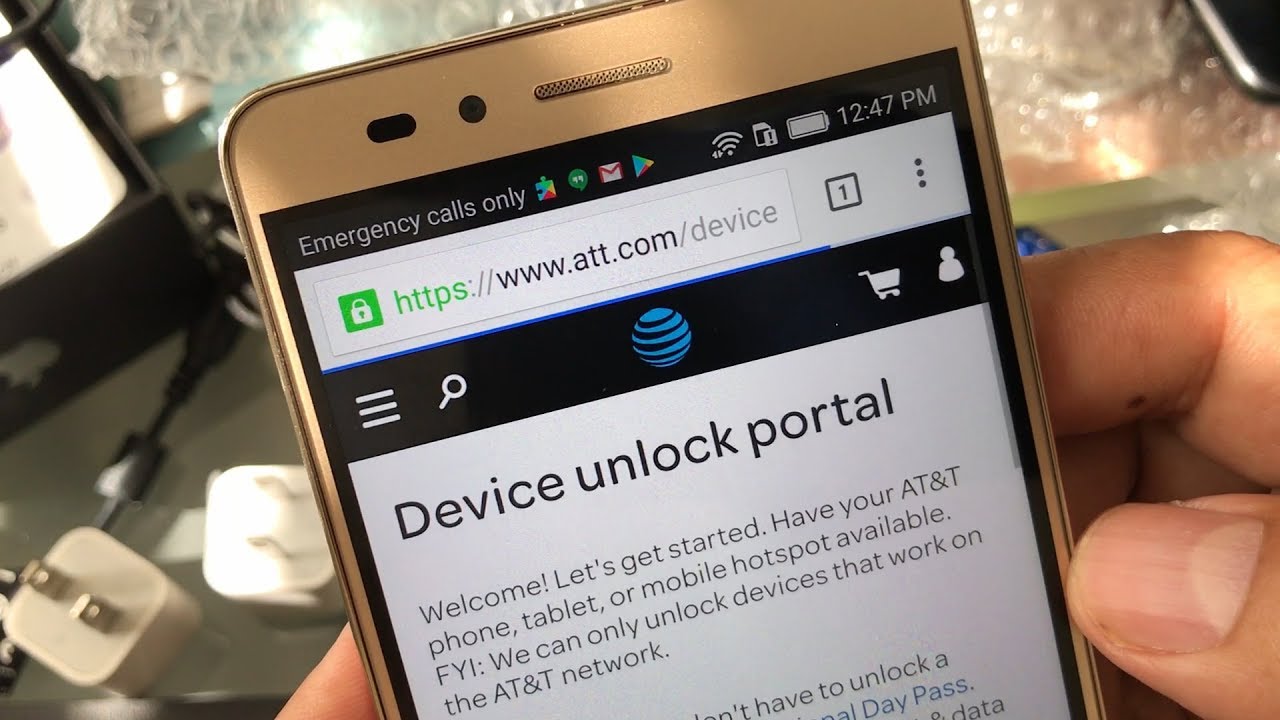
The absolute first step is ensuring your Metro phone is unlocked. Metro by T-Mobile phones are typically network-locked and require meeting specific requirements, such as being fully paid off and active on the network for a minimum period (usually six months), before Metro will unlock it. An unlocked phone is required to be compatible with the T-Mobile network and coverage. You can check your device's compatibility with T-Mobile's network using their IMEI compatibility checker tool online.
Gather your Metro account information for the transfer
To initiate the number transfer, you will need your Metro by T-Mobile account number and a Transfer PIN (also called a Port-out PIN or password). To get your Transfer PIN, dial 611 from your Metro phone or call customer service, and they will send it via text. A critical rule: do not cancel your Metro by T-Mobile service until the number transfer to T-Mobile is fully completed. Canceling early will likely result in losing your phone number permanently.
How to start the switch to T-Mobile and port your number
There are two ways to initiate the switch. You can call T-Mobile at 1-833-219-0442, visit a T-Mobile or Metro by T-Mobile store, or complete the transfer process online through T-Mobile's official website. When you contact T-Mobile, provide your Metro account number and Transfer PIN, and you may be required to provide your device IMEI number and personal identification. Then choose a T-Mobile plan that fits your needs. T-Mobile's Essentials plan provides unlimited talk, text, and smartphone data at a competitive rate for budget-conscious consumers. T-Mobile's Magenta and Magenta MAX plans offer features like Netflix on Us, unlimited in-flight Wi-Fi, and enhanced data prioritization. T-Mobile also provides specialized add-ons such as international roaming options, mobile hotspot capabilities, and family plan enhancements. T-Mobile service quality is generally strong, with a robust nationwide network, and you can expect reliable connectivity after the switch.
Activate your T-Mobile service and finalize the setup
After choosing a plan, you will receive a new T-Mobile SIM card (or use an eSIM for compatible devices). Once the transfer is complete, which typically takes 10 minutes to 3 hours, insert the new T-Mobile SIM card into your device; it should auto-activate. If you bring your own device, you may need to update the Internet and picture messaging (APN) settings to work on the T-Mobile network.
Special offer: Metro's Smartphone Equality program with T-Mobile
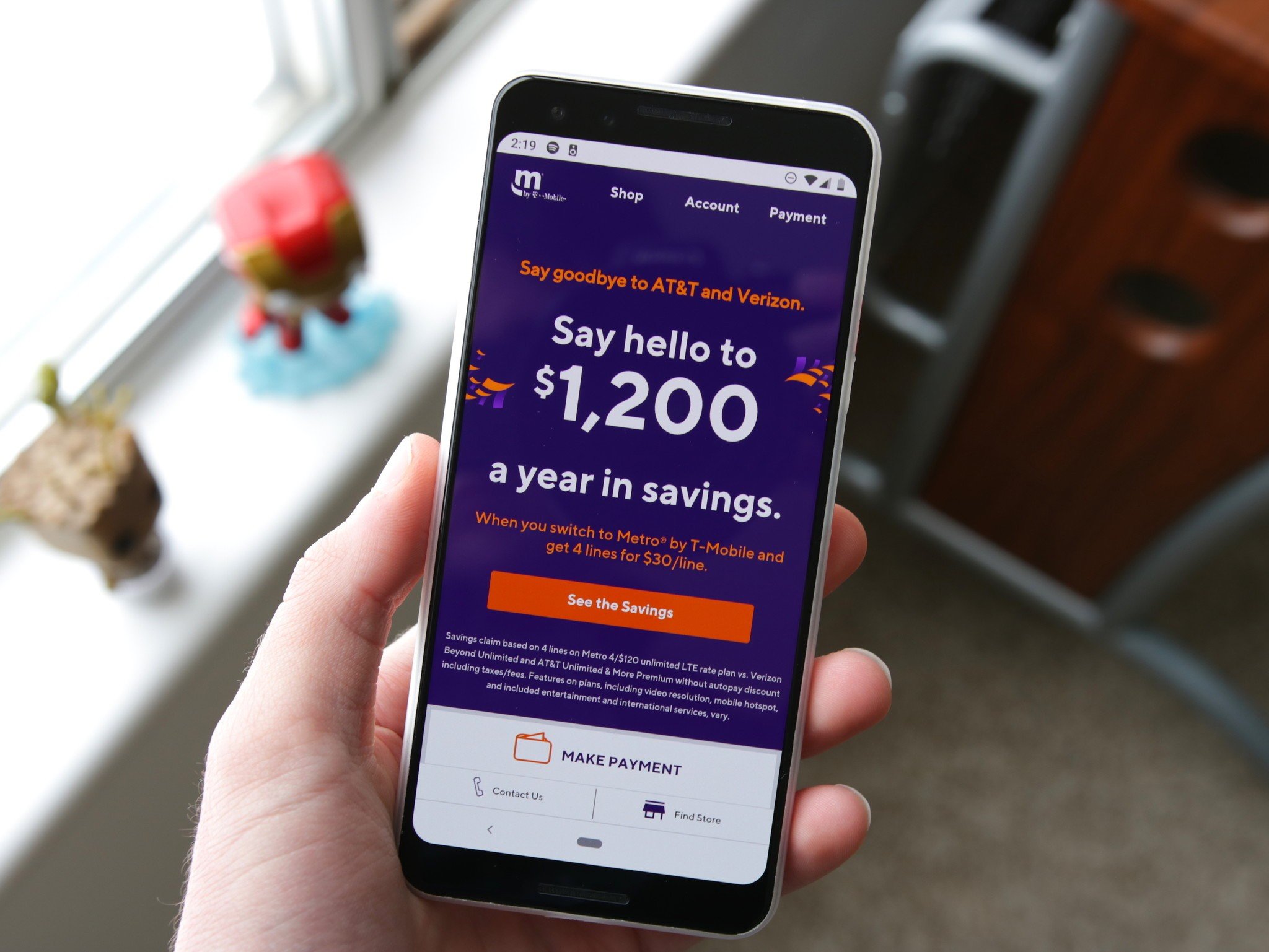
Metro by T-Mobile customers with 12 months of on-time payments may qualify for the Smartphone Equality program. This allows qualifying customers to migrate to T-Mobile postpaid with no credit check and potential benefits like free phones. Note that T-Mobile's "Keep and Switch" promotions, which offer device payoffs, are generally not available for port-ins from prepaid carriers, including Metro by T-Mobile. However, T-Mobile often provides incentives to cover early termination fees or outstanding device payments for customers who switch. T-Mobile also frequently introduces promotions like trade-in deals for your current device, discounts on plan rates, or prepaid Mastercard rewards for switching.
Frequently Asked Questions
Can I keep my phone number when switching from Metro to T-Mobile?
Yes, you can keep your existing phone number by porting it from Metro to T-Mobile. Provide your Metro account number and Transfer PIN during the switch to ensure your number transfers correctly.
Will my Metro phone work on the T-Mobile network?
Most Metro phones are compatible since both use GSM technology, but the device must be unlocked by Metro first. Use T-Mobile's IMEI compatibility checker to confirm your specific model will work.
What changes can I expect in coverage and network performance after switching?
As a T-Mobile customer, you may experience improved data prioritization during network congestion compared to Metro, and you gain access to the same nationwide T-Mobile network. Check T-Mobile's coverage map for your area to see potential enhancements.
Is there a credit check to switch from Metro to T-Mobile?
T-Mobile typically conducts a credit check for new postpaid customers. However, if you qualify through the Smartphone Equality program (12 months of on-time Metro payments), you may migrate to T-Mobile postpaid with no credit check.
Are there any special offers for Metro customers switching to T-Mobile?
Yes, Metro customers switching to T-Mobile can access special offers including discounted or free devices, reduced plan rates, and exclusive benefits through programs like Smartphone Equality and various limited-time promotions.
How do I transfer my Metro plan to T-Mobile, and what steps are involved in the process?
To transfer your Metro plan to T-Mobile, contact T-Mobile customer service, verify your Metro account details, select a new T-Mobile plan that fits your needs, and then initiate the transfer by providing your account number and Transfer PIN.
Related reading: How To Switch To T-Mobile From Verizon.