To switch to Spectrum Mobile, you must first be an active Spectrum Internet customer, as this is a mandatory requirement for eligibility. The process involves bringing your own compatible, unlocked phone and transferring your existing phone number, with the entire switch typically completed in a few simple steps.
Before you switch to Spectrum Mobile: the one requirement
You must be an active Spectrum Internet customer to qualify for Spectrum Mobile service. This is the single non-negotiable prerequisite; without an active Spectrum Internet account, you cannot sign up for Spectrum Mobile.
Step 1: Check your device compatibility and unlock status
- Locate your device's IMEI number by dialing
*#06#on your phone's keypad, or by checking your device settings under "About Phone" or "General." - Use Spectrum Mobile's online compatibility checker to verify your device works on their network. Enter the IMEI when prompted. Spectrum Mobile operates on Verizon's extensive and reliable 4G LTE network. Spectrum Mobile also offers 5G access in select areas.
- Your device must be unlocked from your previous carrier. Contact your current provider to confirm the unlock status if you are unsure.
Step 2: Prepare your account, number, and device
- Back up your personal data, such as contacts, photos, and files, to a cloud service or computer.
- Update your device to the latest system software version available from your manufacturer.
- Gather your current carrier's account number, number transfer PIN (sometimes called a port-out PIN), and the billing address on file with that carrier.
- Do not cancel your current service. Cancelling before starting the transfer will likely result in losing your phone number permanently.
Step 3: Choose your Spectrum Mobile plan and start the transfer
- Select a Spectrum Mobile plan online, either By the Gig or Unlimited, based on your data needs. The By the Gig plan starts at $14 per gigabyte. The Unlimited plan starts at $45 per line per month, with additional lines for $40 each. You can switch between By the Gig and Unlimited plans at any time.
- Initiate the number transfer (port) by providing the account details you gathered: your previous carrier's account number, transfer PIN, and billing address.
- If you are bringing two or more lines and those lines have device balances, you may qualify for the phone balance buyout program. The phone balance buyout program covers up to five lines for a total of up to $2,500. Transferred lines must remain active for at least one year, and you must provide your most recent bill showing the device balance.
Step 4: Activate your service with a SIM or eSIM
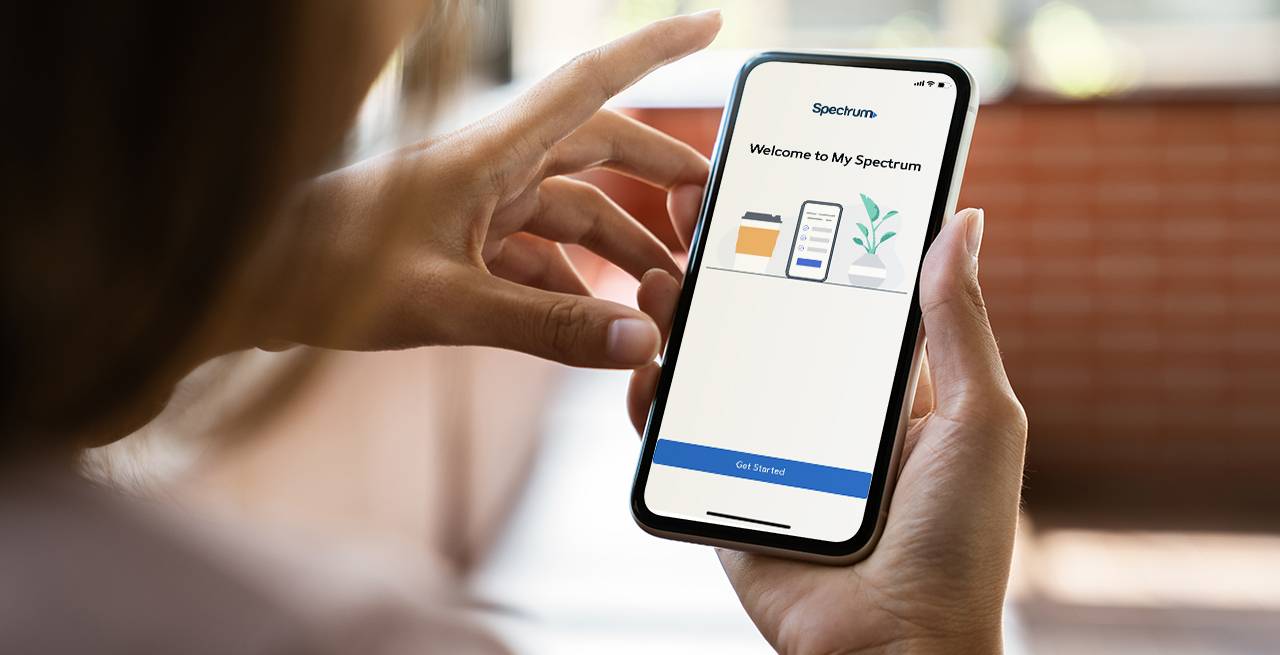
- Sign in to the My Spectrum App with your Spectrum username and password, then locate the Activation Dashboard.
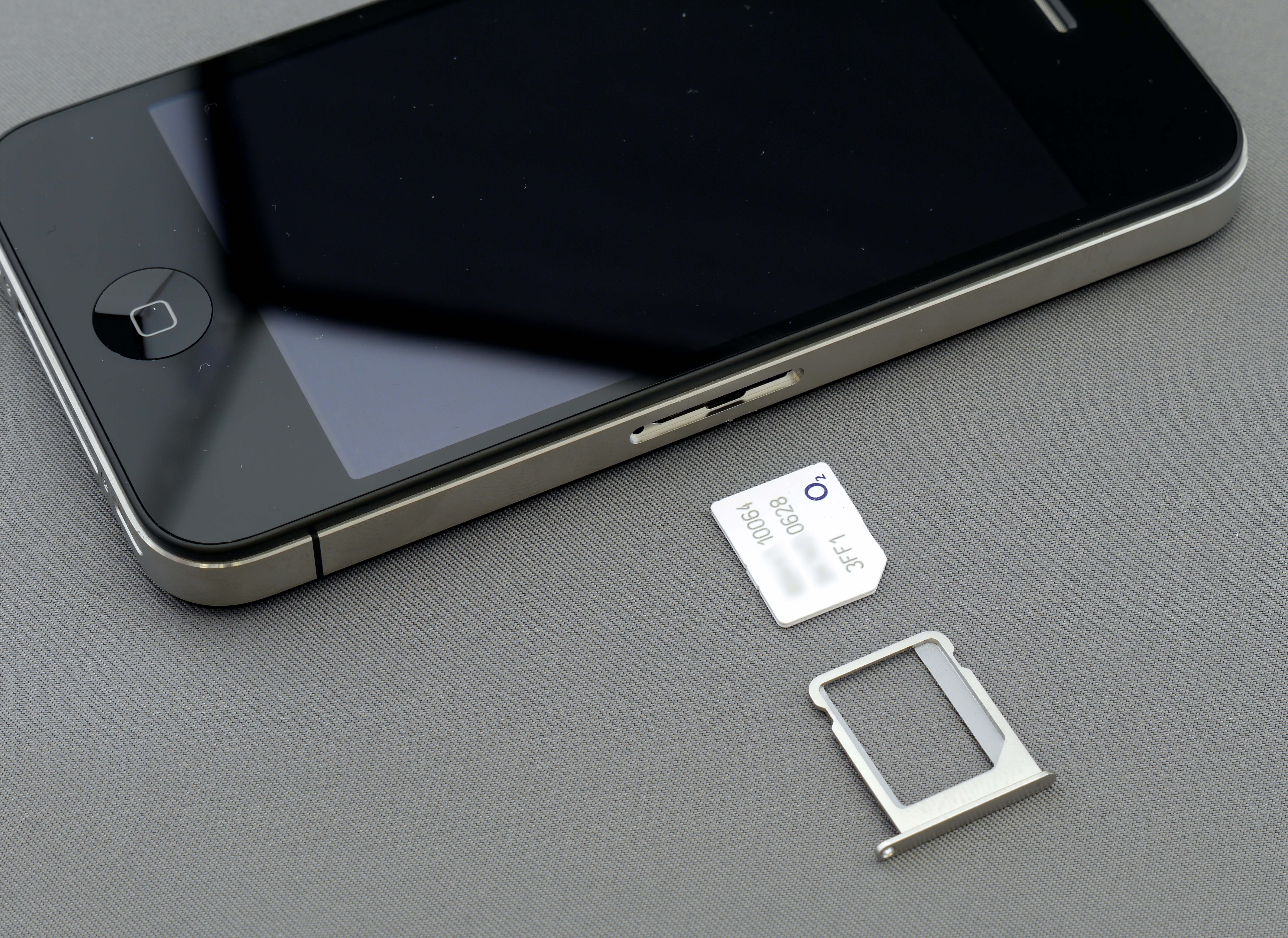
- For a physical SIM card: After activation is initiated online, insert the Spectrum Mobile SIM card using the provided SIM ejector tool.
- For an eSIM-enabled device: Follow the on-screen prompts to download the eSIM to complete activation. Supported eSIM devices include Apple iPhone 12 series and newer, Samsung Galaxy S24 series and newer, and Google Pixel 9 and newer. If the automatic download does not work, you can manually enter the activation details.
Step 5: Finalize the switch and test your new service
- Restart your device after activation is complete.
- Confirm your service is working by sending a text message and making a phone call.
- Be aware that the full number transfer (porting) process typically takes a few hours but can take up to one to three business days. During this window, your old service may still work until the transfer finishes.
Frequently asked questions about switching to Spectrum Mobile
Can I keep my phone number when switching to Spectrum Mobile?
Yes, you can keep your current phone number. You simply need to provide your previous carrier's account number, transfer PIN, and billing address during the activation process. Do not cancel your old service beforehand.
How long does porting a number to Spectrum Mobile take?
The number transfer usually completes within a few hours, but it can take up to one to three business days in some cases. Your old service may remain active until the port is fully processed.
What if my device isn't compatible with Spectrum Mobile?
If your device fails the compatibility check, you have two options: purchase a new device from Spectrum Mobile, or consider switching to a different carrier that supports your phone. Spectrum Mobile offers device payment plans and promotions for new phones. You can choose to pay for your device upfront or spread the cost over 24 months with Spectrum's device payment plan.
Can I switch to Spectrum Mobile if I'm not a Spectrum Internet customer?
No. There is no way to sign up for Spectrum Mobile without an existing Spectrum Internet account.
Do I need to cancel my old carrier's service myself?
No. Do not cancel your previous carrier's service. The number transfer process automatically cancels your old service once the port is complete. Cancelling early will cause you to lose your phone number.
Can I bring a phone that is locked to another carrier?
No. The device must be unlocked from its previous carrier to work on Spectrum Mobile's network. Contact your current carrier to request an unlock before starting the switch.
For the wider topic, see Boost Mobile services.
Related reading: What Phones Are Compatible With Spectrum Mobile.