The Carrier tag on CellularNews brings together practical guides and straightforward explanations for anyone managing a mobile phone plan or troubleshooting network issues. Whether you are shopping for a new provider, trying to fix a dropped call, or just curious about how your phone connects, these articles are written for everyday users who want clear, actionable answers without jargon.

The content here falls into a few helpful categories. One group of articles helps you solve common service problems, such as when your phone shows "No Service" or when mobile data stops working on Android. You will also find fixes for cellular network errors that prevent voice calls, as well as explanations for why your hotspot might not turn on. Another theme covers the practical side of choosing and using a carrier, including comparisons of the best phone carriers in the USA, guides to unlocking a T-Mobile phone, and details on what an unlocked phone actually means. A third set of articles focuses on specific carrier services and locations, like how to pay a Boost Mobile bill for free, store hours for Boost Mobile, and where to find the nearest T-Mobile store.

By reading through these posts, you can learn how to port a number to T-Mobile, understand what Metro by T-Mobile offers, or find out which phone companies give free phones when you switch. The tag also covers basics like what SMS is on Android, what an IMEI number does, and how to use email to send someone a text message. Overall, the articles help you fix network glitches, make informed choices about your carrier, and get more out of your phone’s connectivity features.

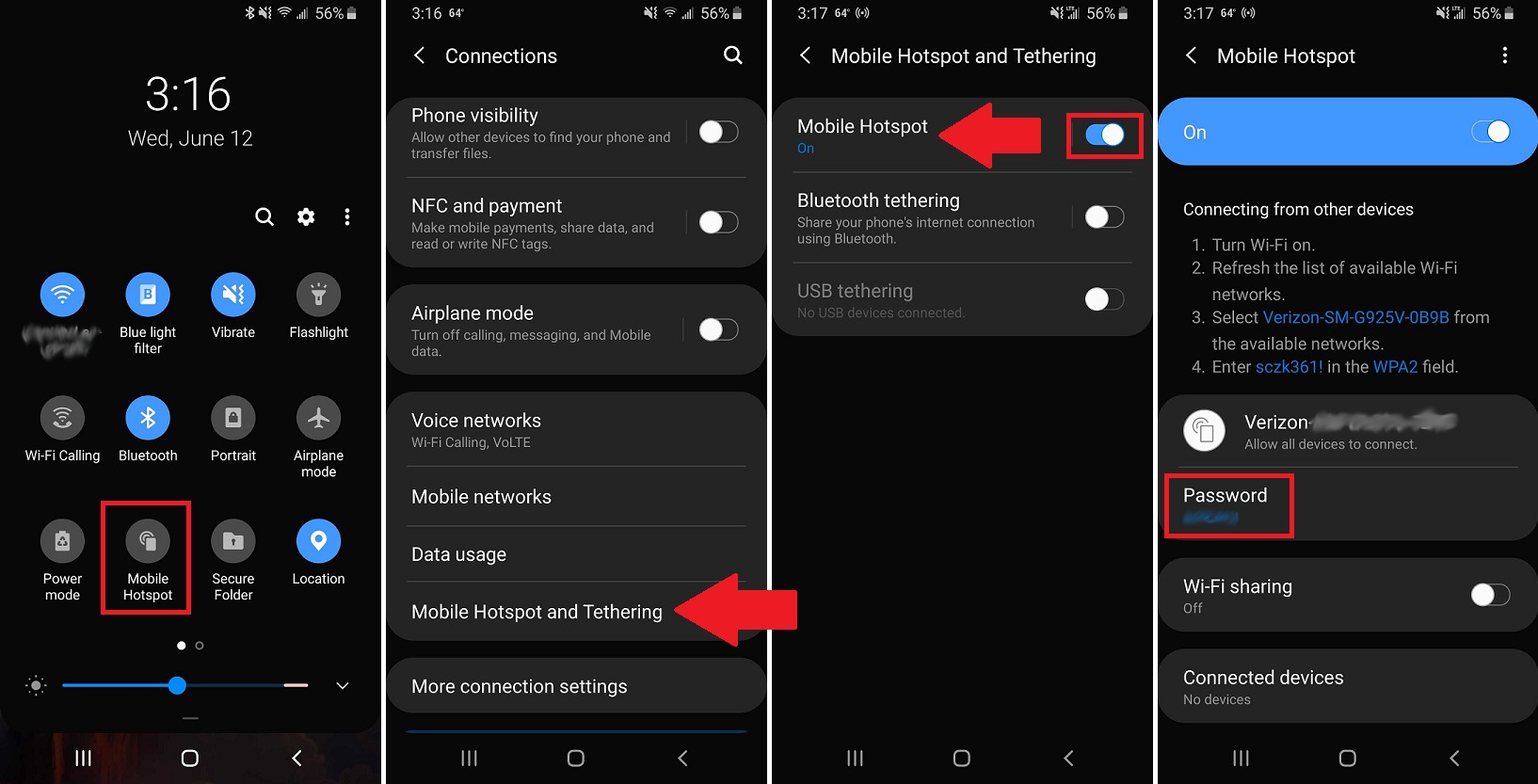
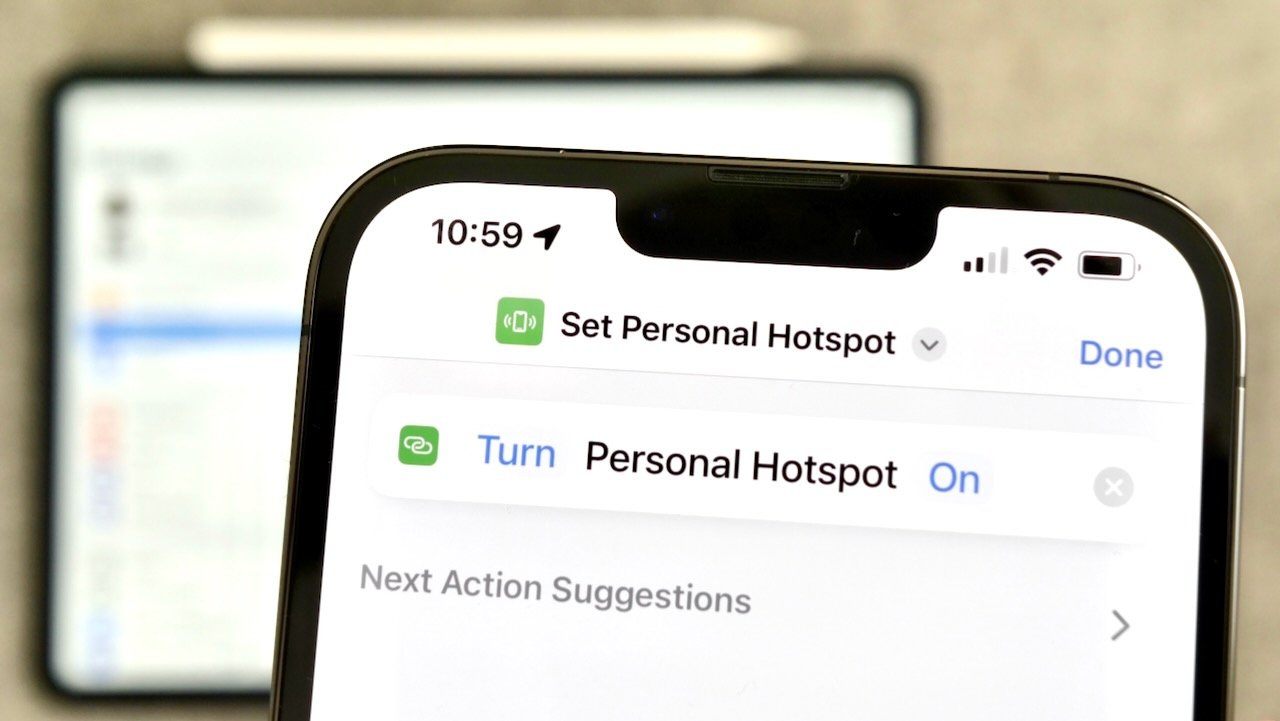
How Do I Use My Personal Hotspot

To use your personal hotspot, you enable the feature on your smartphone, which then shares its cellular data connection with other devices like laptops or tablets. The exact steps vary...

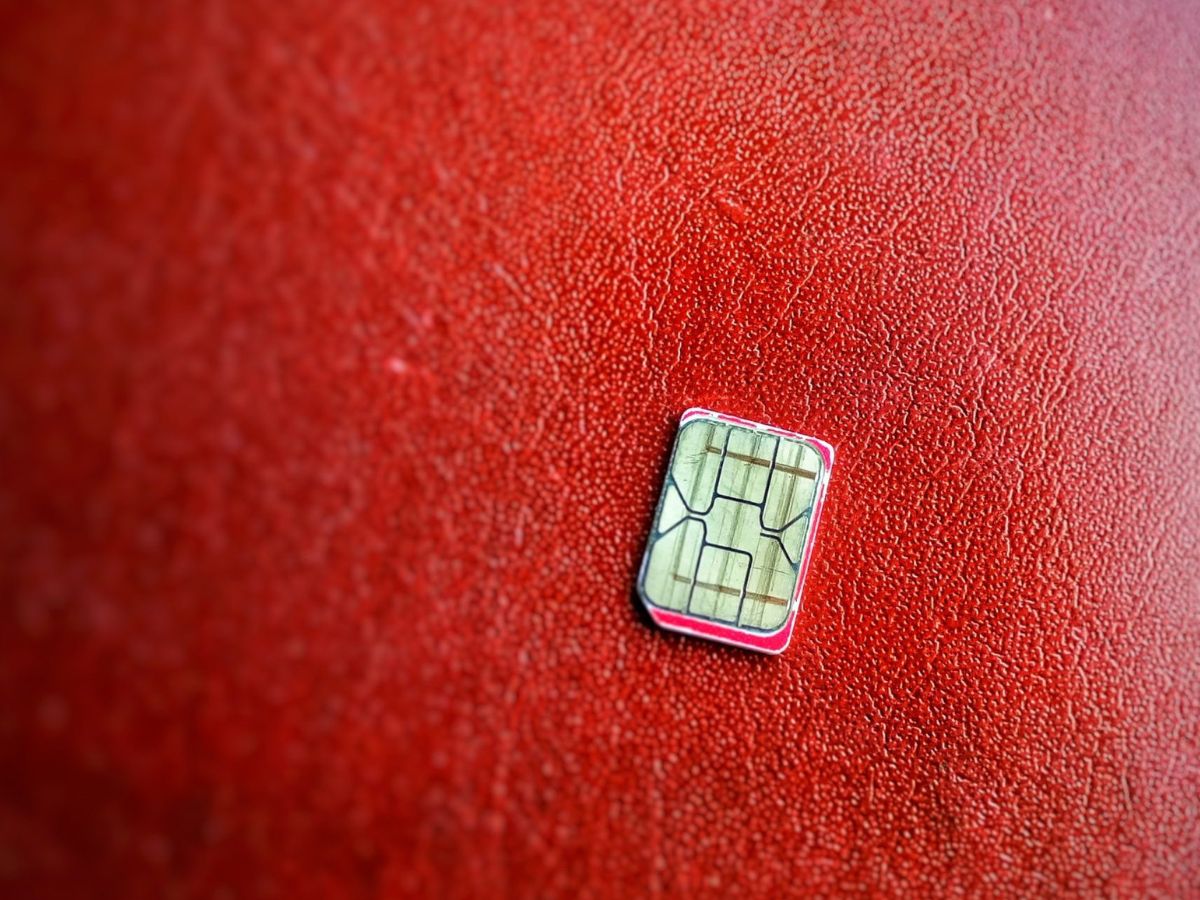
How To Fix A Broken SIM Card

A broken SIM card usually means a connection problem you can fix yourself, not a dead card you must replace. The fix is to clean and reseat the SIM card,...

How To Know What SIM Card You Have

To know what SIM card you have, start by checking your phone's SIM settings and device details, then confirm with carrier paperwork if the type is still unclear, as documented...

How To Limit Hotspot Usage

To limit hotspot usage, you need to use different methods depending on your device. On iPhone, there is no built-in data cap for the Personal Hotspot, so you must rely...

How Do You Get More Hotspot Data

To get more hotspot data, you need to add a hotspot add-on or upgrade your plan through your carrier, and the exact steps depend on your provider and device. The...

What Does A SIM Card Do In A Phone

A SIM card's primary function is to authenticate your identity to a cellular network, enabling voice calls, SMS, and mobile data access. Without a SIM card, a phone cannot connect...

How Do I Unblock My SIM Card

To unblock your SIM card, you need the Personal Unblocking Key (PUK) code from your mobile carrier, this is not something you can fix in your phone's settings. The PUK...

How Big Is A Nano SIM Card

A nano SIM card measures exactly 12.3 mm × 8.8 mm × 0.67 mm, making it the smallest removable SIM format (also known as 4FF). If you are wondering how...