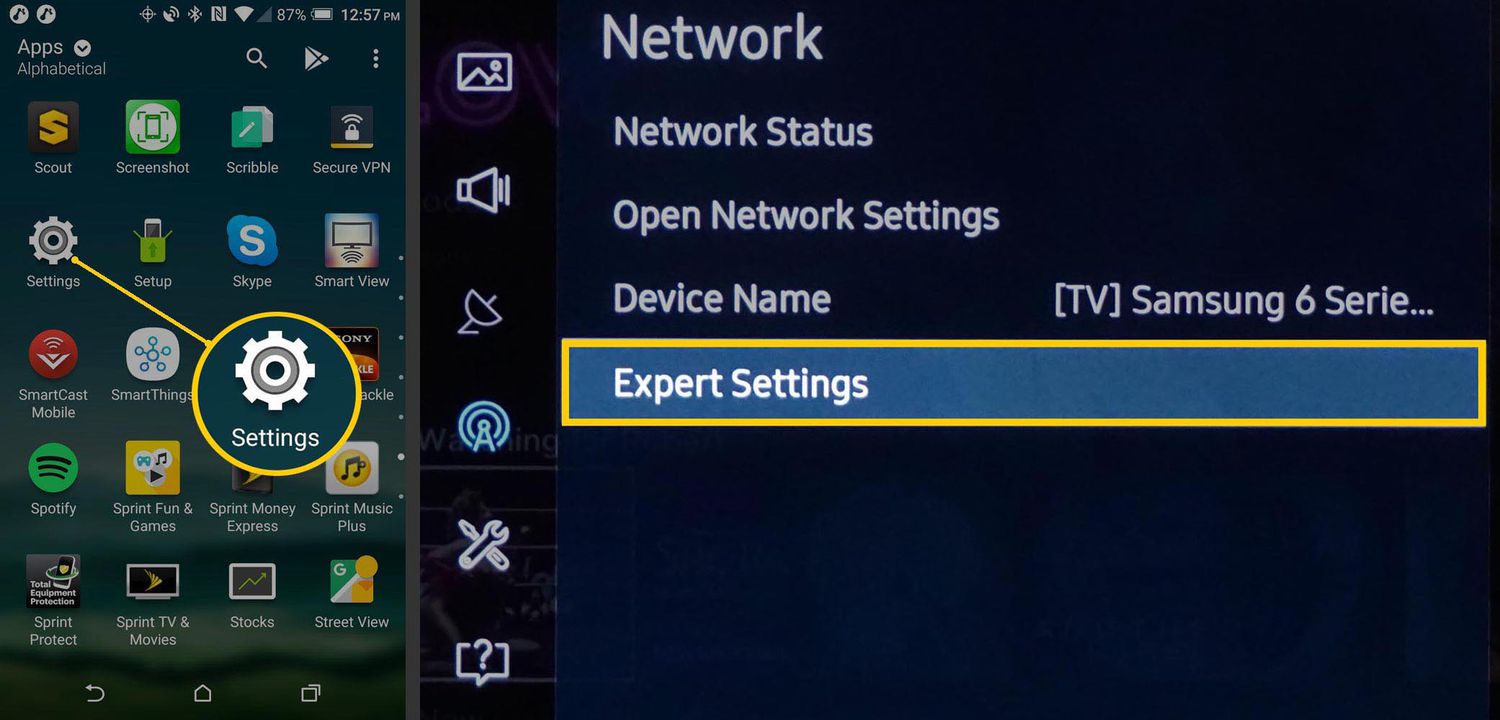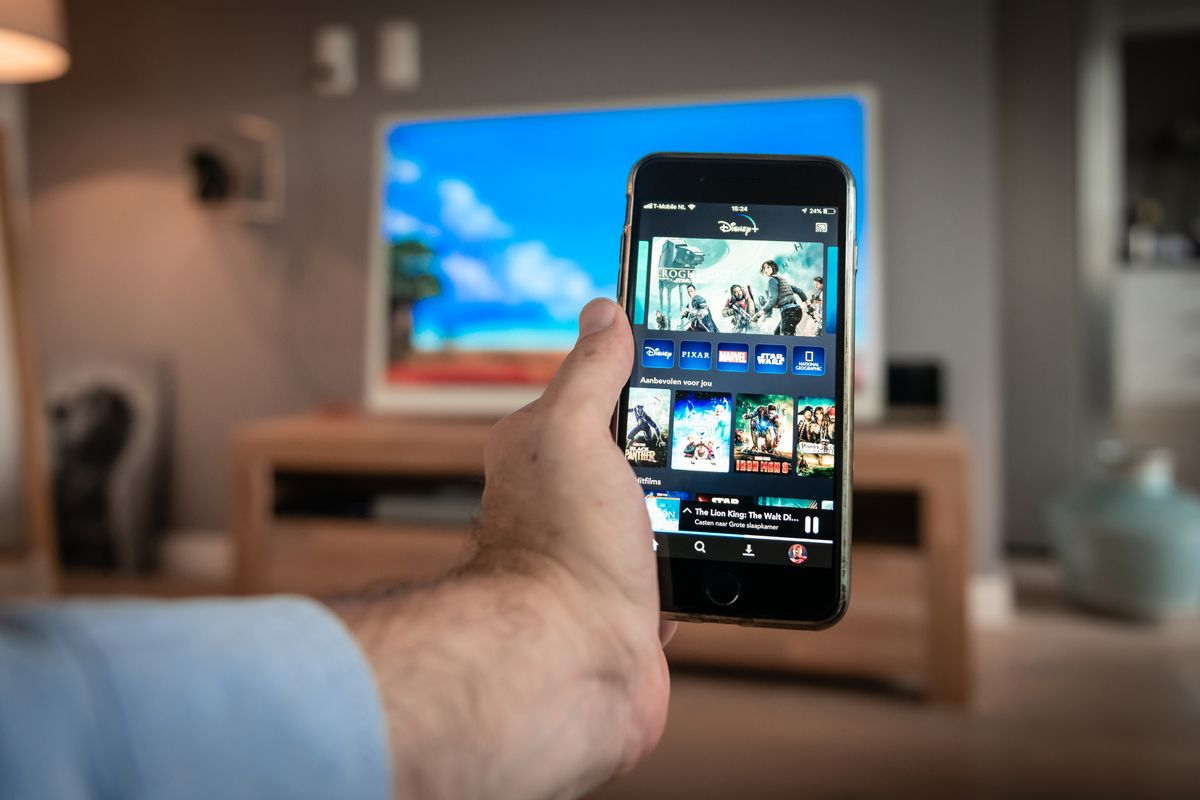
This tag collects all of CellularNews’s guides on getting content from your phone onto a bigger screen. It’s for anyone who wants to watch a movie, share a game, or show a presentation on a television without plugging in a cable. The articles here focus on the specific steps and settings required to make wireless connections work reliably, whether you are using a smart TV, a streaming stick, or a dedicated casting device.
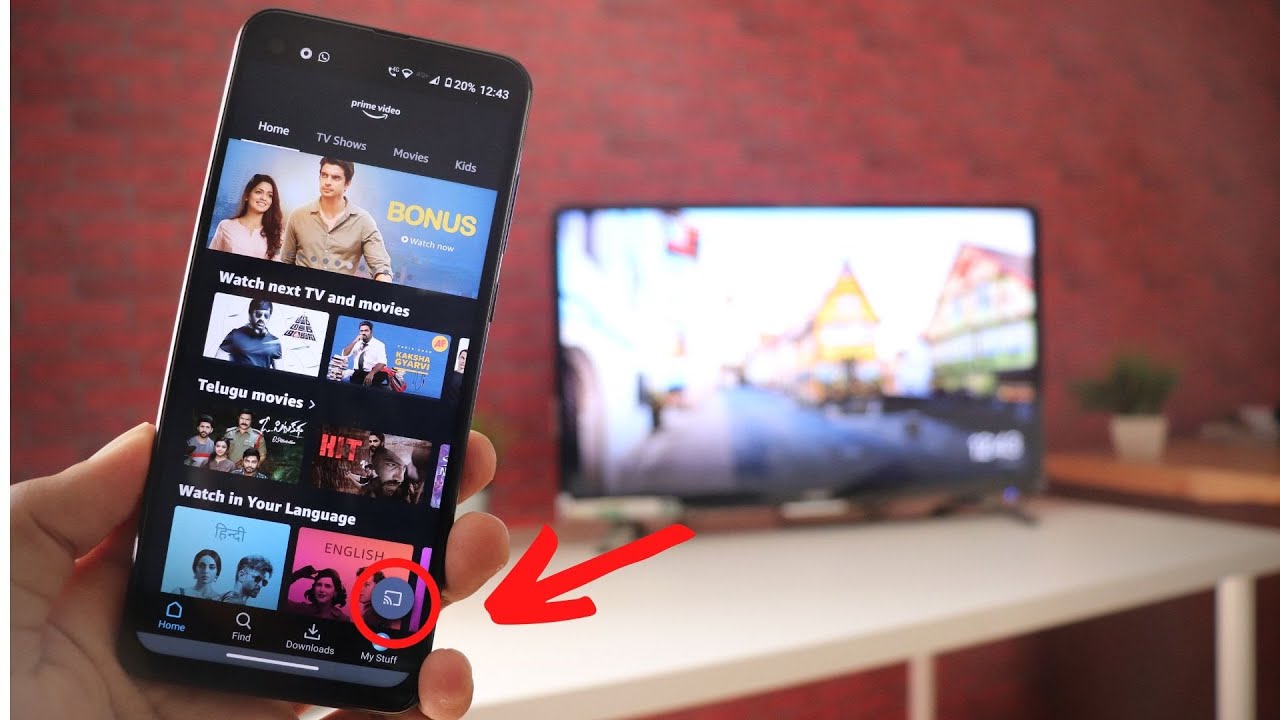
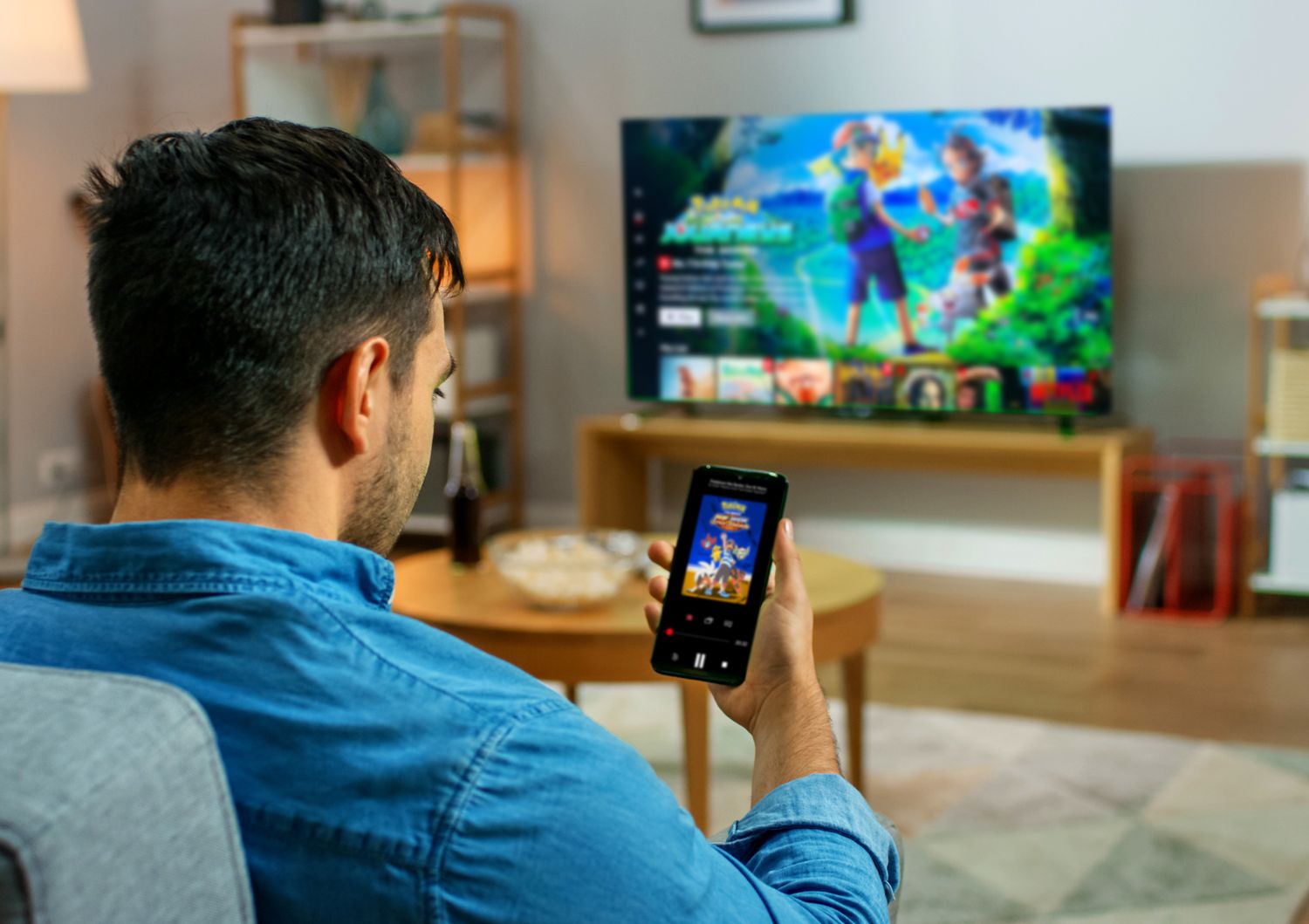
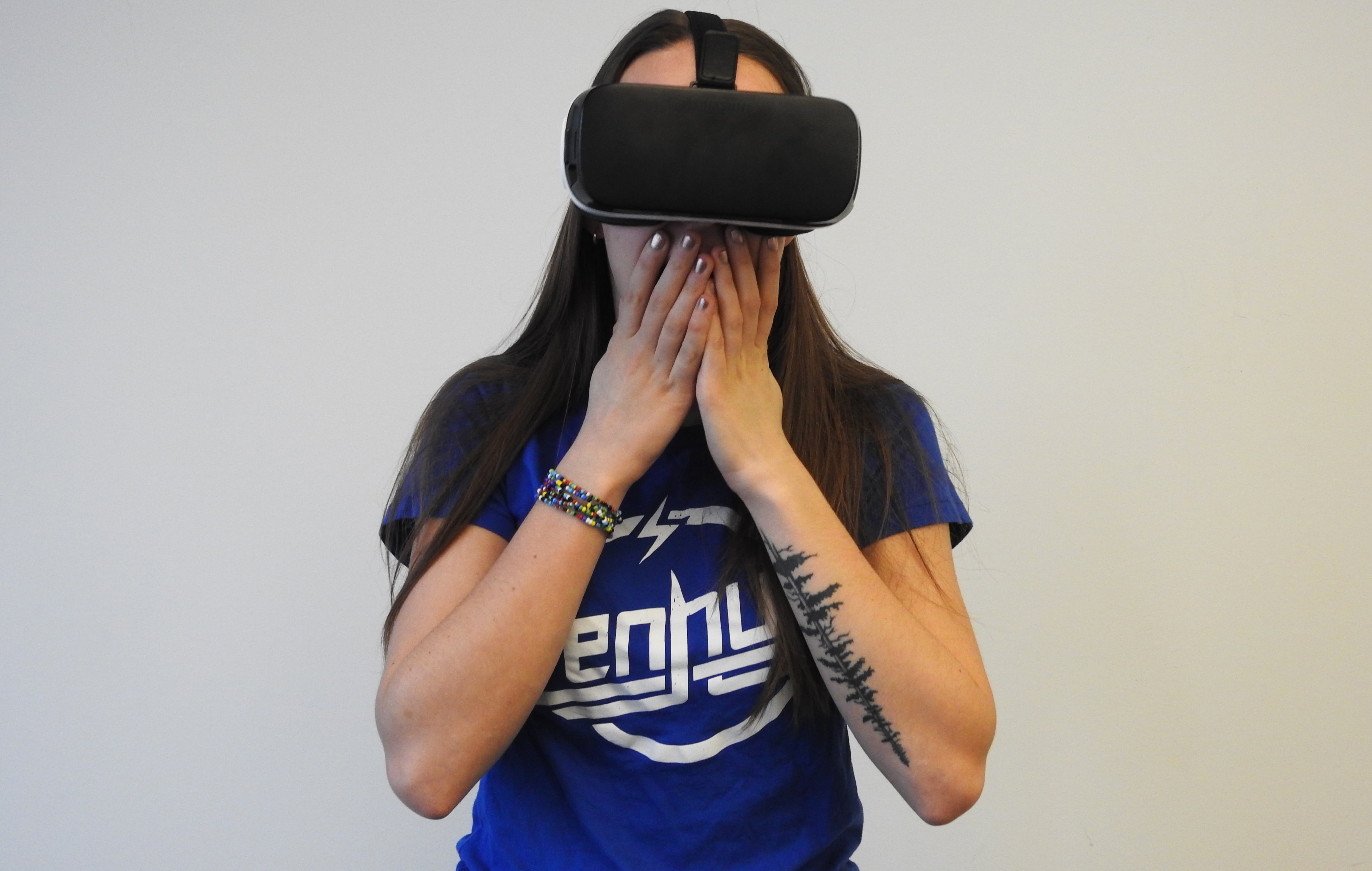
The problems these articles solve fall into two clear themes. First, they tackle the basics of screen mirroring and app-specific casting, helping you send your entire Android display or a single streaming service like Netflix or Prime Video directly to the TV. Second, they address more specialized scenarios, such as setting up a wireless connection for virtual reality content and finding the right app or setting to cast from your phone to the TV in general. You will find detailed walkthroughs for tasks like connecting your TV to Netflix wirelessly and casting Prime Video from a phone to a TV, as well as the broader process of casting apps from phone to TV.
Each article is built to help you do one thing: get the video playing on the big screen. Whether you are trying to stream VR, screen mirror an Android device, or simply cast a movie app, the guides provide the exact steps and troubleshooting tips to finish the setup without frustration.