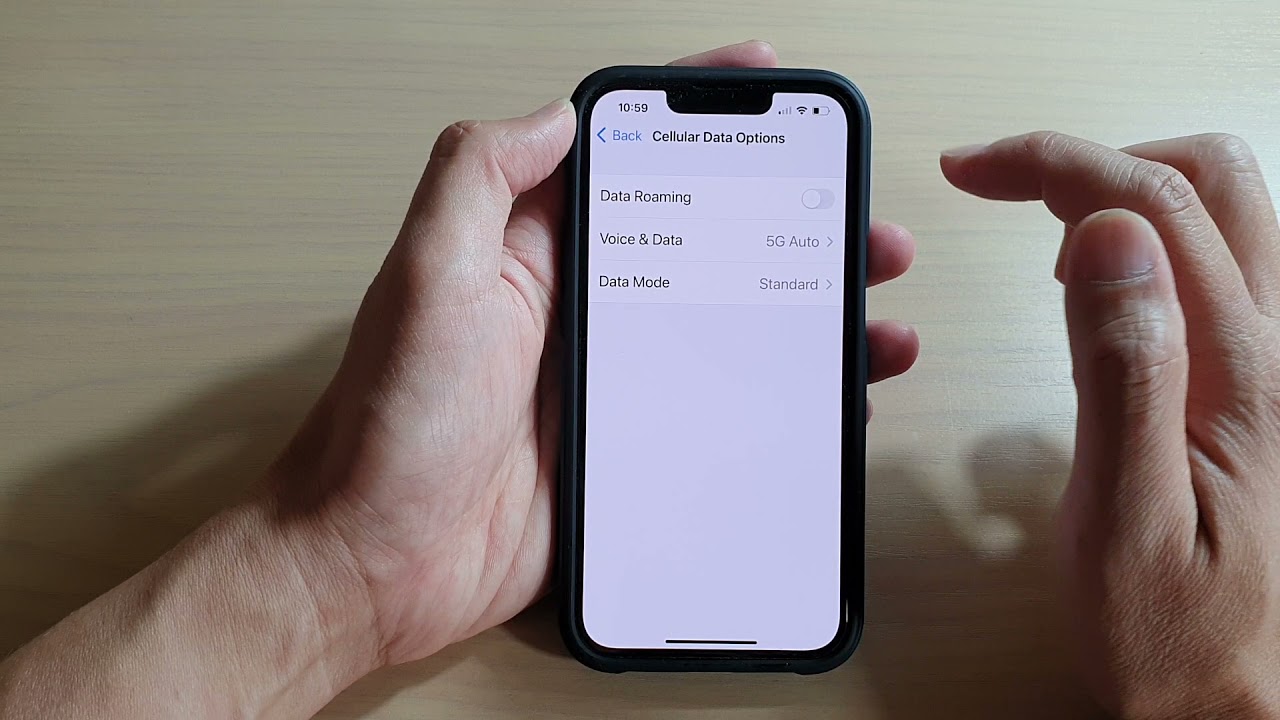
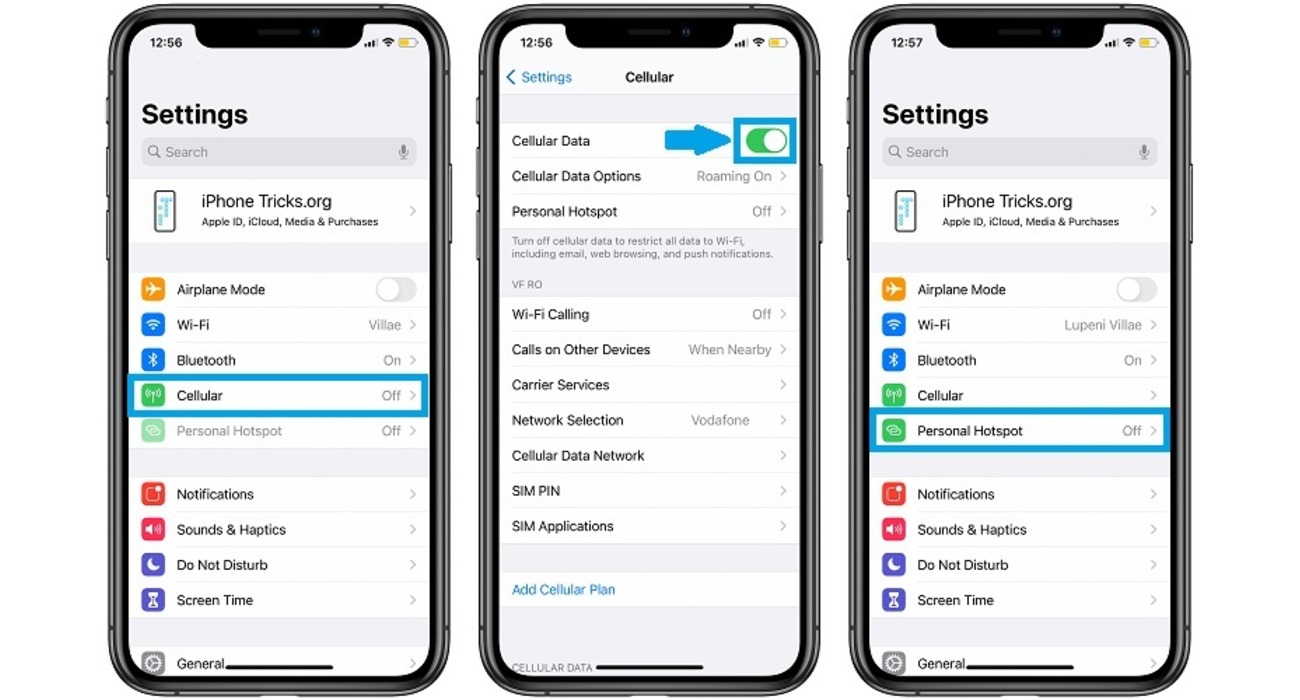
Welcome to the Cellular Settings tag on CellularNews. This page collects our guides for managing the core wireless connections on your phone, specifically focused on data, network access, and hardware basics. It is designed for anyone who needs to troubleshoot a missing feature, monitor their usage, or configure roaming for travel, without wading through unrelated app or accessory advice.

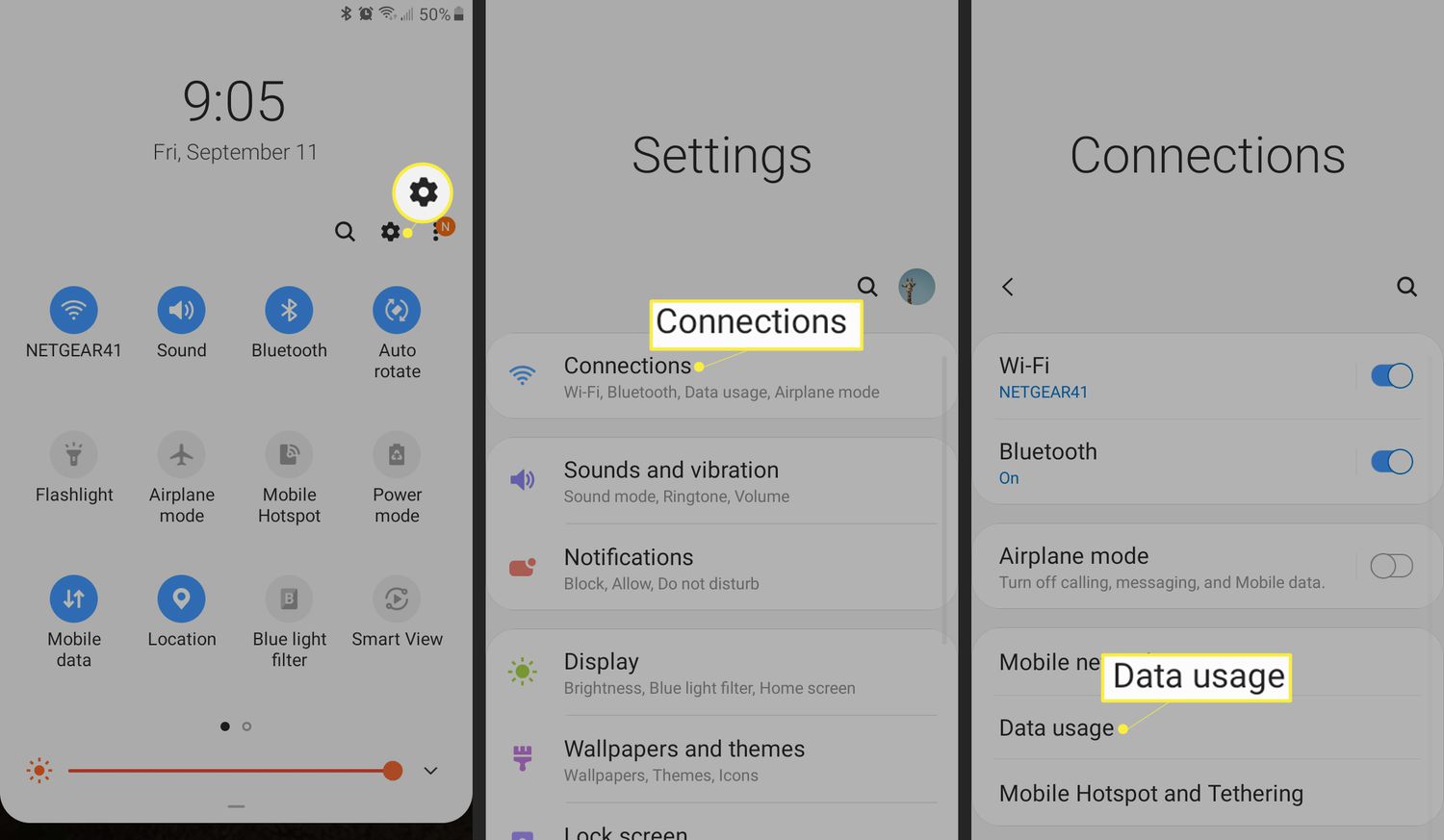
The articles here solve two main kinds of problems. First, several guides help you control and verify your mobile data connection: you can learn how to tell how much cellular data you have left, and how to turn on roaming on iPhone models from the 12 through the 14. Second, a few pieces address sudden feature loss or hardware location, such as why your personal hotspot disappeared and where the antenna is on iPhone 11. There is also a straightforward walkthrough for how to turn off a SIM card, which is useful when switching carriers or troubleshooting signal issues.

Each article helps you take a specific action, like enabling data roaming on your iPhone 13 or iPhone 14, or confirming your remaining data allowance, so you can keep your phone connected exactly how you need it. Whether you are preparing for a trip or fixing a sudden glitch, these guides give you the steps to get your cellular settings working again.
How To Turn On Roaming In IPhone 12

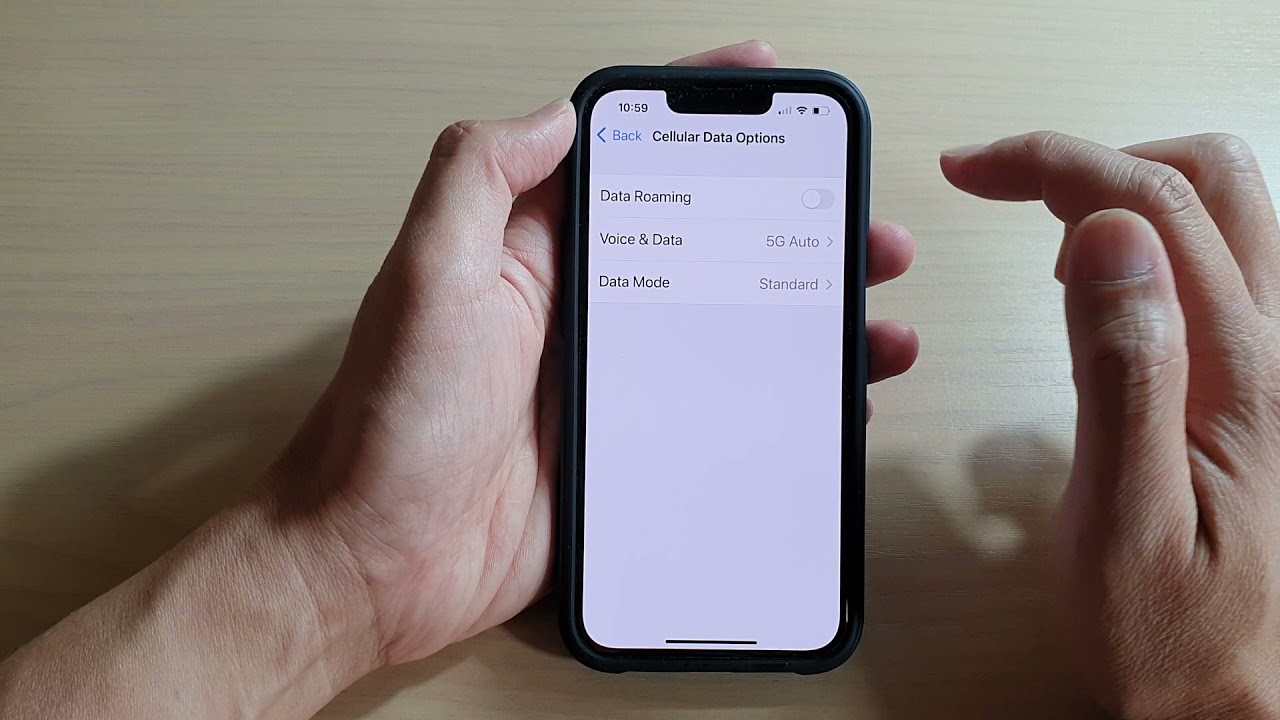
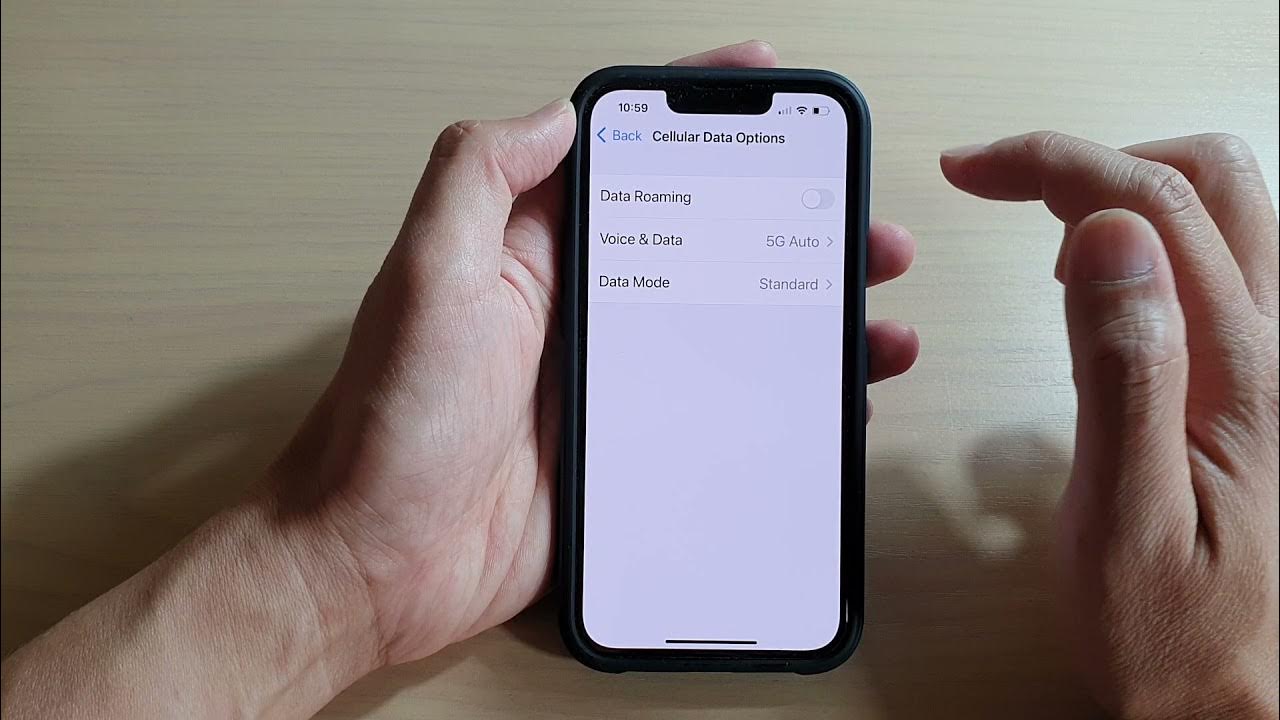
To turn on roaming on iPhone 12, open Settings > Cellular > Cellular Data Options and switch on Data Roaming. This is the direct path for a single SIM or...

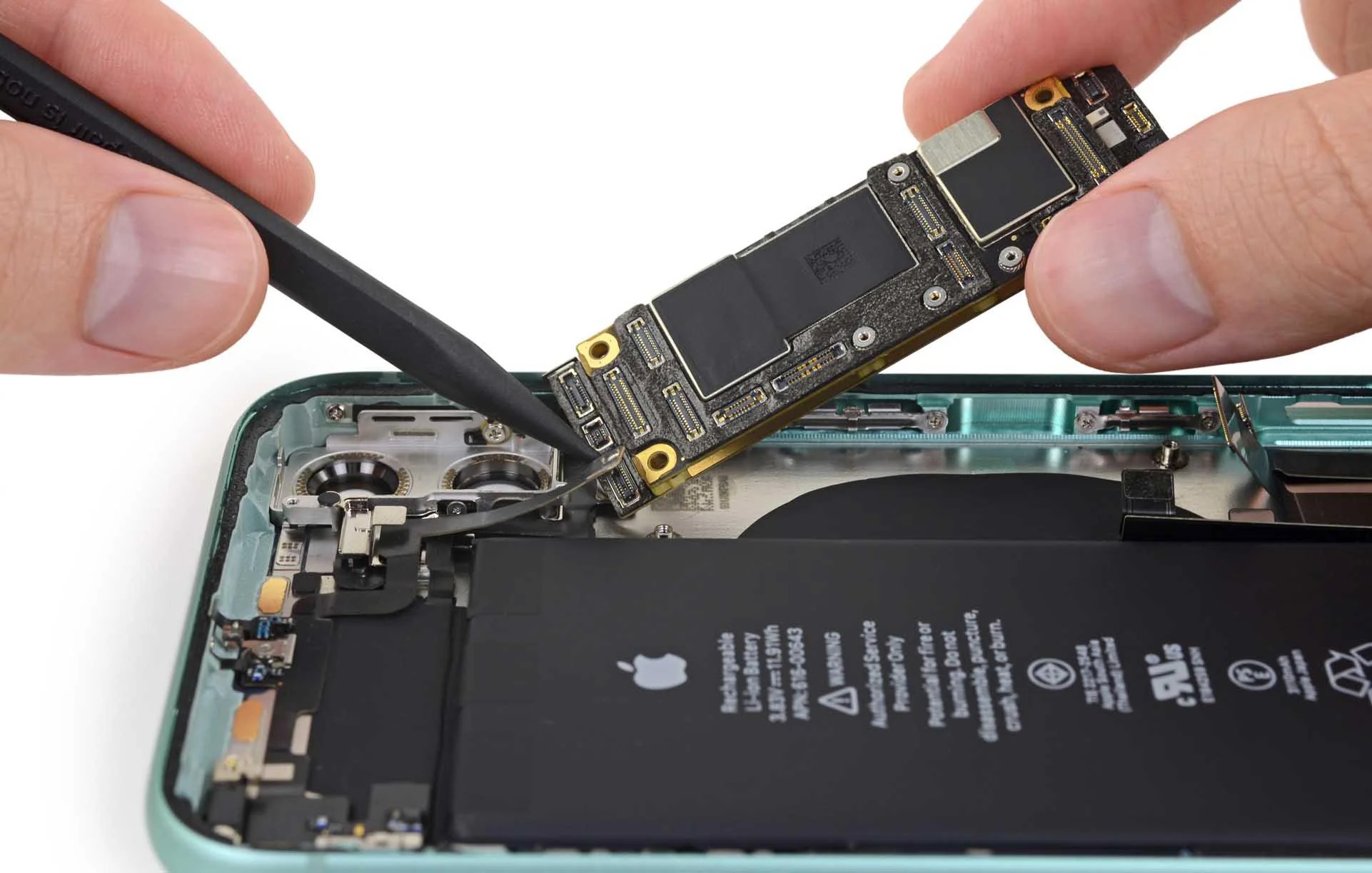
Where Is The Antenna On IPhone 11

If you are searching for where is the antenna on iPhone 11, the direct answer is that there is no visible or serviceable antenna point for you to locate or...

How To Turn On Data Roaming In IPhone 14

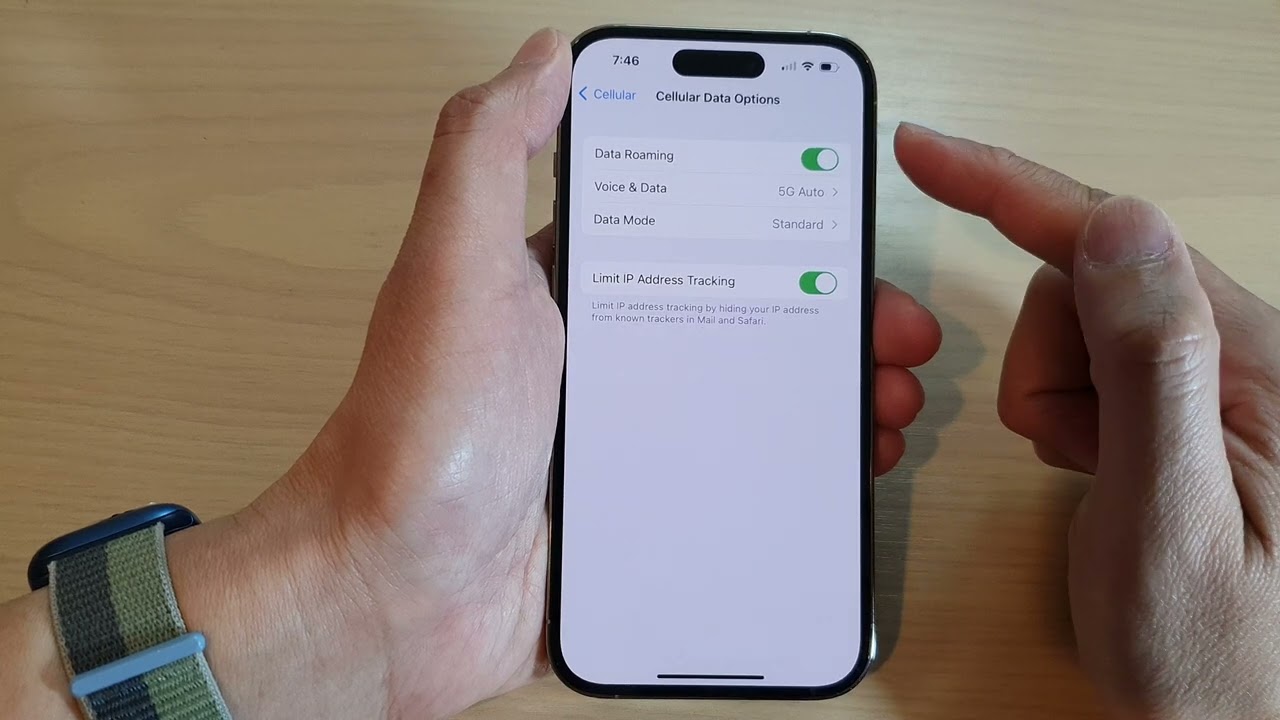
To turn on data roaming on iPhone 14, go to Settings > Cellular > Cellular Data Options, then turn on Data Roaming. This setting is off by default and must...

How To Turn On Roaming IPhone 13

To turn on roaming on iPhone 13, open Settings > Cellular > Cellular Data Options, then toggle on Data Roaming. This is the exact, verified way to turn on roaming...

How To Turn Off A SIM Card

To turn off a SIM card, you can either disable it through your phone’s settings or physically remove it, depending on your device. This temporarily stops calls, texts, and mobile...

How To Turn On Roaming On IPhone

To turn on roaming on iPhone, open Settings, tap Cellular (or Cellular Data), then tap Cellular Data Options and toggle Data Roaming on. If your iPhone uses Dual SIM or...

Why Did My Personal Hotspot Disappear

Your personal hotspot disappeared because your mobile carrier plan likely does not include hotspot service, or the provisioning for that service was reset on your account. This is the single...