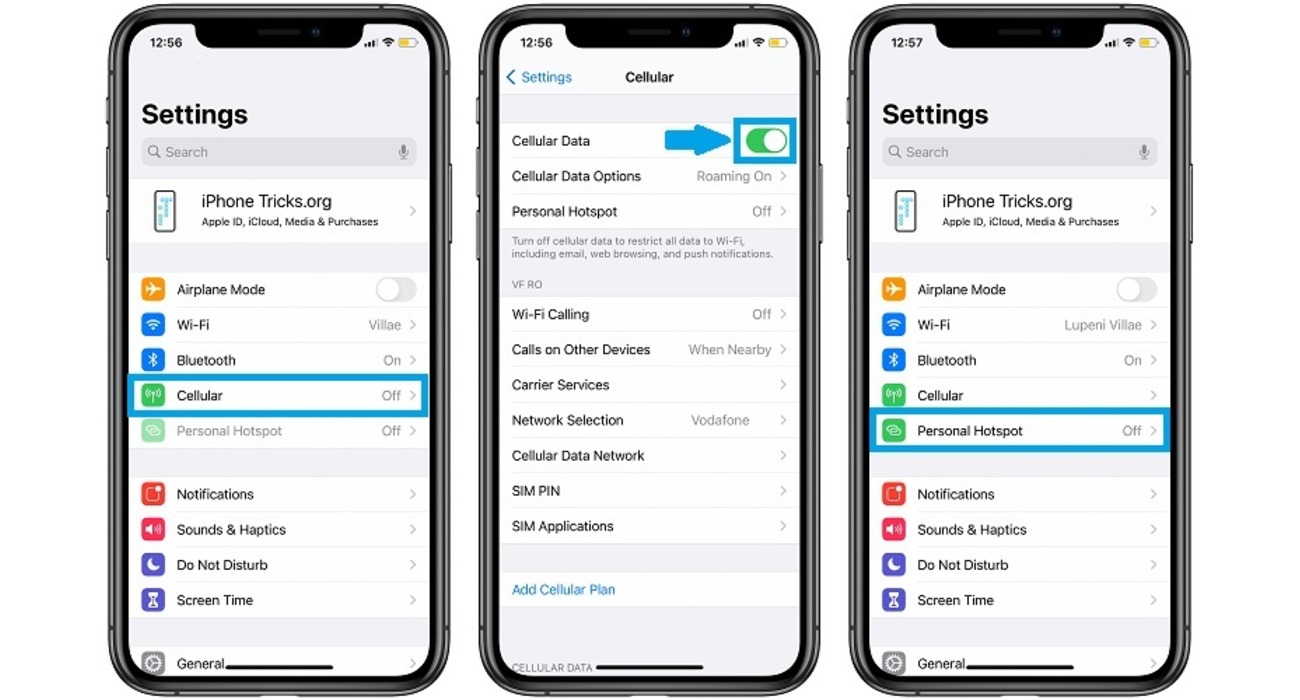
Your personal hotspot disappeared because your mobile carrier plan likely does not include hotspot service, or the provisioning for that service was reset on your account. This is the single most common and documented cause, and it applies to both iPhone and Android devices.
Why your personal hotspot disappeared: the first thing to check
The first thing to verify is your mobile carrier plan. Apple requires an activated carrier plan that includes Personal Hotspot service. If your plan or carrier provisioning does not include hotspot service, the Personal Hotspot menu can be missing or unavailable. To check this, contact your carrier directly and confirm that hotspot service is enabled on your line. If you recently changed plans, switched carriers, or updated your device software, the provisioning may have been reset, and the carrier will need to re-enable it.
How to find and enable your personal hotspot again on iPhone
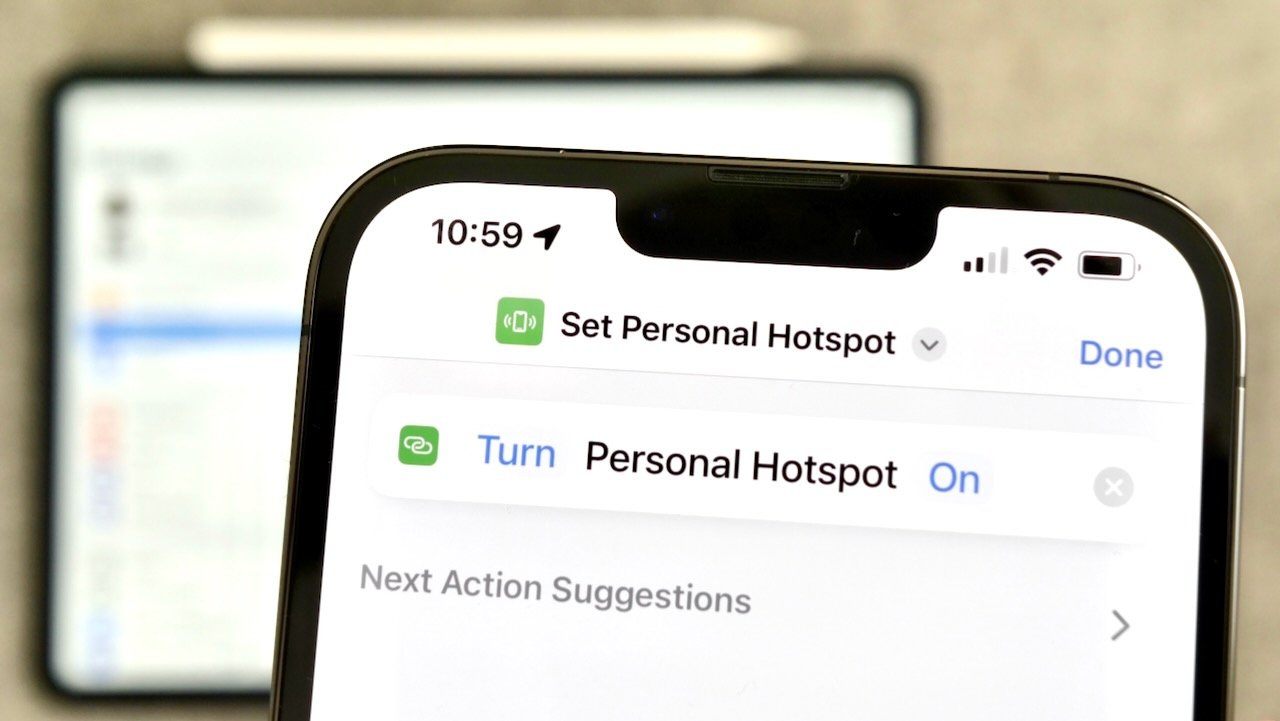
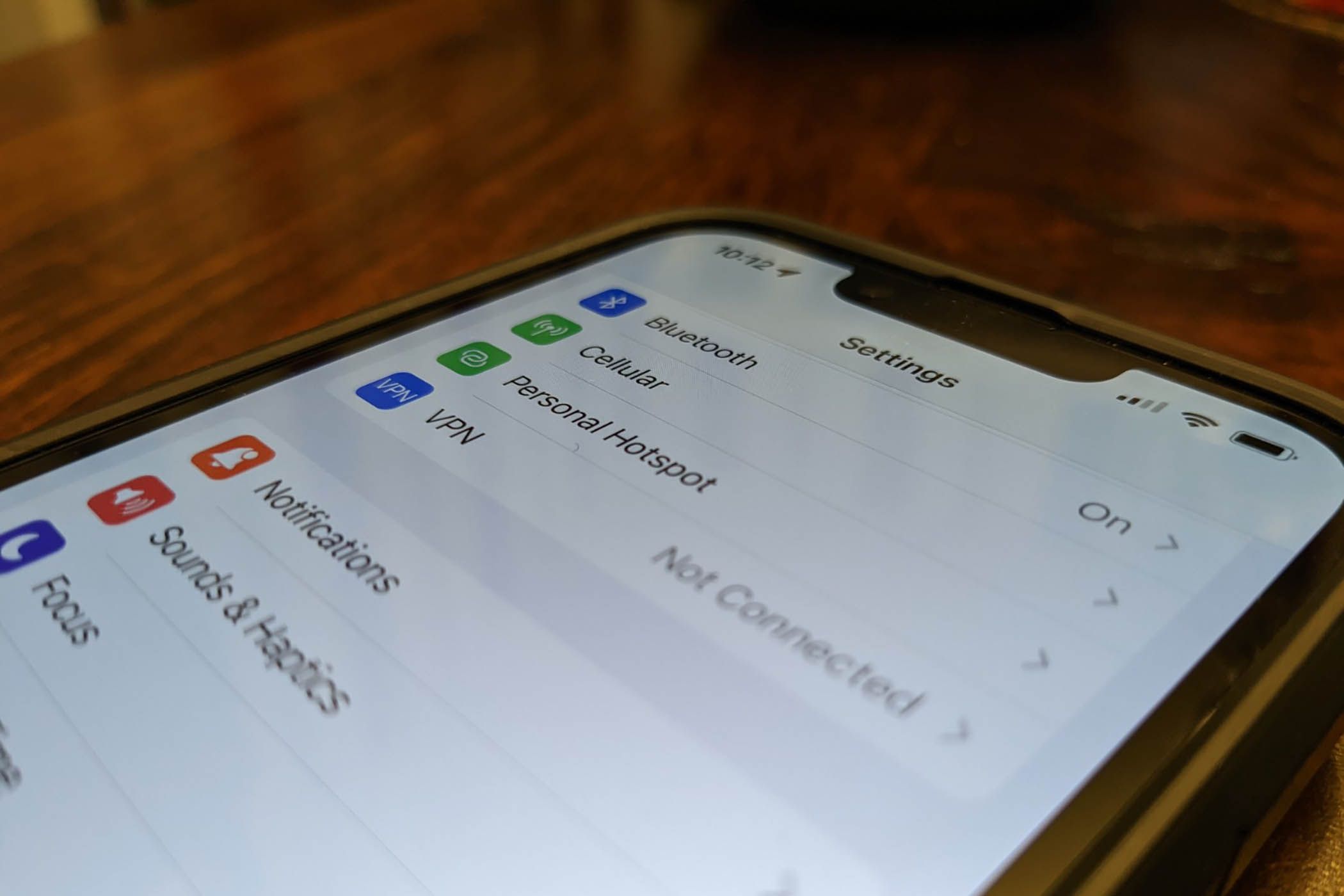
On an iPhone, Apple documents two exact setup paths. First, go to Settings > Cellular > Set Up Personal Hotspot. Second, go to Settings > Personal Hotspot. If the option is present, tap it and follow the on-screen instructions. If you see the Personal Hotspot toggle but devices cannot connect, turn on Maximize Compatibility under Settings > Personal Hotspot, then try connecting again. You can only share the iPhone’s cellular internet connection, not a Wi‑Fi connection. Supported connection methods are Wi‑Fi, Bluetooth, or a cable.
How to find and enable your personal hotspot again on Android (Samsung Galaxy)
On a Samsung Galaxy device, Samsung documents the hotspot path as Settings > Connections > Mobile Hotspot and Tethering. Then tap the switch for Mobile Hotspot or Mobile Hotspot and Tethering to turn it on. AT&T’s Samsung support page gives the same basic path: swipe down from the upper right corner, tap Settings, tap Connections, tap Mobile Hotspot and Tethering, then tap the Mobile Hotspot switch. Samsung also documents an automatic hotspot feature: tap the switch next to Family sharing to let family members access your automatic hotspot if needed.
What to do if the hotspot option is still missing
If the hotspot menu remains absent after checking your carrier plan and the settings paths above, perform two final basic checks. First, restart your device. Second, ensure your device software is up to date. If you were in the process of updating your device's software when the hotspot vanished, it is likely that the update was not completed successfully. In such cases, you may need to redo the update to restore the hotspot functionality. If you are in an area with weak or unstable network signals, your hotspot may not be able to establish a stable connection. Check your network settings and try moving to a different location. Resetting network settings can also help: go to your device's settings, navigate to the 'General' or 'Network' section, and look for the option to reset network settings. Keep in mind that this will remove all saved network settings, including Wi-Fi passwords. If the issue persists after these steps, contact your carrier again. No other documented software fix exists for a missing hotspot menu beyond verifying carrier provisioning and applying the Maximize Compatibility toggle on iPhone. Hardware malfunction can occur if there is a fault with your device's hardware, such as a faulty Wi-Fi antenna or a damaged hotspot module. If you suspect a hardware issue, it is advisable to contact the manufacturer or visit an authorized service center for assistance.
Frequently Asked Questions
Does using a personal hotspot consume more data?
When you use a personal hotspot, the data consumed depends on the activities performed by connected devices. Data-intensive tasks such as streaming video or downloading large files can consume significant data. Track your data usage to avoid exceeding your plan allowance.
Can I change the name and password of my personal hotspot?
Yes, you can change the name (SSID) and password of your personal hotspot. On iPhone, go to Settings > Personal Hotspot. On Samsung Galaxy, go to Settings > Connections > Mobile Hotspot and Tethering. Choose a strong password to secure your hotspot.
Does a personal hotspot share Wi‑Fi or only cellular data?
Personal Hotspot shares only the cellular data connection. You cannot connect your iPhone to Wi‑Fi and rebroadcast that Wi‑Fi through Personal Hotspot. This limit is documented by Apple for both iPhone and iPad (Wi‑Fi + Cellular).
How many devices can connect to my personal hotspot?
Check with your carrier for any device limits on your plan.
What is Instant Hotspot and how is it different from Personal Hotspot?
Instant Hotspot uses Personal Hotspot and requires a compatible Apple device signed in with the same Apple Account. The hotspot itself still comes from your iPhone or iPad (Wi‑Fi + Cellular), and it follows the same carrier plan requirements and data-sharing rules.
Can I use my personal hotspot without a data plan?
Using a personal hotspot without a data plan is generally not possible, as it requires an active cellular data connection to provide internet access to other devices.
For the wider topic, see hotspot basics and troubleshooting.
Related reading: How To Buy A Hotspot.