Using the popular mobile banking app, specifically addressing the common hurdles users face when managing their accounts. This content is for anyone who relies on Chime for everyday banking, direct deposits, or mobile check deposits, and who needs practical, step-by-step help when the app doesn’t behave as expected. Whether you are setting up a new device or troubleshooting an access issue, the articles here target the real-world friction points of digital banking.
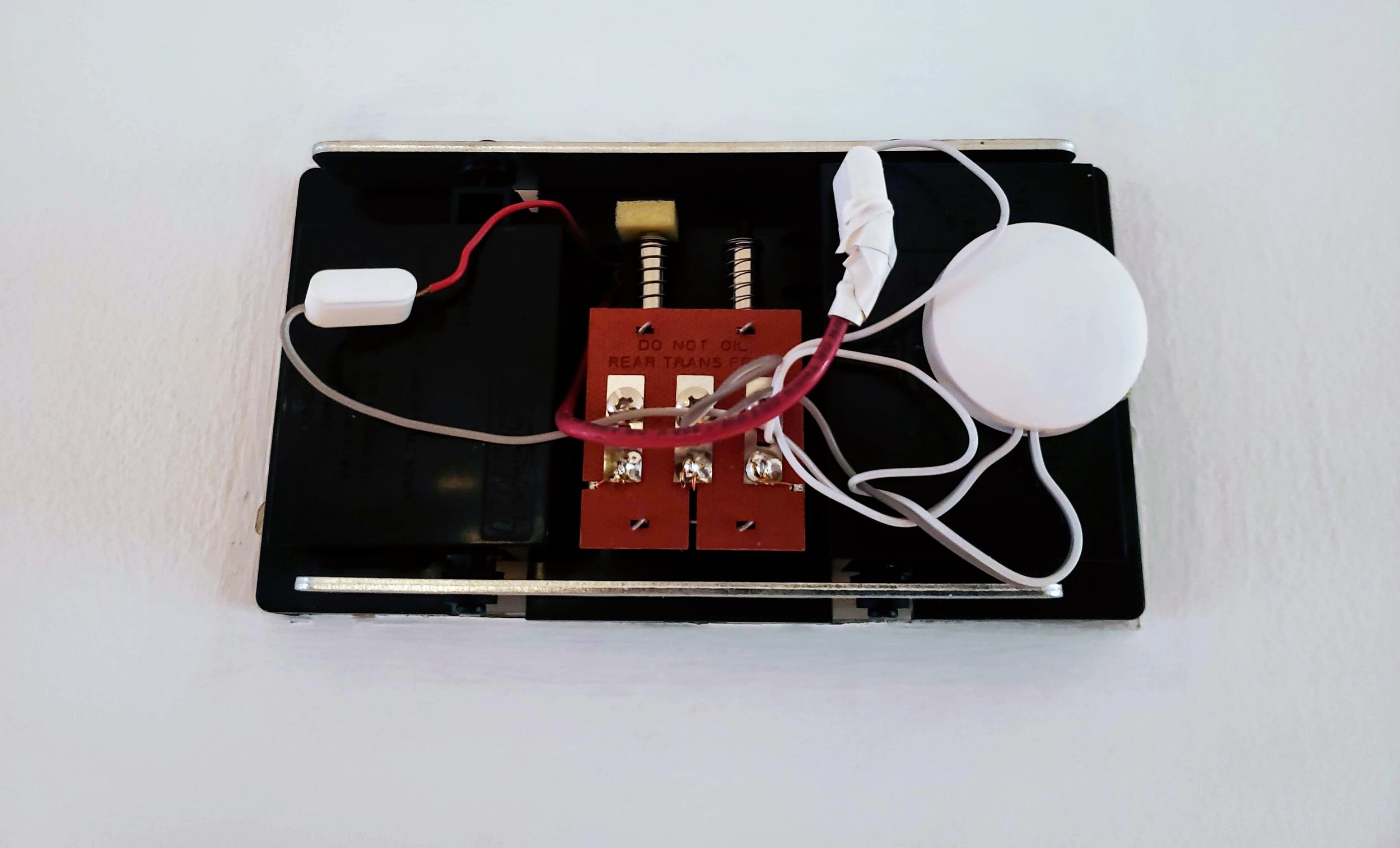
The articles solve problems that fall into two main areas. The first is account access and recovery, covering situations where you are locked out or need to change your credentials. For example, guides explain how to reset your Chime password when you no longer have access to your phone number, and how to log in to Chime without a phone number at all. The second theme is account management and hardware setup. This includes articles like how to change your Chime phone number to keep your contact details current, and a guide to the Nest Chime Connector, which helps integrate your banking alerts with a smart doorbell system. Additionally, a piece on how long it takes to deposit a mobile check on Chime helps set realistic expectations for fund availability.