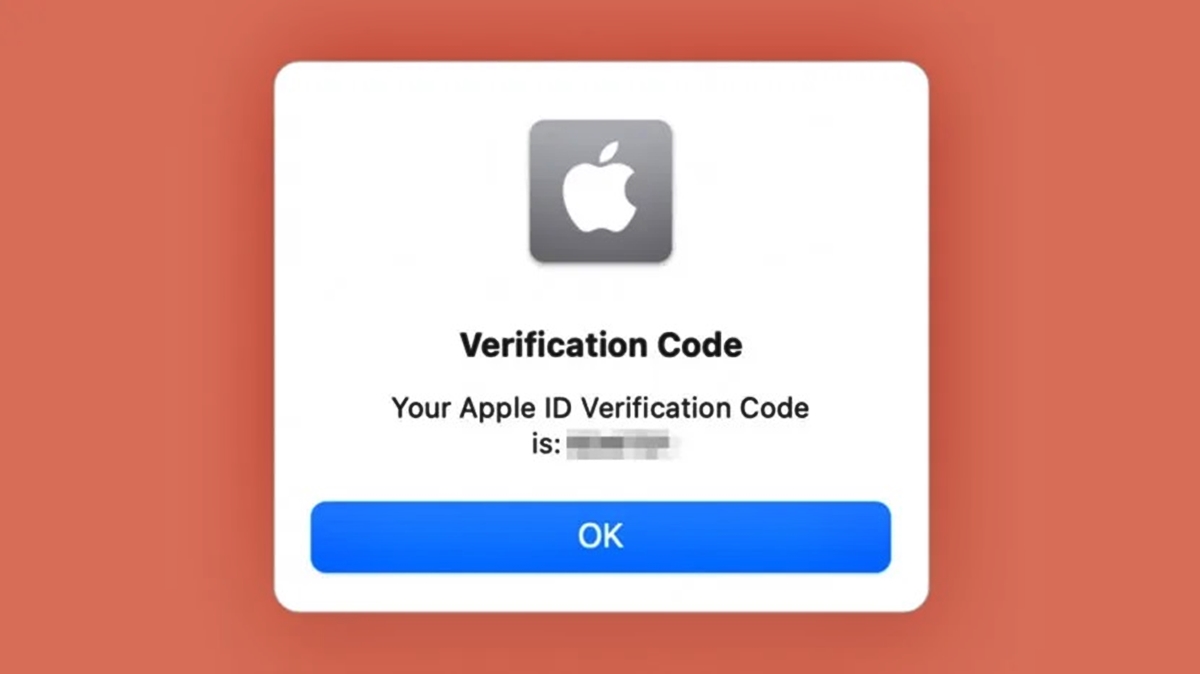
You cannot log in to Chime without a phone number using any self-service method that Chime documents. Chime requires your registered phone number for two-factor authentication (2FA) and account recovery, and its official help pages do not list an alternate login flow that bypasses this requirement.
Can you login to Chime without a phone number?
The direct answer is no. If you cannot access your registered phone number, you will not be able to complete the login process on your own through the app or website. Setting this expectation upfront saves you time searching for a workaround that does not exist in Chime’s official documentation.
Why you might need to log in without your phone
Common scenarios include losing your phone, having it stolen, breaking the device, or changing your phone number. You might also be traveling without your SIM card or have temporarily switched devices. In each case, your registered phone number is unavailable, and Chime’s standard 2FA process cannot proceed. Understanding this helps you move directly to the only documented solution instead of trying unsupported methods.
The documented solution: Contact Chime support
If you cannot log in because you lack access to your phone number, the only verified route is to contact Chime support. You can reach them by calling 844-244-6363 or by using the in-app chat feature within the Chime mobile app. These are the official support channels Chime provides for account access issues. No other self-service option, such as an email-only login or a “need another way to verify” button, is documented in Chime’s help pages.
What to expect when you call Chime
When you contact support, you will need to verify your identity through other means. Chime will ask for personal information such as your full name, email address, and possibly answers to security questions or details about your account activity. Chime offers alternative verification options during sign-up, such as submitting identification documents like a driver's license, passport, or state-issued ID, to verify identity without a phone number. Chime may use knowledge-based authentication, asking questions based on personal history and publicly available information, to verify identity without a phone number. Chime may utilize advanced identity verification services that cross-reference personal details with databases and public records. You may also need to provide identification documents like a driver’s license or passport. This process replaces the phone-number-based verification you would normally use. Be prepared to answer these questions accurately to regain access.
What the Chime help site does not say
They also do not list exact menu paths, supported device versions, or a sign-up flow that replaces a phone number with email during account creation. This transparency prevents you from wasting time searching for non-existent solutions like creating accounts without a phone number or using an email address to sign up for Chime without a phone number.
Frequently Asked Questions
Can I log in with just my email?
You can use your email address and password for the first step of logging in, but Chime still requires 2FA via your registered phone number to complete the login. Email alone is not sufficient to access your account.
Is it secure to contact support without my phone?
Yes. Calling 844-244-6363 or using the in-app chat is the official support channel Chime provides for account recovery. Support agents will verify your identity using other personal information, which is a secure process.
What if I changed my phone number?
If you changed your phone number and cannot receive 2FA codes, you must contact Chime support. They can update your registered phone number after verifying your identity, allowing you to log in normally afterward. Users can add a phone number to their Chime account later if they initially signed up without one.
Can I use an authenticator app instead of my phone number?
Chime’s documented help pages do not list authenticator apps like Google Authenticator or Authy as a supported verification method. The only documented alternative for login issues is contacting support. Some features or functionalities within the Chime platform may require phone number verification for security purposes, even if users can access a wide range of services without one.
How long does the support call take?
Chime does not publish exact timeframes for support calls. The duration depends on how quickly you can provide the required identity verification information.
Related reading: How To Reset Chime Password Without Phone Number.