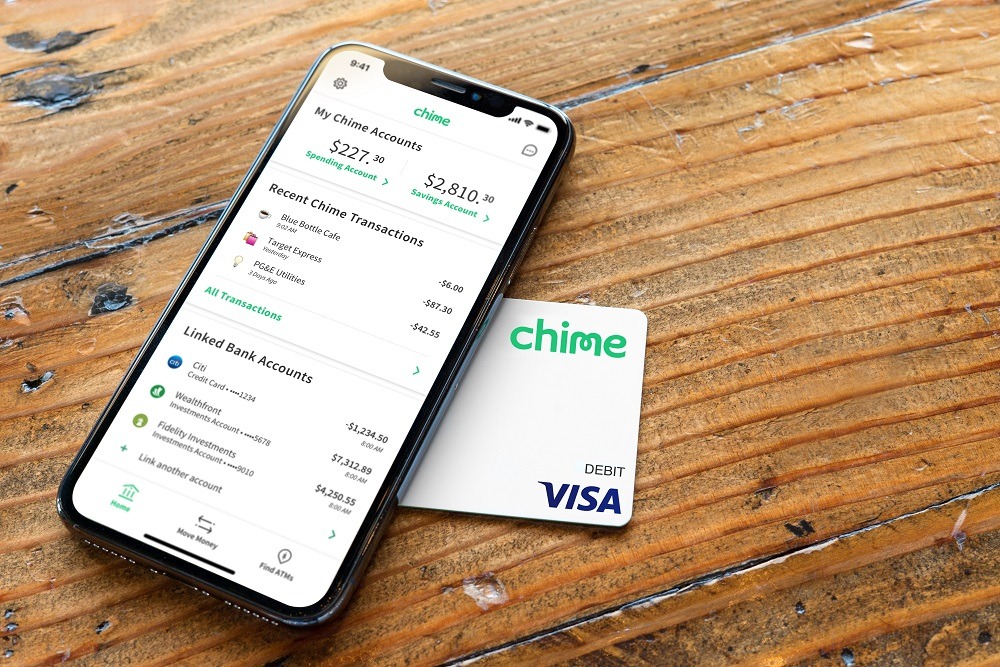
To change your Chime phone number, open the Chime app and go to Profile > Personal info. Tap the pencil icon next to your current phone number, enter your new number, and tap Next to begin the identity verification process. This is the primary path for updating your phone number on apps and accounts when you are already logged into your account.
How to change your Chime phone number in the app
When you have access to your Chime account and are logged into the mobile app, follow these steps to update your phone number:
- Open the Chime app on your mobile device.
- Navigate to Profile.
- Select Personal info.
- Tap the pencil icon located next to your current phone number.
- Enter your new phone number and tap Next.
- Complete the identity verification process. Chime says an identity check may be required before the number is updated. Chime says you may be asked to verify your identity with a valid government-issued photo ID or other account information. This may include a valid government-issued photo ID or other account information.
Once the verification is successful, your new phone number will be linked to your account. This method is documented by Chime as the standard way to update your contact information while logged in. A separate official Chime help page on “How do I update my phone number?” also points to the app path Profile > Personal info > pencil icon next to your phone number > Next.
What if you no longer have access to the old number?
If you are locked out of your account because you no longer have access to the phone number on file, Chime provides a recovery path from the login screen. When you reach the verification screen that asks for a code sent to your old number, tap Need help?, then select Update phone number. Chime also documents a login-screen path for people who no longer have access to the number on the account: on the verification screen, tap Need help?, then select Update phone number. If the reader is locked out and reaches the verification screen, Chime says to use Need help? > Update phone number. This option allows you to begin the process of updating your number without needing to access the old one. Follow the on-screen prompts to verify your identity and set up your new phone number.
Contact Chime customer support
If you cannot complete the identity verification or the in-app update process, Chime recommends calling customer support at (844) 244-6363 for direct assistance. If you cannot complete verification or the update in the app, Chime says to call (844) 244-6363 for help. Support is also available through the Chime Help Center. Chime’s help content also states support is available through its Help Center. When contacting support, have your account information ready to help expedite the process. This is the recommended path for users who encounter errors, have trouble with verification, or need help regaining access to their account.
Frequently Asked Questions
Can I change my number on the Chime website?
No. The official Chime help pages document updating your phone number only through the Chime mobile app. Chime’s help pages retrieved here document updating the number in the Chime mobile app, not a separate web-account flow for changing the phone number. There is no separate web-based flow for changing your phone number on the Chime website.
What if verification fails?
If you are unable to complete the identity verification step in the app, call Chime customer support at (844) 244-6363 for further assistance. Support can help you verify your identity and complete the update.
Which devices are supported for the phone number update?
The update is performed in the Chime mobile app. The retrieved Chime help pages say the update is done in the Chime mobile app, but they do not list supported iPhone or Android models or OS versions. The official help pages do not list specific supported iPhone or Android models or operating system versions.
Is there a limit on how often I can change my phone number?
Chime’s official documentation does not specify a limit on how frequently you can change your phone number.
What if I no longer have access to the old number and can't use the app?
If you are locked out and cannot use the in-app recovery path, call Chime customer support at (844) 244-6363. They can assist you with updating your phone number and regaining access to your account.
Related reading: How Do I Change My Phone Number On PayPal.