This tag collects CellularNews's guides for turning your phone into a powerful media source for your television. It is designed for anyone who wants to move past the small screen, whether you own a modern smart TV, an older non-smart model, or a projector. The articles here are for users who need practical, step-by-step instructions on connecting their Android phone, Motorola, or Moto G to various TV brands like Vizio, Sony, Sharp, and TCL.
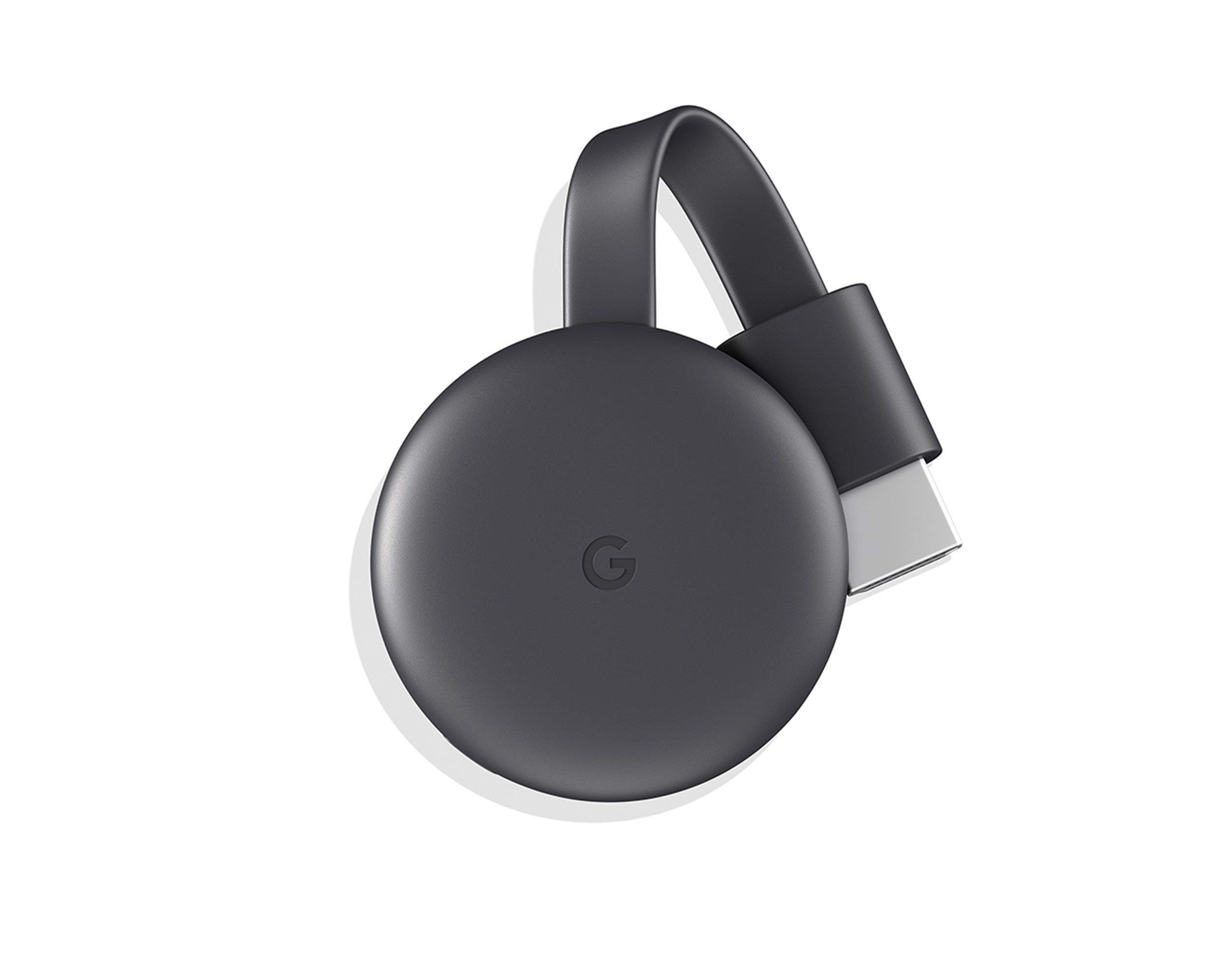
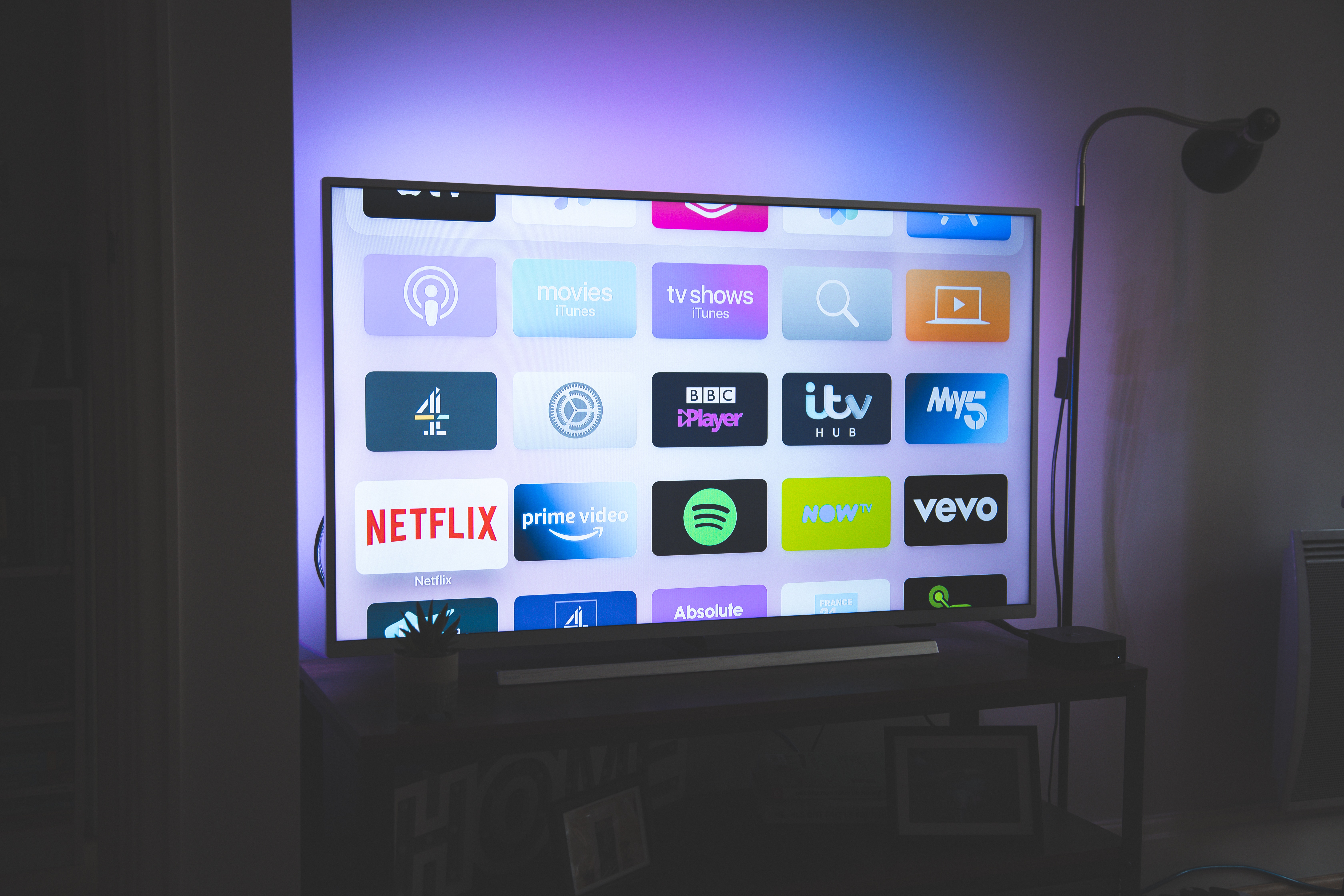
The content solves two main types of problems. First, it addresses direct casting and mirroring issues, such as how to cast Android to TV, mirror a cell phone, or connect a phone to a non-smart TV wirelessly. Second, it focuses on streaming specific content from your phone, including detailed guides for apps like Hulu, ESPN, Tubi, HBO, Crunchyroll, Disney Plus, Peacock, and NFL Mobile. You will also find solutions for more technical scenarios, such as how to connect a Chromecast to a hotspot or how to change the wireless network for your Chromecast.
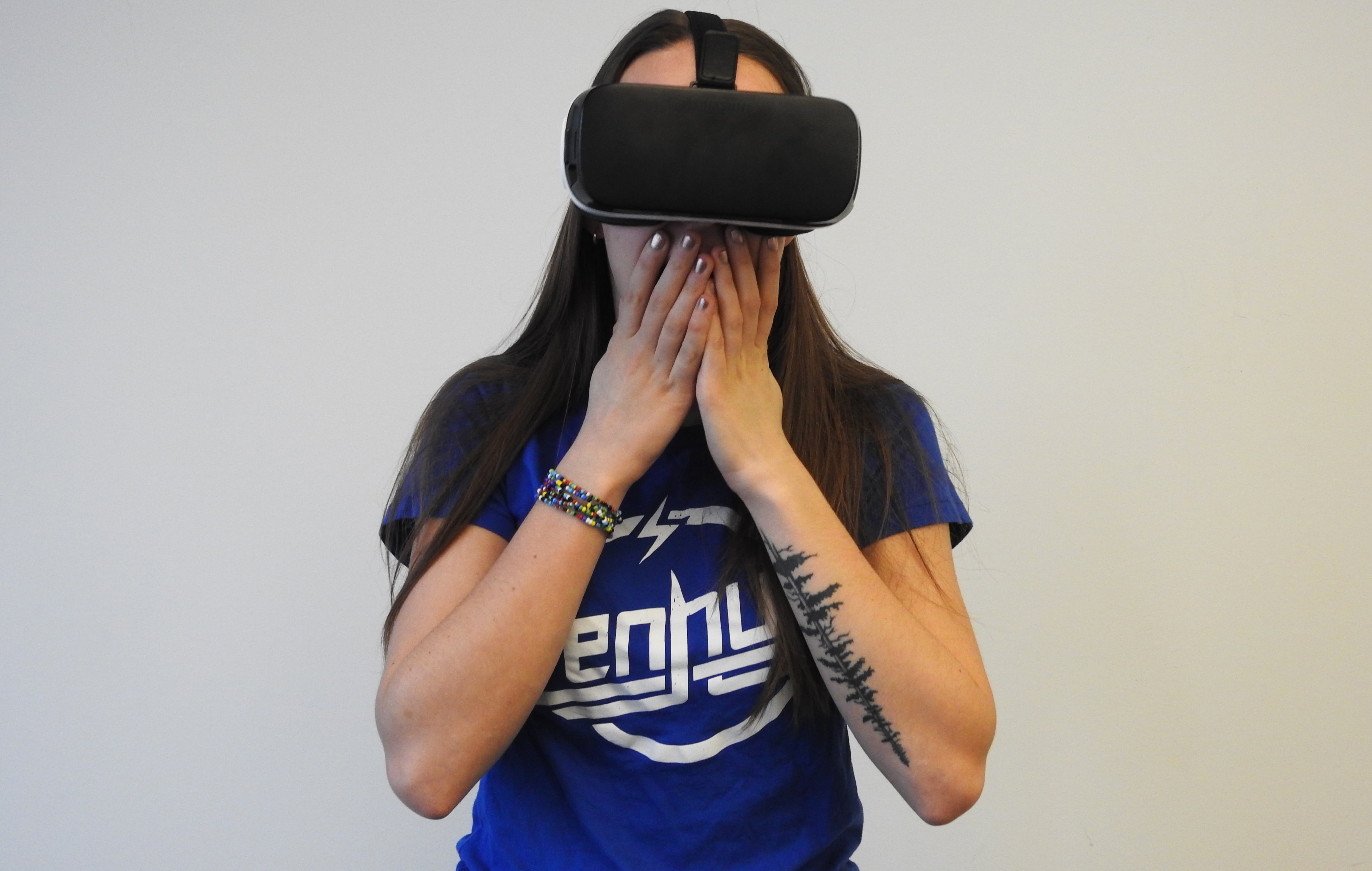
Ultimately, these articles help you do one thing: get the video or game you are holding in your hand onto the big screen in front of you. They walk you through the process for both standard streaming and more niche setups, like how to stream VR or display VR on a TV, ensuring you can use your phone as the remote control for your home entertainment.