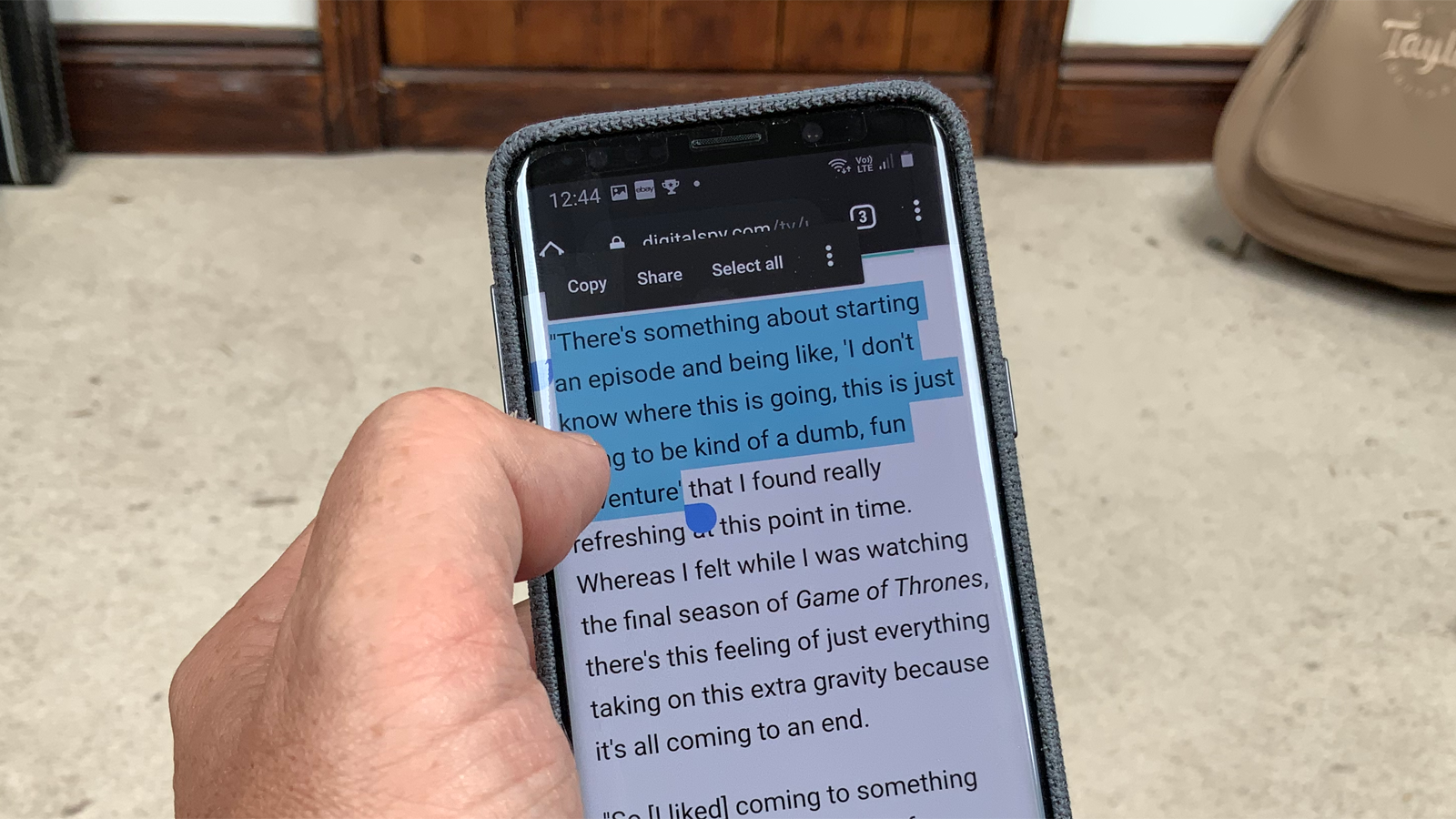
Straightforward guides for anyone who has ever struggled to copy and paste text on their phone. Whether you are a new smartphone user, someone switching between Android and iPhone, or just tired of losing copied text, these articles are written for you. They focus on the basic but often confusing task of managing your phone’s temporary memory for text.
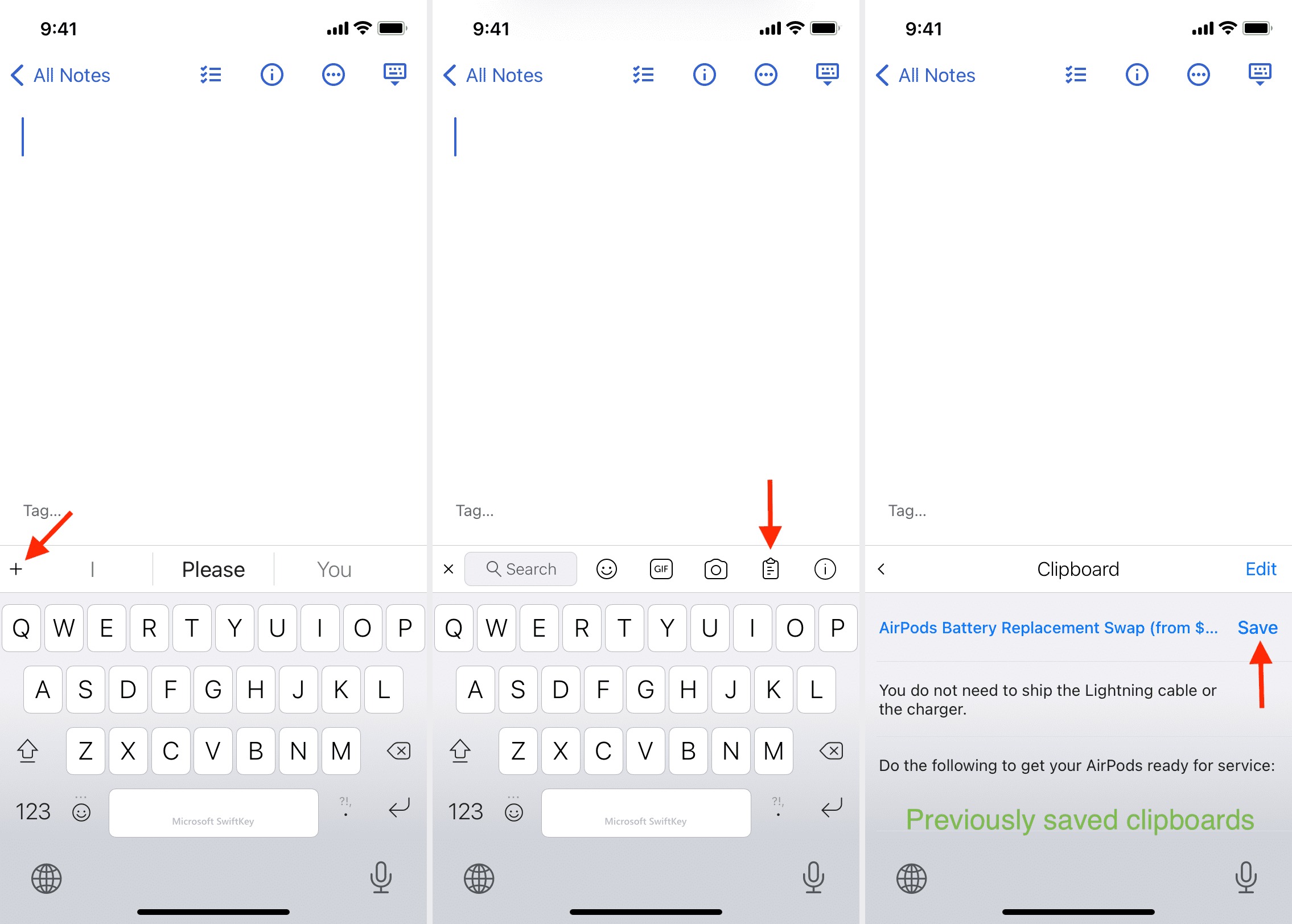
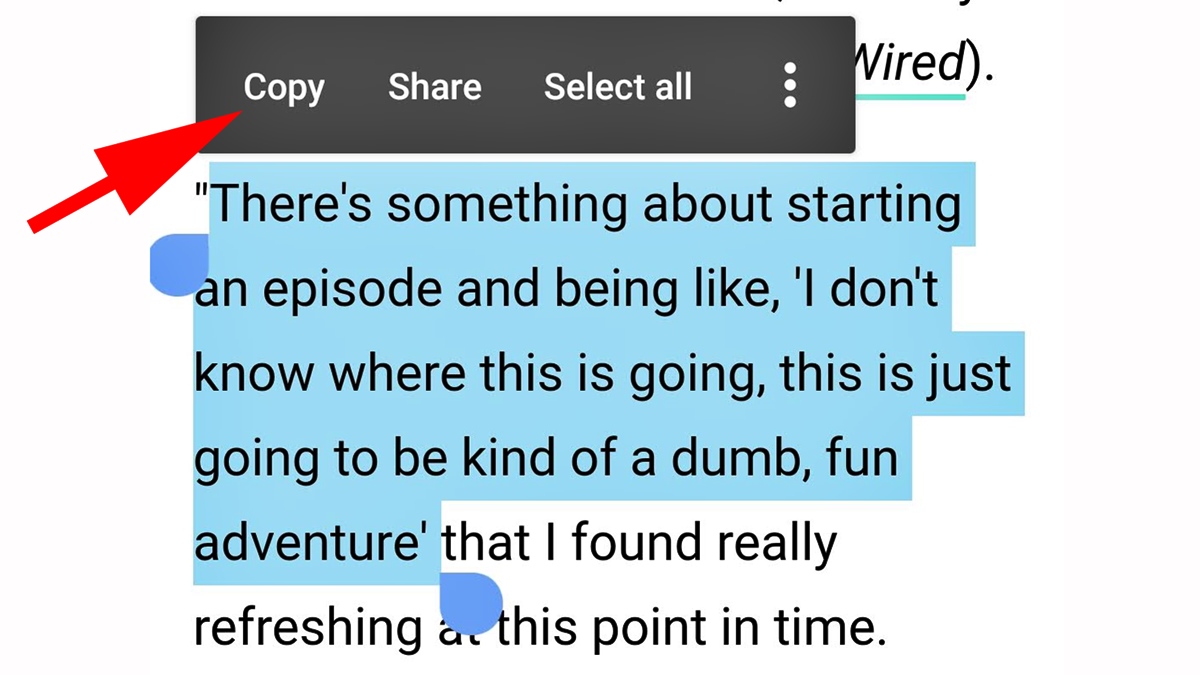
The articles here solve two main kinds of problems. First, they help you find the clipboard itself, the hidden storage where copied items wait. For example, the guides “Where Is The Clipboard On My iPhone 13” and “Where Is The Clipboard On My iPhone 11” walk you through locating this feature on specific Apple models. Second, they teach you the actual process of copying and pasting, with titles like “How To Copy And Paste On Mobile” and “How To Copy And Paste On An Android Phone” providing step-by-step instructions for different devices and operating systems.
These articles help you do specific things: locate your clipboard on an iPhone 11 or iPhone 13, understand how to copy and paste on any mobile device, and master the same process on an Android phone. If you have ever copied something only to lose it, or struggled to find where your phone saves text, these guides give you the clear, practical steps to get it done.