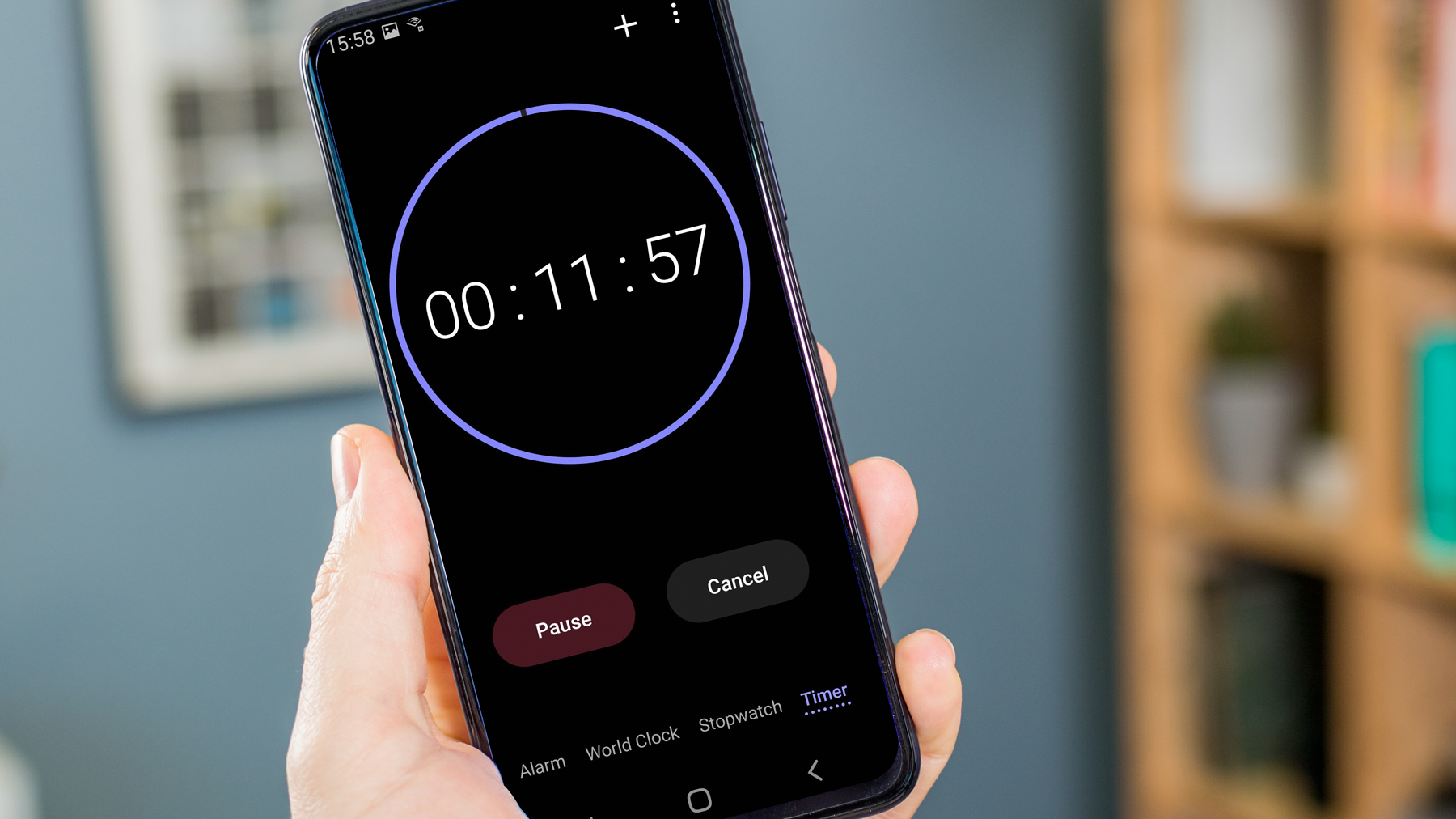
This tag collects our guides for getting the most out of your phone’s built-in clock and alarm features, written specifically for readers of CellularNews who want clear, device-specific instructions. Whether you own an Android phone or an iPhone, these articles are designed to help you master the everyday tools that manage your time and wake you up.
The articles here solve practical problems around two main themes: setting up your alarms correctly and customizing your clock display. For alarms, you’ll find straightforward steps for creating a new alarm on Android, as well as targeted help for iPhone 11 users who need to set an alarm or adjust the snooze time. A common worry, knowing if your alarm is actually set, is addressed directly for iPhone 13 owners. Beyond alarms, the collection also covers how to show seconds on your iPhone, which is useful for timing tasks, and explains how to set a sleep timer on both Android and iPhone devices to stop music or video playback automatically.
These articles help you do specific things: set an alarm that works for your schedule, confirm your alarm is active so you can sleep soundly, change the snooze duration to fit your morning routine, and even tweak the clock face to display seconds for more precise timekeeping. Each guide focuses on a single task, giving you the exact steps without any extra fluff.