Managing your digital files across phones, computers, and other devices. This tag is for anyone who needs practical, step-by-step guidance on moving, saving, or deleting photos, videos, and documents without losing data or running out of space.
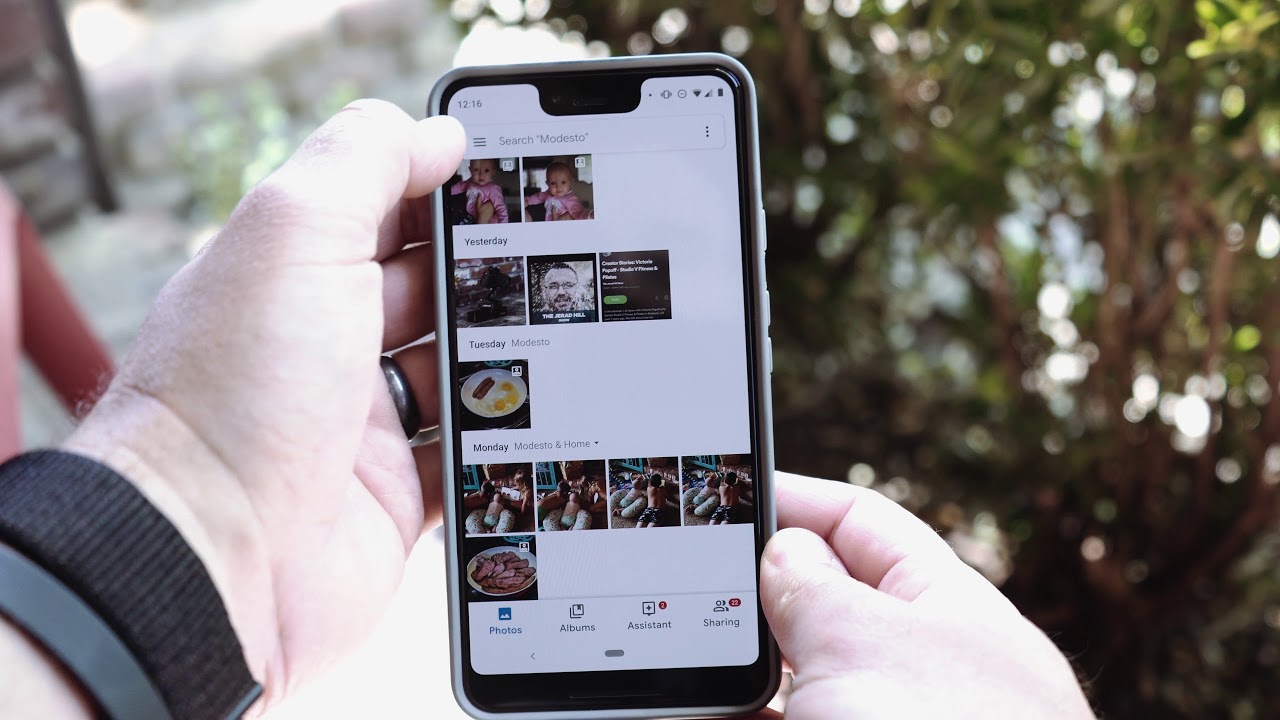
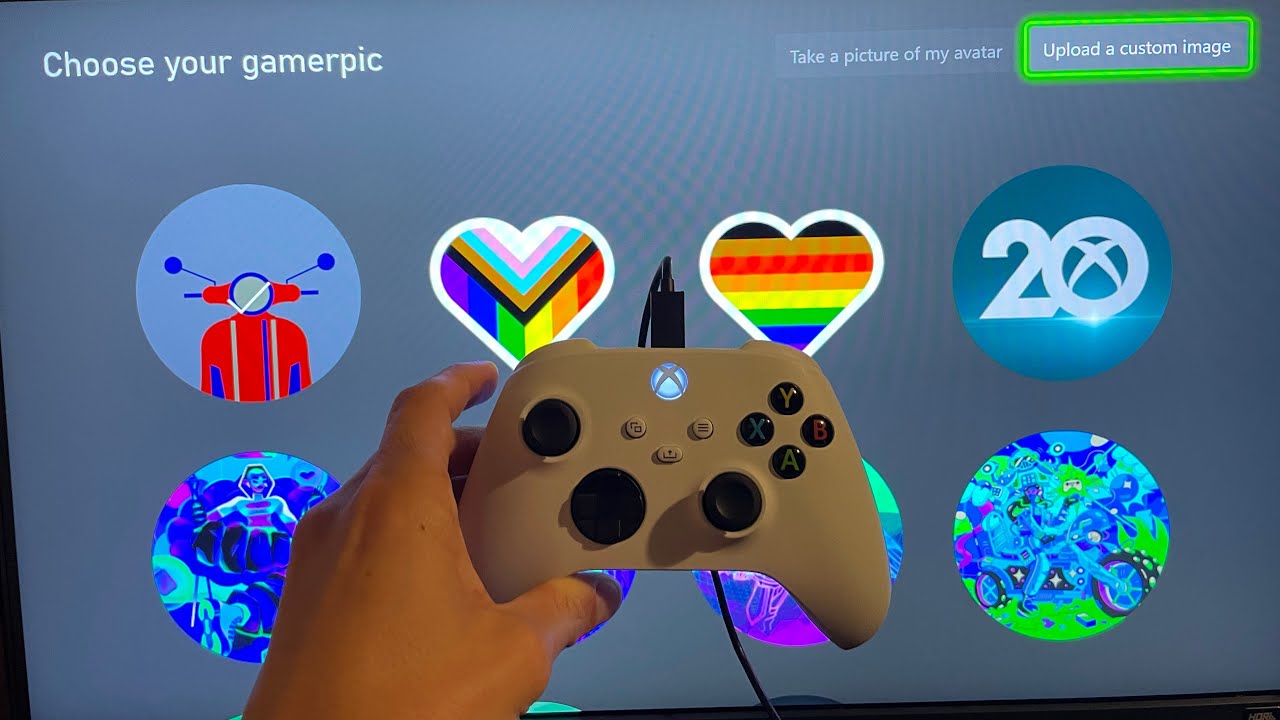
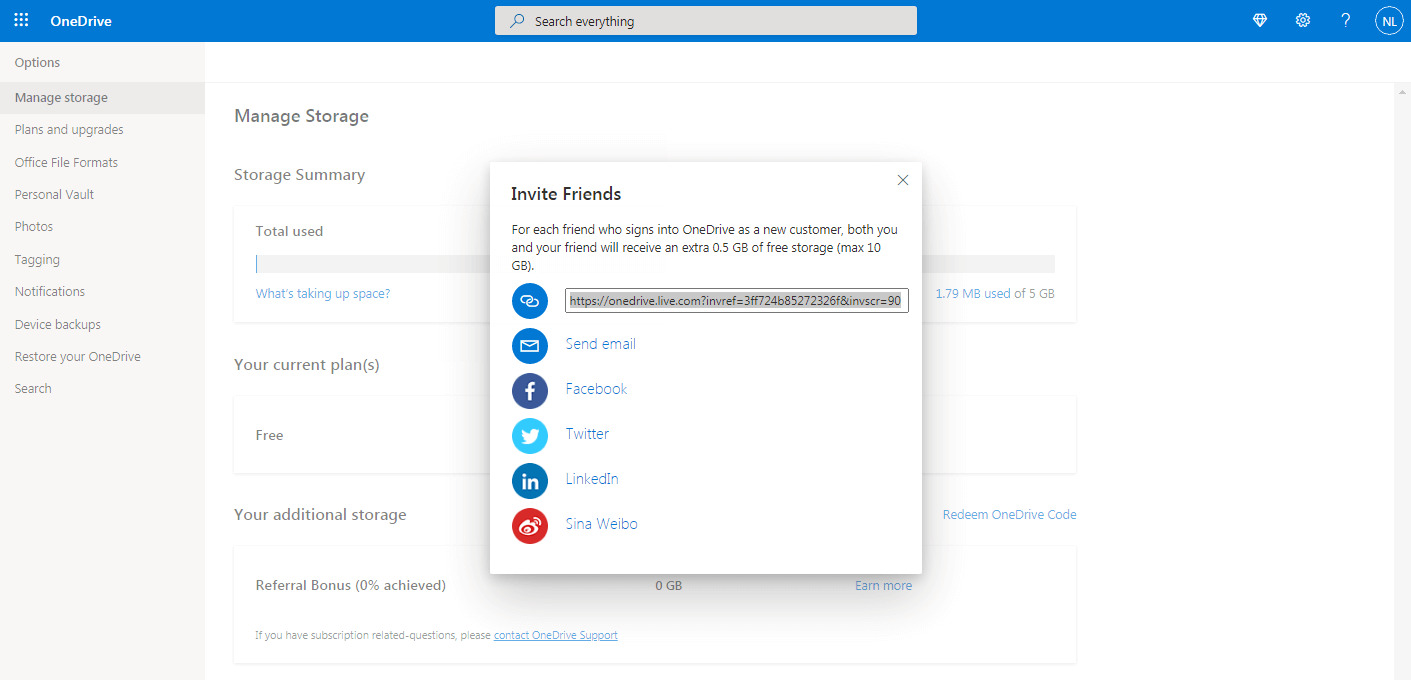
The articles here solve two main kinds of problems. First, they help you transfer media between devices, for example, you’ll find guides on how to transfer photos from phone to computer, how to upload pictures from your phone to your Xbox One, and how to save clips from PS5 to phone. Second, they address storage and cleanup issues, such as how to get more free OneDrive storage in 2024, how to get more storage on Galaxy S21, and how to delete photos from Amazon Photos without deleting them from your phone. You’ll also find help with specific cloud services, like how to remove photos from Google Photos without deleting from phone, and how to save pictures from a Google phone.
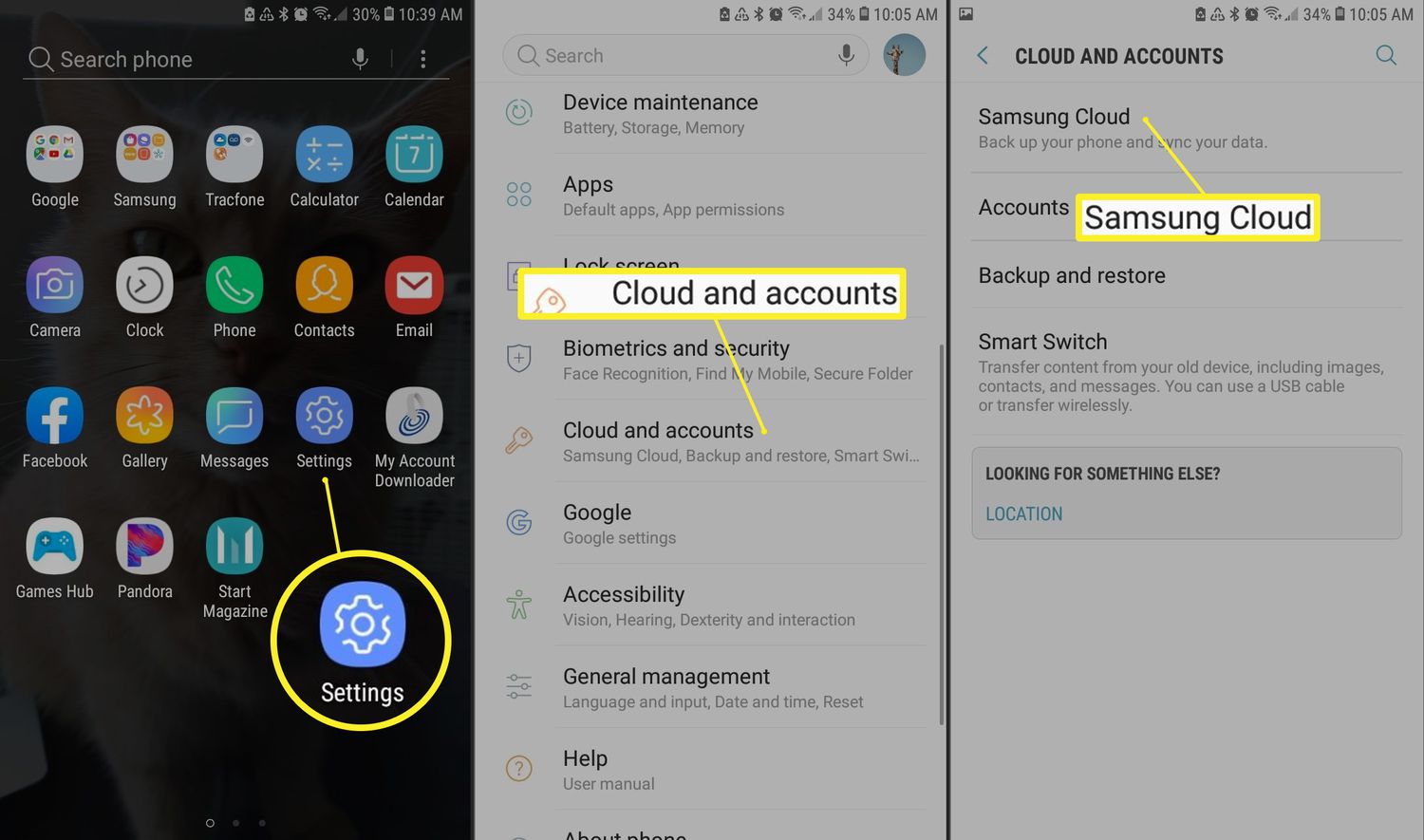
Other articles tackle file-sharing and access challenges, including how to send videos on Discord mobile without Nitro, how to upload documents on an Android phone, and how to access the cloud on Android. Whether you need to retrieve old photos from a phone without a SIM card or simply organize your cloud backups, these articles give you clear, actionable steps to get the job done.