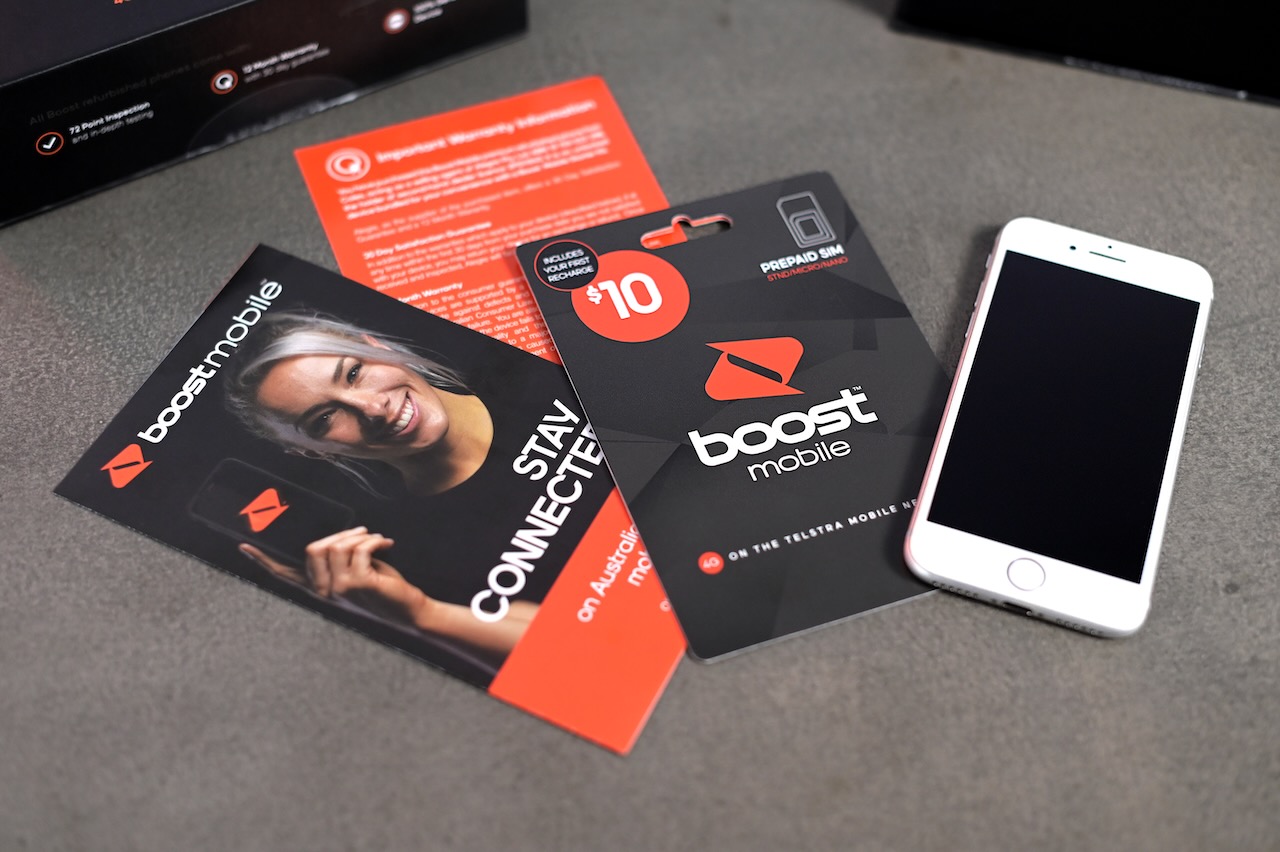
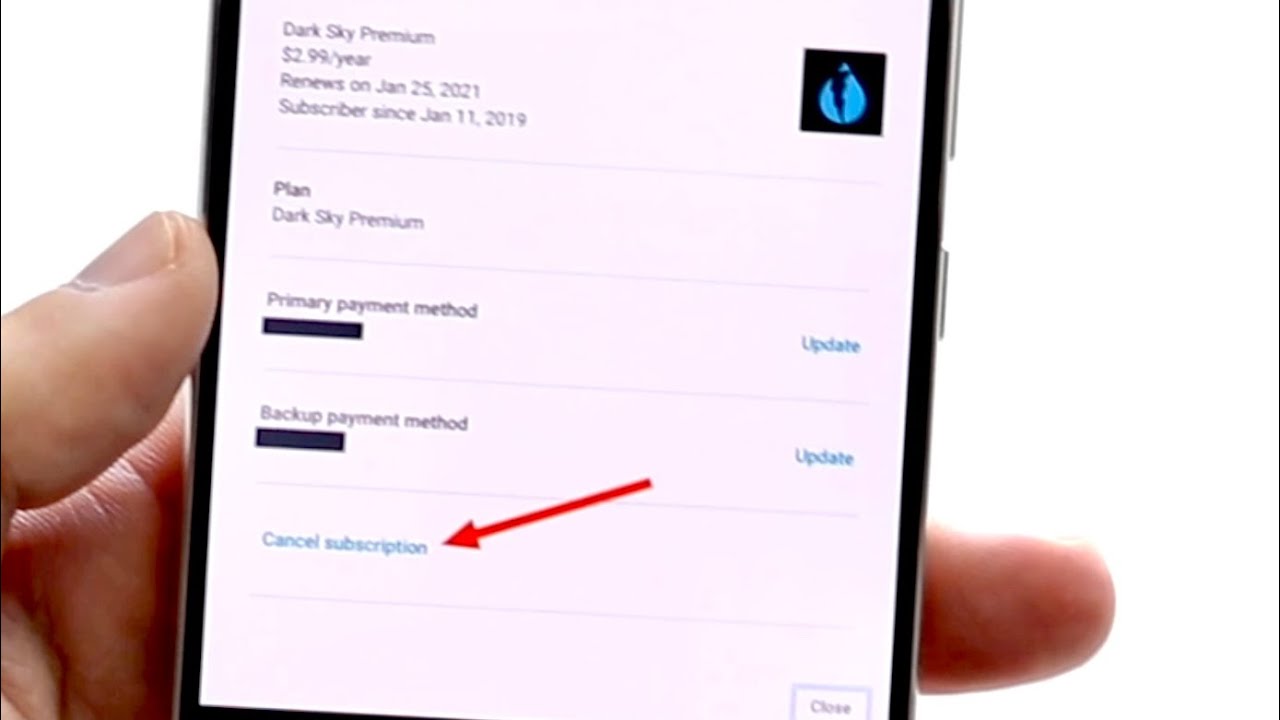
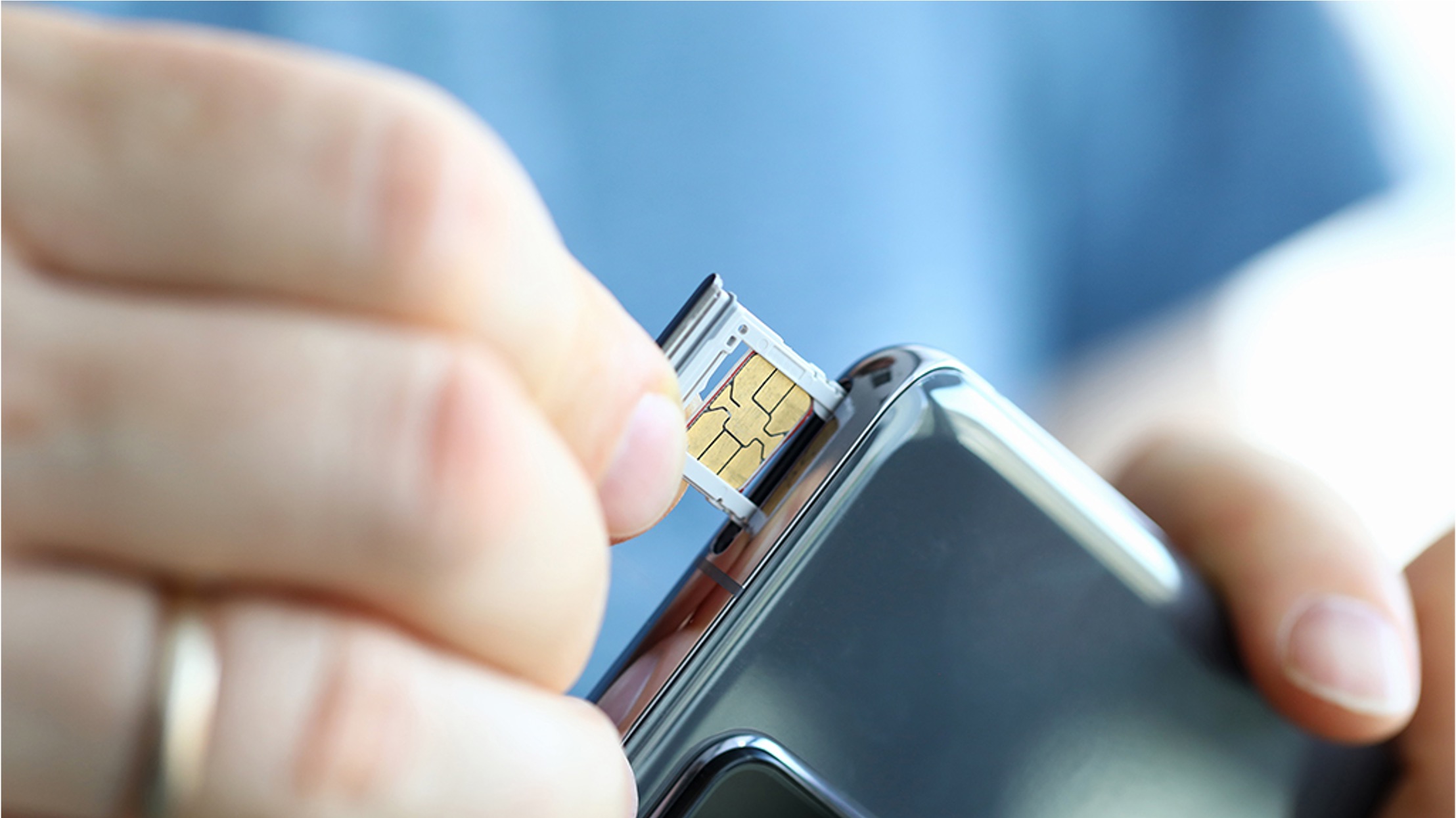
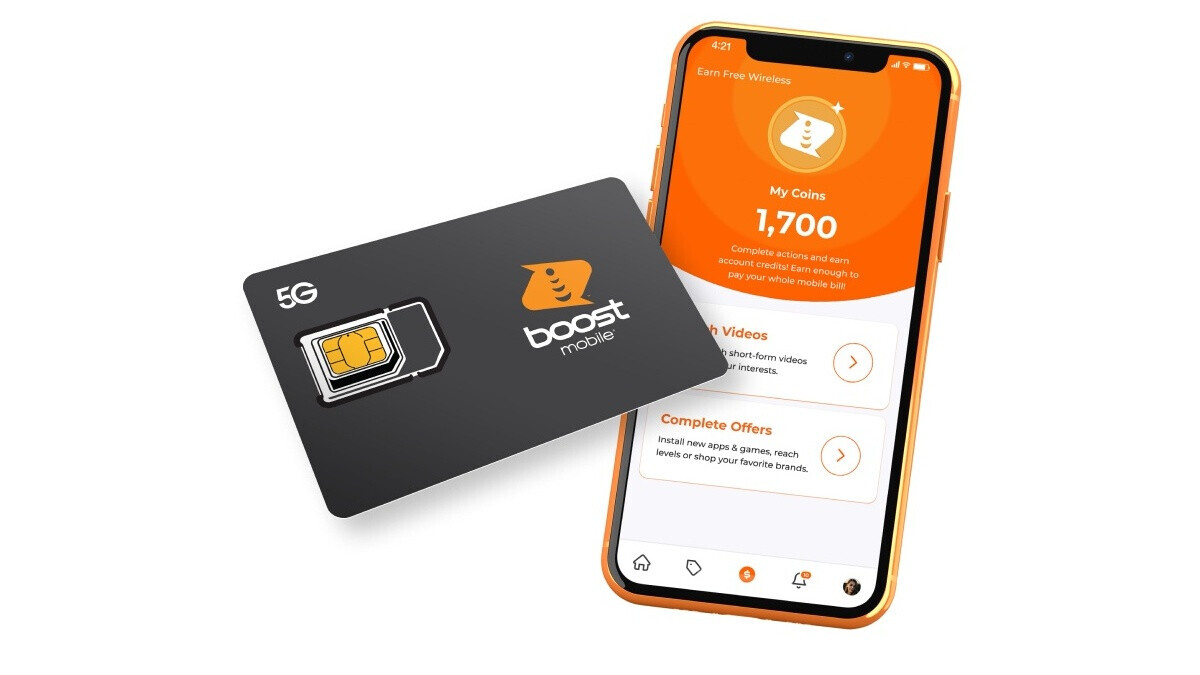
This tag collects articles for anyone who needs to manage their mobile phone account or service, whether you are a customer of Boost Mobile, T-Mobile, Metro, Assurance Wireless, or Ultra Mobile. The guides here are written for everyday users who want to handle common account tasks themselves, without having to call support or search through confusing menus.
The articles solve two main kinds of problems. First, they help with account changes and cancellations, such as how to cancel a T-Mobile account, how to deactivate a Boost Mobile phone, or how to switch your Metro phone to another Metro phone. Second, they cover essential account retrieval tasks, like finding your account number on Boost Mobile, getting a transfer pin from Boost Mobile, or obtaining an Ultra Mobile account number. You will also find practical billing and data guides, including how to pay your Boost Mobile bill by phone and how to add more hotspot data to your Boost Mobile plan.
Whether you need to remove a line from T-Mobile, reactivate your Assurance Wireless phone, or simply figure out how to cancel Boost Mobile, each article walks you through the exact steps. These are straightforward, task-focused instructions designed to help you take action and get your account sorted out.