To remove a line from T-Mobile, you must contact Customer Care, there is no self-service option on the website, in the app, or through device settings. Your three paths are calling T-Mobile by phone, visiting a store if local staff confirm they can help, or porting your number to another carrier (which may or may not automatically cancel the line).
How to remove a line from T-Mobile: your options
T-Mobile’s documented path for removing a line is to contact Customer Care. The support page says to call 800-375-1126 or dial 611 from a T-Mobile handset. The business support page also says line cancellation can be handled by Customer Care at the same numbers. No self-service flow exists in the consumer account area for removing a line, and the page that lists account actions includes “Suspend or restore your line” and “Transfer account or line ownership,” not remove a line. You have three possible paths: call Customer Care, visit a T-Mobile store (with confirmation from local staff), or port your number to another carrier.
Contact T-Mobile Customer Care by phone
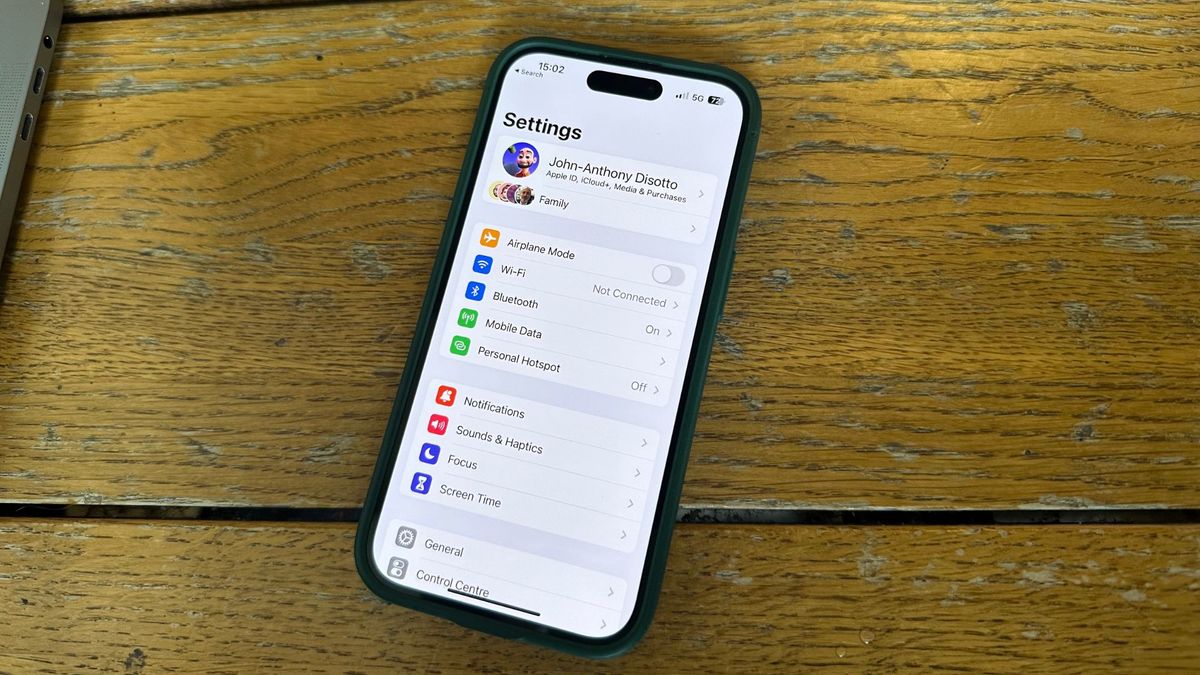
Before calling, have your account number, the specific line you want to remove, and any relevant billing information ready. During the call, the representative will walk you through the steps, explain any impact on billing or plan features, and confirm the change. T-Mobile may charge a fee for removing a line, depending on the terms of your service agreement. Removing a line may impact shared benefits or discounts associated with multiple lines. T-Mobile’s support material does not give a documented iPhone menu path, Android menu path, or T-Mobile app flow for removing a line, because the process is handled by Customer Care rather than on-device settings.
Visit a T-Mobile store for in-person help
If they can, bring your account details and the line information. The store associate can guide you through the process and answer questions about billing or plan changes.
Port your number to another carrier instead
Porting your number to another carrier may serve as an alternative to cancellation. Ensure your T-Mobile account is in good standing with no outstanding balances or contractual obligations before porting. During porting, text messaging and call forwarding may be temporarily affected. This step is especially important if you are also canceling mobile orders and carrier service and need to ensure no remaining obligations.
What T-Mobile's website does and doesn't let you do
T-Mobile’s account support page documents “Suspend or restore your line” and “Transfer account or line ownership,” but not a consumer self-serve “remove line” option. The business Account Hub page documents line suspension and restoration, and separately says to cancel a line by calling Customer Care at 800-375-1126 or 611. This means you cannot remove a line by logging into your account online or through the app. Setting this expectation prevents frustration and saves time searching for a self-service option that does not exist.
Frequently Asked Questions
Can a line be removed in the T-Mobile app?
You must contact Customer Care by phone or visit a store if local staff confirm they can help.
Can a line be removed on iPhone or Android?
No iPhone or Android settings path is documented on the retrieved T-Mobile support pages. The process is handled by Customer Care, not through device settings.
Who can request the change?
The account holder or an authorized user on the account can typically request the removal.
Are there documented limits?
Contact Customer Care to confirm any specific restrictions for your account.
Related reading: How To Remove A Line From T-Mobile Online and How Do I Cancel Boost Mobile.