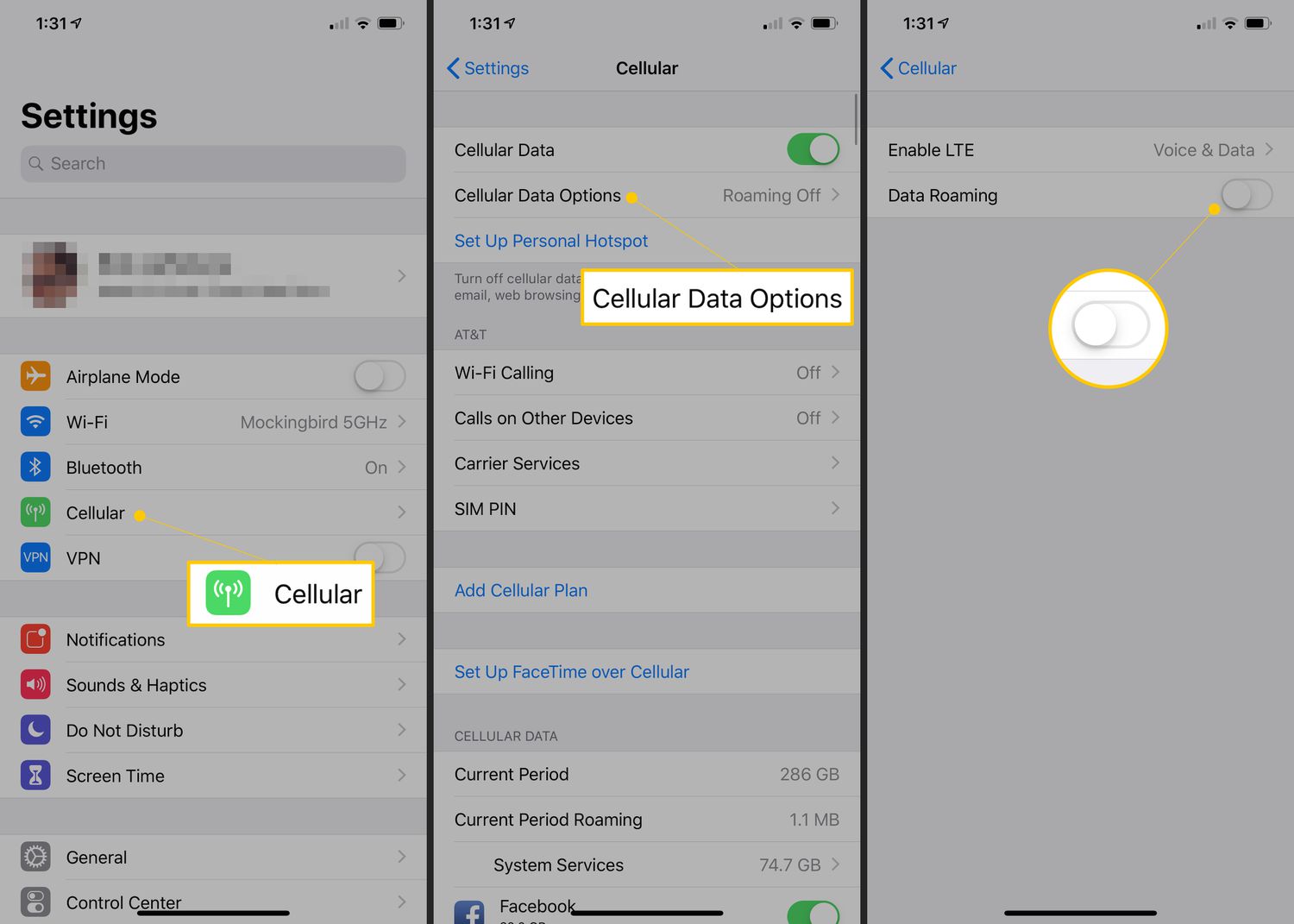
The "data roaming" tag collects articles that explain what data roaming is, how to turn it on or off, and when you should or shouldn't use it. This page is for anyone who travels with their phone, whether crossing a border, boarding a cruise, or simply trying to avoid unexpected charges. The articles here are written for iPhone and Android users alike, covering settings for devices like the Realme and multiple generations of the iPhone.

The problems these articles solve fall into two main themes. The first is understanding the basics: what roaming actually does and how it affects your bill. Articles like "What Is Data Roaming On iPhone & Should It Be On Or Off?" and "What Is Data Charging?" help you grasp the core concepts before you change any settings. The second theme is practical, step-by-step guidance for specific situations and devices. You can learn how to use your phone on a cruise, or find exact instructions for turning roaming on or off on an iPhone 12, iPhone 13, or iPhone 14.

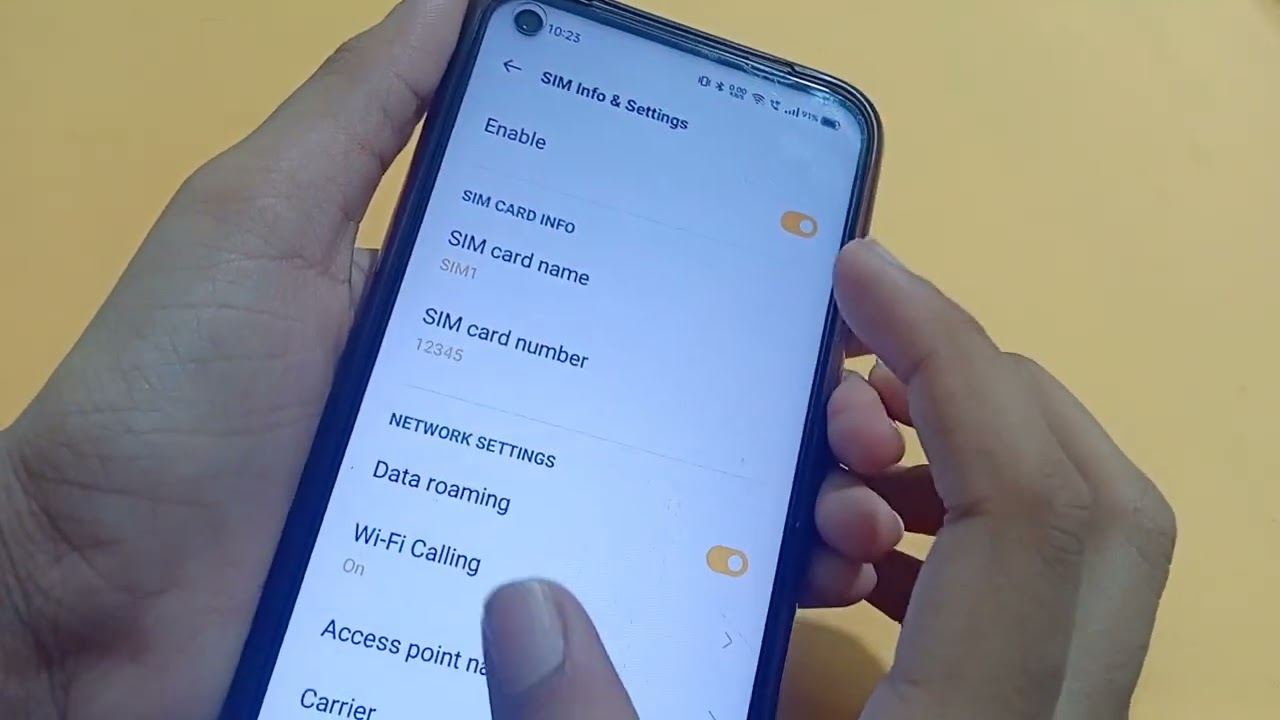
These articles help you take direct action. They show you how to enable data roaming on a Realme phone, how to turn on roaming on an iPhone, and how to turn off roaming on an iPhone 14. Whether you need to stay connected abroad or want to lock down your settings to avoid fees, the guides here give you the exact steps to follow.
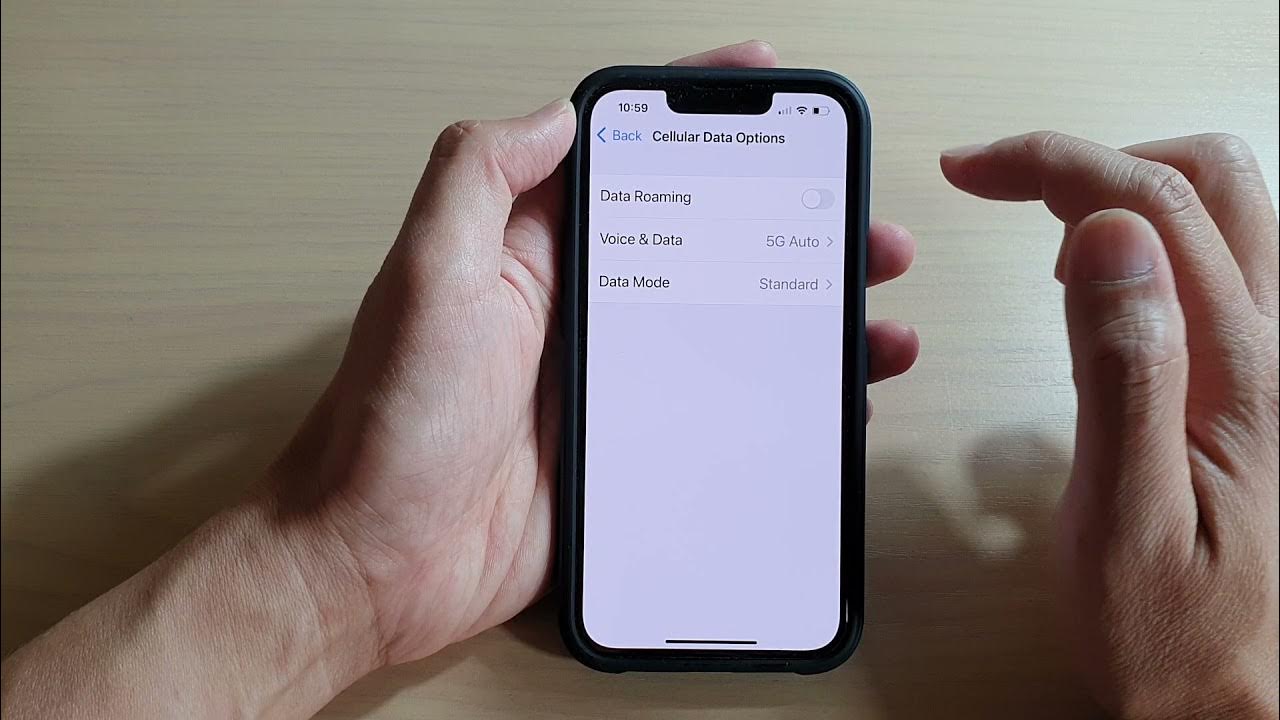
How To Turn On Roaming In IPhone 12

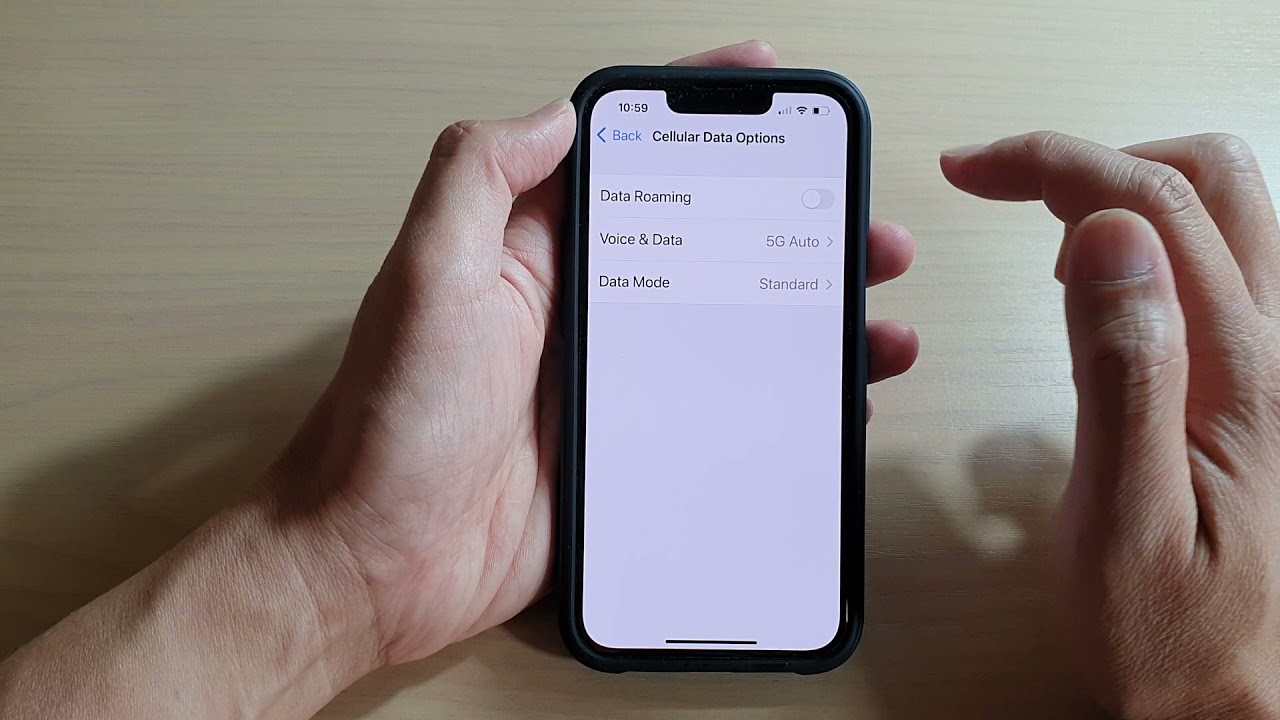
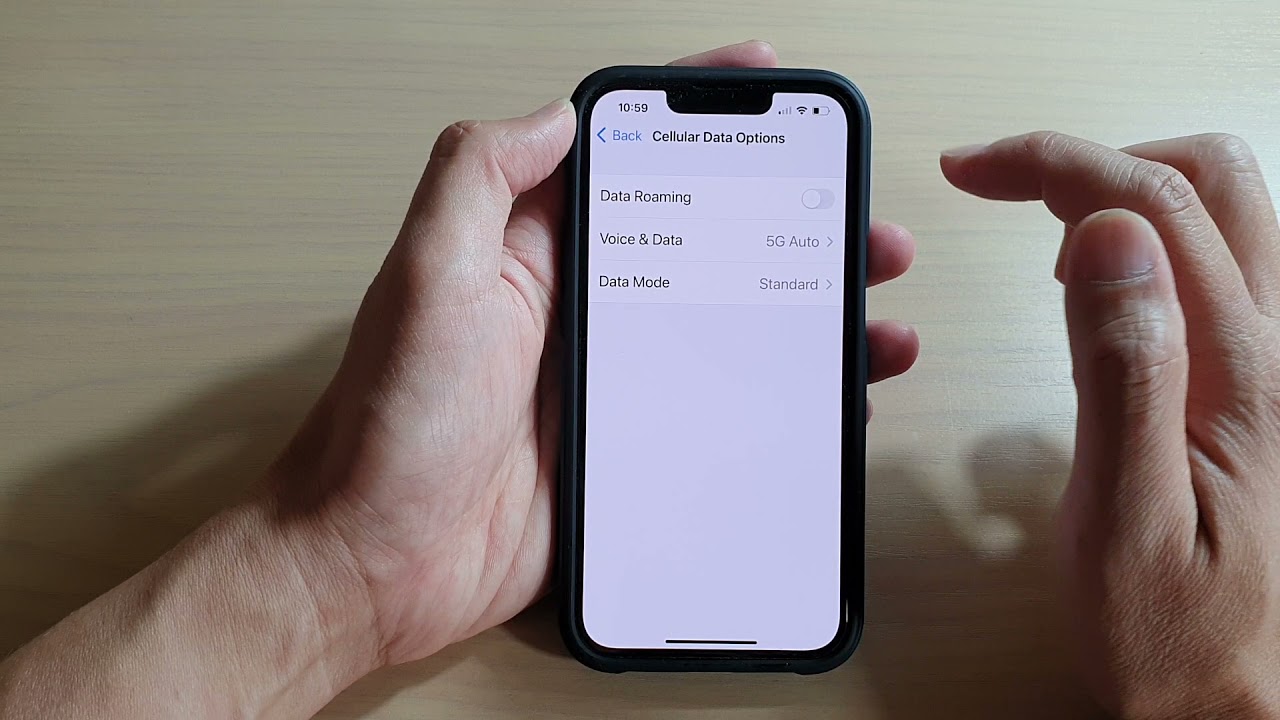
To turn on roaming on iPhone 12, open Settings > Cellular > Cellular Data Options and switch on Data Roaming. This is the direct path for a single SIM or...

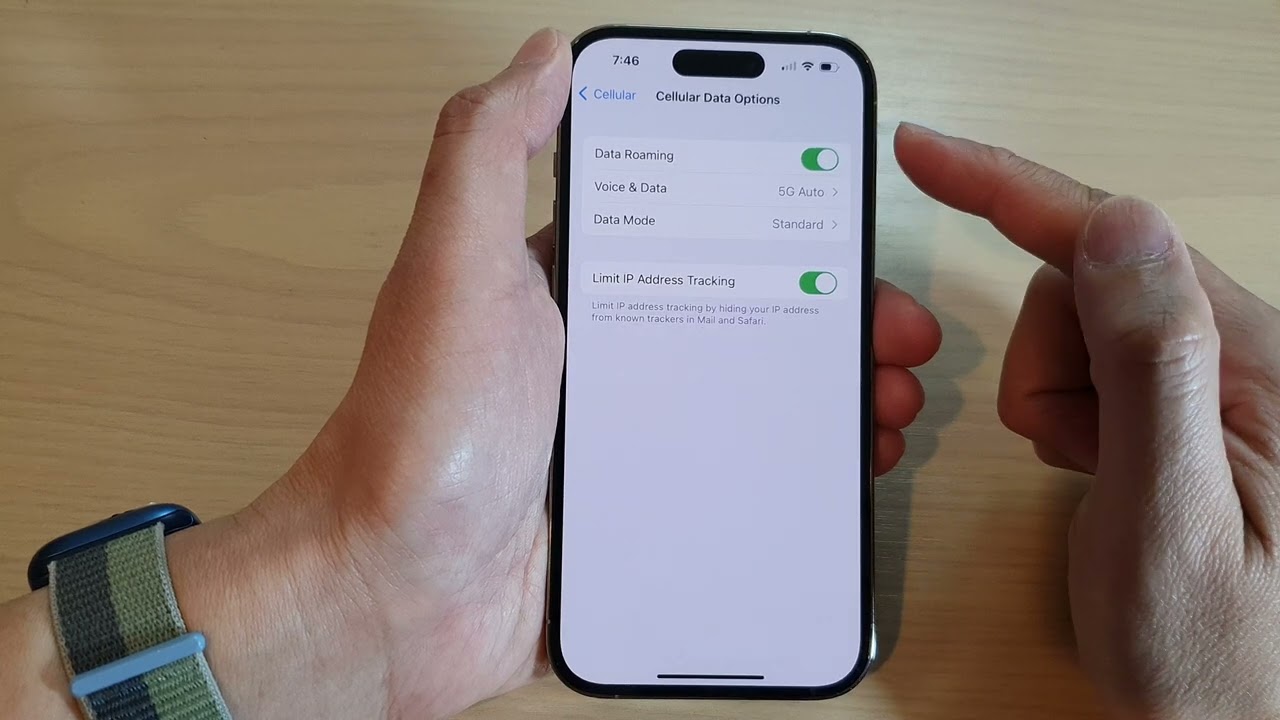
How To Turn On Data Roaming In IPhone 14

To turn on data roaming on iPhone 14, go to Settings > Cellular > Cellular Data Options, then turn on Data Roaming. This setting is off by default and must...

How To Turn Off Roaming On IPhone 14

To turn off roaming on iPhone 14, open Settings, tap Cellular, then tap Cellular Data Options, and turn off Data Roaming. This is the primary way to turn off roaming...

How To Turn On Roaming IPhone 13

To turn on roaming on iPhone 13, open Settings > Cellular > Cellular Data Options, then toggle on Data Roaming. This is the exact, verified way to turn on roaming...

How To Turn On Roaming On IPhone

To turn on roaming on iPhone, open Settings, tap Cellular (or Cellular Data), then tap Cellular Data Options and toggle Data Roaming on. If your iPhone uses Dual SIM or...

How To Use Your Phone On A Cruise

To use your phone on a cruise without huge bills, you have two main paths: connect to the ship’s Wi‑Fi for all communication, or buy a cruise-specific pass from your...

What Is Data Charging?

Data charging is when your phone uses cellular data from your mobile plan, counting against your allowance or triggering extra fees if you go over. The term appears in your...