A focused collection of articles for anyone who uses a phone, tablet, laptop, or monitor and wants to understand or fix what they see on screen. Whether you are shopping for a new device, troubleshooting a visual glitch, or simply curious about how display technology works, these articles are written for everyday users, not just tech experts.
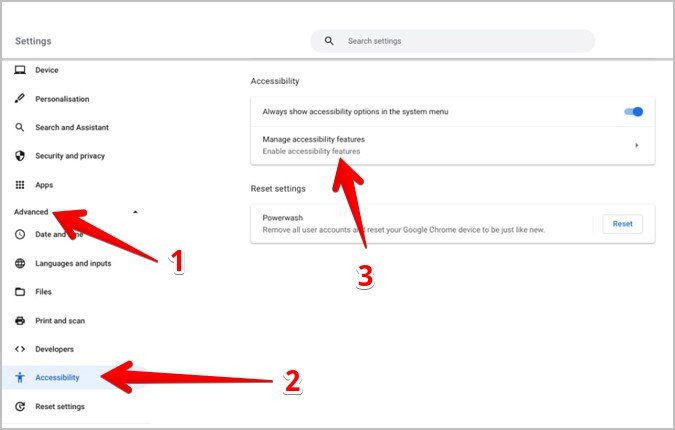
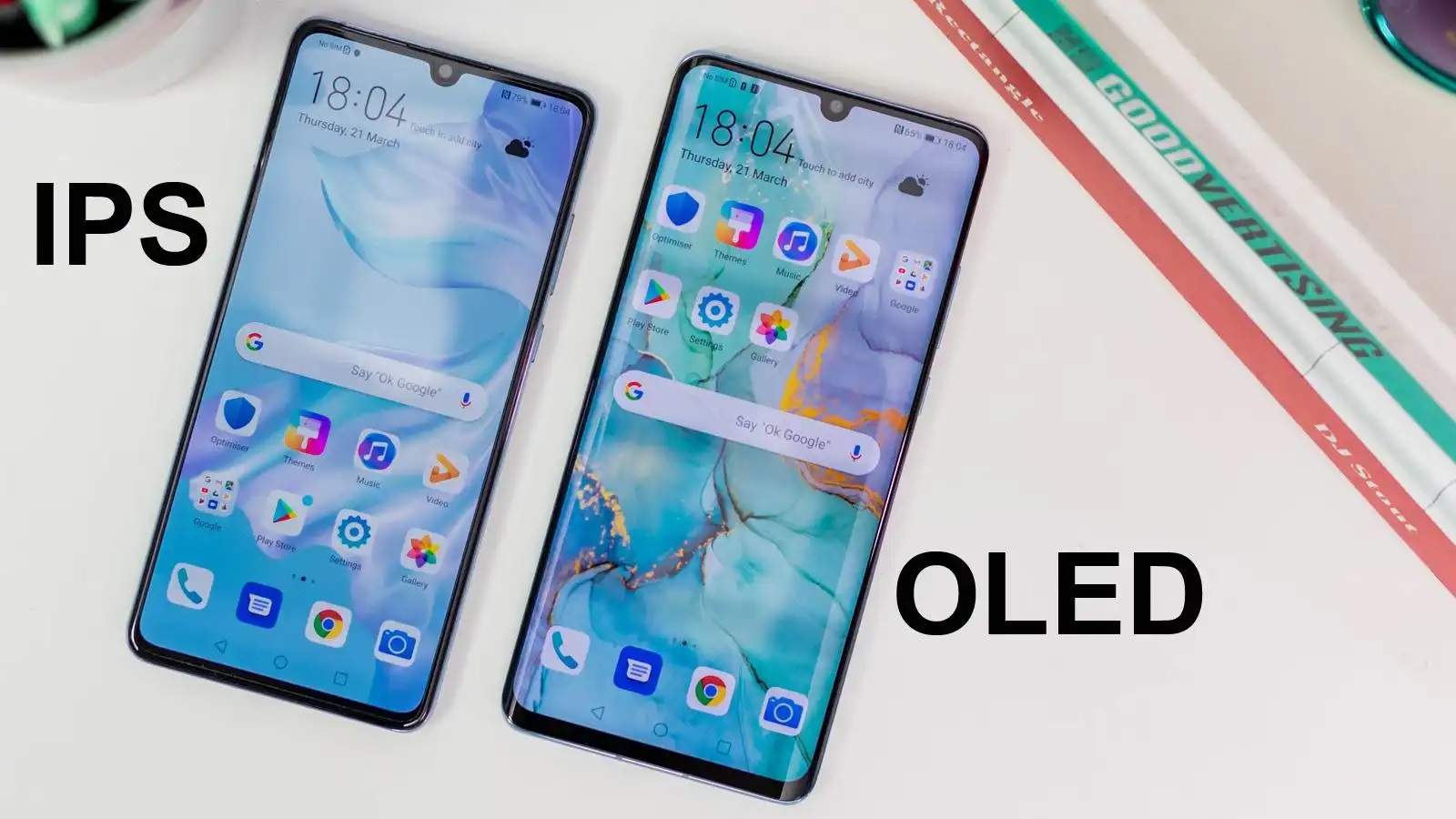
The articles here solve real problems and answer common questions around two main themes. One group helps you identify and correct display output issues: you can learn how to correct pictures with black borders in TV or display output, how to take off the magnifier on a Chromebook, and how to connect two monitors to a laptop docking station. Another theme covers the meaning behind display specs and features you see in product listings, such as what resolution is, what antialiasing does, and the meaning of an IPS LCD capacitive touchscreen. You will also find explanations of specific phone and tablet displays, including what Pro Motion is on the iPhone 14, what the black bar at the top of the iPhone 14 means, and why the reason to buy a new iPad Pro is its display, not the M1 chip.
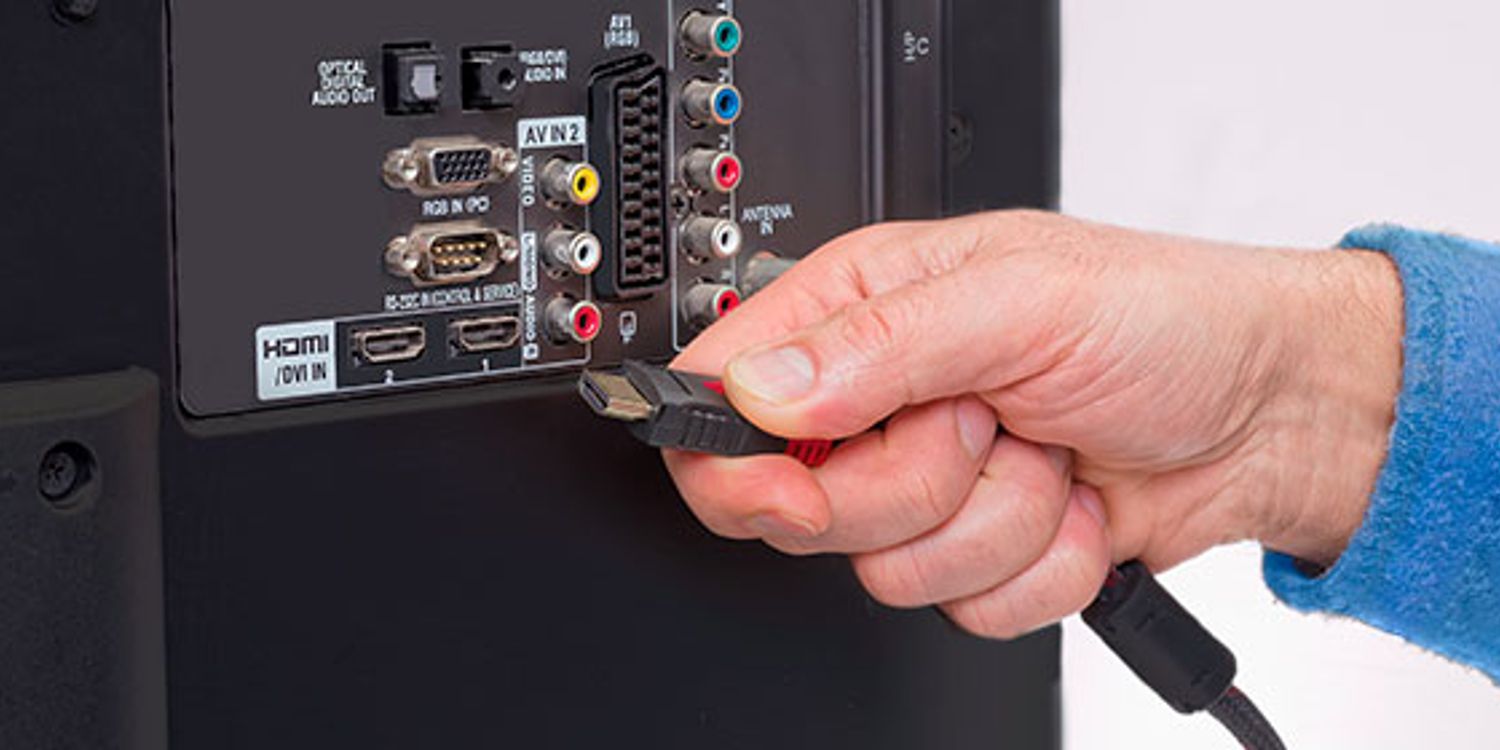
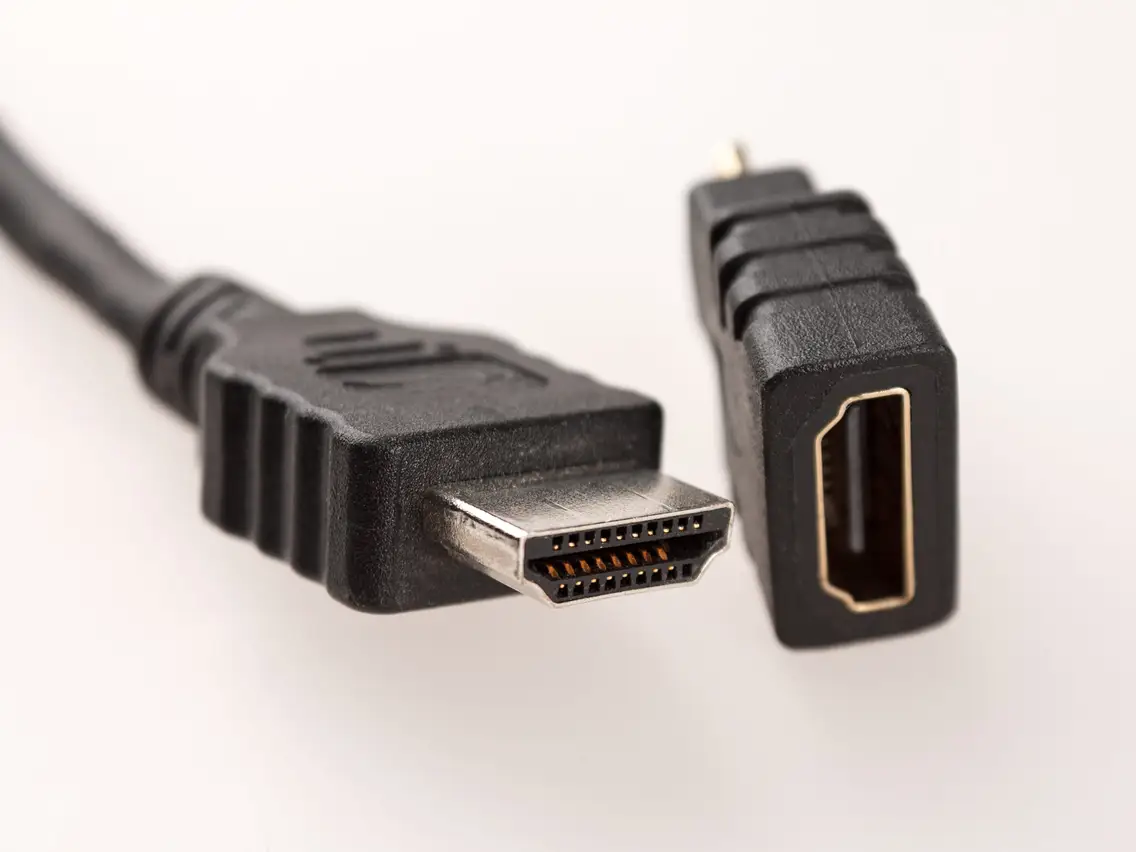
These articles help you do practical things: choose the right phone based on its screen, connect external displays correctly, and fix visual errors when outputting to a TV or monitor. They also clear up confusing terms and hardware questions, like what an HDMI connector looks like and which connector is not used to connect to a video output device.