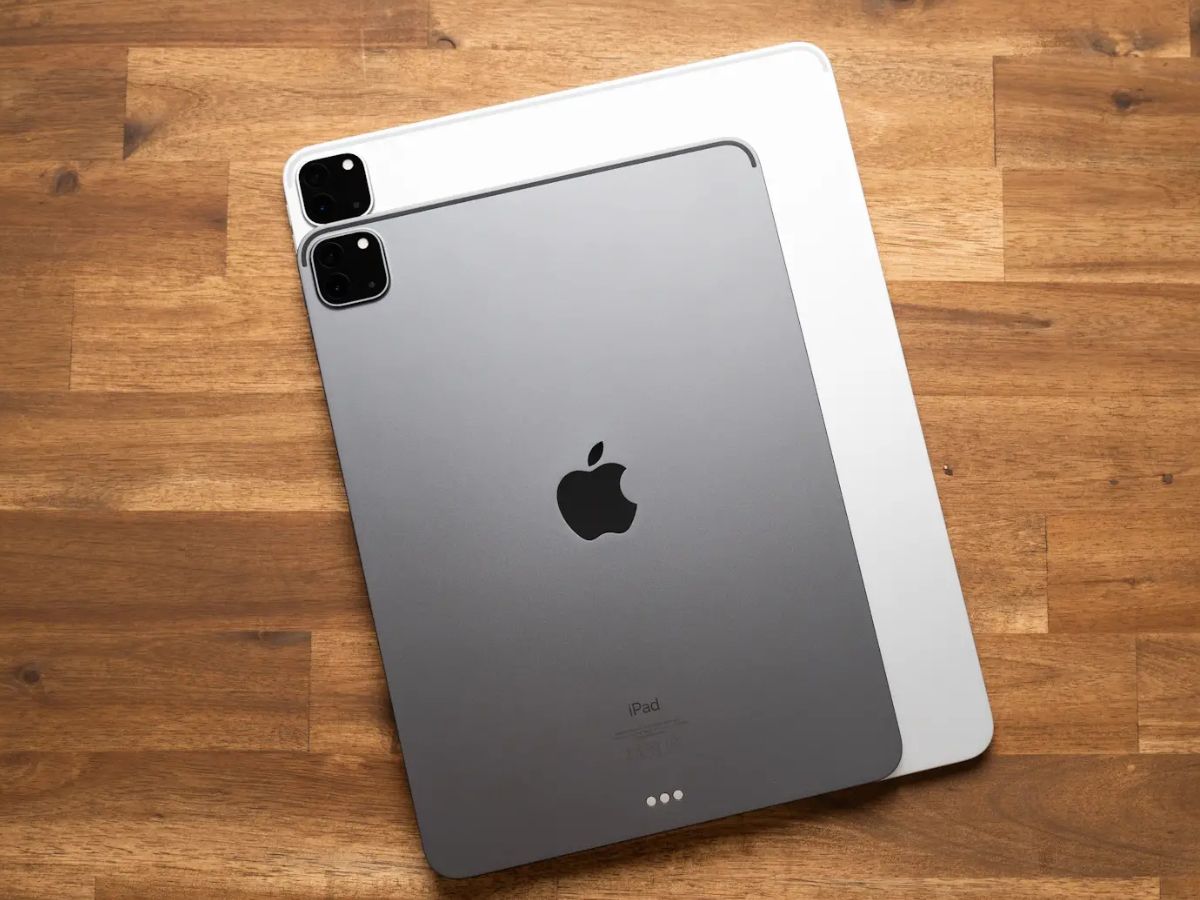
The real reason to buy a new iPad Pro is its iPad Pro display, not the M1 chip, because the screen technology delivers the most noticeable and impactful upgrade to your daily use. While the processor provides raw power, the display is what you interact with constantly, and features like ProMotion, True Tone, and wide color create a visual experience that fundamentally changes how the device feels and performs.
Why the iPad Pro display is the real upgrade
The current iPad Pro models offer a display that sets a new standard for tablets. The new iPad Pro features a 12.9-inch display. Apple's tech specs confirm that the 11-inch M4 model and the 13-inch M5 model feature ProMotion technology with adaptive refresh rates from 10Hz to 120Hz, along with True Tone and wide color support. These aren't minor tweaks; they are the core reasons the iPad Pro feels so responsive and looks so vibrant. The M1 chip, while powerful, does not change how you see or interact with content the way the display does. The iPad Pro can be connected to an external display using Thunderbolt/USB 4 or HDMI.
ProMotion technology for smooth and fluid scrolling
ProMotion is the technology that makes every swipe, scroll, and interaction feel incredibly fluid. It uses an adaptive refresh rate that ranges from 10Hz to 120Hz, meaning the screen can slow down to save battery when you are reading static text and speed up to 120Hz when you are scrolling through a long webpage or playing a fast-paced game. This responsiveness is especially noticeable when using an Apple Pencil, as the display keeps up with the fastest strokes with virtually no lag. The iPad Pro is compatible with the second-generation Apple Pencil.
True Tone for a natural viewing experience
True Tone uses advanced sensors to adjust the color and intensity of your display to match the ambient light around you. This means the white balance on your screen shifts to feel more natural, whether you are reading under warm indoor lighting or working near a bright window. It is on by default, so you get this benefit immediately. To check or adjust the setting, go to Settings > Display & Brightness > True Tone. This is the only display adjustment in Apple's support pages that includes a specific menu path, and it is located in the display and home screen settings section of your device.
Wide color and the overall viewing experience
The iPad Pro supports a wide color gamut, specifically the P3 color space, which allows it to display a broader range of colors than standard displays. This means photos, videos, and graphics look more vivid and true to life, with richer reds, greens, and blues. The display can reach up to 1,000 nits of brightness, making it easier to see outdoors. The iPad Pro includes an anti-reflective coating and a fully laminated design to reduce glare. The iPad Pro supports HDR content. Whether you are editing photos, watching HDR content, or simply browsing the web, these display features work together to make everything look better.
Frequently Asked Questions
Does iPad Pro have a ProMotion toggle?
No. The display automatically adjusts its refresh rate based on the content and your interactions.
What is the supported refresh-rate range?
Apple's current iPad Pro tech specs list a range of 10Hz to 120Hz for the device display. Apple's developer documentation notes that the app-facing range can be 24Hz to 120Hz, but the hardware itself can go as low as 10Hz to save power.
Which models support True Tone?
True Tone is available on iPhone 8 and later, iPhone SE (2nd generation) and later, and multiple iPad models including iPad Pro 13-inch (M4), iPad Pro 11-inch (M4), iPad Pro 11-inch (1st through 4th generations), iPad Pro 12.9-inch (2nd generation) and later, iPad Pro 10.5-inch, and iPad Pro 9.7-inch.
Is the M1 chip the reason for the display's performance?
No. The M1 chip is not the documented reason for the display experience in Apple's support pages. The display's features, ProMotion, True Tone, and wide color, are independent of the processor and are what make the screen stand out.
Related reading: Apple IPhone 11 Vs. IPhone 11 Pro, What Is The #1 Selling Phone?, and How To Turn On 120Hz On IPhone 13.