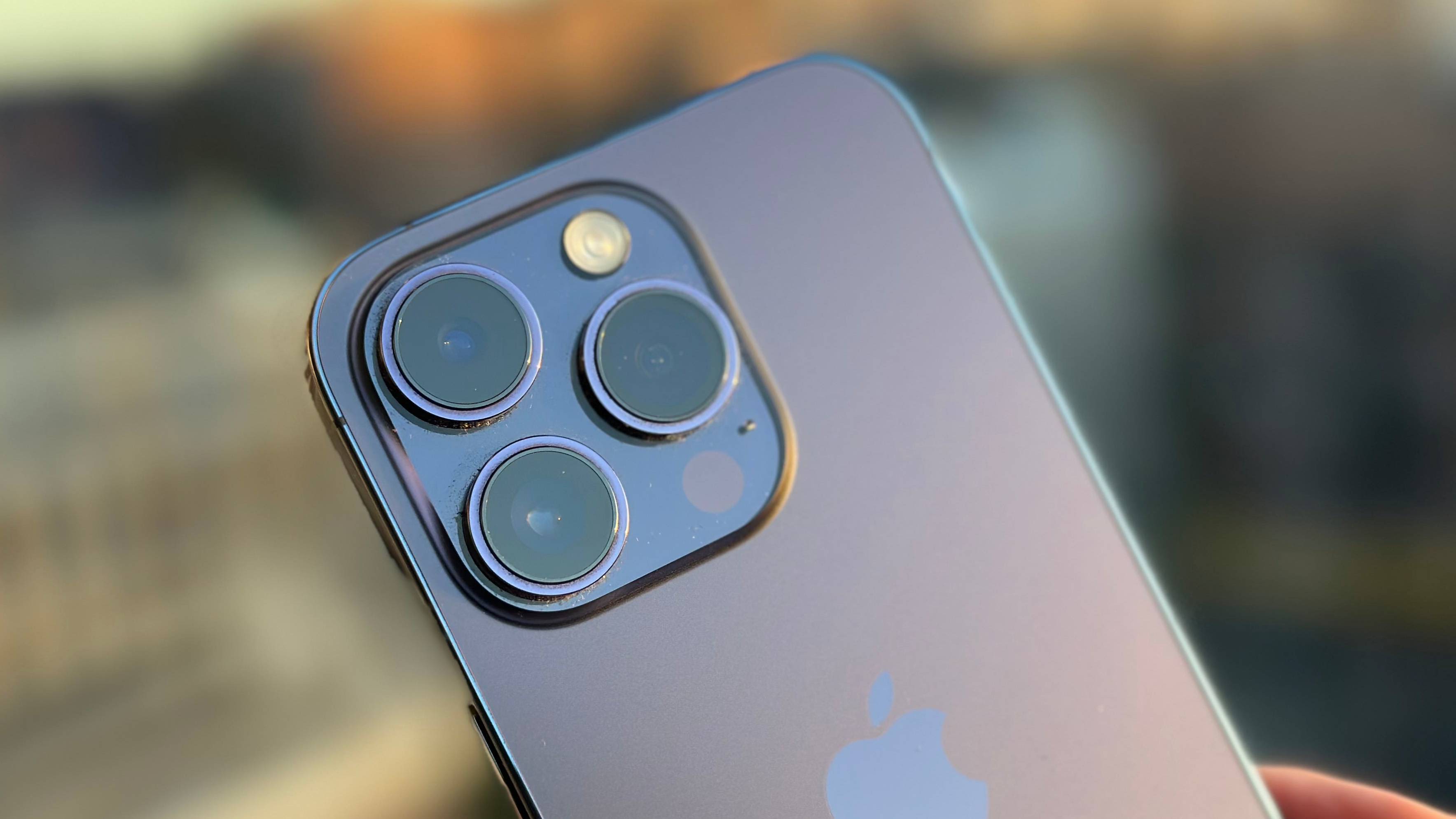
The small particles, trapped air, and minor debris that can interfere with your phone’s display and audio clarity. This collection is for anyone who has noticed a bubble under a new screen protector, a speck inside a camera lens, or a muffled earpiece that suddenly works fine on speaker mode. The guides here assume you want to fix these issues yourself, without replacing the phone or paying for a professional service.
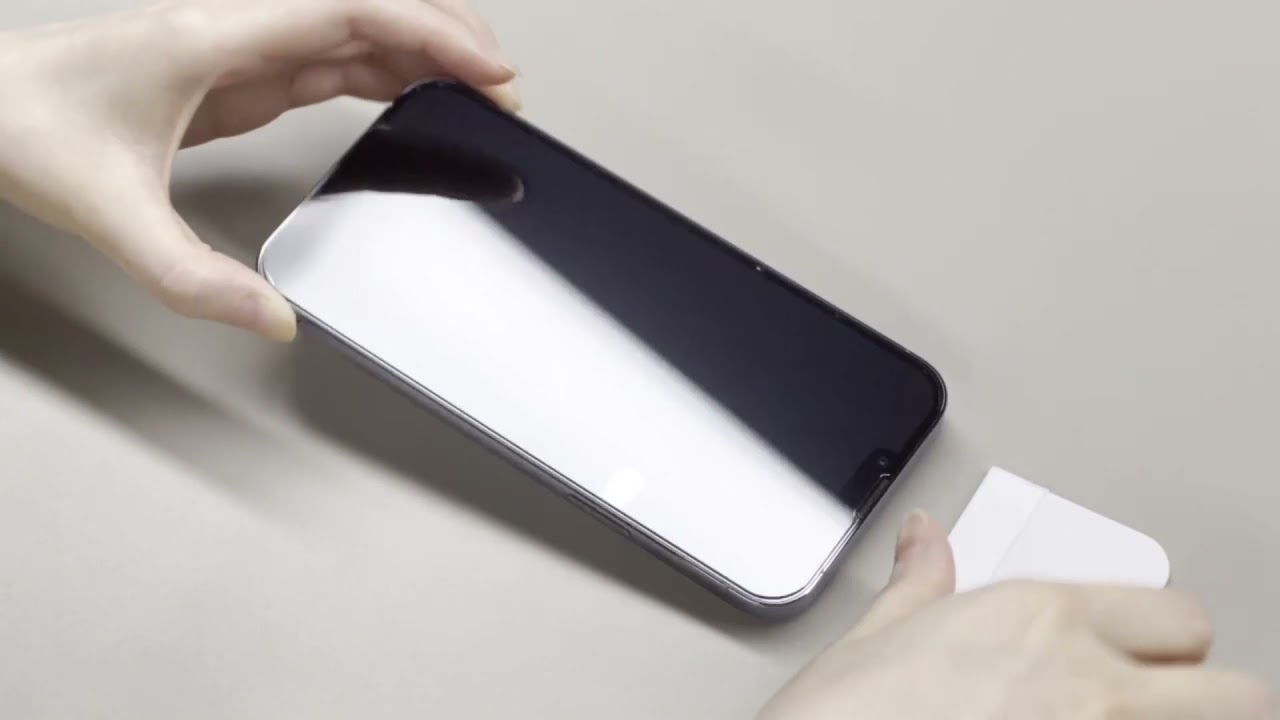
The articles fall into two clear themes. The first covers screen protector application and repair: how to remove the halo effect from a screen protector, fix bubbles that have already formed, and understand why new bubbles keep appearing. There is also a practical guide on how to tell if you still have a screen protector on your phone, which helps when the film is nearly invisible. The second theme addresses blocked or obstructed sensors. One article explains how to get rid of black spots on the phone camera lens, while another tackles the common problem of not being able to hear calls unless the phone is on speaker, often caused by dust in the earpiece grille.
These articles help you physically clean, reapply, or troubleshoot your phone’s protective layers and acoustic pathways. They walk you through step-by-step methods to remove air bubbles, identify invisible protectors, and clear debris from the lens and speaker mesh. Whether you are dealing with a frustrating bubble that won’t flatten or a camera spot that ruins photos, the Dust tag points you to a direct, article-based fix.