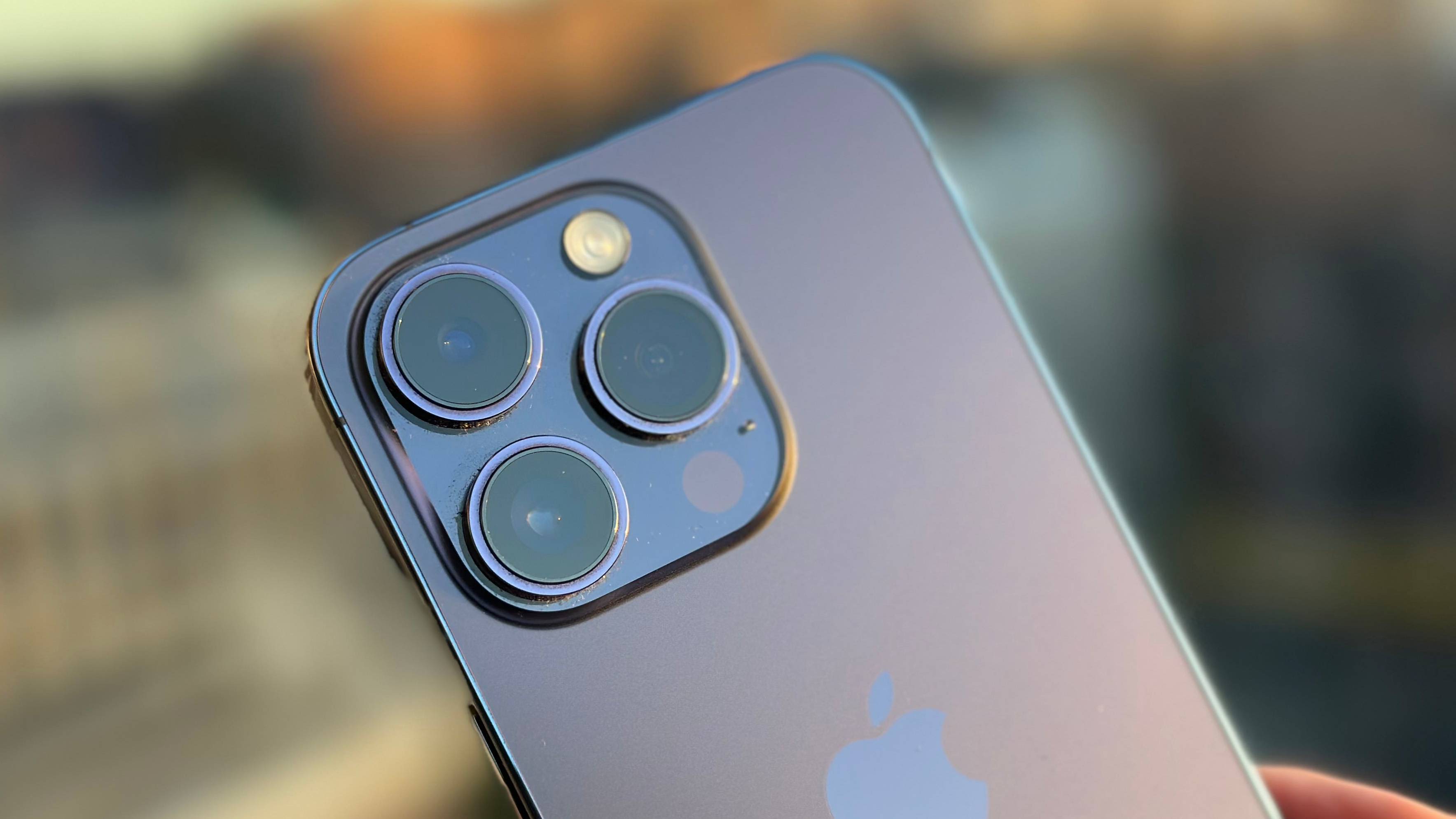
Black spots on phone camera lens are usually caused by dust, smudges, or a scratched lens cover; if cleaning does not remove them, the camera module itself may need service. To get rid of black spots on phone camera lens, start by turning your phone off, then gently wipe the lens with a soft, dry microfiber cloth, this is the safest first step according to Samsung and Apple guidance.
What causes black spots on a phone camera lens
Black spots come from several sources, and telling them apart determines whether you can fix it yourself or need service.
External causes you can clean: Dust and dirt particles settle on the lens over time. Fingerprints and smudges from handling also block light. Scratches on the lens cover can create permanent dark marks. Condensation, moisture that forms when your phone moves between hot and cold environments, can appear as spots until it evaporates.
Internal causes that need service: If the spot appears in every photo and cleaning does nothing, it may be dust on the camera sensor rather than on the lens. Apple community guidance confirms this. In that case, the camera module itself may need professional repair. Samsung support says to contact Samsung service if cleaning does not resolve camera spots.
How to safely clean your phone camera lens
- Turn the phone off. Samsung says to power down before cleaning to prevent accidental touches and to let you see the lens clearly.
- Use a blower or brush first. For Samsung camera products, the recommended method is to use a brush or blower to remove loose dust before touching the lens. This prevents scratching by rubbing particles into the glass.
- Wipe gently with a dry microfiber cloth. Samsung’s phone support says to use a soft, dry cloth, specifically a microfiber cloth. Wipe in gentle circular motions. Do not use paper towels or tissues because they can scratch the lens.
- Do not use liquids or cleaning solutions. Samsung explicitly warns against liquids or cleaning solutions on the phone camera lens because they can damage the lens or seep into the phone. The only exception documented is for Samsung camera products (not phones), where a few drops of lens-cleaning liquid may be applied to lens-cleaning paper or cloth, then wiped gently in circular motions and dried with a dry lens cloth. Samsung camera-lens cleaning guidance for its camera products says to use a brush or blower first, then a soft cloth; if needed, apply a few drops of lens-cleaning liquid to lens-cleaning paper or cloth, wipe gently in circular motions, and dry with a dry lens cloth. Samsung's camera-lens cleaning pages are for Samsung camera products, not phones, and the steps differ slightly by product type.
Apple’s support community guidance says to clean the iPhone camera lens with a soft clean cloth. If the spot remains, contact Apple Support.
What to do if the black spot won't go away
If cleaning the lens surface does not remove the black spot, try these documented steps before seeking service.
- Power cycle the phone. Samsung’s support page says to turn the phone off and on again. This clears temporary software glitches that can appear as spots.
- Perform a factory reset. Samsung lists this as a final documented software step: go to Settings > Factory data reset > Reset. This restores camera software to default settings. Note that a factory reset will erase your data, so back up first.
- Contact the manufacturer. Apple support community guidance says persistent spots should be handled by Apple Support or service, not by further cleaning alone. Samsung support says to contact Samsung service if cleaning and the factory reset do not resolve the issue.
If the spot appears in all photos even after these steps, it is likely dust on the camera sensor or internal damage, professional repair is needed. No official Google Pixel support page was retrieved, so no Pixel-specific menu path, app setting, or model/version limit is documented.
Preventing black spots on your camera lens
Keep the lens covered from dust and wipe it gently with a soft dry or microfiber cloth when needed. Do not use paper towels, tissues, or harsh cleaning liquids on the phone camera lens.
If you use a lens protector, Apple community guidance indicates that trapped dust or misalignment can create a black spot in the ultra-wide view. Be careful when applying protectors, and consider removing them if spots appear only with the protector on.
Keep your phone in clean environments when possible. Avoid placing it in dusty pockets or bags. When cleaning phone cases and grips, remove the case first and clean it separately so trapped debris does not transfer to the lens.
Frequently Asked Questions
Is a black spot always dirt on the lens?
No. Apple community guidance says it can be dust on the sensor, not the lens. If cleaning the lens surface does not remove the spot from all photos, the sensor may be the source.
Can I use alcohol or cleaning fluid on my phone camera?
Samsung’s phone support page says not to use liquids or cleaning solutions on the phone camera lens. They can damage the lens coating or seep into the phone. Stick to a dry microfiber cloth.
Will a factory reset fix black spots?
Only if the spot is caused by a software glitch. Samsung lists Settings > Factory data reset > Reset as a documented troubleshooting step, but if the spot is physical (dust, scratch, or sensor debris), a reset will not remove it.
Related reading: Why Can't I Hear My Phone Unless It's On Speaker? and How To Fix A Sticky Joystick.